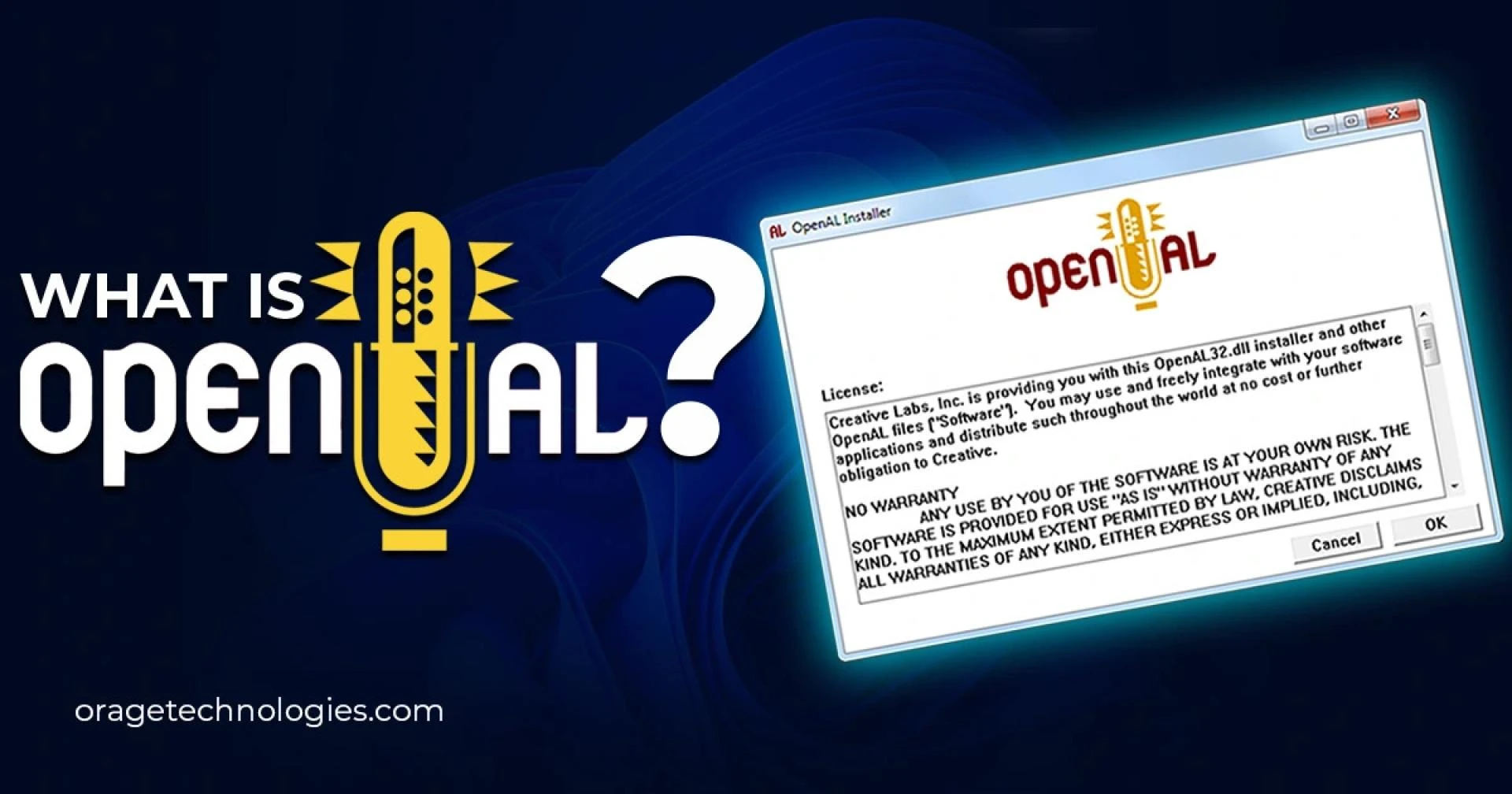

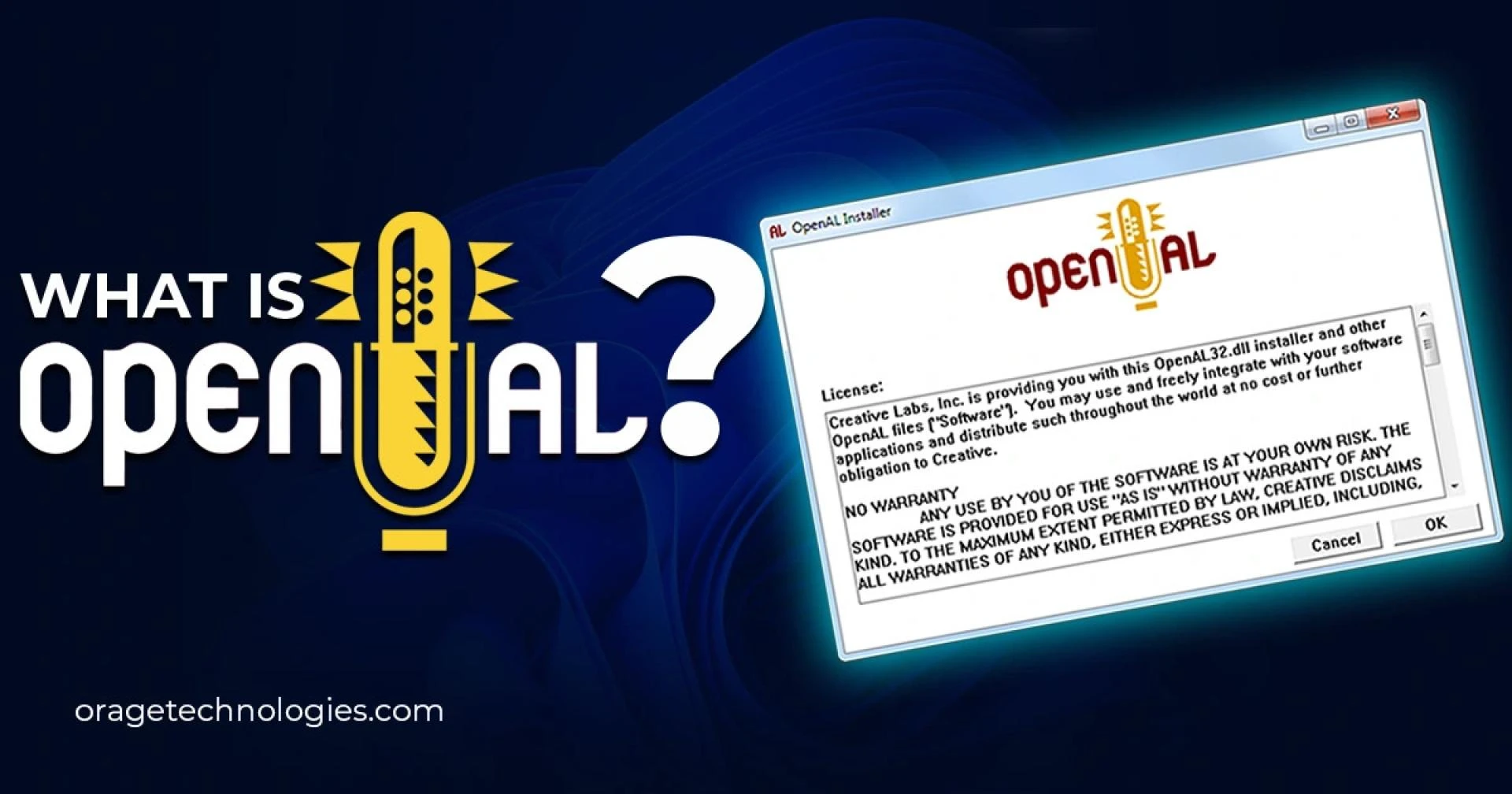
Revolution in technologies, coupled with AI power, continues to redefine the way we engage with virtual environments. An example of such innovation is OpenAL (Open Audio Library), a robust open-source, cross-platform audio API that introduces realistic 3D sound to applications, most notably video games. OpenAL's ability to mimic real-world audio environments elevates user experiences and redefines the interactive sound design standards.
What is OpenAL?
OpenAL, created by Loki Software but currently owned by Creative Technology, is a link between audio hardware and software applications. Developers can use it to add spatial, three-dimensional audio to games and other virtual worlds, allowing users to hear sounds coming from different places and distances—just like in the real world.
Major Benefits of OpenAL
Cross-Platform Compatibility
- OpenAL is supported on a vast majority of operating systems, such as Windows, macOS, Linux, Android, and iOS, for uniform audio experiences on different devices.
Accurate 3D Audio Simulation
- The API facilitates accurate audio location, immersing players in the game through realistic spatial cues.
Dynamic Soundscapes
- Sound worlds adapt in real time to user action and movement, creating depth and realism.
Open-Source Ease of Use
- As an open-source library, developers have the flexibility to modify and optimize the library based on project requirements.
Ease of Integration
- With a documented API and developer-friendly API, OpenAL is straightforward to integrate into many applications.
Active Community Support
- Developers' strong community ensures resources, forums, and open collaboration for ongoing improvement.
Supported Platforms
OpenAL's greatest asset is its cross-platform nature. The same codebase can be used to provide high-quality audio on various systems, including:
- Windows
- macOS
- Linux
- Android
- iOS
This allows OpenAL to be a developer's preferred option for targeting a wide user base.
OpenAL in Gaming
Sound is an important part of the gaming experience, and OpenAL has revolutionized how gamers hear. From picking up the position of enemies to simulating realistic environmental sounds, OpenAL makes realistic sound effects possible.
Example:
Imagine walking through a virtual forest with birds singing above and leaves crunching underfoot—every sound responding naturally as you change position. That's the strength of OpenAL.
Gaming Hits Using OpenAL:
- Minecraft
- Quake III Arena
- Unreal Tournament
- Battlefield 2
- Marble Blast
More than 100 games use OpenAL today, and this number is still increasing, making its position in the game development future firm.
Downloading openal32.dll
Openal32.dll is a dynamic link library created by NVIDIA and Creative Labs, which is required by many games and Windows applications. Though it is tiny in size (~0.1 MB), it has a significant role in providing 3D audio.
Compatibility:
It works on all major versions of Windows, including:
- Windows XP
- Windows Vista
- Windows 7
- Windows 8 & 8.1
- Windows 10
How to Download:
To download openal32.dll safely:
- Go to a reputable DLL hosting website.
- Press the green "Download" button.
- Proceed with the installation steps on screen.
Repairing Openal32.dll Errors
Got an error? Try these tested steps to repair openal32.dll problems:
Method 1: Copy to Windows System Directory
- Download and extract the .dll file.
- Paste it in C:\Windows\System32.
- For 64-bit systems, also paste it in C:\Windows\SysWOW64.
Method 2: Copy to Program Installation Directory
- Find the program that is triggering the error.
- Copy the .dll to its main installation directory.
Method 3: Reinstall the Problem Program
- Uninstall the application.
- Restart your computer.
- Reinstall and test once more.
Method 4: Use System File Checker
- Open Command Prompt as Administrator.
- Execute the command: sfc /scannow.
- Allow the process to run and then reboot your system.
Method 5: Update Windows
- Ensure your OS is up-to-date to ensure software compatibility.
Should You Uninstall OpenAL?
Many users find OpenAL pre-installed after installing a graphics or sound card and may wonder if it’s safe to remove.
Is OpenAL a virus?
No. It is a legitimate audio API, essential for some applications and games that utilize 3D sound.
If You Still Want to Uninstall:
On Windows 10/11:
- Go to Settings > Apps
- Search for OpenAL
- Click Uninstall
On Windows 7/Vista:
- Go to Control Panel > Programs > Uninstall a Program
- Find OpenAL, then click Uninstall
On Windows XP:
- Access Start > Control Panel > Add or Remove Programs
- Find and uninstall OpenAL
Conclusion
As gaming becomes increasingly immersive, OpenAL is an influential tool for real-world audio simulation. With its cross-platform versatility, open development community, and demonstrated influence on mainstream games, OpenAL continues to advance the virtual sound design frontier.
So, the next time you get thoroughly absorbed in a game with amazingly realistic sound, recall that it could be OpenAL at play.
Frequently Asked Questions
Q1: Can I safely remove OpenAL?
Yes, but it will impact the audio performance in games relying on it.
Q2: Why is OpenAL on my computer?
It's usually installed along with graphics or audio card drivers or some games supporting 3D sound.
Q3: What games employ OpenAL?
Some popular games employing OpenAL are Minecraft, Quake III Arena, Unreal Tournament, Battlefield 2, and numerous others.
Q4: Which applications employ OpenAL?
Applications like 0 A.D., Alpha Protocol, America's Army: Operations, and American Truck Simulator employ OpenAL for audio immersion.
































Sign in to leave a comment.