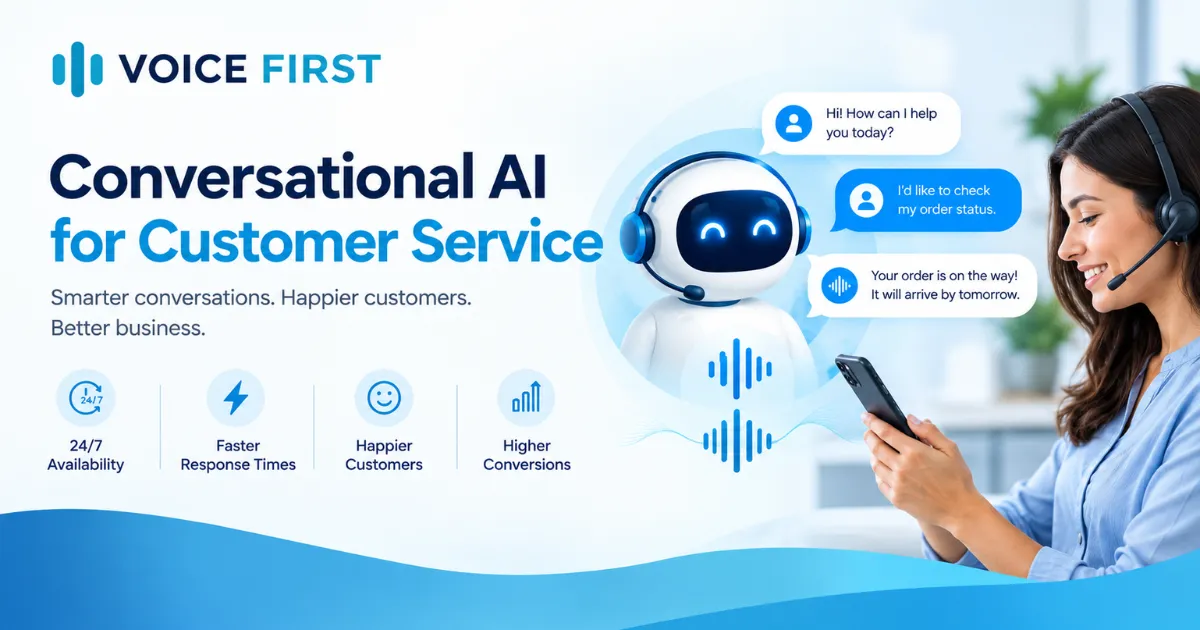

Technology is changing the way people interact with software. Instead of clicking through menus, filling out forms, or searching through multiple screens, users can increasingly complete tasks simply by speaking. This shift is bringing Voice First Technology into the spotlight as businesses explore more natural and convenient ways to connect people with digital products.
From AI-powered assistants to customer service automation, voice is becoming more than an additional feature. It is evolving into a new way to design and use software. For businesses, product leaders, and developers, understanding this change can help them prepare for the next generation of digital experiences.
What Is Voice First Technology?
Voice First Technology is an approach to designing software around natural spoken conversations rather than treating voice as an optional feature. It allows users to communicate their needs in everyday language while the application interprets their requests and takes appropriate action.
Traditional software often requires users to learn an interface before they can complete a task. Voice-first applications aim to reduce this effort by allowing people to explain what they want in their own words.
For example, instead of navigating several screens to find a customer record, a user could ask an application to retrieve the latest account details. The software interprets the request, checks the available information and responds with the relevant result.
The goal is not to eliminate every visual interface. It is to make technology easier to use by choosing conversation when it provides a better experience.
How Does Voice First Technology Work?
Voice-first applications combine several technologies to understand speech, interpret meaning and respond appropriately.
The process generally involves these steps:
- Speech recognition: The system converts spoken words into information that software can process.
- Language understanding: AI interprets the user's intent, context and relevant details.
- Decision-making and action: The application uses its business rules, connected tools and permissions to determine what it can do.
- Response generation: The system provides a spoken response, displays information on screen, or completes the requested task.
- Correction and clarification: When a request is unclear, the application asks a follow-up question or allows the user to correct the result.
A well-designed experience connects these steps smoothly. It also accounts for interruptions, background tasks, unexpected requests and situations where the system cannot confidently understand what the user means.
Voice First Technology vs. Traditional Voice Interfaces
Not every application with voice commands is genuinely voice-first.
A conventional voice interface may allow users to speak a limited set of commands while still requiring them to navigate the rest of the application manually. Voice First Design goes further by considering conversation throughout the entire user journey.
A voice-native application should understand context, handle follow-up questions, communicate progress and recover gracefully from mistakes. It should also know when speaking is less useful than showing a chart, form or visual result.
This balanced approach helps businesses create experiences that feel natural rather than forcing users to adapt to rigid commands.
Benefits of Voice First Technology for Businesses
1. Simpler user experiences
Speaking can be faster than navigating complex menus for certain tasks. Voice-first interactions can reduce unnecessary steps and make frequently used features easier to access.
2. More accessible digital products
Voice interactions may help people who have difficulty typing, reading small text or navigating complex interfaces. Accessibility still depends on thoughtful design, alternative interaction methods and support for different speech patterns.
3. Improved customer service
Businesses can use conversational AI to answer common questions, guide customers through processes and support service teams. With appropriate safeguards, an AI voice agent can handle routine interactions and escalate more complex situations to a human representative.
4. Greater efficiency for employees
In suitable environments, employees can request information, record updates or initiate workflows through spoken instructions. This can be particularly useful when hands-free interaction is practical.
5. More natural digital engagement
Conversational experiences allow people to express requests in their own words. When the software responds clearly and reliably, interactions can feel less mechanical and more intuitive.
The Role of Conversational AI and AI Voice Agents
Modern conversational AI makes Voice First Technology more capable by helping applications understand flexible language rather than relying exclusively on fixed commands.
A conversational AI platform can bring together speech recognition, language models, business data, workflow tools and response generation. These components allow applications to manage more complex conversations while following defined rules and permissions.
An AI voice agent uses these capabilities to interact with people through speech and, where appropriate, complete tasks. For example, a voice agent might help a customer schedule an appointment, answer a product question or check an order status.
However, successful implementation requires more than selecting an AI model. Businesses must consider privacy, accuracy, response time, integrations, security and clear escalation paths.
How to Build an AI Voice Agent
If your organization is exploring how to build an AI voice agent, start with a specific business problem instead of trying to automate every conversation at once.
Step 1: Define the use case. Choose a task such as appointment scheduling, customer support or internal information retrieval.
Step 2: Map the conversation. Identify what users may ask, what information the agent needs and when it should request clarification.
Step 3: Select the technology. Evaluate speech recognition, text-to-speech, language models and a suitable conversational AI platform.
Step 4: Connect business systems. Integrate the agent with approved databases, calendars, CRM systems or other tools it needs to perform tasks.
Step 5: Design the interaction. Apply Voice First Design principles to response timing, conversational tone, error recovery, confirmation and user control.
Step 6: Test real-world scenarios. Evaluate different accents, ambiguous requests, interruptions, background noise, privacy controls and unsuccessful actions.
Step 7: Monitor and improve. Track task completion, accuracy, customer satisfaction, response latency and escalation rates. Use these findings to improve the experience over time.
Voice Application Development should focus on dependable outcomes, not just impressive demonstrations. A voice agent is valuable when it helps users complete real tasks safely and consistently.
When Should You Use Voice First Design?
Voice is particularly useful when users need quick answers, hands-free access, conversational guidance or help completing multi-step tasks. It may also work well when navigating a traditional interface creates unnecessary effort.
However, voice is not always the best choice. Tasks involving detailed comparisons, sensitive information, complex data entry or noisy environments may work better with a visual or hybrid interface.
The strongest digital experiences combine voice and visual elements according to the user's needs and the task at hand.
The Future of Voice First Technology
As AI models, speech systems and software integrations continue to evolve, voice-first experiences are likely to become more capable and context-aware. Applications may increasingly combine conversation with memory, visual information and the ability to carry out multi-step workflows.
For businesses, the opportunity is to rethink how people interact with software rather than simply adding a microphone button to an existing product.
At Voice First, Howard Tiersky explores this shift in his upcoming book, Voice First, offering leaders, designers and product teams a practical perspective on the move toward voice-native software. The book examines why this change matters, the principles behind effective voice-first applications and the decisions involved in building them.
Ready to explore what comes next? Visit Voice First to preview the first chapter, explore the book's key ideas and discover how conversational experiences could shape the future of your digital products.
Frequently Asked Questions
Is Voice First Technology the same as voice recognition?
No. Voice recognition helps software process spoken input, while Voice First Technology is a broader design approach that organizes the user experience around natural conversation.
What is the difference between an AI voice agent and a voice assistant?
A voice assistant commonly responds to questions or performs general tasks. An AI voice agent may also follow a defined workflow, interact with connected systems and complete specific tasks within its permissions.
Is Voice First Technology suitable for every business?
Not necessarily. Its value depends on the audience, tasks and operating environment. Many businesses benefit most from combining voice with visual interfaces.
Why is Voice First Design important?
Voice First Design helps ensure that applications understand context, manage uncertainty, handle corrections and communicate clearly, creating a more reliable experience than basic voice commands alone.

















Sign in to leave a comment.