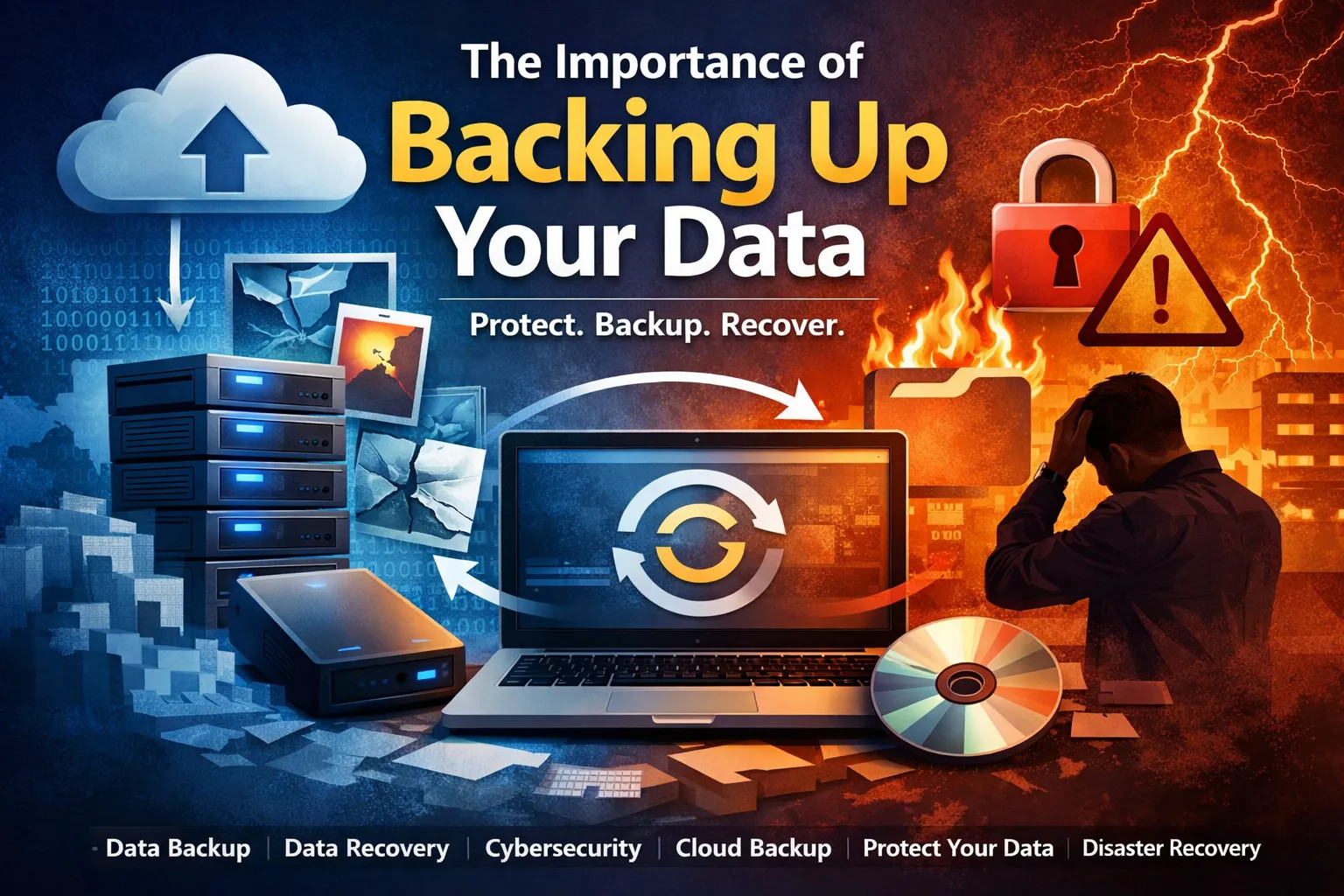

Today, data has become one of the most valuable assets individuals and businesses possess. From personal memories like photos and videos to critical business documents, databases, and intellectual property—everything we rely on exists in digital form. Yet, despite its importance, data loss remains one of the most common and underestimated risks.
The reality is simple: if your data exists in only one place, it is already at risk.
The Growing Threat Landscape
Data loss can occur due to a wide range of reasons—many of which are unpredictable and unavoidable:
- Hardware failures (hard drives, SSDs, RAID systems)
- Accidental deletion or formatting
- Malware and ransomware attacks
- Software corruption or system crashes
- Natural disasters like floods or fires
- Theft or physical damage
Even modern storage devices, which are marketed as highly reliable, are not immune to failure. SSDs, for example, can fail abruptly without warning, making recovery more complex than traditional hard drives.
The True Cost of Data Loss
The impact of losing data extends far beyond inconvenience. For individuals, it can mean losing irreplaceable memories. For businesses, the consequences can be far more severe:
- Financial losses due to downtime
- Loss of customer trust
- Legal and compliance issues
- Permanent loss of intellectual property
- Operational disruption
Studies consistently show that a significant percentage of small businesses never recover after major data loss incidents. This highlights a critical truth: data protection is not just an IT concern—it’s a business survival strategy.
Backup vs Recovery: Understanding the Difference
Many people confuse data backup with data recovery, but they serve different purposes:
- Backup: A proactive approach where copies of data are stored in multiple locations.
- Recovery: A reactive process used to retrieve lost or inaccessible data.
While backups are your first line of defense, they are not always foolproof. Backups can fail, become corrupted, or be outdated. This is where reliable data recovery solutions play a crucial role.
For example, tools like Remo Recover Software are designed to retrieve lost data even in scenarios where backups are unavailable or compromised. This dual-layer approach of backup plus recovery is what ensures true data resilience.
Best Practices for Data Backup
To effectively protect your data, it’s important to follow industry best practices rather than relying on ad-hoc methods.
1. Follow the 3-2-1 Rule
This is the gold standard in backup strategy:
- Keep 3 copies of your data
- Store them on 2 different types of media
- Maintain 1 copy offsite (cloud or remote location)
This ensures redundancy and minimizes the risk of total data loss.
2. Automate Your Backups
Manual backups are prone to human error and inconsistency. Automating the process ensures that:
- Backups happen regularly
- No critical data is missed
- Recovery points are always up to date
3. Use a Combination of Storage Solutions
Relying on a single storage medium is risky. A hybrid approach is recommended:
- Local backups (external drives, NAS)
- Cloud backups (Google Drive, Azure, AWS)
- Offline backups for sensitive data
4. Regularly Test Your Backups
A backup is only useful if it works when needed. Periodic testing ensures:
- Data integrity
- Recovery readiness
- Identification of corrupted backup files
5. Encrypt Sensitive Data
Security should be a priority, especially when storing backups in the cloud. Encryption protects your data from unauthorized access and breaches.
Why Backup Alone Is Not Enough
Even with a robust backup strategy, there are scenarios where backups may fail:
- Backup files get corrupted
- Ransomware encrypts both original and backup data
- Backup schedules miss recent changes
- Storage devices become inaccessible
Building a Data Resilience Mindset
The key shift individuals and organizations need to make is moving from data storage to data resilience.
Data resilience means:
- Anticipating failure instead of reacting to it
- Implementing layered protection strategies
- Ensuring quick recovery with minimal disruption
It’s not about if data loss will happen—it’s about when.
Conclusion
Data is no longer just a byproduct of digital activity,it is the backbone of modern life and business. Ignoring data protection is equivalent to leaving your most valuable assets exposed to risk.


























Sign in to leave a comment.