If you’ve spent any time working with images today — whether for design, blogging, development, or simple online tasks — you’ve probably noticed something: WebP is everywhere.
Browsers save screenshots as WebP.
Many websites export images as WebP.
Designers send WebP files.
Social platforms convert uploads to WebP behind the scenes.
It’s great for performance, but not always great for compatibility.
And if you’ve ever tried opening a WebP file in a tool that doesn’t support it…
you already know the problem.
That tiny moment of friction was exactly what inspired me to build my own solution:
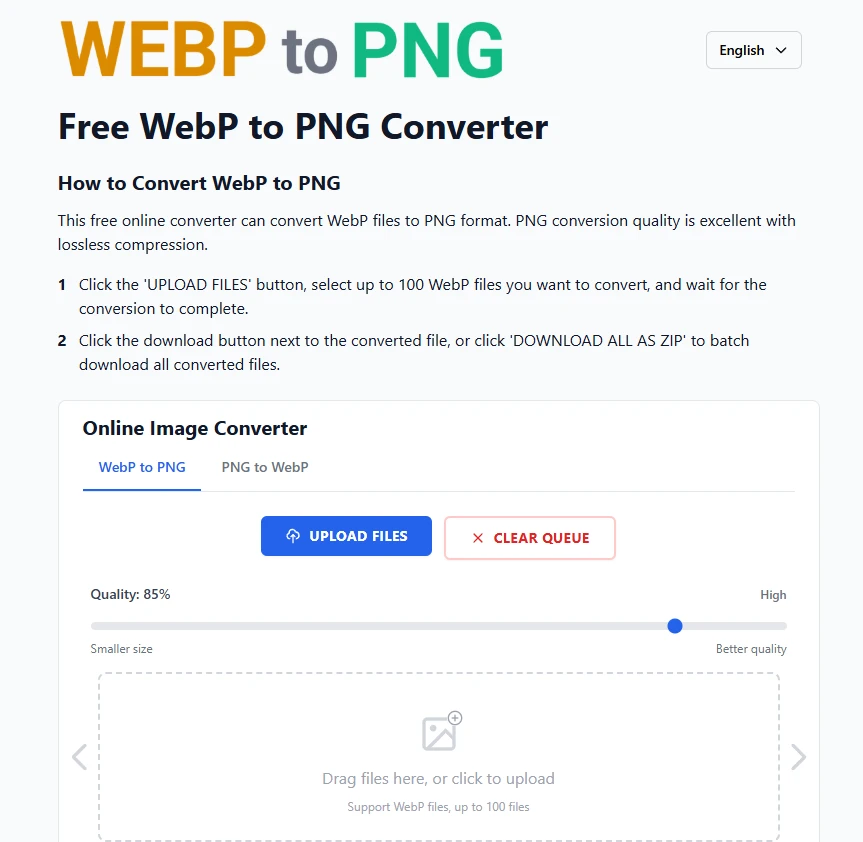
A clean, fast, ad-free tool to convert WebP into PNG instantly.
Where This All Started
The idea didn’t come from some grand plan.
It came from something much smaller:
I simply needed to convert a WebP file — quickly.
But what should’ve been a 3-second task turned into a surprisingly frustrating process:
- Too many pop-ups
- Too many clicks
- Too many ads
- Too many slow loading bars
- Or worse: “Please create an account to continue”
All this… just to turn one image into another format.
That’s when the thought hit me:
Why isn’t there a simple WebP → PNG tool that just works?
So I built one.
The Philosophy: Do One Thing, Do It Well
I didn’t want to build yet another “all-in-one image toolkit.”
I wanted something extremely specific — and extremely efficient.
Zero friction. Zero noise. Zero unnecessary UI.
Open the page → Drop your WebP → Get your PNG.
Nothing more.
If a tool exists for convenience, it shouldn’t create new inconveniences along the way.
What Makes webptopng.online Different
Here’s the experience I wanted to create — and ultimately built:
1. Instant Conversion
The conversion happens in the browser.
No server upload.
No waiting.
No bottlenecks.
2. Privacy by Default
Because everything runs locally on the client side:
- No file ever leaves your device
- No storage
- No logs
- No tracking
Your images stay with you.
3. No Ads, No Accounts, No Clutter
This should feel like a utility, not a platform.
You shouldn’t need to “learn” an image conversion tool.
It should simply work.
And that’s the whole point of webptopng.online.
Who This Tool Helps
This project turned out to be helpful for more people than I expected:
- Developers dealing with mixed-format assets
- Bloggers downloading images from the web
- Designers exporting screenshots or UI components
- Content creators who need compatibility with older tools
- Anyone who just needs to convert a WebP without hassle
Sometimes the easiest tools become the ones you use the most.
A Small Tool With a Simple Purpose
webptopng.online wasn’t built to be big.
It wasn’t built to impress.
It wasn’t even built with a roadmap in mind.
It was built to solve a problem I personally felt — repeatedly.
And in the process, it turned into something that might help others who experience the same friction.
Try It Yourself
If you ever find yourself stuck with a WebP file you need to convert, here’s the tool:
And if you have ideas, feature requests, or things that could make the tool better, I’d love to hear them. Tools like this improve fastest when shaped by real users.









Sign in to leave a comment.