This year I decided to build something intentionally small.
Not an app.
Not a platform.
Not a startup idea.
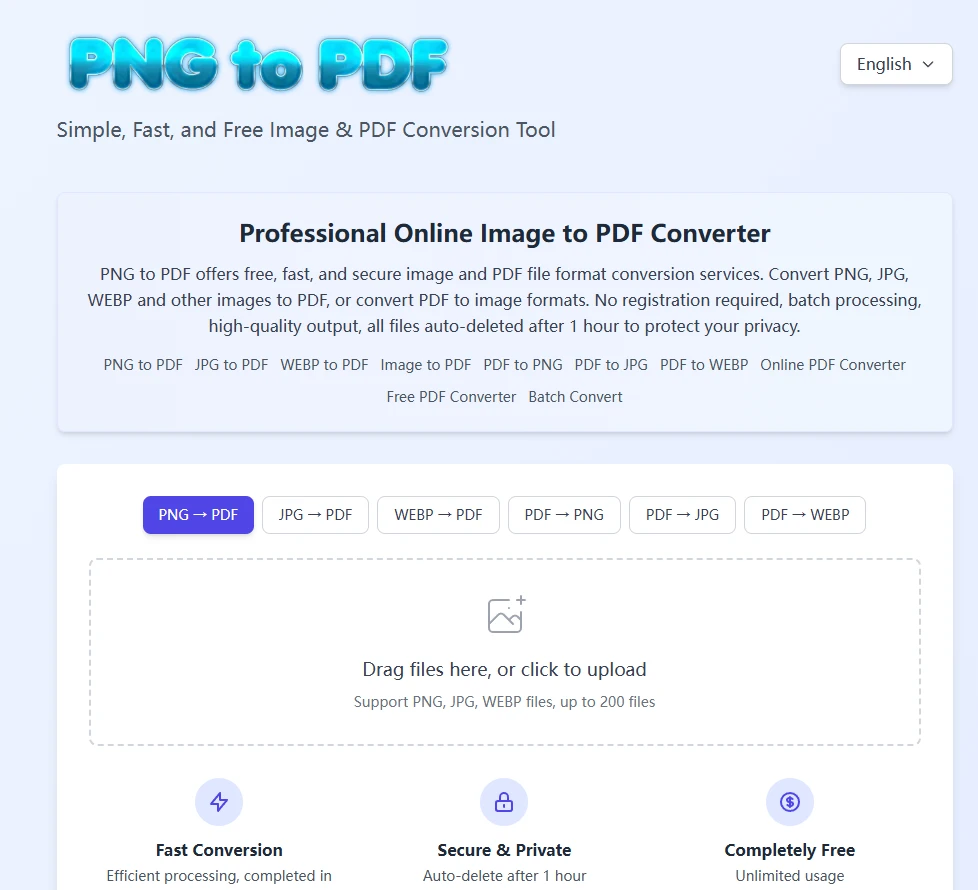
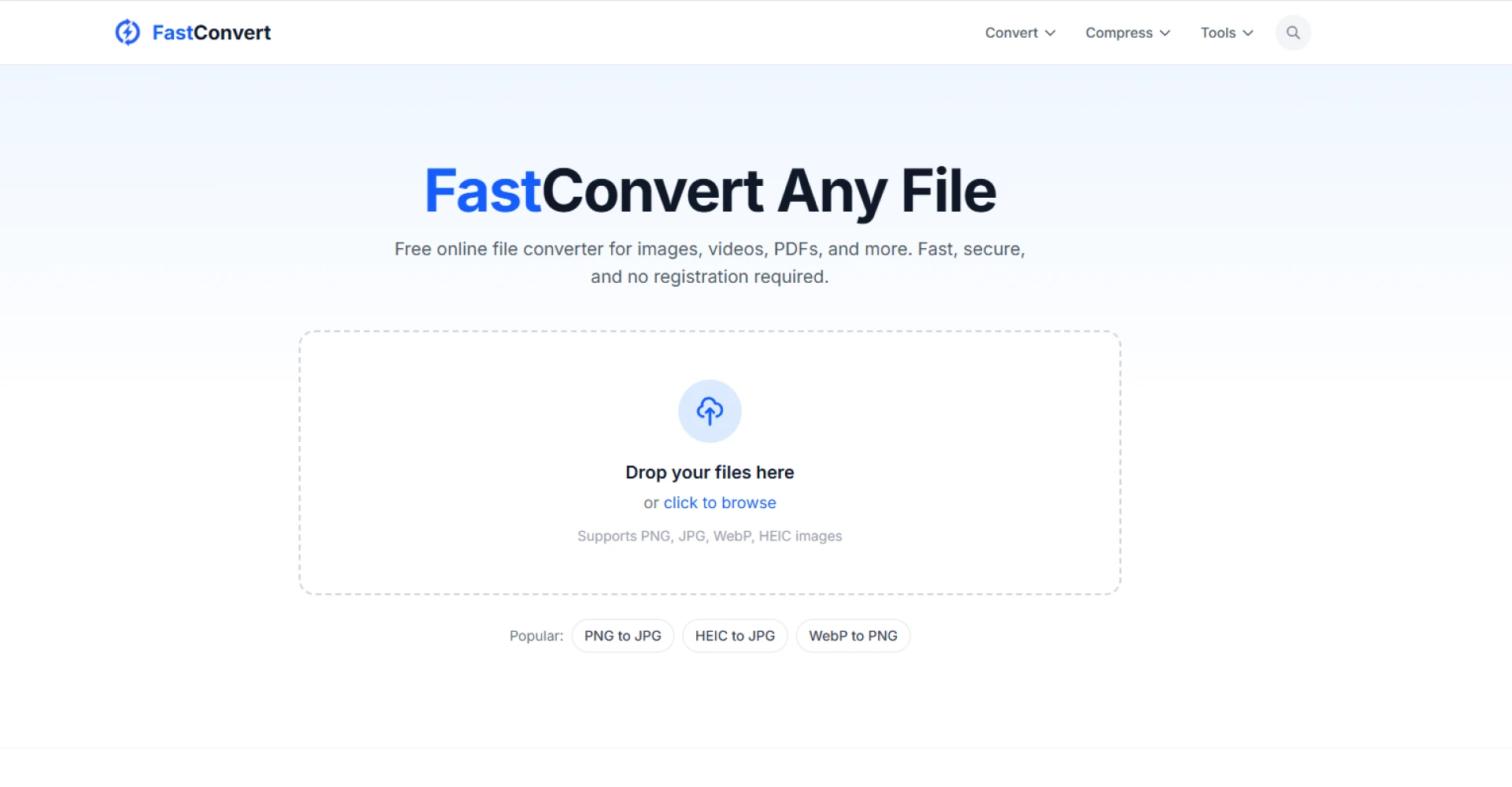
Just a single-purpose conversion tool with a clean interface.
Think of it as the opposite of bloated desktop software.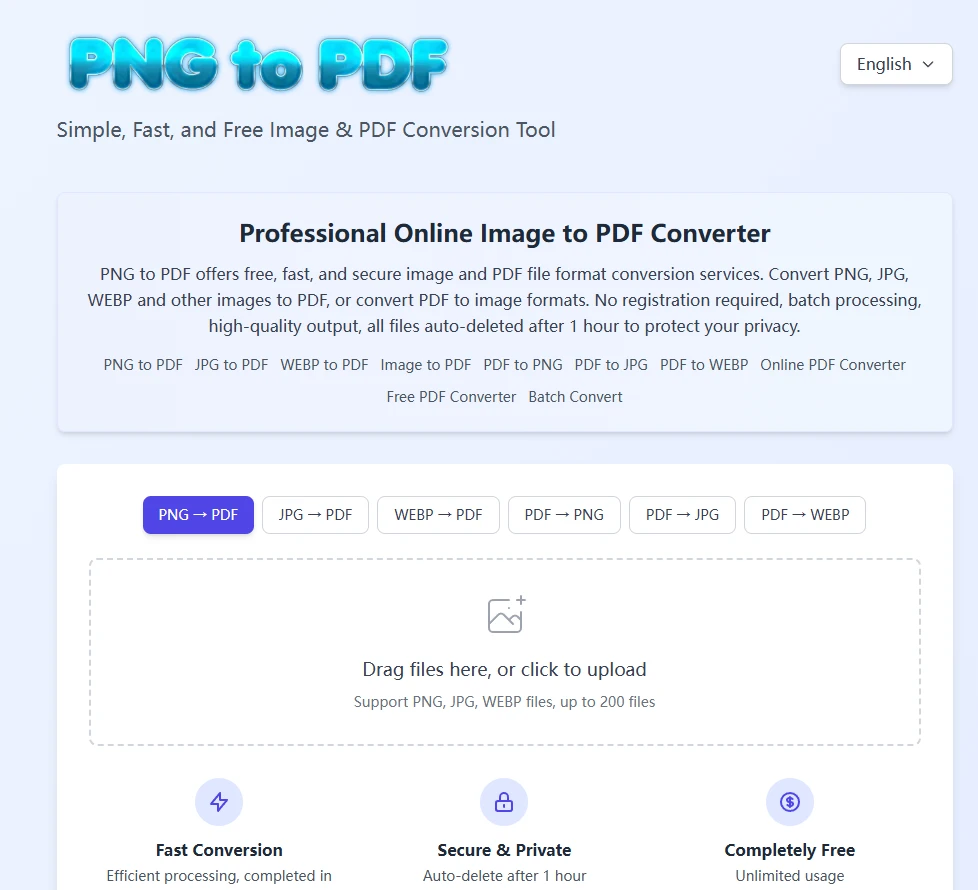
My design principles
1. Zero cognitive load
No menus. No onboarding. Users land → upload → convert → download.
2. Single-page architecture
Everything should happen without navigating away.
3. No user data storage
Files are auto-deleted in one hour.
4. Speed > customization
Most tools slow down because they try to handle every edge case. I only aimed for reliability.
Stack & implementation
- Frontend: lightweight React + CSS
- Backend: Node-based conversion pipeline
- PDF generation through optimized rendering engine
- Image decoding using lossless handling for PNG/JPG/WEBP
- Server-side cleanup cycle for privacy
What it handles
- Image → PDF
- PDF → Image
- Maintains original resolution whenever possible
Why minimalism works
Tools don’t need to be “big” to be useful.
Some tools should simply get out of the user’s way.
Building this helped me appreciate that the web still has room for tiny, focused utilities that solve everyday problems.
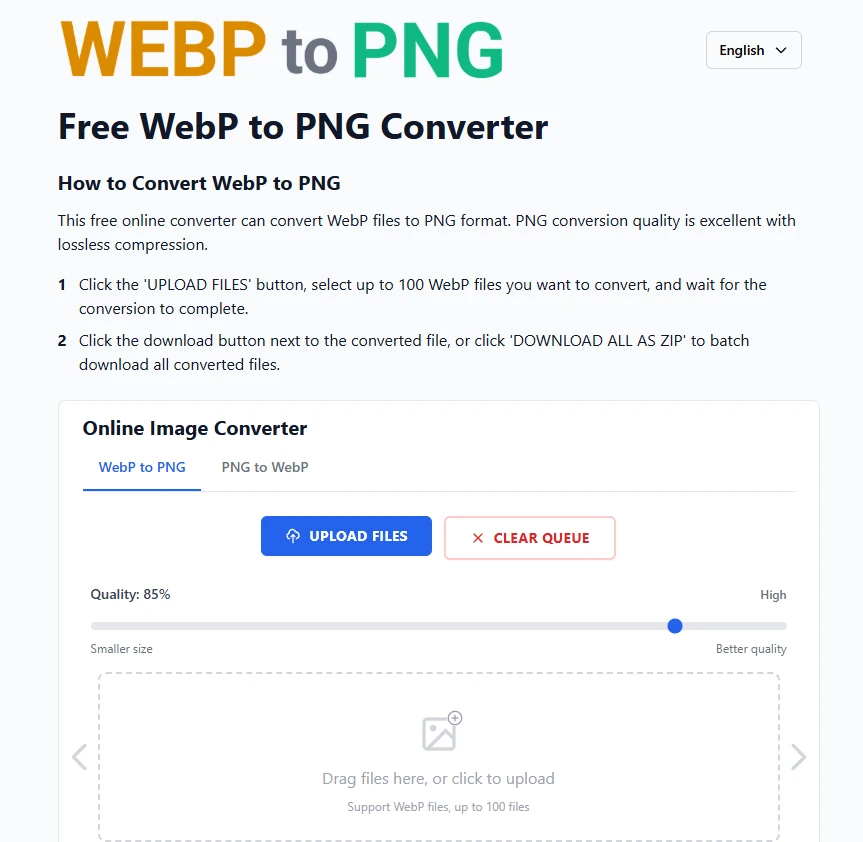
If you’d like to try it out, you can click the link below:




















Sign in to leave a comment.