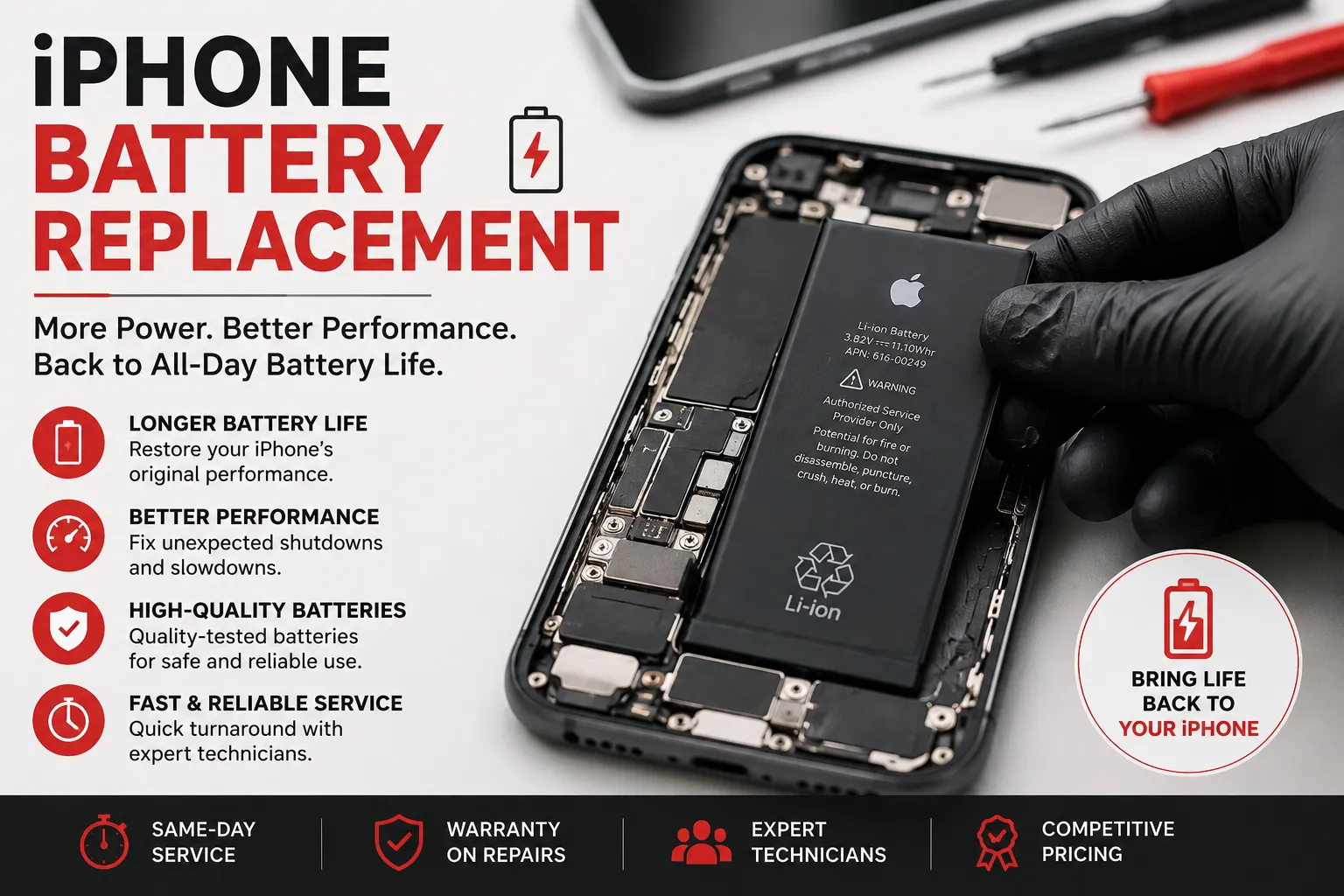

iPhone Battery Won’t Charge? Common Causes and Solutions
Few things are more frustrating than connecting your iPhone to a charger and discovering that the battery is not charging. Whether the charging icon does not appear, the battery percentage stays the same, or the phone charges very slowly, several different issues could be responsible.
The good news is that an iPhone that won't charge does not necessarily need a battery replacement. The problem could be as simple as a damaged cable or dirty charging port.
1. Check the Charging Cable and Adapter
Start by checking the charging cable and power adapter. A damaged, bent, or worn cable may not deliver power correctly.
Try a known-good compatible cable and adapter. If the iPhone starts charging normally, the original accessory may be the problem.
2. Check the Charging Port
Dust, lint, and debris can accumulate inside the iPhone's charging port. This can prevent the connector from making proper contact.
If the port appears dirty or damaged, have it inspected and cleaned carefully. Avoid forcing objects into the port, as this can damage delicate contacts.
3. Restart the iPhone
A temporary software problem can sometimes interfere with charging. Restarting the device may resolve minor system glitches.
If the phone is completely unresponsive, follow the appropriate force-restart procedure for your particular iPhone model.
4. Check for Excessive Heat
An iPhone may temporarily limit or stop charging when its temperature becomes too high. Move the phone to a cooler environment and allow it to return to a normal temperature before trying again.
Avoid exposing the device to extreme temperatures.
5. Look for Liquid-Exposure Warnings
If the iPhone detects liquid in its charging connector, it may prevent wired charging to protect the device.
If you suspect the phone has been exposed to water or another liquid, do not attempt to charge it until the connector and device are safe and dry. Persistent liquid-related problems should be inspected by a professional technician.
6. Check Battery Health
If the iPhone charges but loses power unusually quickly, the battery may have degraded over time.
Apple provides a Battery Health section in iOS that can help you understand the condition of the battery. A significantly degraded battery may eventually need replacement.
7. Consider Wireless Charging
If your iPhone supports wireless charging, trying a compatible wireless charger can help determine whether the problem is related specifically to the wired charging system.
If wireless charging works but wired charging does not, the charging port or wired charging circuit may require further inspection.
When Should You Get Professional Repair?
If you have tried a different compatible charger and cable, checked for obvious debris or damage, and the iPhone still will not charge, the problem may involve the charging port, battery, or internal charging circuitry.
A professional repair technician can diagnose the device and determine whether it needs a port repair, battery replacement, or another component-level repair.
Final Thoughts
An iPhone that won't charge can have many possible causes, from a faulty charging accessory to a damaged port or aging battery. Start with simple checks such as trying another compatible cable and adapter, restarting the phone, and checking for overheating or liquid exposure.
If the problem continues, professional iPhone repair can help identify the exact fault and determine the most appropriate solution. Getting a proper diagnosis before replacing parts can save both time and money.



























Sign in to leave a comment.