When a MacBook screen cracks or develops display issues, the first thing many users do is compare prices. “Who can fix it fastest and cheapest?” is a reasonable question, but price alone hides an important truth: macbook screen repair is not a single service it's a spectrum of decisions, parts, and expertise that directly determine longevity and value. Understanding why quotes differ helps you avoid short-term savings that become long-term costs.
This article breaks down the real cost drivers behind MacBook screen repair, what each cost element covers, and how to choose a repair that protects your investment rather than degrades it.
The Screen Assembly: Parts That Aren’t Interchangeable
At the core of any screen repair is the screen assembly itself. Depending on model and year, a MacBook’s screen can include the glass, the LCD or OLED panel, backlight, bezel, camera assembly, and various sensors. Manufacturers and independent suppliers offer three common tiers of parts: genuine Apple assemblies, OEM-grade equivalents, and aftermarket panels. Each tier has wildly different price points and performance profiles.
Genuine Apple assemblies are costly because they match factory tolerances, calibrations, and durability expectations. OEM-grade parts, produced by the same factories Apple uses or by suppliers meeting similar standards, sit slightly below genuine-price levels while maintaining performance. Aftermarket panels are the cheapest but their optical quality, touch response, and longevity are unpredictable. What you pay for the part is the single biggest variable in any quote.
Labor: Skill, Tools, and Time
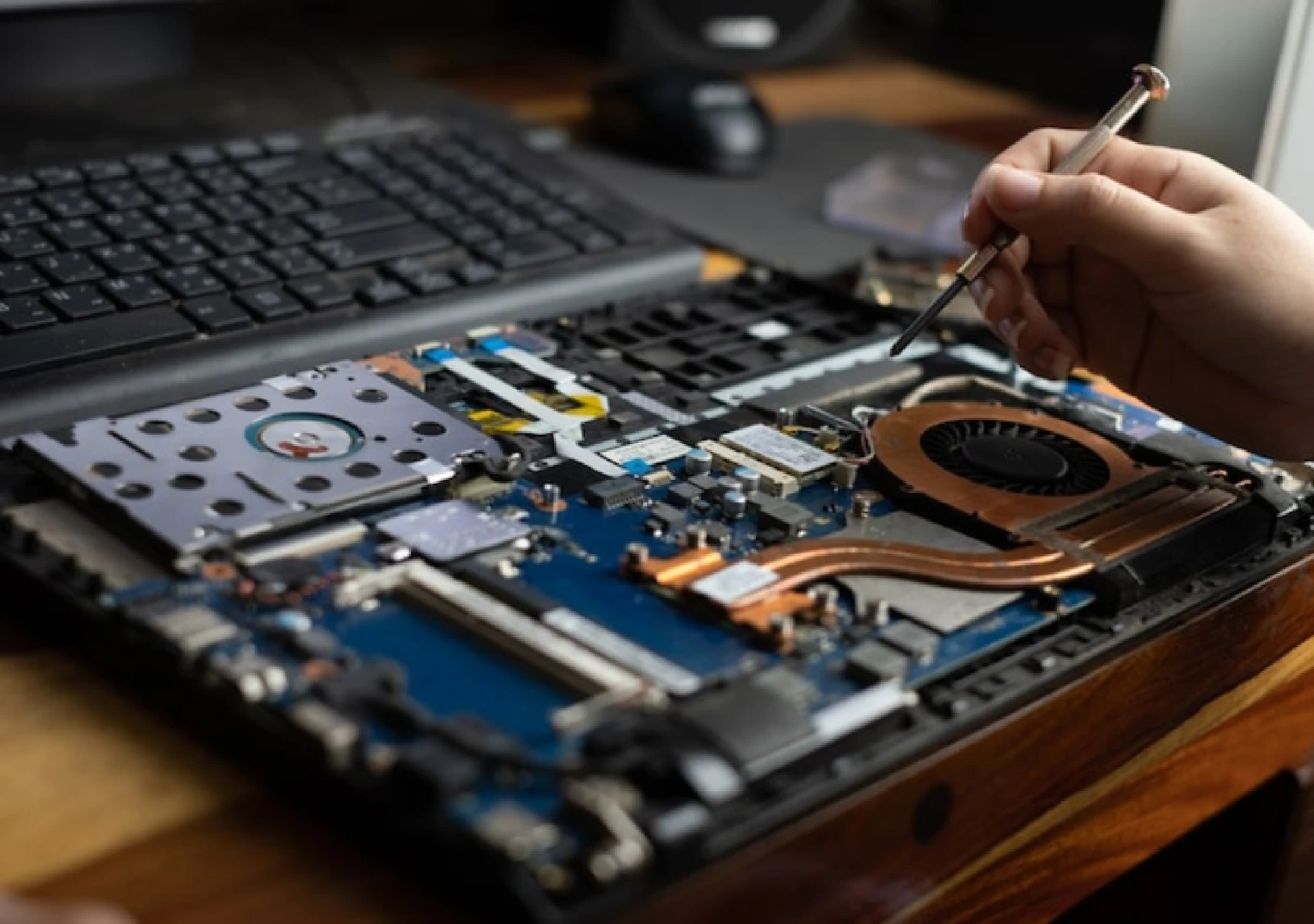
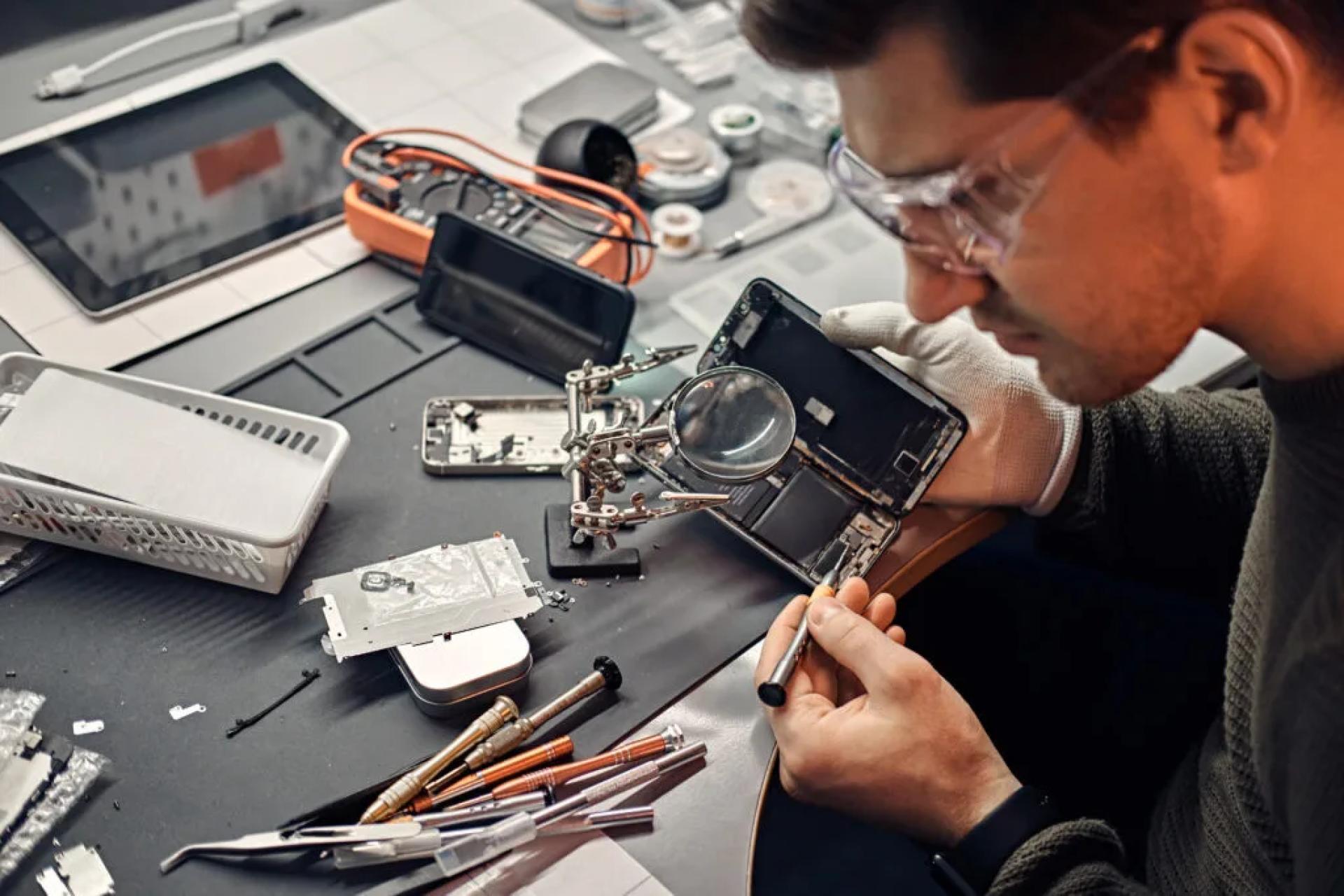
Parts alone don’t fix a MacBook. Skilled labor matters. MacBook screen repair often requires delicate disassembly, connector handling, adhesive removal and application, and precise alignment. Technicians need anti-static workstations, alignment jigs, calibrated pressure tools, and sometimes microscopic soldering equipment. Those tools are expensive; the expertise to use them correctly is earned, not bought.
A low quote that assumes a quick half-hour swap will likely skip testing, calibration, or proper adhesive application. A professional technician factors in diagnostics, thorough testing of True Tone, display calibration, Face ID/Camera alignment (where applicable), and controlled curing of adhesives. That time and quality control increases cost but it also dramatically lowers the probability of repeat repairs.
Diagnostics and Hidden Repair Work
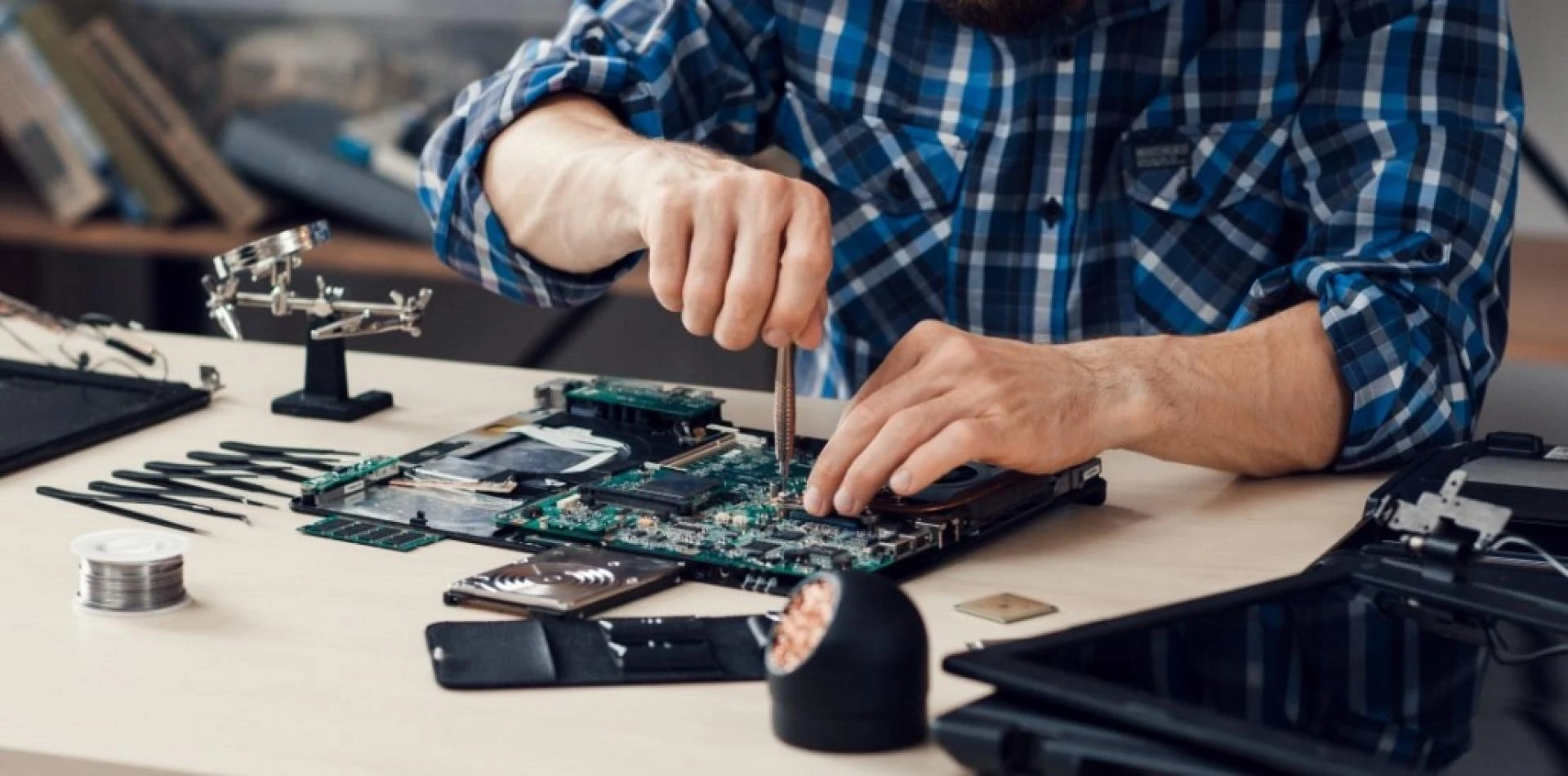
Not every display failure is isolated to the screen. Impact damage can fracture flex cables, damage connectors, or cause micro-fissures in the display controller. What begins as a “screen issue” can reveal the need for cable replacement, connector repair, or logic-board micro-soldering. Shops that offer a flat, one-price “screen replacement” without upfront diagnostics are priced for a best-case scenario. Reputable providers run diagnostics first and price with transparency.
If a repair requires board-level work, that raises costs significantly, but it also saves you from temporary fixes that return weeks later. Paying more for correct diagnosis is paying to avoid paying twice.
Calibration and Feature Integrity
Modern MacBook displays are integrated with software features such as True Tone, automatic brightness, and color profiling. Restoring that behavior after a screen swap often requires calibration and, in some models, data transfer from the original module. Professional shops include calibration time and tools in the quote. Cheaper shops may “patch in” a display without calibration, leaving you with color shifts, incorrect white balance, or lost sensor functionality. That hidden loss of experience is a cost that doesn’t show on the invoice until you notice it.
Warranty and Aftercare
A meaningful part of what you pay for is warranty coverage. Trustworthy repair centers include a written warranty for parts and labor. That guarantees that if the replacement fails, the shop will correct it without additional charge for the covered period. Warranty is not free: it represents a business committing to stand behind its work and absorb the potential rework cost. Cutting corners on the warranty often lowers the initial price, but it also means you shoulder the risk if something goes wrong.
Environmental Controls and Quality Assurance
Clean, ESD-safe workspaces, humidity- and dust-controlled benches, and quality control procedures are often invisible to the customer but visible in the final result. Dust trapped under the screen, improper adhesive curing, or static-damaged components are common failures from low-grade operations. High-quality repairs require an environment and process discipline that small “quick-fix” kiosks frequently lack. That infrastructure shows up in higher quotes and fewer returns.
OEM vs. Third-Party Parts: The Long-Term View
The temptation to buy the cheapest available panel is understandable. But cheap parts can accelerate wear on connectors, cause uneven heating, and even damage adjacent components. The real cost of a low-quality panel is not only its rapid failure but the collateral damage it can inflict. OEM and genuine parts are engineered to the same electrical and thermal tolerances as the original. They cost more up front, but they cost less over the device’s lifespan.
Regional Pricing and Logistics
Location matters. In places with higher operating costs, certified repair centers need to charge more to cover rent, certified staff, and compliance. Shipping of genuine parts and customs duties can add to the price, particularly for small independent shops ordering single units. Free pickup/delivery, on-site diagnostics, or express service options also raise the quote, but they save time and for business users, time is money.
How to Evaluate Quotes Like a Pro
When you receive a quote, don’t compare numbers in isolation. Ask for a breakdown: parts, labor, diagnostics, warranty length, and any possible additional charges. Confirm the part category (genuine, OEM, aftermarket) and get warranty terms in writing. Ask how they verify True Tone, Face ID, and calibration post-repair. Reputable centers will be transparent; those ducking specifics are often the cheapest for a reason.
The True ROI of a Quality Repair
A well-executed repair brings back display fidelity, sensor behavior, device resale value, and peace of mind. It reduces downtime and minimizes the risk of cascading failures that force more expensive board-level work. The short-term saving from the lowest quote can evaporate when you add repeat repairs, lost time, and potential data recovery costs. Think of screen repair as maintenance on a high-value asset: proper service preserves the asset, while cheap fixes accelerate depreciation.
Why Choose Professionals and Where TechFix Fits In
If you want predictable outcomes, warranty-backed work, and genuine or OEM-grade parts, choose a certified repair provider that documents diagnostics and stands behind its work. In Dubai, TechFix positions itself as that professional option: certified technicians, transparent quotes, controlled workspaces, part traceability, and a clear warranty policy. Paying a fair price to a reliable service center is not an indulgence it’s risk mitigation.
In short, the variation in macbook screen repair costs reflects real differences in parts, labor, diagnostics, environment, and accountability. Know what you’re paying for; the cheapest quote is only cheap until it fails.




























Sign in to leave a comment.