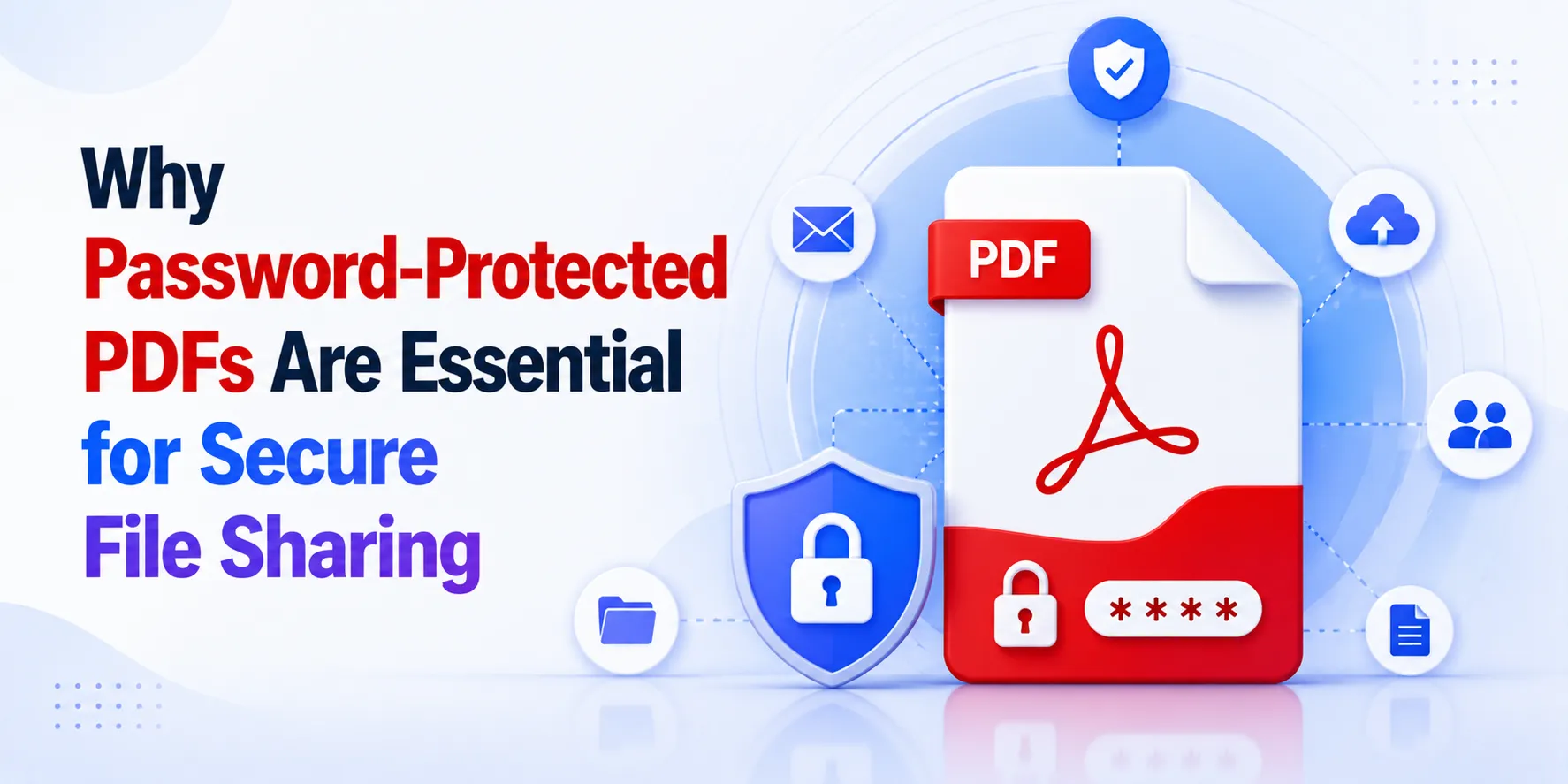

In today's digital world, sharing documents online has become a daily activity for businesses, freelancers, students, and organizations. Contracts, invoices, project reports, study materials, and personal records are regularly exchanged through email and cloud storage platforms. While this convenience has improved productivity, it has also increased the risk of unauthorized access to sensitive information.
This is where password-protected PDF files become extremely valuable. Adding a password to a PDF helps ensure that only authorized individuals can view the document, providing an extra layer of security for important data.
As cyber threats and data privacy concerns continue to grow, learning how to protect PDF documents is no longer just an option—it's a necessity.
Why PDF Security Matters More Than Ever
PDF is one of the most trusted file formats because it preserves formatting across different devices and operating systems. Businesses and professionals often choose PDFs for:
- Legal agreements
- Financial reports
- Business proposals
- Medical records
- Educational certificates
- Client documentation
However, a standard PDF can still be opened by anyone who receives it. If sensitive information falls into the wrong hands, it can lead to privacy breaches and financial losses.
Modern tools like FileXTool help users manage and secure documents quickly, making PDF protection easier for everyday users.
Common Situations Where You Should Lock a PDF
Many people believe password protection is only necessary for large companies, but individuals also handle confidential information regularly.
You should consider protecting PDF files when sharing:
- Salary slips
- Tax documents
- Contracts
- Client proposals
- Identity documents
- Academic transcripts
- Business invoices
Adding password protection prevents unauthorized access even if the file is accidentally forwarded or downloaded.
How Password Protection Works
A locked PDF requires the recipient to enter a password before viewing the document.
This simple security measure helps:
- Protect confidential information
- Prevent unauthorized viewing
- Improve document privacy
- Add an extra security layer during file sharing
Many organizations include password protection as part of their standard document management process.
Protecting Business Documents
Businesses exchange hundreds of files every month. Contracts, quotations, employee records, and internal reports often contain sensitive information.
Without proper protection, these files can easily be accessed by unintended recipients.
Understanding How to Secure a PDF with a Password helps businesses create safer document workflows and reduce security risks.
Password-protected files demonstrate professionalism and show clients that their information is being handled responsibly.
Why Remote Teams Need PDF Security
Remote and hybrid work models have increased the amount of digital file sharing.
Employees regularly exchange documents through:
- Cloud storage
- Project management platforms
- Messaging applications
Since these files travel across multiple networks, adding password protection provides additional peace of mind.
For distributed teams, securing PDFs has become an important part of maintaining data privacy.
Password-Protected PDFs Help Freelancers Too
Freelancers often send important files to clients, including:
- Contracts
- Project proposals
- Invoices
- Design mockups
- Reports
Locking these documents prevents unauthorized access and ensures that only the intended recipient can open them.
This small step can strengthen client trust and improve professional credibility.
Student and Academic Benefits
Students also work with confidential documents such as:
- Certificates
- Research papers
- Scholarship applications
- Personal identification records
Password protection helps prevent accidental exposure of sensitive academic information when files are shared online.
Common Mistakes People Make
Despite the importance of document security, many users still make simple mistakes:
- Sending confidential PDFs without passwords
- Using weak or obvious passwords
- Sharing passwords in the same email as the document
- Forgetting to keep backup copies
Avoiding these mistakes significantly improves overall document security.
Additional Benefits of Locked PDFs
Besides protecting privacy, password-protected PDFs also offer practical advantages:
Better Control
Only approved users can access the document.
Improved Professionalism
Clients appreciate secure handling of sensitive information.
Reduced Risk
Confidential business and personal data remain protected.
Greater Peace of Mind
Users can share important files with more confidence.
The Future of PDF Security
As digital communication continues to grow, document protection technologies are becoming more advanced.
Future PDF security features may include:
- AI-powered threat detection
- Multi-factor authentication
- Biometric verification
- Enhanced encryption standards
These innovations will make digital document sharing even safer.
Final Thoughts
Digital files have become an essential part of modern communication, but convenience should never come at the expense of security. Whether you're sharing business contracts, personal records, academic documents, or client proposals, protecting sensitive information should always be a priority.
Password-protected PDFs offer a simple yet highly effective way to safeguard important documents from unauthorized access.
Platforms like FileXTool make file management easier, helping users organize and prepare documents for secure sharing. As online collaboration continues to grow, adding password protection to PDF files is one of the smartest habits you can adopt for better digital security.
























Sign in to leave a comment.