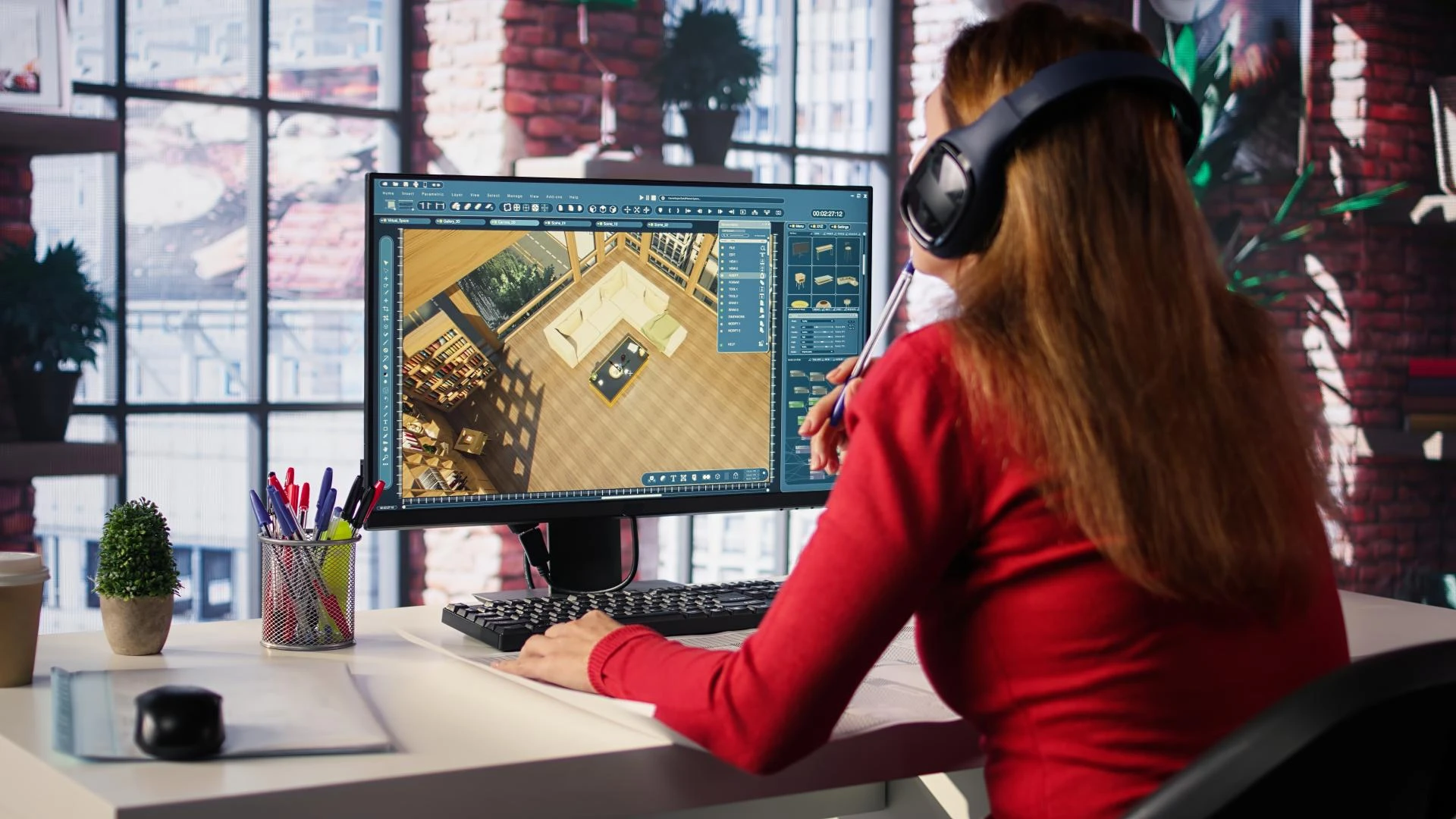


Introduction - 3D Scan to BIM Workflows
In construction and facility management, accuracy is crucial. Whether it's a renovation, retrofit, or everyday building management, relying on outdated or incomplete drawings can lead to expensive mistakes, wasted resources, and project delays. Accurate as-built models have become essential in modern construction processes.
This is where 3D Scan to BIM comes in. By merging laser scanning technology with Building Information Modeling (BIM), teams can capture the real-world conditions of a structure and create a detailed digital model. This results in a reliable representation of a building's current state something that traditional surveys and 2D drawings can often miss.
In this blog, we’ll explain the Scan to BIM workflow and share best practices for creating precise as-built models that ensure project success.
What Is 3D Scan to BIM?
3D Scan to BIM describes a process that begins with laser scanners capturing millions of data points from a physical site. These points form a "point cloud," which is processed and imported into BIM software like Autodesk Revit or ArchiCAD. Specialists then create a digital model that accurately reflects the existing structure's conditions.
This process has various applications:
- Renovations and retrofits, where understanding the existing layout is critical.
- Facility management, providing owners with a live reference for maintenance and lifecycle planning.
- Design validation, ensuring new plans work well with what’s already there.
The key benefit is its accuracy. Unlike manual surveys that can suffer from human error and incomplete data, 3D Scan to BIM captures even the smallest details. This reduces errors, minimizes rework, and offers a solid digital foundation for future design and construction decisions.
Overview of 3D Scan to BIM Workflow
1. Project Planning
Every successful 3D Scan to BIM project starts with careful planning. Clearly defining the scope, objectives, and deliverables ensures teams know what to capture and how accurate it needs to be. The Level of Detail (LOD) should be established early, whether focusing on architectural finishes, MEP systems, or structural components. A well-defined scope avoids wasted effort and ensures consistent results.
2. 3D Scanning
After the plan is set, teams use high-precision laser scanners to capture millions of spatial data points across the site. Proper equipment calibration and strategic scan positioning are crucial to cover every angle, minimize blind spots, and reduce noise in the data. The goal is straightforward: collect complete, high-quality information that accurately reflects real-world conditions.
3. Point Cloud Processing
The raw scan data, known as a point cloud, needs to be cleaned and refined before modeling begins. This process involves filtering out irrelevant details, segmenting specific building areas, and preparing data in BIM-compatible formats like .RCP, .E57, or .LAS. Proper processing makes the dataset lighter, easier to navigate, and ready for accurate digital modeling.
4. BIM Modeling
Once the processed point cloud is imported into software such as Autodesk Revit or ArchiCAD, the modeling stage begins. Major structures are modeled first, followed by finer details. Using standardized templates ensures consistency, while collaboration with stakeholders helps guarantee that the model reflects the project's objectives and actual site conditions.
5. Model Validation & Delivery
The last step is thorough validation. This includes checking for clashes, georeferencing, and measuring accuracy to ensure the model aligns with the point cloud. Once validated, deliverables may consist of 3D models, 2D drawings, and as-built documentation all critical for construction, renovation, and facility management.
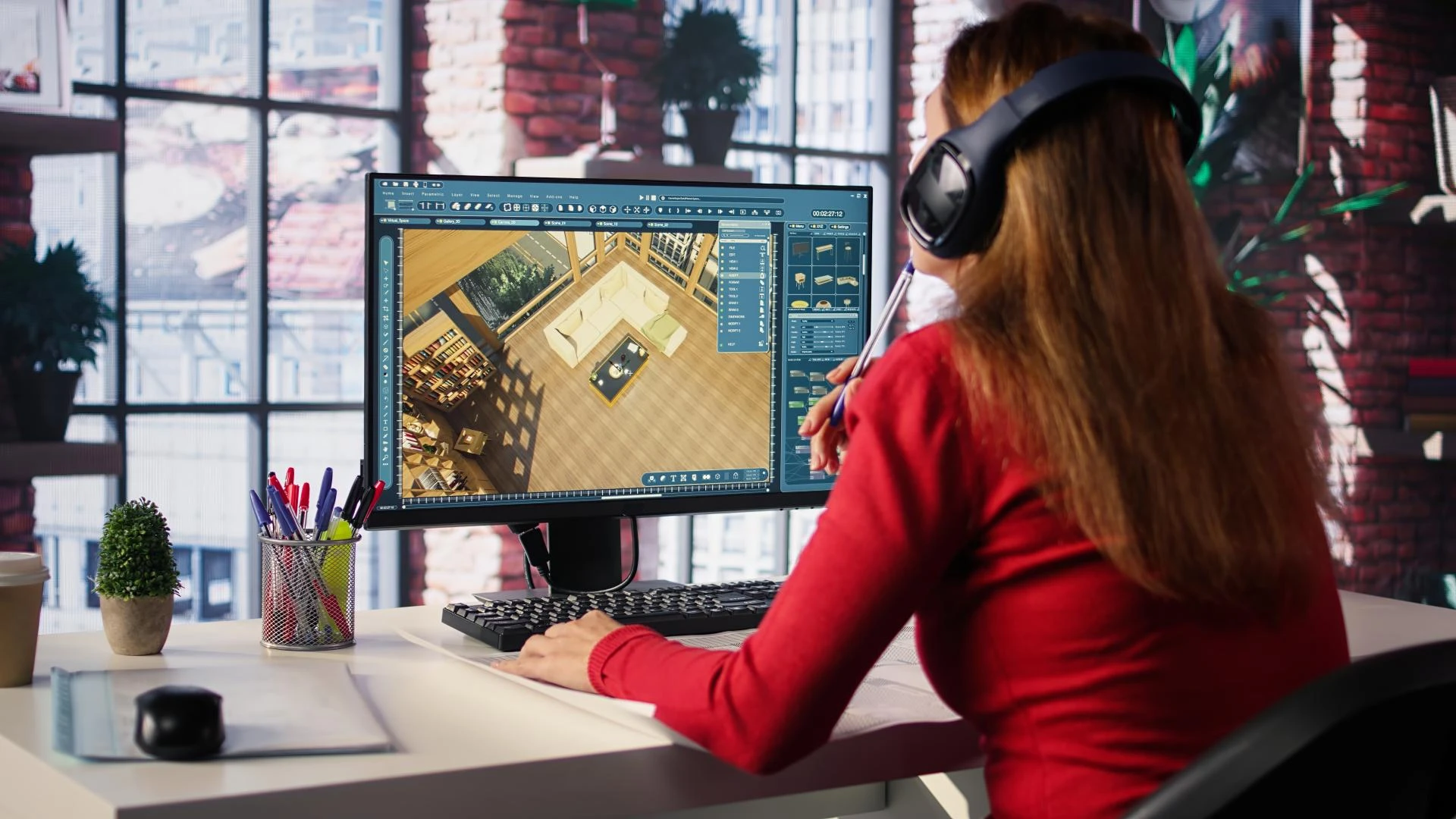
Best Practices for Accurate As-Built Models
Start with Clear Scope and Goals
Establish clear targets for accuracy and LOD before starting the scans. Define whether the model should emphasize interiors, exteriors, or specific systems like HVAC or electrical.
Invest in Professional Scanning Services
Hiring expert teams with calibrated equipment and advanced software can collect higher-quality data more quickly. Professional services reduce the risk of errors and produce easier-to-model datasets.
Integrate Visual Imagery
Adding high-resolution images to point clouds enhances the model, providing texture and visual references that help teams interpret complex elements more clearly.
Collaborate with Stakeholders
Ongoing communication between designers, scanning teams, and owners is vital. Using shared platforms for updates and feedback helps everyone stay aligned with the project's changing needs.
Robust Data Processing
Thoroughly clean, filter, and segment point clouds to avoid transferring noise into the BIM environment. Using AI-driven tools can also speed up repetitive tasks, improving efficiency without sacrificing accuracy.
Rigorous Model Validation
Set tolerance limits, typically ±10 mm for LOD 300–400, and confirm that the BIM model meets these standards. Tools like Navisworks or Solibri support quality control by spotting mismatches or inconsistencies.
Deliver Comprehensive As-Built Documentation
In addition to the 3D model, provide detailed 2D drawings and metadata-rich BIM files. These deliverables are invaluable for project stakeholders, ensuring the model serves as a trusted foundation for both current and future facility management.
Why Accurate As-Built Models Matter
Accurate as-built BIM models are more than just digital copies; they are powerful tools that impact every stage of the construction and facility lifecycle. Their effects include:
Reduced rework and errors: By accurately reflecting real-world conditions, as-built models cut down on costly mistakes and delays during renovations or new construction.
Faster retrofits: Teams can depend on precise measurements and verified layouts, speeding up retrofit projects without guesswork.
Smarter facility management: Rich data within BIM supports predictive maintenance, space optimization, and long-term lifecycle planning.
Better decision-making: Owners and stakeholders gain confidence from reliable digital data, leading to informed strategies and stronger project outcomes.
Conclusion
3D Scan to BIM is more than just a technical process; it is a strategic investment in project success. From careful planning and professional scanning to careful validation and detailed documentation, every step ensures that as-built models are accurate and ready for the future.
For organizations looking to optimize renovations, simplify retrofits, or improve facility management, adopting best practices in Scan to BIM workflows is essential. In today’s built environment, getting accuracy right today lays the groundwork for smarter, more efficient construction tomorrow. Pinnacle Infotech provides industry-leading Scan to BIM services.


























Sign in to leave a comment.