Building a WordPress site can feel like a balancing act. As website developers, you are juggling code, functionality, and design to create something that works. But even the most seasoned WordPress developers fall into common traps that can derail a project.
And be honest—avoiding those mistakes can save you many headaches and time. So, whether you are building a site for a client or tweaking your own, it is crucial to steer clear of these blunders.
Let's dig into the seven most common mistakes WordPress developers make and how to avoid them.
Ignoring Core & Plugin Updates (Until It Breaks Everything)
You have just wrapped up building a gorgeous WordPress site, and then you click "update" on a plugin—or worse, skip it altogether. Then, things break. The site does not load properly, or functionality disappears. Missing updates isn't just about new features but about keeping your site secure and running smoothly.
When you hire WordPress developers, they know the importance of staying on top of plugin and core updates. Plugin vulnerabilities account for around 90% of all WordPress security issues, with outdated core versions contributing to nearly 39% of hacked websites. Most sites face security risks due to obsolete plugins and core versions. Keeping everything updated is not a luxury; but a must to ensure your website is safe and running optimally.
Updates are not just about security; they also fix bugs that could make your site slower or less functional. So, make sure you are keeping an eye on those updates!
Going Plugin-Happy Instead of Plugin-Smart
We all love plugins. They add functionality with just a few clicks. However, using too many of them can slow down your site, and that is a mistake many website developers often overlook. It is easy to get carried away installing plugins to enhance your site's performance, but every extra plugin adds to the load time and can conflict with others.
As of 2025, the average WordPress site uses between 12 and 15 plugins. Sounds like a lot, right? And while plugins make things easier, they can also cause issues if you overload the site. More plugins mean more server requests, heavier page sizes, and slower load times. In India, where mobile usage and internet speeds are key, optimising plugin usage is essential for maintaining quick load times and a solid user experience.
When hiring website developers, ensure they know when to use a plugin and when to write the code. Less is more—focus on the essentials to keep your site running fast and secure.
Forgetting About Mobile Responsiveness
Imagine this:- you have designed the perfect website, but it is only optimised for desktop. Your client's customers are accessing the site on mobile, and they get a completely broken experience. Not good.
Mobile responsiveness is not just a trend—it is a necessity. Mobile devices contribute to nearly 60% of global web traffic, and India is expected to exceed 800 million internet users by the end of 2025. With so many people browsing on their phones, Google's mobile-first indexing prioritises the mobile version of websites in search rankings. This means if your site isn't mobile-friendly, it will hurt your visibility in search results.
To avoid this mistake, make sure your WordPress site is responsive. Use tools to test the mobile version of your site to ensure it looks and functions well across all devices.
Not Using a Child Theme (Until You Regret It Later)
We have all been there. You are working on a WordPress site, and the temptation to directly edit the parent theme is strong. But here is the catch:- any updates to that theme could wipe out your hard work. Child themes exist because they allow you to make customisations without affecting the original theme's files.
When hiring WordPress developers, you want to ensure they use a child theme. Not doing so could lead to losing all customisations after a simple theme update. It is a small step that can save you hours of work.
A child theme is important if you plan to make design or functionality changes. It ensures that the updates to the parent theme do not erase your customisations.
Ignoring Proper SEO Basics
A beautiful site is useless if no one can find it. SEO is essential for driving traffic and ensuring that your content reaches the right people. Yet, many WordPress developers forget the basic SEO practices that can make a huge difference.
Sites implementing basic SEO practices experience up to 40-50% more organic traffic over six months. SEO is not just about keywords; it includes meta tags, image alt texts, and ensuring your site is optimised for mobile. In India, where mobile-first indexing is a priority and internet usage is skyrocketing, ignoring SEO could be costly.
The key takeaway: even the best-looking sites won't matter if people can't find them on Google. Don't neglect your SEO!
Using Weak Hosting & Blaming the Code
Nothing is more frustrating than a slow site that is hard to troubleshoot. You spend hours fixing code only to realise the issue is with the hosting. The server your site is hosted on plays a massive role in its performance, so choosing the wrong one can slow everything down.
Page load time significantly impacts bounce rates and SEO rankings. A one-second delay can increase bounce rates by up to 123%. That is a huge deal in India, where 35% of websites suffer from slow loading speeds. Fast loading speeds are crucial for retaining visitors and keeping your SEO rankings intact.
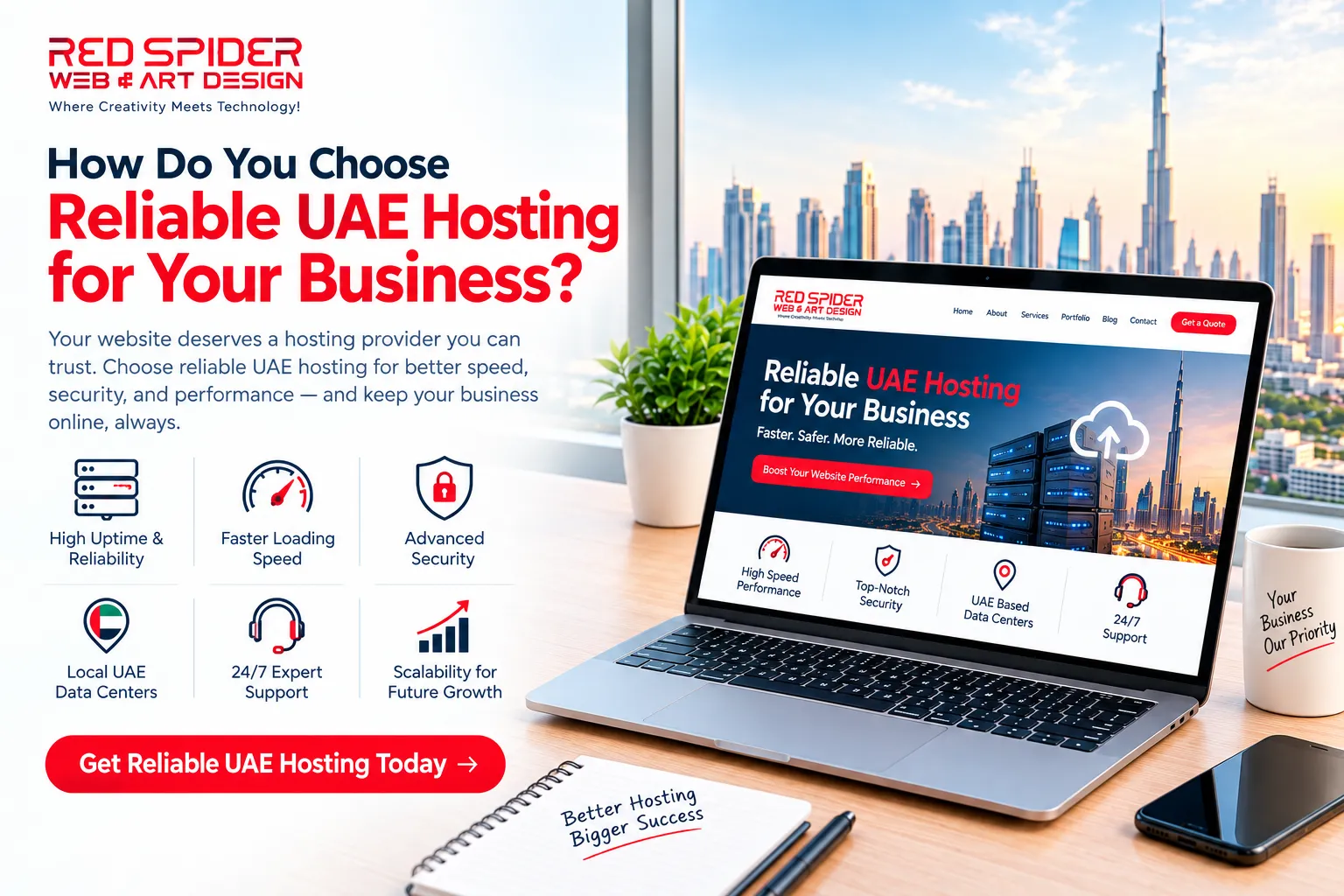
Invest in reliable hosting. If your site is on a shared server or low-quality hosting, it is going to drag down the performance. Don't let weak hosting ruin an otherwise well-designed website.
Skipping Backups (Because "It Has Never Happened Before")
Backing up your site is like wearing a seatbelt—it is one of those things you don't appreciate until something goes wrong. Whether it is a plugin conflict, an update gone bad, or a security breach, losing your website data is a nightmare.
Backups should be automatic, frequent, and stored in multiple places. Many WordPress developers do not set up regular backups, assuming their site will never crash. But when it does, you will be left scrambling to restore everything.
When you hire website developers, make sure they prioritise backups. They can save you from a disaster and ensure your site is always recoverable.
Conclusion – Don't Let Mistakes Hold You Back!
Mistakes are part of the learning process, but in the world of WordPress development, some mistakes can cost you. By staying updated, optimising your plugins, ensuring mobile responsiveness, using child themes, focusing on SEO, choosing reliable hosting, and backing up your site, you can save yourself a lot of frustration down the road.
If you are ready to build a WordPress site that works flawlessly and stands the test of time, it's time to get the right help. Whether you are troubleshooting an existing site or starting from scratch, let's talk about how we can create a website that works.
Don't wait for your next WordPress nightmare—hire WordPress developers who get it. Reach out today to discuss how we can improve your site, faster, and more securely.

























Sign in to leave a comment.