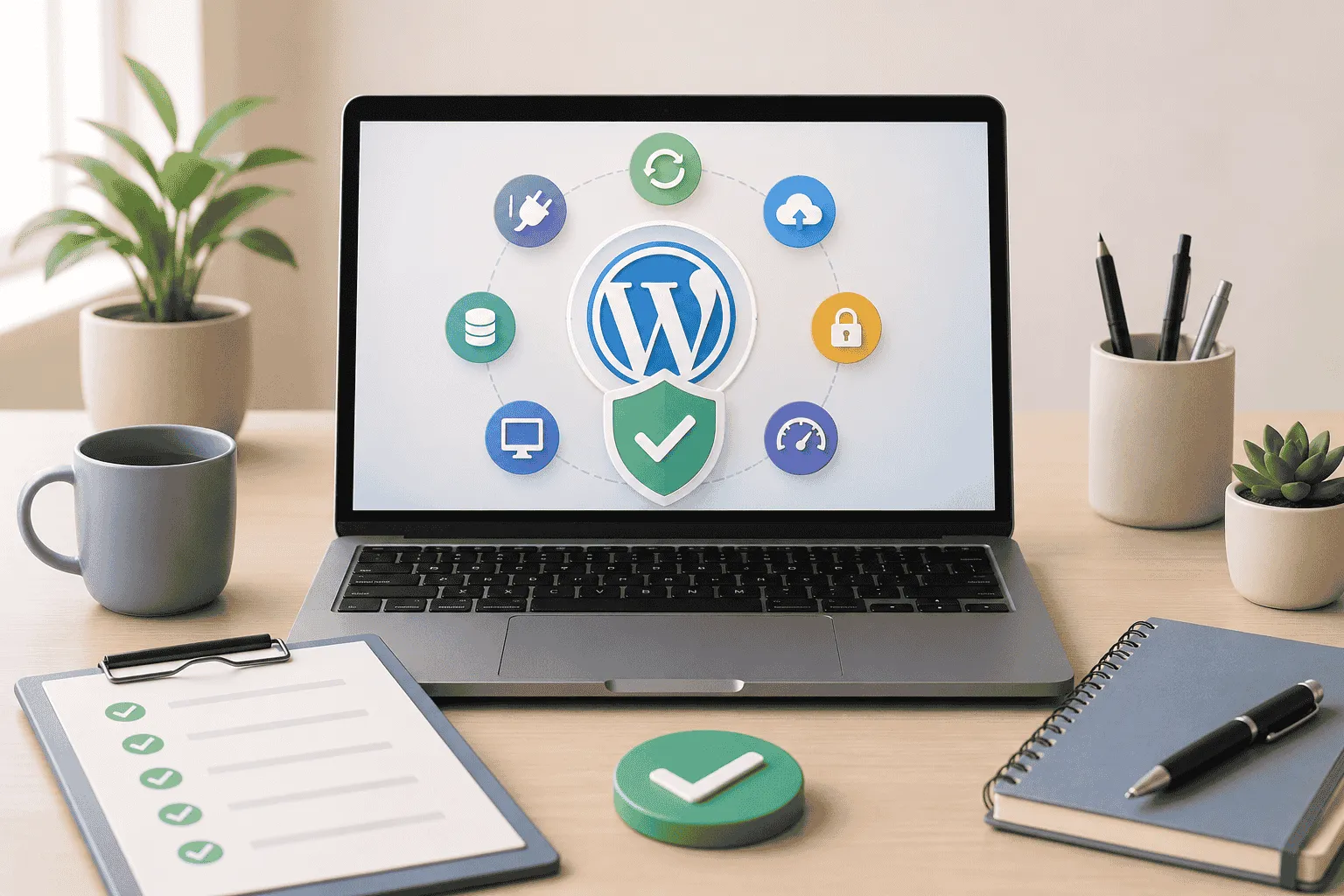

A few months ago, a business owner reached out after noticing a sudden drop in leads. Nothing had changed in their marketing campaigns. Their traffic numbers looked healthy. Their website appeared normal at first glance.
The problem turned out to be surprisingly simple.
Their contact form had stopped working after a plugin update. Potential customers had been trying to reach them for weeks, but none of the enquiries was getting through.
Situations like this happen more often than most founders realise.
Many entrepreneurs invest time and money into building a website, launch it successfully, and then move on to the next business priority. The website sits in the background until something breaks. By then, the damage may already be done.
In 2026, your website is the first interaction people have with your business. It shapes trust, influences buying decisions, and supports everything from lead generation to customer support overall your website acts as the primary contact point for the customer.
That is why every founder should understand the basics of website maintenance, even without a technical background.
Why Website Maintenance Matters More Than Ever
Most founders see their website as a project.
Experienced business owners see it as an asset.
The difference matters.
A website that receives regular attention stays secure, loads faster, creates a better user experience, and generates more business opportunities. A neglected website gradually develops problems that often go unnoticed until customers start feeling the impact.
Think about your own buying habits.
If a website loads slowly, displays errors, or looks outdated, how long do you stay?
Probably not very long.
Your customers behave the same way.
According to W3Techs, WordPress powers roughly 43% of all websites worldwide and holds more than 60% of the global content management system market. That popularity makes WordPress incredibly powerful, but it also means websites require ongoing attention to remain secure and reliable.
For entrepreneurs and agency owners, the real benefit of maintenance is simple.
You reduce risk.
You protect revenue.
You avoid preventable problems.
Most importantly, you create a better experience for every visitor who lands on your website.
The Core Maintenance Tasks Every Website Needs
Many founders assume website maintenance involves complex technical work.
In reality, the essentials are pretty straightforward.
Keep WordPress Updated
WordPress regularly releases updates for its core software. Themes as well as plugins also release updates to improve performance, fix bugs, and address security issues.
Ignoring updates creates unnecessary risk, which can be avoided.
According to security reports from Wordfence, a large percentage of WordPress vulnerabilities originate from plugins rather than the WordPress core software itself.
When outdated plugins remain active, they create opportunities for security breaches.
Regular updates help close those gaps.
Review Website Security
Security should never become an afterthought.
At a minimum, your maintenance process should include
- Security scans
- Malware monitoring
- Strong password policies
- Login protection
- Firewall protection
Most founders never think about website security until something goes wrong and they start to lose potential customers.
By then, recovery often costs far more than prevention.
Check Forms and Lead Capture Tools
Contact forms, booking forms, newsletter signups, and quote requests directly affect revenue.
A broken form can quietly stop leads from reaching your business.
Make testing forms part of your regular routine.
Submit a test enquiry.
Verify notifications are arriving.
Confirm the customer experience works smoothly from beginning to end.
Review Plugin Health
Many websites accumulate plugins over time.
Some become outdated.
Others stop receiving developer support.
A routine review helps identify plugins that should be updated, replaced, or removed.
For founders using wordpress support services, plugin management is often one of the most valuable parts of the service because it removes the guesswork.
Why This Matters
Every maintenance task protects something important.
For example, security protects your reputation, form testing protects leads while updates protect website stability.
Together, these small actions prevent bigger problems that can disrupt your work and safeguard your reputation.
Performance Checks That Protect Leads and Sales
Many website problems are not dramatic instead, they develop slowly without anyone noticing.
A website becomes slightly slower each month.
An image loads improperly on mobile devices.
A page starts displaying incorrectly after an update.
Because these issues appear gradually, they often escape notice. Your visitors notice them immediately and you notice a drop in your user conversion rate.
Website Speed Influences Decisions
Google continues to emphasise user experience through Core Web Vitals and page experience signals.
That means speed matters, both for visitors and search visibility, more importantly, speed affects human behaviour.
When pages take too long to load, visitors leave, potential customers lose patience.
Sales opportunities disappear even before appearing. For a founder the question becomes simple.
How many leads are slipping away because your website feels frustrating to use?
Mobile Experience Deserves Attention
More than half of global web traffic now comes from mobile devices, according to StatCounter.
That means your website needs to perform well on phones, not just desktops.
Review your website regularly on multiple devices,
Check navigation menus, test buttons, verify forms, look at page layouts.
Small issues can create big frustrations.
Watch for Broken Links and Errors
Broken links create poor user experiences and weaken trust.
Imagine finding a service page that leads nowhere.
Or clicking a call-to-action button that does not work.
These issues seem minor until they happen to potential customers.
Monthly link checks help identify problems before visitors encounter them.
The Real Business Impact
A faster website creates smoother customer journeys, visitors stay longer.
Pages receive more engagement, with conversions improving.
The goal is not technical perfection but rather making it easy for people to do business with you.
Backups and Monitoring Your Digital Safety Net
Every business owner hopes nothing goes wrong.
Smart business owners prepare anyway.
Websites can experience
- Plugin conflicts
- Human errors
- Hosting issues
- Malware attacks
- Accidental deletions
None of these situations is uncommon.
The question is how quickly you can recover.
Why Backups Matter
A recent backup can save countless hours of stress.
Without one, restoring a website becomes far more complicated and expensive.
With one, recovery can often happen quickly.
Think of backups as insurance for your digital assets.
You hope you never need them.
You are grateful they exist when problems occur.
Monitor Website Uptime
Most founders assume they would notice if their website went offline.
In reality, customers often discover the problem first.
Uptime monitoring tools alert you when downtime occurs, allowing faster responses.
Even a few hours of downtime can result in missed leads, lost sales, and damaged credibility.
Create a Recovery Plan
Recovery planning sounds complicated, but it does not need to be.
Ask yourself:
- Where are backups stored?
- How frequently are backups created?
- Who handles recovery if an issue occurs?
- How quickly can the website be restored?
If you do not know the answers, now is the right time to find them.
Why This Matters
Problems will happen we cannot totally eliminate them, but a prepared business recovers quickly.
Unprepared businesses spend valuable time reacting instead of operating.
When Professional Support Makes Sense
Many founders start by handling maintenance themselves that approach works for a while.
As the business grows, priorities change, client work increases or marketing demands attention.
Operations become more complex, with website maintenance often falling to the bottom of the list.
That is when professional support starts making sense.
Understanding WordPress Support Packages
Good wordpress support packages typically include
- WordPress updates
- Plugin management
- Security monitoring
- Website backups
- Performance checks
- Technical troubleshooting
- Uptime monitoring
Instead of waiting for issues to appear, these services focus on prevention.
That saves time, stress, and often money.
Evaluating WordPress Support Services
Not all providers offer the same level of service, look beyond pricing. Consider the following
- Response times
- Security coverage
- Backup policies
- Reporting processes
- Communication quality
The right provider acts as a proactive partner rather than a reactive fixer.
Exploring WordPress Support Packages in India
Many businesses in the USA work with providers offering wordpress support packages in India because they receive experienced technical support at competitive rates.
The key is finding a team with proven processes, clear communication, and consistent service standards.
Finding the Best WordPress Maintenance Company
The best wordpress maintenance company is rarely the cheapest option.
The right choice gives you confidence.
You know someone is monitoring the website.
You know updates are happening.
You know issues are being addressed before they become business problems.
That peace of mind has real value.
Building a Simple Maintenance Schedule
A maintenance routine does not need to consume hours every week.
Consistency matters more than complexity.
Weekly Tasks
- Check website uptime
- Test contact forms
- Review security alerts
- Confirm backups are running
Monthly Tasks
- Update plugins
- Update themes
- Test website speed
- Check mobile experience
- Review broken links
Quarterly Tasks
- Conduct a full security review.
- Audit website performance
- Review user journeys
- Evaluate hosting performance
A simple schedule prevents small issues from becoming expensive ones.
Actionable Takeaways
- Follow a documented wordpress website maintenance checklist.
- Update WordPress, themes, and plugins regularly.
- Test lead capture forms every week.
- Review website speed and mobile performance monthly.
- Maintain automated backups.
- Monitor website uptime.
- Remove outdated plugins.
- Invest in professional wordpress support services when internal bandwidth becomes limited.
- Compare multiple wordpress support packages before making a decision.
- Focus on prevention rather than recovery.
Your Website Deserves the Same Attention as the Rest of Your Business
Most founders would never ignore accounting, customer service, or sales for months at a time.
Your website deserves the same level of care.
A well-maintained website protects your reputation, supports marketing efforts, creates stronger customer experiences, and helps convert visitors into leads.
The good news is that maintenance does not require technical expertise. It requires awareness, consistency, and the right support when needed.
Your website is working every day, even when you are not.
The question is simple.
Is someone making sure it continues to work the way your business needs it to?




























Sign in to leave a comment.