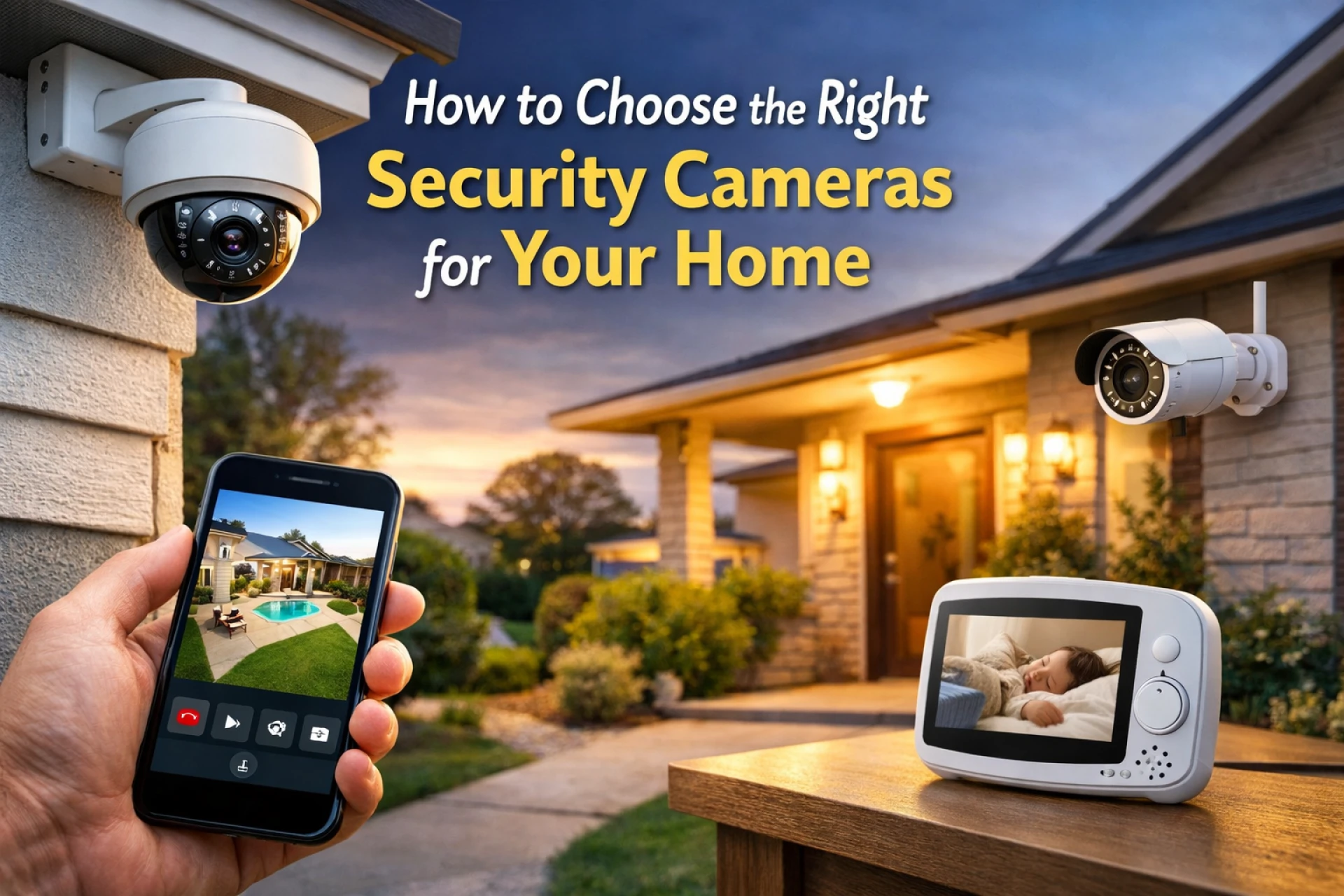

Home security has become an essential part of modern living. With increasing awareness around safety and the need to monitor homes remotely, home security cameras are now widely used to protect families, valuables, and property.
A well-planned camera setup not only deters unwanted activity but also provides peace of mind through real-time monitoring and recorded evidence. However, with multiple camera types, features, and technologies available, choosing the right solution can feel confusing. This guide explains how to select the right security cameras for your home in a simple and practical way.
Understand Your Home Security Needs
Before choosing any camera, start by evaluating your home layout and security priorities.
Ask yourself:
- Do you need indoor cameras, outdoor cameras, or both?
- Which areas need monitoring—main entrance, parking area, backyard, or living space?
- Are you monitoring children, pets, elderly family members, or overall home activity?
Smaller apartments may only require a few indoor cameras, while independent houses often benefit from a combination of indoor and outdoor coverage. Planning ahead helps you avoid unnecessary purchases and ensures effective security.
Choose the Right Type of Security Camera
Indoor Security Cameras
Indoor cameras are designed to monitor rooms, hallways, and internal entry points. Common features include:
- High-definition video
- Motion detection alerts
- Two-way audio communication
- Easy plug-and-play installation
They are ideal for daily monitoring and keeping an eye on family members when you’re away.
Outdoor Security Cameras
Outdoor cameras focus on perimeter protection and are built to handle tough conditions. Look for:
- Weather-resistant design
- Infrared or color night vision
- Wide viewing angles
- Advanced motion detection
Using both indoor and outdoor cameras creates a more reliable and complete home surveillance system.
Focus on Video Quality and Coverage
Clear footage is essential for identifying faces, movements, and incidents. When selecting cameras, consider:
- At least 1080p HD resolution
- Wide-angle lenses for broader coverage
- Strong low-light or night-vision performance
Higher video quality ensures better visibility, especially during nighttime or low-light situations.
Look for Smart Security Features
Modern home security cameras offer smart features that improve both safety and convenience.
Key features to consider:
- Motion detection alerts for real-time notifications
- Two-way audio to communicate with visitors or warn intruders
- AI-based detection to reduce false alerts from pets or shadows
Smart features help homeowners stay informed without constantly monitoring live feeds.
Choose the Right Storage Option
Security footage storage is an important decision and usually comes in two formats:
Cloud Storage
- Secure online backup
- Access recordings anytime, anywhere
- Protects footage even if the camera is damaged
Local Storage
- Uses SD cards or DVR/NVR systems
- One-time cost
- No monthly subscription fees
Many modern systems support both, allowing flexibility based on privacy preferences and budget.
Mobile App and Remote Access
The best home security system with cameras should include a user-friendly mobile app that allows you to:
- View live camera feeds
- Replay recorded footage
- Receive instant alerts
- Adjust camera settings remotely
This is especially useful for homeowners who travel frequently or manage multiple properties.
Night Vision Is Non-Negotiable
Since many security incidents occur after dark, night vision is essential. Choose cameras that offer:
- Infrared night vision
- Clear low-light imaging
- Adequate viewing range for outdoor areas
This ensures your home remains protected 24/7.
Wired vs Wireless Security Cameras
Both options have advantages:
- Wired cameras offer stable connections and continuous power but may require professional installation.
- Wireless cameras are easy to install, flexible in placement, and ideal for rented homes, though they depend on Wi-Fi strength.
The best choice depends on your home structure and installation preferences.
Weather Resistance for Outdoor Cameras
Outdoor cameras must withstand rain, dust, and heat. Look for weather ratings such as IP65 or IP66, which indicate strong protection against environmental conditions.
Common Mistakes to Avoid When Choosing Home Security Cameras
- Installing cameras too high or too low
- Ignoring Wi-Fi signal strength
- Overlooking storage costs
- Buying too many cameras at once instead of scaling gradually
Avoiding these mistakes can save money and improve system performance.
Frequently Asked Questions
Q1: How many security cameras does a home need?
Most homes require 2–4 cameras depending on size and entry points.
Q2: Can security cameras work without the internet?
Yes, cameras with local storage can record offline, but internet access is required for remote viewing and alerts.
Q3: Are wireless cameras reliable?
Yes, when connected to a secure and stable Wi-Fi network.
Q4: Do security cameras really improve safety?
Yes, visible cameras often deter crime and provide useful evidence if incidents occur.
Conclusion
Choosing the right security cameras for your home doesn’t have to be complicated. By understanding your needs, focusing on video quality, using smart features, and selecting reliable storage and night-vision options, you can build a dependable home surveillance system.
A thoughtfully planned setup helps protect your home around the clock and offers long-term peace of mind. Whether you start with a few cameras or install a complete network, modern security cameras provide flexibility, convenience, and improved safety.



















Sign in to leave a comment.