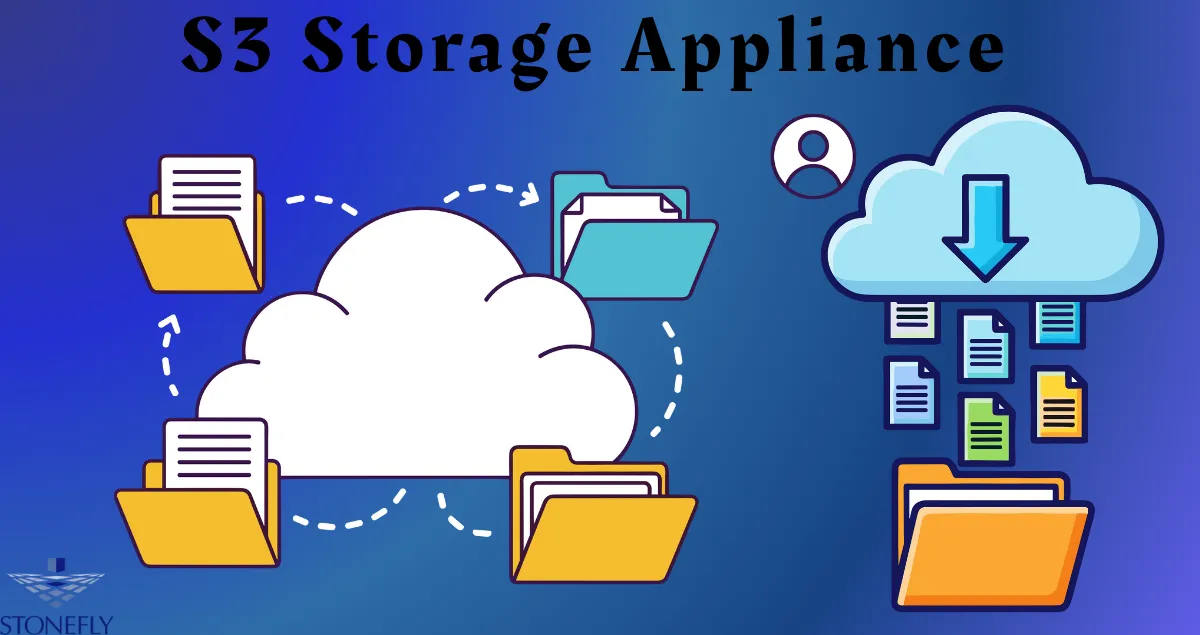

Organizations that manage growing volumes of unstructured information often need a storage architecture that provides scalability without making administration unnecessarily complicated. S3 Storage Appliance infrastructure can give businesses a dedicated environment for object-based workloads while allowing them to maintain direct control over hardware, networking, security, and data placement. The right design depends on the organization's applications, capacity requirements, recovery objectives, and operational resources.
What Makes an Object Storage Environment Different?
Object storage organizes information as individual objects rather than relying primarily on traditional folder structures or block volumes.
Each object can contain the actual data along with metadata and an identifier that allows applications to locate it.
This model works particularly well for large collections of information that do not require constant modification.
Examples include:
- Business documents
- Images
- Video
- Backup repositories
- Application-generated files
- Log collections
- Historical archives
- Research datasets
Because object storage is designed for large-scale repositories, it can provide an effective foundation for organizations expecting significant data growth.
Why Organizations Choose On-Premises Infrastructure
An on-premises environment places storage equipment within facilities controlled by the organization.
This approach can provide direct control over physical infrastructure and network connectivity.
Organizations may choose this model when they require:
- Direct infrastructure management
- Internal network access
- Specific physical security controls
- Predictable local connectivity
- Greater control over data placement
- Integration with existing data-center infrastructure
However, operating local infrastructure also creates responsibilities.
The organization must manage equipment, power, cooling, physical security, monitoring, maintenance, replacement, and expansion.
Start With a Workload Assessment
Before purchasing hardware, administrators should identify the workloads the storage environment will support.
Different applications can place very different demands on infrastructure.
A document archive may prioritize capacity and retention, while an application processing thousands of objects per second may require greater performance.
Administrators should document:
- Current data volume
- Expected annual growth
- Average object size
- Number of objects
- Access frequency
- Read and write requirements
- Retention periods
- Recovery requirements
This information provides a clearer foundation for architecture decisions.
Planning the Physical Environment
Local storage equipment needs an appropriate physical environment.
The facility should provide adequate power, cooling, network connectivity, and physical access controls.
Power protection is particularly important because unexpected power interruptions can affect storage hardware and connected applications.
Cooling requirements should also be calculated according to the equipment installed.
Physical security matters because unauthorized access to storage hardware can create risks that network security controls cannot address.
Designing the Network
The storage network should be designed around expected workloads.
Administrators should evaluate bandwidth requirements, network redundancy, routing, switching, and segmentation.
Storage traffic may be separated from ordinary employee traffic to improve performance and simplify security controls.
Dedicated network paths can also make it easier to identify unexpected communication.
The network design should provide enough capacity for both current workloads and expected growth.
Building for Reliability
Local storage infrastructure should not rely on a single component wherever failure would create an unacceptable disruption.
Depending on the platform, organizations may use redundant drives, controllers, power supplies, network connections, or storage nodes.
Redundancy should be designed around actual failure scenarios.
For example, if the loss of one network connection would make the entire storage environment inaccessible, network redundancy may be necessary.
Reliability planning should therefore consider the complete path between applications and stored information.
Separating Storage Roles
A single storage environment does not necessarily need to handle every requirement.
Organizations can create different repositories for different purposes.
One repository may support active application workloads, while another can handle long-term archives.
A separate environment may be dedicated to recovery information.
This separation can simplify retention policies and access controls.
It can also reduce the consequences of problems affecting one particular workload.
Protecting Sensitive Information
Security should be considered throughout the storage architecture.
Organizations can implement identity-based access controls so that applications and employees only receive the permissions required for their responsibilities.
Encryption can provide additional protection for information stored on the platform.
Network segmentation can limit which systems can communicate with storage resources.
Logging can provide visibility into administrative actions and data access.
These controls work together rather than operating as isolated security features.
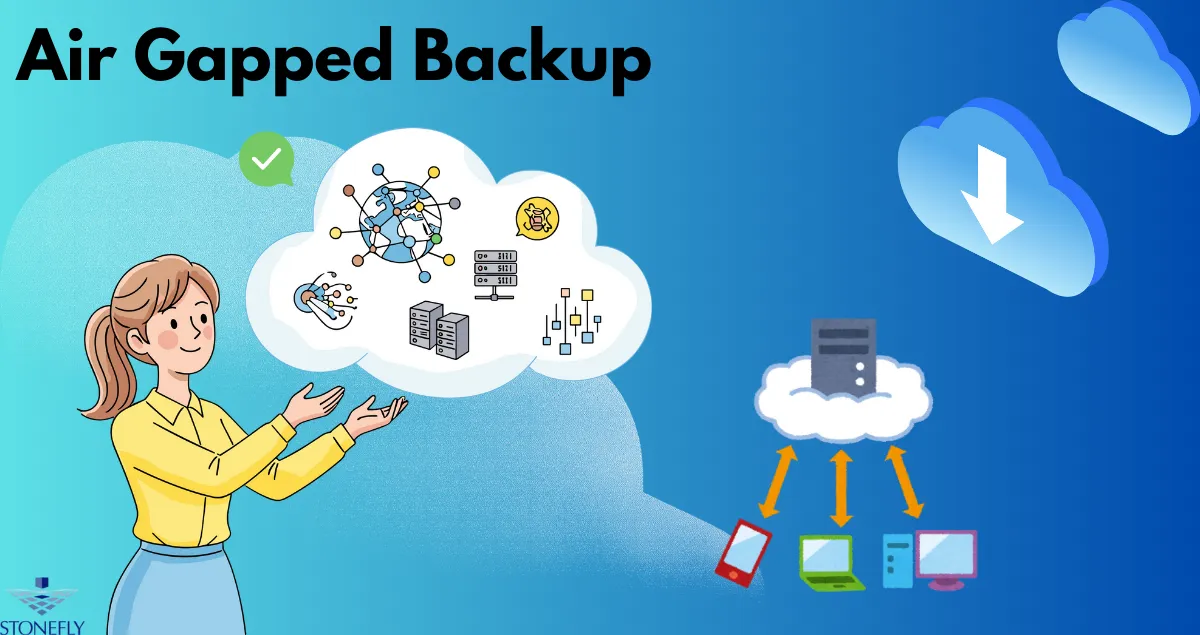
Creating a Protected Recovery Layer
A robust storage strategy should account for major incidents.
If all recovery information remains continuously accessible from production systems, an incident affecting those systems could potentially reach multiple recovery copies.
Organizations can therefore create a separate protection layer for selected recovery information.
This environment can use stricter access controls, restricted connectivity, and controlled administrative procedures.
The purpose is to create a recovery resource with a different security boundary.
Recovery Procedures Should Be Documented
Administrators should know exactly how protected recovery resources will be accessed during an emergency.
Documentation can identify:
- Authorized personnel
- Required credentials
- Recovery sequence
- Storage locations
- Application dependencies
- Validation procedures
- Restoration priorities
This reduces confusion when normal business systems are unavailable.
Monitoring the Environment
A local storage platform should be continuously monitored.
Administrators can track capacity, hardware health, network performance, system events, failed requests, and unusual access activity.
Capacity monitoring is particularly important.
A repository that reaches full capacity can affect applications and potentially interrupt business operations.
Automated alerts can notify administrators before available space becomes critically low.
Maintenance and Lifecycle Planning
Storage hardware does not last indefinitely.
Organizations should establish replacement schedules and maintain records of equipment age, warranty status, and support requirements.
Firmware and software updates should also follow a controlled process.
Maintenance should be planned so that necessary updates do not unnecessarily expose protected resources or interrupt critical applications.
A lifecycle plan can prevent organizations from reaching a point where aging infrastructure must be replaced under emergency conditions.
Testing Recovery Capabilities
A storage environment should be tested under realistic conditions.
Administrators can perform sample restorations to confirm that information can be retrieved correctly.
More comprehensive exercises can simulate the loss of production infrastructure and evaluate the complete restoration process.
Testing should measure both technical results and operational performance.
If recovery takes significantly longer than expected, the organization can identify improvements before an actual incident occurs.
Expanding the Environment
Data growth should be expected rather than treated as an unexpected event.
Administrators should understand how capacity can be expanded and whether additional hardware can be integrated without major disruption.
Expansion planning should also account for power, cooling, networking, and physical space.
This prevents storage growth from creating secondary infrastructure problems.
Conclusion
An on-premises object storage environment can provide organizations with direct control over storage hardware, network architecture, security policies, and data placement. S3 Storage Appliance infrastructure can support workloads such as archives, application data, media collections, and recovery repositories when properly designed. However, successful implementation requires more than installing storage equipment. Workload analysis, physical planning, network design, redundancy, security, monitoring, maintenance, and recovery testing all contribute to a dependable environment.
Organizations should build their infrastructure around measurable requirements and expected growth rather than selecting equipment based only on current capacity.
Frequently Asked Questions
1. Why would an organization choose on-premises object storage?
Organizations may choose local infrastructure when they want direct control over hardware, internal networking, physical security, data placement, or integration with existing facilities.
2. Does on-premises storage require a dedicated data center?
Not necessarily. The physical requirements depend on the size and design of the environment. Smaller deployments may require less infrastructure than large enterprise installations.
3. How can organizations protect an object storage environment?
Organizations can combine identity controls, encryption, network segmentation, logging, restricted administrative access, monitoring, and appropriate physical security.
4. Should production and recovery storage be separated?
Separating their roles can provide additional protection and make it easier to apply different access and security policies. The exact architecture depends on the organization's recovery requirements.
5. What is the biggest planning mistake when deploying local storage?
Planning only for current capacity is a common problem. Organizations should consider future data growth, performance requirements, infrastructure expansion, maintenance, and recovery needs from the beginning.





















Sign in to leave a comment.