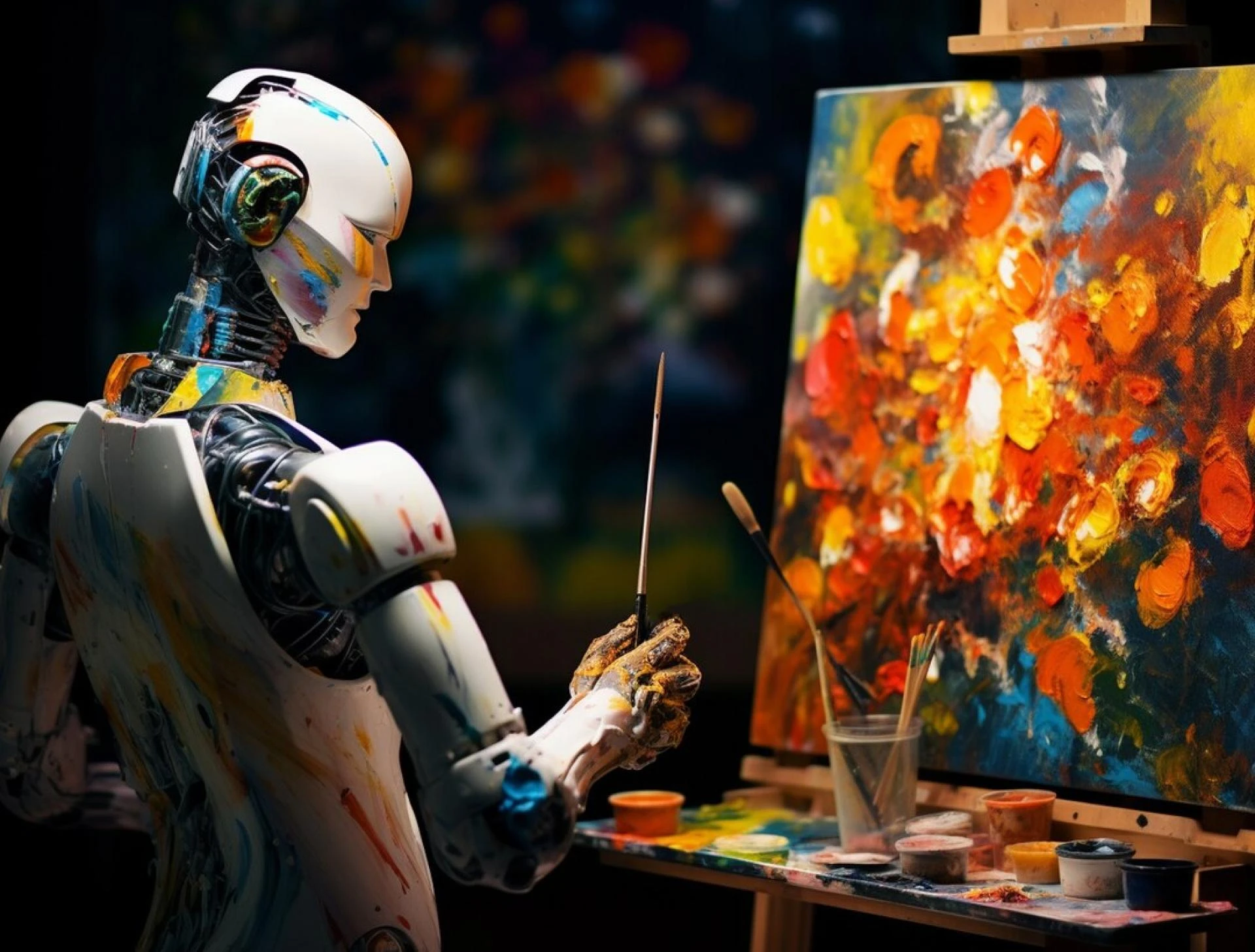
Artificial intelligence has unlocked a new wave of creativity, especially for creators, marketers, SaaS founders, and digital-first businesses. At the center of this shift are ai generated images, which allow anyone—from designers to solo founders—to produce visuals in seconds without needing complex design tools. Whether you’re running a tech blog, building product visuals for a landing page, or experimenting with fresh creative ideas, understanding how to generate ai images has become a useful professional skill.
This guide breaks down the process in a simple, practical way. You’ll learn the tools, techniques, workflows, prompts, and real-world use cases that professionals rely on today. To keep things valuable and informational, you’ll also find helpful external resources in between the content to deepen your understanding of AI image creation.
Why AI Image Generation Matters in Today’s Digital Workflow
In today’s fast-paced digital landscape, visuals drive user engagement. AI image generation is no longer just an experiment—it’s a working tool used across industries such as:
- SaaS product marketing
- UI/UX concept visualization
- Social media content creation
- Product prototypes
- Creative branding and storytelling
The ability to produce concepts quickly reduces cost, saves time, and supports rapid iteration—all critical for digital business teams. Even better, many tools today allow you to create ai images free, making experimentation accessible for everyone.
Understanding How AI Image Models Work
Before generating images, it helps to understand what goes on behind the scenes. Most AI image platforms use:
- Diffusion models
- Generative adversarial networks (GANs)
- Multimodal transformer architectures
These models convert text prompts into images by learning from millions of image-text pairs. Although the technical side can get complex, the essential takeaway is this: AI doesn’t “draw”—it predicts patterns based on data and constructs images that match your prompt.
Helpful Resource:
Google’s AI Guide to Diffusion Models (Search “Google AI diffusion models overview”)
Step-by-Step Guide: How to Generate AI Images
Whether you're using a free tool or an advanced professional platform, the overall workflow stays fairly similar. Below is a simple four-step process that applies to most solutions used across AI and tech industries.
Step 1: Define Your Intent Clearly
Before typing a prompt, ask yourself:
- What type of image do I need?
- Should it look realistic, illustrated, or stylized?
- Do I need this for a website hero, a social post, or an internal concept?
- Will I modify it later with editing tools?
Clear intent helps you write better prompts and saves time during revisions.
Step 2: Choose the Right AI Image Generator
There are several popular tools on the market today—some focus on realism, others on anime, others on high-resolution branding visuals, and some offer both free and premium tiers. Options vary based on:
- Image quality
- Speed
- Style variety
- Editability
- Output rights
If you prefer a simple browser-based experience, you can explore platforms like claila, which offer a clean UI and flexible settings for both business and personal creativity (without making the experience promotional or sales-driven).
Helpful Resource:
Hugging Face Model Hub (Search “Hugging Face image generation models”)
Step 3: Write a High-Quality Prompt
A strong prompt is the core of a good AI image. Consider using this structure:
- Subject – who or what is the focus?
- Style – photography, illustration, anime, digital art, etc.
- Details – lighting, mood, colors, camera angle
- Quality tags – “high resolution,” “sharp details,” “4K”
- Optional constraints – “minimalistic,” “pastel,” “wide shot,” etc.
Example prompt:
“A futuristic SaaS dashboard interface, clean UI, soft neon lighting, isometric view, modern tech aesthetic, 4K resolution, minimalistic layout.”
Prompt writing improves with practice. Many AI tools also provide preset prompt templates to guide users, which is helpful when you're still learning.
Helpful Resource:
PromptHero Prompt Library (Search “PromptHero image prompt examples”)
Step 4: Refine, Experiment, and Iterate
Your first generated image won’t always be perfect. Professionals often:
- Regenerate multiple variations
- Adjust lighting or composition
- Add or remove keywords
- Upscale the final output
- Apply post-editing
Treat AI image creation as a process—not an instant result. Iteration usually leads to higher-quality outcomes, especially when you're creating visuals for a marketing website or SaaS product.
Use Cases of AI Images in the Tech and SaaS Space
AI image generation isn’t just for creative hobbyists. Tech and SaaS teams use image tools for real operational work:
1. Marketing & Branding
Create banner graphics, blog illustrations, testimonials mockups, or hero images for new landing pages.
2. UI/UX Ideation
Produce rough concept visuals to speed up early-stage interface design.
3. Social Media & Ads
Generate engaging visuals for LinkedIn, X, Instagram, or paid ad campaigns.
4. Product Prototyping
Experiment with product mockups, icons, or branding motifs.
5. Creative Storytelling
Build visual narratives for case studies, newsletters, or interactive content.
Helpful Resource:
MIT Technology Review – AI Creativity Trends (Search “MIT Review AI creativity”)
Best Practices for Professional-Grade AI Images
To keep your outputs consistent and high-quality, follow these essential tips:
1. Keep Prompts Descriptive but Simple
Long prompts can work, but clarity beats complexity.
2. Maintain a Style Reference Library
Many digital teams store preferred styles, palettes, and prompt templates for consistent branding.
3. Always Check Usage Rights
Some tools allow full commercial use, while others limit distribution—important for SaaS businesses.
4. Use AI Upscalers for Final Outputs
Upscaling improves clarity, especially for web banners or print-friendly assets.
5. Save Different Versions for A/B Testing
Creative teams often test multiple image variations to understand which visuals perform best.
Common Mistakes to Avoid When Generating AI Images
Even experienced creators run into these issues:
1. Overly Vague Prompts
“Make a cool image” produces unpredictable results. Specificity helps.
2. Forgetting the Purpose of the Image
A blog header needs a different style than a product mockup.
3. Ignoring Composition
Ask for clear framing or perspective to avoid cluttered visuals.
4. Not Iterating Enough
The best output is often the third or fourth attempt.
5. Setting Unrealistic Expectations
AI is powerful, but it’s still limited by training data and prompt clarity.
FAQs
1. Do I need design skills to generate AI images?
No. Modern AI tools simplify the process so anyone can generate quality visuals using clear prompts.
2. Are AI-generated images allowed for commercial use?
Most platforms provide commercial usage rights, but policies vary. Always review each tool’s license before using images in product marketing.
3. What file formats do AI tools usually export?
Typically JPEG and PNG, though some offer WebP, SVG-like vectors, or high-resolution TIFF outputs.
4. Can I edit the generated images afterward?
Yes. Many platforms offer built-in editing, or you can export images to tools like Photoshop, Figma, or Canva.
5. How do I maintain consistent style across all images?
Use consistent prompts, color palettes, and reference styles. Some tools also allow saving prompt presets.
Final Thoughts
Learning how to generate ai images is becoming a standard creative skill in tech-driven industries. Whether you’re designing assets for a SaaS landing page, building content for a digital business, or exploring new creative ideas, AI image tools offer flexibility, speed, and innovation. By practicing prompt writing, experimenting with styles, and applying the best practices shared in this guide, you’ll quickly gain confidence in producing polished visuals. Today’s landscape makes it easy to explore ai images free, iterate on concepts, and integrate AI visuals directly into your workflow.


























Sign in to leave a comment.