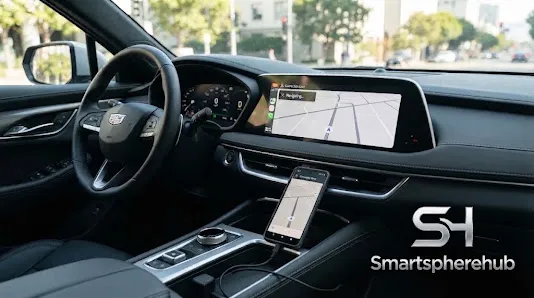

If Navitel suddenly disappears from Android Auto, crashes while you’re following a route, refuses to connect, or starts acting strangely after a phone or app update, don’t panic. It doesn’t automatically mean Navitel itself is broken.
There are quite a few moving parts here. Android Auto, Navitel Navigator, Google Play services, your Android version, the USB cable, and even the car’s infotainment system can all play a part. Sometimes the thing that looks like an app problem is actually a connection issue hiding in plain sight.
This guide takes a practical approach. Instead of throwing random fixes at the problem or downloading questionable APK files, we’ll work through the likely causes one by one. The idea is pretty simple: figure out what’s actually failing, update the right thing, and avoid changing five settings at once and then wondering what fixed it.to complete the topic


















Sign in to leave a comment.