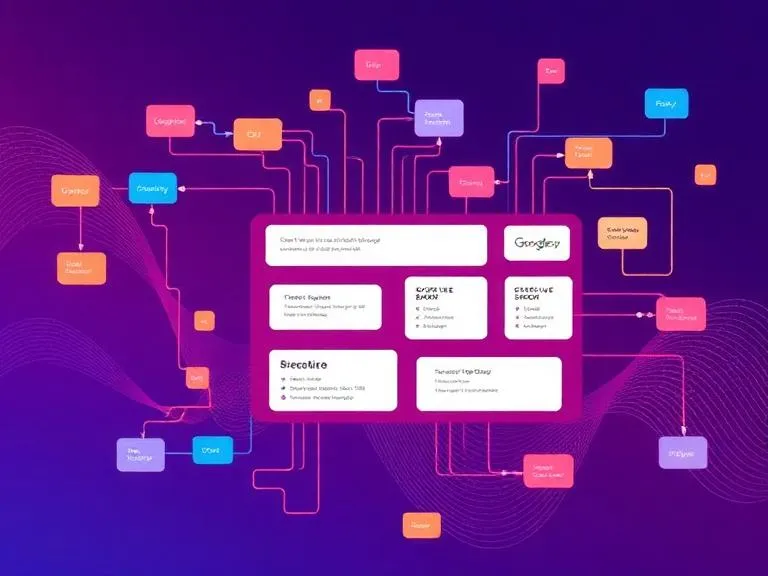

An API-based workflow engine is a software system that automates and orchestrates business processes by connecting applications and services through APIs. It allows workflows to be defined as sequences of actions that are triggered by events, executed with business rules, and coordinated across multiple systems in real time. By enabling seamless data exchange, conditional logic, monitoring, and scalable integrations, it reduces manual effort and improves consistency and speed of operations. API-based workflow engines are commonly used to streamline complex processes, enhance efficiency, and support flexible, automated workflows in modern digital enterprises.
Why API-Based Workflow Engines Are Becoming Popular
Today’s software environment is built around microservices, cloud applications, and distributed systems. Businesses use dozens of tools—CRM, ERP, HRM, payment gateways, and more. Connecting all these tools manually leads to data silos and workflow inefficiencies.
API-based workflow engines solve these problems by:
Providing Real-Time Automation
Since the workflows are triggered through API calls, the processes run immediately and without human intervention.
Supporting Complex Integrations
Any system that exposes an API can be integrated into the workflow.
Improving Scalability
API-driven engines can handle thousands or millions of workflow executions concurrently.
Offering Consistency and Reliability
Programmatic automation reduces human error and ensures predictable outcomes.
Enabling Headless Workflow Automation
Developers can create UI on top of the workflow engine or run workflows entirely in the backend.
Core Features of an API-Based Workflow Engine
While each workflow engine has a set of strengths, most API-first engines also share the following core capabilities:
1. Workflow Orchestration
They coordinate various tasks in structured sequences.
Example: When a customer completes a signup form → verify email → create account → send welcome SMS.
2. API Triggers
Workflows can start automatically based on events such as:
- A POST request from another system
- A webhook notification
- A scheduled CRON event
3. Conditional Logic & Branching
Advanced rules enable workflows to act differently based on data.
Example: If payment status = failed → send retry email; otherwise → activate service.
4. Automation of Tasks
Each step in a workflow can:
- call a third-party API
- run a script
- data manipulation
- send notifications, interact with databases
Read more: API-Based Workflow Engine




























Sign in to leave a comment.