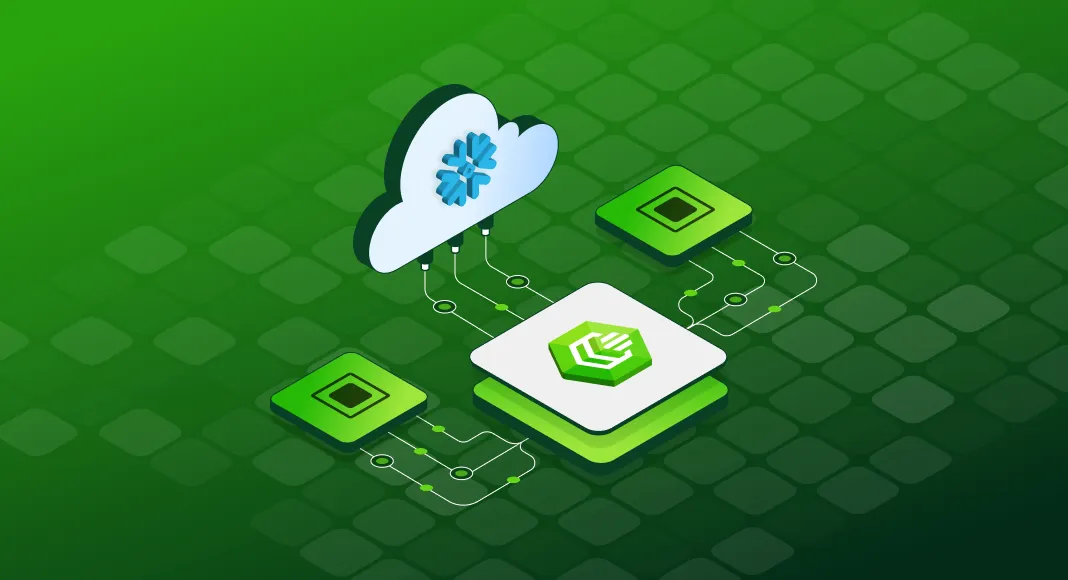

There is no single perfect tool for every Snowflake workflow. The article’s main takeaway is that teams should build their Snowflake ecosystem around their actual needs: analytics, data movement, development, automation, application connectivity, or governance. The right choice depends on factors such as scalability, ease of use, compatibility, cost, security, and long-term business value.
Key tools covered in the article:
- BI and analytics: Tableau, Looker
- ETL and data pipelines: Fivetran, Airbyte, Matillion ETL
- Developer and programmatic access: Snowflake Python Connector, Snowpark, Snowflake JDBC/ODBC drivers
- Enterprise connectivity: Devart ODBC Driver for Snowflake
- Native Snowflake tools: SnowSQL, Snowsight, Classic Console, Snowflake VS Code extension
- Infrastructure automation: Snowflake Terraform provider
The article first highlights how these tools help companies turn Snowflake into a practical data platform rather than just a storage system. BI tools like Tableau and Looker help teams create dashboards and governed reports, while ETL tools such as Fivetran, Airbyte, and Matillion ETL move data into Snowflake from different sources.
It also explains that developers and data engineers can work with Snowflake through tools like Snowflake Python Connector, Snowpark, and JDBC/ODBC drivers. For broader enterprise use, Devart ODBC Driver for Snowflake is presented as a strong connectivity option for BI platforms, ETL systems, and custom applications.
Finally, the article covers Snowflake’s own tools, including SnowSQL for command-line work, Snowsight for analytics and dashboards, Classic Console for administration, the VS Code extension for development, and Terraform for infrastructure-as-code. Together, these tools help organizations manage Snowflake more efficiently and connect it to the rest of their data stack.
Read the full article here: Best Applications and Tools for Connecting to Snowflake.
























Sign in to leave a comment.