

Mobile applications operate in complex environments where code, devices, networks, and user interactions constantly introduce new risks. To build resilient mobile apps, development teams need structured security testing approaches that identify vulnerabilities before attackers can exploit them. Two of the most important testing methods are Static Application Security Testing (SAST) and Dynamic Application Security Testing (DAST), each serving a distinct purpose in securing mobile applications.
What are SAST tools?
Static Application Security Testing (SAST) tools analyse an application’s source code or binaries to identify vulnerabilities without executing the application. They are used during the early development stage to detect insecure coding practices and potential security flaws early to fix them before going further.
SAST is important because it provides deep visibility into the application from within, enabling developers to fix issues before deployment. By identifying vulnerabilities at an early stage, it supports faster remediation, reduces risk, and improves overall code security. It is different from runtime security testing as it tests the applications when it is running on the mobile phone.
Best practices for using SAST tools:
SAST testing is non-negotiable for mobile application DevSecOps processes. To maximise the effectiveness of SAST, teams must follow best practices that ensure accurate results, faster remediation, and seamless integration into development workflows.
1. Integrate SAST early in the development lifecycle:
One of the biggest advantages of SAST is its ability to detect vulnerabilities in the early phase of app development. Integrating SAST into the initial stages of development such as during coding or build processes helps developers identify and fix static code issues.
2. Customise testing features and policies:
SAST tools have pre-defined checks or security features and around which they test any application. But these rules may not fully align with your application architecture or business logic. Thus, customising SAST rules helps improve detection accuracy and reduces false positives.
3. Prioritise and manage findings effectively:
SAST tools often generate a large number of findings. It is important to choose a SAST tool that generates a comprehensive report containing vulnerabilities based on severity and business impact. Focus on high and critical vulnerabilities first, issues affecting sensitive data or authentication, and frequently occurring patterns.
4. Reduce false positives:
False positives can slow down development and reduce trust in security tools. Fine-tuning configurations and regularly updating rules helps improve accuracy.
5. Provide developer training and guidance:
SAST is an effective security testing tool when developers understand the vulnerabilities identified in the app code. Providing security training and clear remediation guidance empowers developers to fix issues correctly and prevent them in the future.
6. Combine SAST with other testing methods:
While SAST is powerful for identifying code-level vulnerabilities, only SAST testing is not enough. You should combine it with other testing approaches like Dynamic Application Security Testing (DAST), IAST (Interactive Application Security Testing), red teaming and runtime security for complete mobile app security.
7. Track metrics and improve continuously:
Organisations should monitor key metrics such as:
- Number of vulnerabilities detected.
- Time to remediate.
- Recurring issues.
This will improve security posture over time and identify areas for optimisation.
Best SAST tool for mobile app security testing
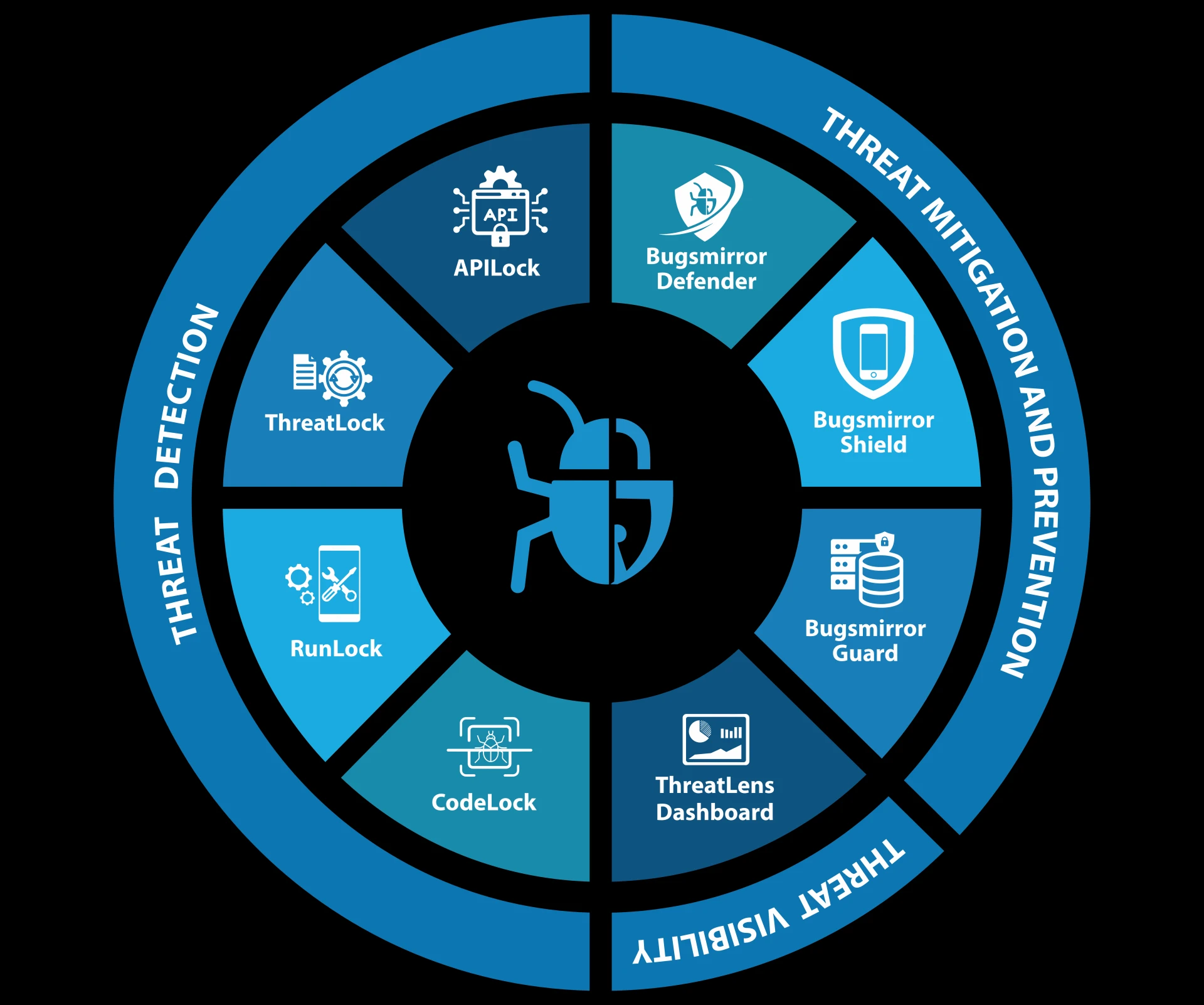
When selecting SAST tools, consider features like language/framework coverage, seamless CI/CD integration, time efficiency in testing results, and maximum security parameter coverage, as well as reputation and relevant achievements. Bugsmirror CodeLock covers more than above mentioned measures and stands out as a comprehensive and efficient SAST tool.
Bugsmirror CodeLock is a SAST tool that identifies more than 50 static code vulnerabilities in mobile applications, like insecure code, weak data encryption, etc. It’s an automated tool that tests your mobile app within 2-3 hours and helps you protect apps before releasing them.
The tool is designed by Bugsmirror experts especially for businesses to smoothen DevSecOps process with integrated security. ‘Bugsmirror’ is a leading security provider, recognised as the No. 1 bug-hunters for Google. With an expert security team and continuous updates, the company stays aligned with real-world threats and modern security needs.
Validate and strengthen your application security. Contact Bugsmirror.



























Sign in to leave a comment.