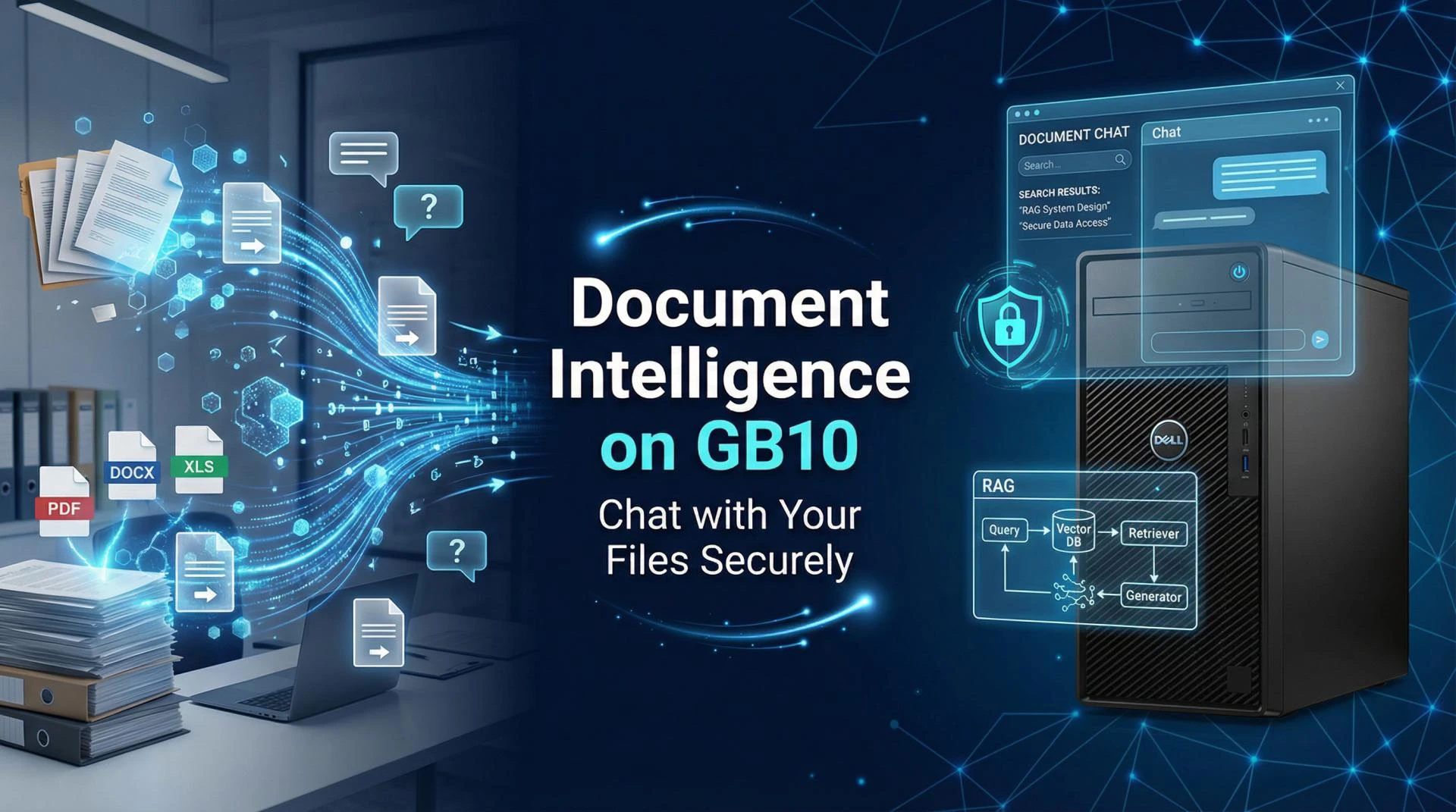

Organisation today are sitting on a treasure trove of unstructured knowledge - think of all those PDFs, Word docs, spreadsheets, slides, emails and internal reports just gathering dust and holding valuable institutional intelligence. The trouble is, most of this data is stuck in isolation, impossible to get to quickly and out of sync with real-time business processes like sales, legal review, compliance checks or operational decision-making.
This blog is a step-by-step guide to building a real-world, production-ready Document Intelligence system on the Dell Pro Max GB10 platform - one that lets organisations "tap into" their files, virtually having a conversation with them, all without needing to send sensitive data to the cloud. And we're using a super simple Retrieval-Augmented Generation (RAG) architecture to do it.
The Core Problem: Knowledge Is There, But the Context Is Missing
For most businesses, there are three fundamental problems standing in the way of unlocking the real value of their document libraries:
1. Fragmented Knowledge
You've got policies, contracts, standard operating procedures (SOPs), emails and reports scattered all over the place - in different formats and locations. To find the document you need, you often have to know where to look and who to turn to in the first place.
2. The High Cost of Retrieval
Trying to find the answer to a question means trawling through folders, email threads or relying on what amounts to tribal knowledge - and that's a slow, error-prone and non-scalable process that just gets slower and more painful as the organisation grows.
Layer 3: Core Components
- Document Processor: handles all sorts of files - pdfs, docx's, text files, even xlsx spreadsheets and more
- Vector Database: stores the results locally - and you've got choices in how you do that : chromadb, qdrant, or weaviate
- LLM Runtime : use whatever best fits your needs - but we do have a few popular options like Llama 3.1, Mistral and Qwen
Getting to that Rag: Fast & Easy to Build
One thing that really stood out from the demo was just how quick it was to get going. We're not talking about a months-long research project here - this is something you can get up and running in just a few hours.
4 or 6 hours... either way its pretty quick
How long it takes to get to a working prototype
no need to be a genius programmer - basic python skills are all you need
and the best part is its open source
You can see the whole code, and even use it to build your own version
The Implementation Workflow
In visual studio or your ide of choice, the workflow is pretty straightforward:
- Get a local LLM runtime : we've got a few options here - Llama, Ollama, VLLM, each with its own strengths
- Load and chop up your documents : you'll want to break them down into manageable chunks (think 500 to 1000 tokens at a time)
- make those embeddings happen : either using sentence transformers or something from open AI that works for you
- store the vectors in a local database : and again, you've got your choice of providers : chromadb, qdrant, or weaviate
- query, grab the data and generate a response : a pretty standard process with document level citations to boot
More Info Visit Us: https://www.copilots.in/
Read More Blogs: https://copilots-dellgb10.blogspot.com/
| Connect With Us |
| Stay informed and inspired. Follow Gignaati across platforms: |
| LINKEDIN - https://www.linkedin.com/company/gignaati |
| FACEBOOK - https://www.facebook.com/gignaati/ |
| INSTAGRAM - https://www.instagram.com/gignaati/ |
| X - https://x.com/Gignaati |
| YOUTUBE - https://www.youtube.com/@Gignaatiofficial |






























Sign in to leave a comment.