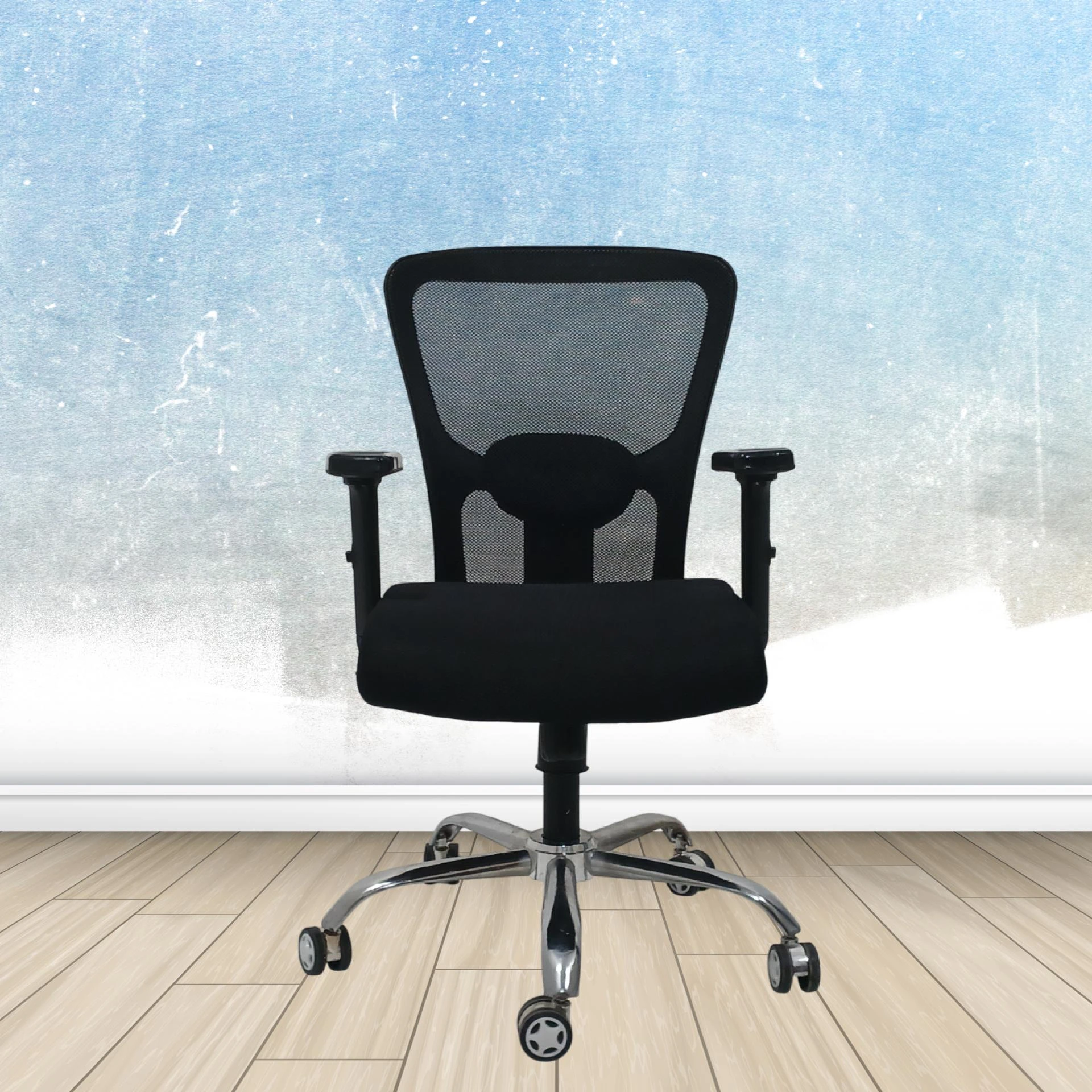

In today’s fast-paced work environment, comfort and efficiency are paramount. As many of us spend extended hours sitting at desks, the right computer chair becomes more than just a piece of furniture; it's a crucial element of our productivity and overall well-being. This article explores how the right computer chair can significantly boost productivity and reduce fatigue, helping you stay focused and energized throughout your workday.
The Importance of Ergonomics
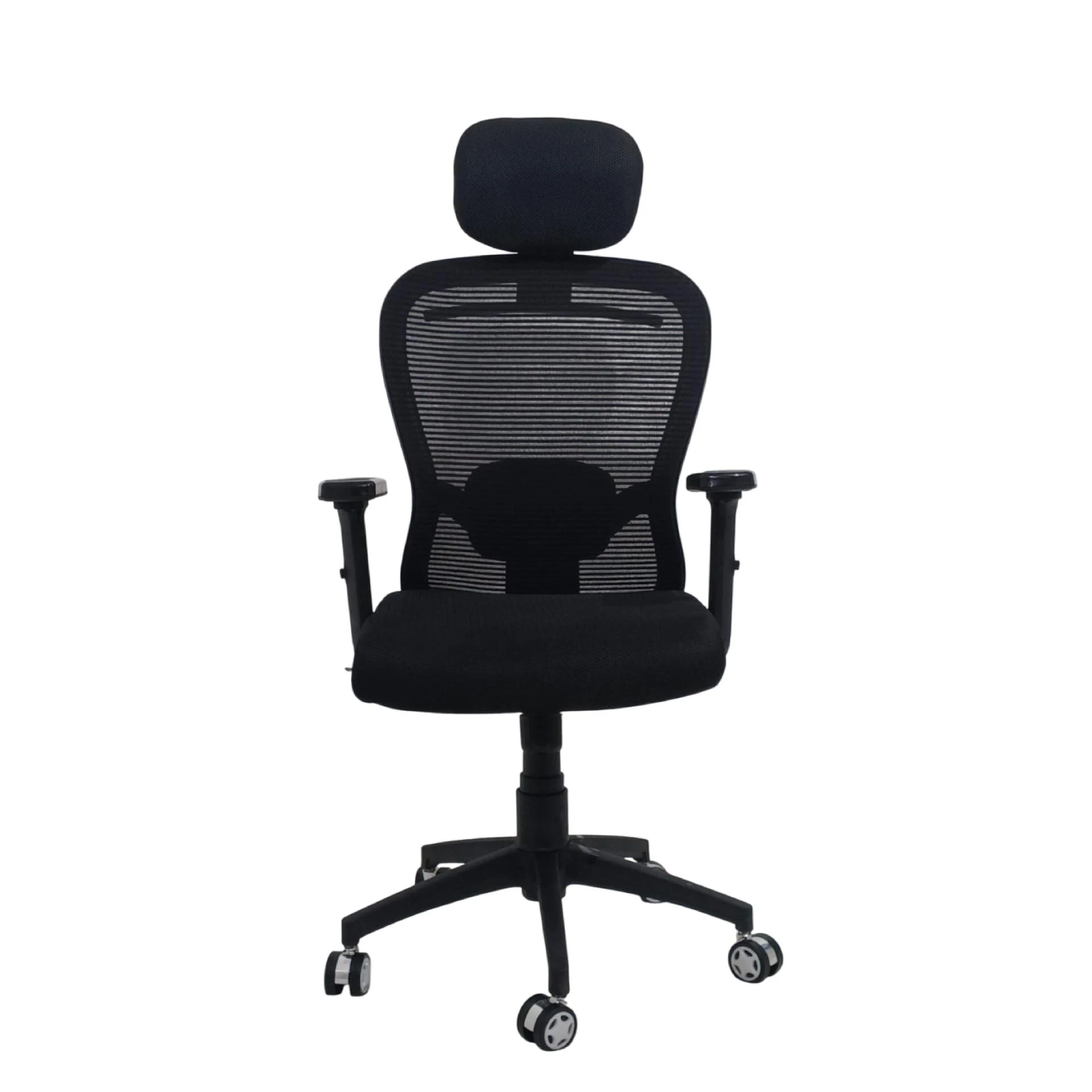
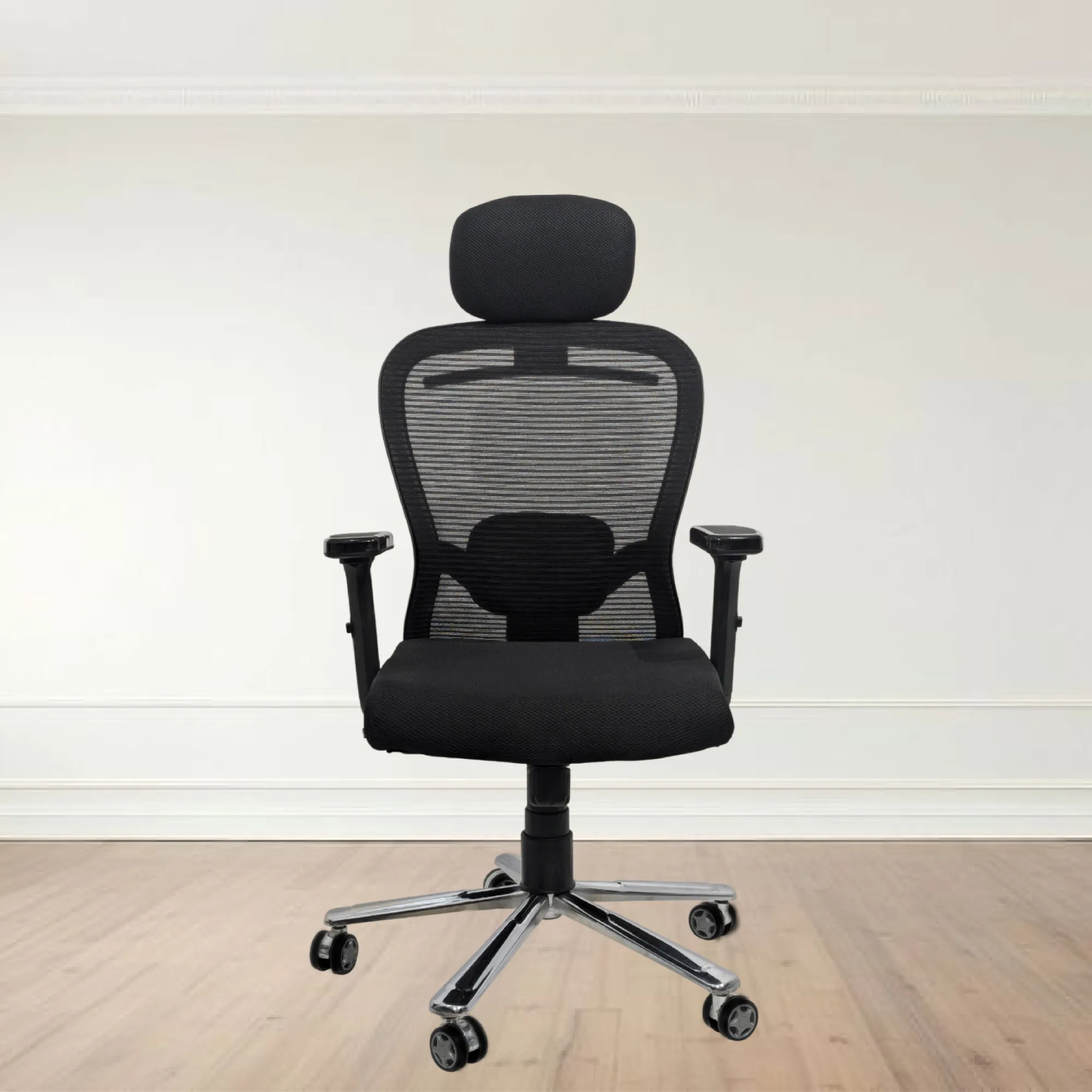
When choosing a computer chair, ergonomics is a key factor. Ergonomic chairs are designed to support the natural curvature of the spine, helping to maintain a healthy posture. Poor posture can lead to discomfort and long-term health issues, reducing productivity. A well-designed ergonomic chair encourages a seated position that aligns your body correctly, allowing you to work for longer periods without strain.
Benefits of Ergonomic Design
- Posture Support: Ergonomic chairs often feature adjustable lumbar support, which helps maintain the natural curve of your lower back. This support is essential for preventing slouching and back pain.
- Adjustability: A good computer chair should be easily adjustable. Features such as height adjustment, seat depth, and armrest height allow users to customize the chair to their specific needs, promoting comfort and productivity.
- Mobility: Many ergonomic chairs come with swivel bases and smooth-rolling casters. This feature enables users to move around their workspace easily without straining their bodies.
- Breathability: Chairs made with breathable materials, such as mesh, help keep you cool and comfortable during long work hours. Proper ventilation reduces discomfort and enhances focus.
Impact on Productivity
The design of your computer chair can have a direct impact on your productivity levels. Here’s how:
Enhanced Focus
Comfortable seating allows for longer periods of uninterrupted work. When your body feels good, your mind can focus better on tasks at hand. A well-designed computer chair can help minimize distractions caused by discomfort, allowing you to work efficiently.
Reduced Fatigue
Fatigue is often a result of prolonged sitting in a poorly designed chair. An ergonomic computer chair distributes your weight evenly, reducing pressure points and muscle strain. When your body is comfortable, you’re less likely to experience fatigue, leading to improved performance.
Encouragement of Movement
Good computer chairs often promote movement, which is vital for maintaining energy levels. Some models allow for slight rocking or tilting, encouraging users to shift positions throughout the day. This movement can enhance blood circulation and keep you feeling alert.
Choosing the Right Computer Chair
With countless options on the market, selecting the right computer chair can be daunting. Here are some factors to consider:
1. Adjustability
Look for chairs that offer multiple ways to adjust their dimensions. Height, armrest, and backrest adjustments are essential for tailoring the chair to your body. A chair that accommodates your unique shape ensures maximum comfort.
2. Lumbar Support
Opt for a chair with excellent lumbar support. This feature is crucial for maintaining the natural curve of your spine, reducing the risk of back pain. Some chairs come with adjustable lumbar support, allowing you to position it precisely where you need it.
3. Seat Material
The material of the chair is also important. High-density foam padding provides comfort and durability, while breathable mesh fabric keeps you cool. Consider how long you’ll be sitting and choose materials that suit your needs.
4. Mobility Features
Ensure the chair has a swivel base and smooth-rolling wheels. This promotes easy movement around your workspace, enhancing your ability to multitask effectively.
5. Height Range
A good computer chair should accommodate a wide range of heights. Ensure that the chair can be adjusted low enough for shorter individuals and high enough for taller users.
Common Mistakes to Avoid
Many people make common mistakes when selecting a computer chair that can impact their comfort and productivity.
1. Ignoring Ergonomics
Choosing a chair based solely on aesthetics can lead to discomfort. Always prioritize ergonomic features over looks to ensure your chair supports your body properly.
2. Skipping Adjustability
Don’t settle for a chair that isn’t adjustable. A one-size-fits-all approach often leads to discomfort. Ensure the chair can be customized to fit your body perfectly.
3. Overlooking Warranty and Quality
Investing in a high-quality chair with a warranty can save you money in the long run. A quality chair is built to last, providing ongoing support and comfort.
4. Neglecting Space Considerations
Ensure that the chair fits well within your workspace. Consider dimensions and whether it will allow for movement and accessibility to your desk and other tools.
Incorporating Movement into Your Workday
While having a good computer chair is critical, incorporating movement into your daily routine is equally important. Here are some tips to balance sitting with movement:
1. Take Regular Breaks
Set a timer to remind yourself to stand up and stretch every hour. Short breaks can help alleviate stiffness and improve circulation.
2. Desk Exercises
Consider performing simple exercises at your desk. Stretching your arms, neck, and back can relieve tension and refresh your mind.
3. Standing Desks
If possible, consider using a standing desk or a sit-stand desk converter. Alternating between sitting and standing can enhance energy levels and productivity.
4. Walking Meetings
Whenever feasible, opt for walking meetings instead of sitting in a conference room. This encourages movement and can stimulate creativity.
Conclusion
Investing in the right computer chair is a crucial step toward improving your productivity and reducing fatigue. By prioritizing ergonomic design, adjustability, and comfort, you can create a workspace that supports your health and enhances your performance. Remember, your chair is not just a piece of furniture; it's an essential tool for your success. For a wide range of ergonomic chairs designed to meet your needs, explore the offerings at My Cubicles.





















Sign in to leave a comment.