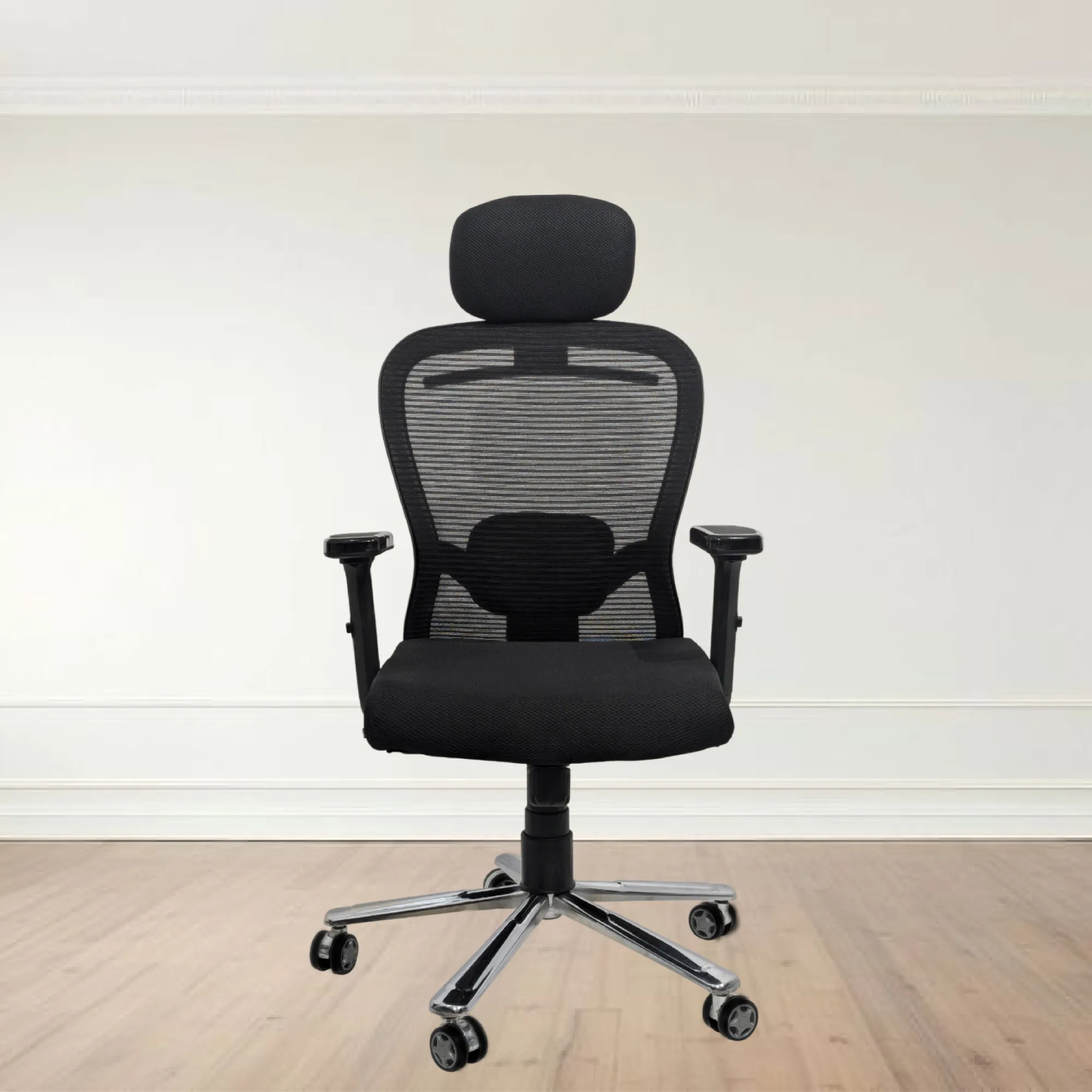

Buying an executive chair isn’t just about choosing something that looks professional. It’s about finding a seat that supports your body through long workdays, reduces discomfort, and helps you stay focused. With so many options available, shoppers often feel overwhelmed—especially when shopping digitally. This guide is designed to help you choose the right chair with confidence, including what to look for, how to compare models, and how to avoid common purchasing mistakes when searching for executive chairs online.
Why an Executive Chair Matters
An executive chair is usually expected to do more than a standard office chair. It’s typically built for heavier daily use, offers more refined materials, and includes features aimed at comfort over time. When a chair fits poorly, the consequences show up quickly: fatigue, neck stiffness, shoulder tension, and lower back strain.
A good executive chair supports the way your body naturally works. Proper lumbar support encourages healthy spinal alignment, seat height helps position your feet and knees correctly, and armrests reduce the workload on your shoulders. In other words, the right chair can be the difference between “I’m okay for a few hours” and “I can work comfortably all day.”
Define Your Needs Before You Shop
Before comparing brands or prices, narrow down what you truly need. Start with the basics:
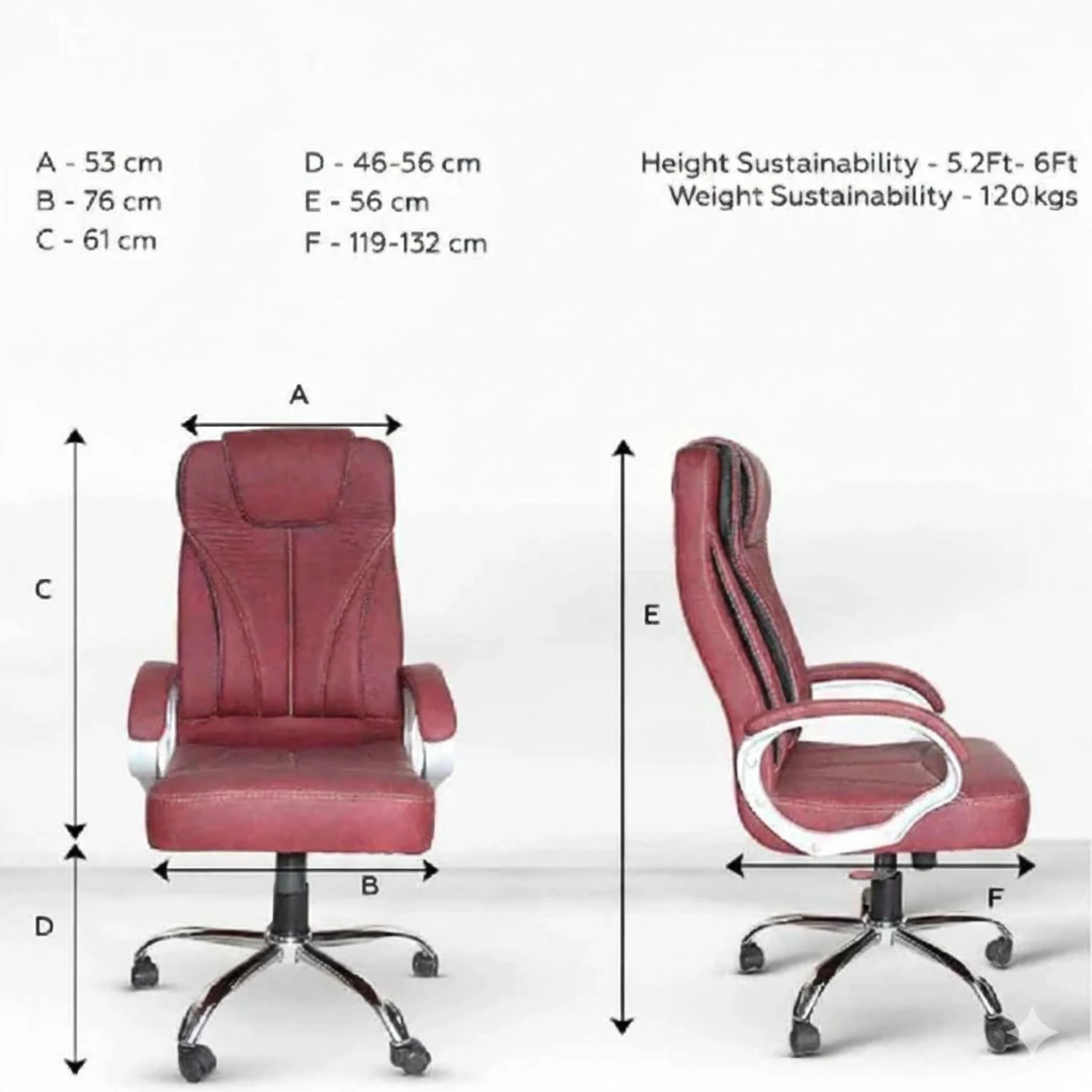
- Your height and weight range: Many chairs offer recommended user sizes for a reason—stability and support depend on fit.
- Your work style: Do you sit upright most of the day, or do you lean back frequently?
- How many hours you work daily: A chair used for 6–8 hours will need different support than one used for shorter periods.
- Your comfort preferences: Some people prefer plush cushioning, while others want firmer support.
A clear “must-have” list reduces the odds of buyer’s regret. For example, if you have back discomfort, prioritize lumbar adjustment. If you use a laptop with a low desk, prioritize seat height range and armrest adjustability.
Key Features to Look For
Not all executive chairs online are built with the same priorities. Focus on features that affect comfort and ergonomics rather than just aesthetics.
1) Adjustable lumbar support
Look for lumbar support that can move up and down (vertical adjustment) and adjust depth (how far it pushes into your lower back). This helps you match your natural curve.
2) Seat height adjustability
Seat height should allow your feet to rest flat on the floor or on a footrest. If your feet dangle, your body compensates by shifting forward, which often leads to slouching.
3) Armrest adjustability
Armrests should be adjustable in at least one direction. Ideally, they move with your body so you can reduce shoulder tension. If armrests are fixed and too high or too far out, your posture may suffer.
4) Tilt mechanism and tension control
A quality chair usually offers recline (tilt) and resistance control so the chair doesn’t snap back upright. The best setups let you recline slightly while still maintaining support.
5) Seat depth and cushion support
Some chairs have a seat that’s too deep for shorter users. If your knees press into the front edge of the seat, look for seat depth adjustment or a shape designed to accommodate different body proportions.
6) Breathable upholstery
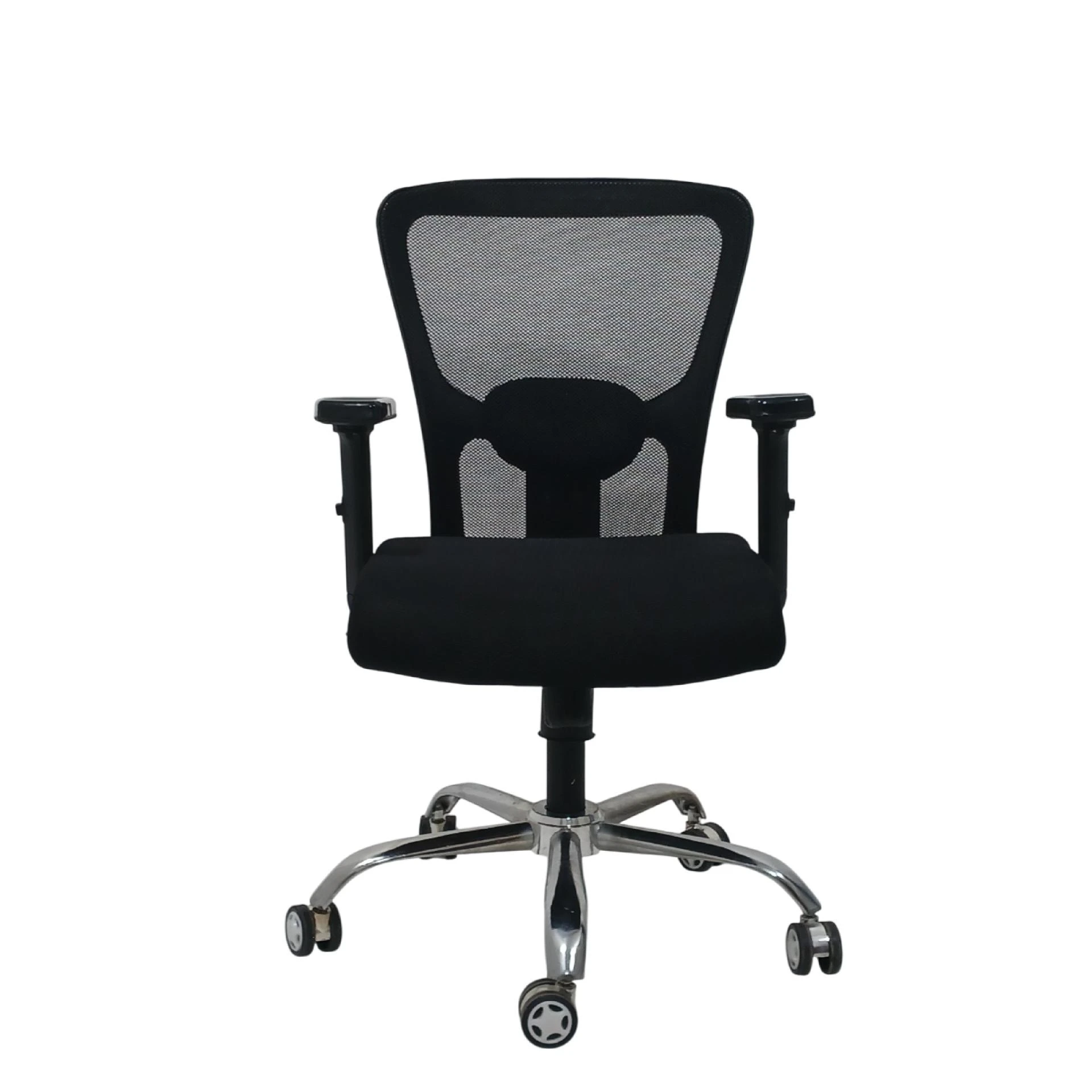
Long hours can turn any chair uncomfortable. Breathable materials help reduce heat buildup and improve all-day comfort. Mesh backs often provide strong airflow, while fabric and leather-style materials can offer a smoother feel.
How to Choose the Right Size
Size mistakes are among the most common issues for shoppers. To avoid them, measure your current desk setup:
- Measure your desk height (especially if it’s adjustable or on the low side).
- Check your current chair position: Are your knees level with your hips? Are your feet grounded?
- Consider your reach: If your arms are overstretched, it may indicate that the chair’s armrests are poorly positioned.
If a chair provides a range of seat height and adjustability options, it’s often easier to dial in a correct position. Still, always compare user size recommendations provided by the seller or manufacturer.
Materials: What to Expect
Executive chairs are commonly found with mesh backs, upholstered seats, or a combination of both.
Mesh backs
- Pros: Breathability, lightweight feel, often good for hot environments
- Cons: Some users prefer the feel of fully upholstered backs
Fabric upholstery
- Pros: Comfortable feel, wide style variety
- Cons: Requires maintenance to avoid stains and wear
Leather or leather-like finishes
- Pros: Professional appearance, easy wipe-down for everyday messes
- Cons: Can feel warm in hot environments; may require conditioning over time
Your ideal choice depends on your climate, cleaning preferences, and the look you want in your workspace.
Comfort Testing: How to Evaluate a Chair in Real Life
If you can test chairs in-store, do so. If you’re purchasing online, comfort testing becomes more about how you interpret specs and reviews. Either way, you should evaluate:
- Back support feel: Does the lumbar area support without pushing too hard?
- Seat firmness: After 15–20 minutes of sitting, does the chair pressure points emerge?
- Armrest alignment: Do arms rest comfortably while shoulders stay relaxed?
- Recline stability: When reclined, does the chair feel controlled rather than awkward?
- Mobility: Does the chair glide smoothly without wobble?
Even when you can’t sit in the chair beforehand, the same principles still apply. Look for descriptions in reviews that match your comfort needs.
Reviews and Ratings: How to Read Them Like a Pro
Reviews can be useful—or misleading—depending on how they’re written. Here’s a better approach:
- Look for patterns: If multiple reviewers mention that lumbar support is great (or lacking), that’s meaningful.
- Identify who the reviewer is: Some complaints happen because the chair isn’t a good match for height/weight.
- Avoid extreme single reviews: One person’s preference for a softer seat shouldn’t outweigh dozens of consistent comments.
- Check photos: User images can show wear and construction details that product pages don’t reveal.
A chair may be popular, but the “right” chair is the one that fits your body and work habits.
Common Mistakes When Buying Executive Chairs Online
- Choosing aesthetics over ergonomics
A beautiful chair can still be uncomfortable if the lumbar support doesn’t match your spine. - Ignoring adjustability
If you can’t fine-tune seat height, armrests, or recline tension, you may struggle to find the right posture. - Overlooking desk compatibility
Chair height must work with desk height. Misalignment often leads to neck strain or shoulder tension. - Not checking weight capacity and stability
Every chair has a maximum recommended load. Staying within those limits helps maintain safe performance. - Underestimating return policy importance
When buying online, you want a return process that makes it easy to exchange for a better fit if needed.
Price vs. Value: What You’re Really Paying For
Executive chairs vary widely in cost. The goal isn’t always to buy the cheapest option—it’s to pay for the features that improve long-term comfort.
Higher-priced chairs often offer:
- Better built-in adjustability
- More durable components and materials
- Smoother recline mechanisms and more stable bases
- Longer-lasting cushioning or support systems
That said, value depends on your usage. If you work long hours daily, spending more on comfort features can reduce discomfort and prevent the “upgrade later” cycle.
Setting Up Your Chair for Optimal Posture
Even the best chair won’t help much if it’s not adjusted properly. A simple setup routine can make a big difference:
- Seat height: Feet should be supported, and knees should align comfortably.
- Lumbar support: Place it to support your lower back’s natural curve—without pressing too aggressively.
- Armrests: Adjust so shoulders relax and elbows can bend comfortably.
- Recline tension: Set resistance so the chair doesn’t feel unstable.
- Screen height: Chair posture is only half the equation—screen placement matters for neck and eye strain.
If you spend hours at your desk, small adjustments can prevent big discomfort over time.
Warranty, Returns, and Support
When selecting an executive chair, check the warranty coverage. A solid warranty indicates the manufacturer expects the chair to last and stands behind its materials. Also review the return policy before purchase. If the chair arrives and doesn’t feel right, being able to return or exchange can save both money and frustration.
Customer support matters too. If you need replacement parts or adjustments, it helps to choose sellers known for responsive service.
How to Narrow Down Your Final Choice
At this point, you should have enough information to decide. Use a short checklist:
- Do you have the right chair size for your height and build?
- Is lumbar support adjustable and easy to set?
- Are armrests positioned to reduce shoulder strain?
- Does the seat cushion feel supportive after extended sitting?
- Does the chair offer the right tilt/recline control?
- Are reviews consistent with your needs?
- Are warranty and return policies acceptable?
When a chair passes these checks, you’re far more likely to be satisfied long-term.
Conclusion
Shopping for the right executive chair is about matching comfort features to your body, your desk setup, and your work habits. Start by identifying the ergonomic needs that matter most, then compare chairs using adjustability, support quality, and review patterns rather than only appearance. With the right selection strategy, you can find a chair that feels supportive from day one and helps your workspace become more comfortable over time.





























Sign in to leave a comment.