
Why Core Web Vitals Matter More Than Ever in 2026
Let’s get this out of the way: Core Web Vitals (CWV) have been the SEO world’s favorite scapegoat since 2021. Yet, many site owners still treat them like a checkbox exercise or a vague “Google likes fast sites” myth. The reality? Core Web Vitals are now a foundational piece of how Google evaluates user experience (UX) — especially as AI-driven search intensifies the competition for attention and rankings.
Ignoring Core Web Vitals today is effectively handing your competitors a leg up. According to a recent Search Engine Land study analyzing over 107,000 pages, sites that consistently perform well on CWV metrics show better visibility in AI-powered search features. This means UX is not just a ranking factor; it's a bridge to emerging search paradigms.
What Core Web Vitals Really Are: Beyond the Buzzwords
Before you run to your developer screaming about Largest Contentful Paint (LCP) or Cumulative Layout Shift (CLS), let’s clarify what CWV measures and why it’s critical:
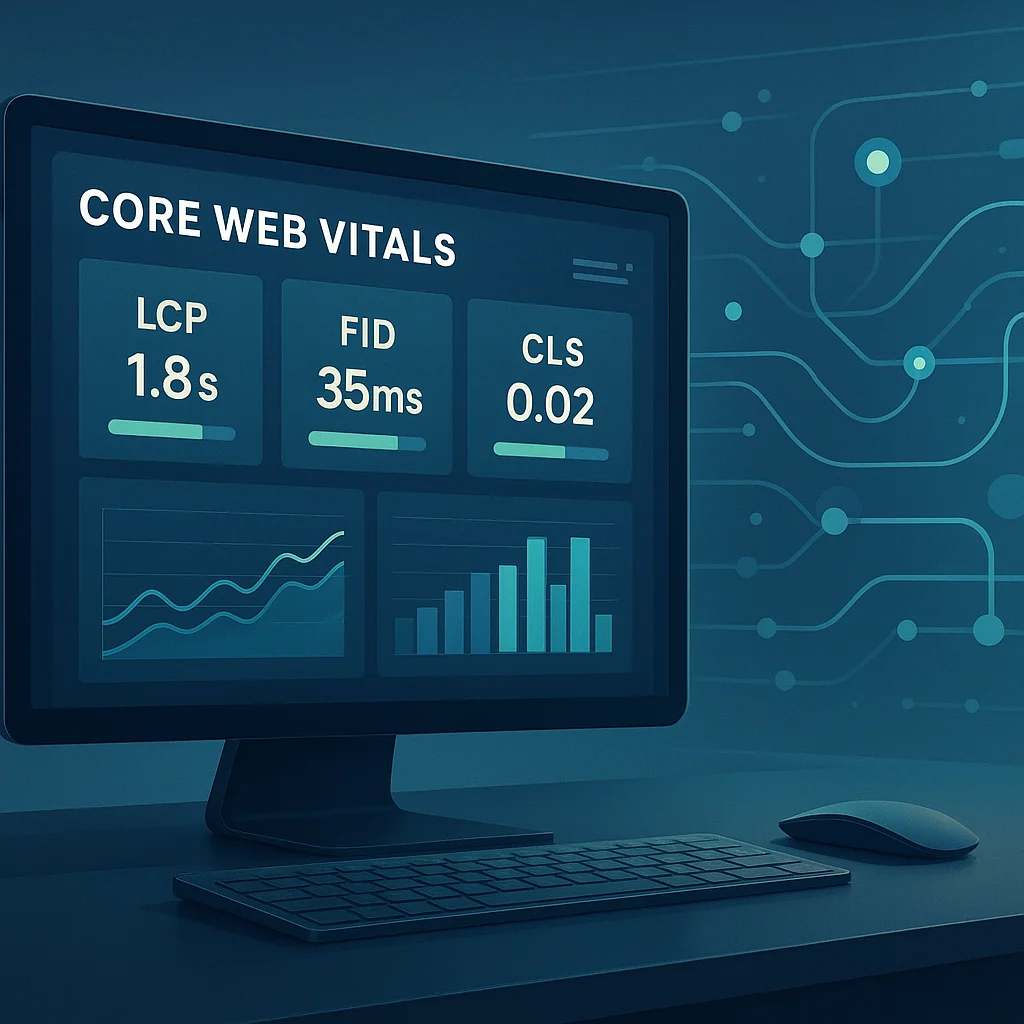
- Largest Contentful Paint (LCP): How fast the main page content loads — ideally under 2.5 seconds.
- First Input Delay (FID): How quickly your site responds to a user’s first interaction — the target is less than 100 milliseconds.
- Cumulative Layout Shift (CLS): How visually stable your page is during loading — you want a CLS score below 0.1 to avoid annoying unexpected shifts.
These metrics focus on real user experience signals, not just technical speed. Google’s John Mueller has emphasized that CWV is a proxy for how users perceive your site’s usability, so optimizing these isn’t optional anymore.
Measuring Core Web Vitals: Tools You Can’t Ignore
Measurement is the first step to improvement, but many site owners get lost in an avalanche of tools. Here are the essentials:
Google Search Console (GSC)
GSC’s Core Web Vitals report is your go-to for site-wide performance data aggregated from real users (field data). It shows you which URLs pass or fail the CWV thresholds. However, watch out: recent updates to this report have caused confusion, as reported by Search Engine Roundtable. Some fluctuations are actually normal due to data sampling, so don’t panic at the first sign of volatility.
PageSpeed Insights
This tool combines lab and field data, giving you a detailed breakdown of LCP, FID, and CLS with actionable suggestions. It also measures total blocking time (TBT), a useful proxy for interactivity.
Chrome User Experience Report (CrUX)
CrUX offers granular real-world user experience data, perfect for spotting trends over time and across devices. It’s a must-know for any serious SEO and UX team.
Web Vitals Extension & Lighthouse
For developers itching for a quick local audit, Chrome's Web Vitals extension and Lighthouse audits provide immediate feedback on CWV metrics during development and testing.
Why JavaScript-Heavy Sites Need Special Attention
If your site relies heavily on JavaScript frameworks or single-page applications, CWV optimization is not straightforward. JavaScript execution can delay LCP and FID dramatically, and cause unexpected layout shifts.
Fortunately, Chrome is experimenting with new ways to better measure and improve CWV on such sites. As Search Engine Journal reports, Google’s Chrome team is trialing improvements to how CWV metrics are captured for JavaScript-heavy pages. This signals that Google recognizes the technical complexity and is actively evolving its measurement methodology, but that also means site owners can’t just rely on traditional fixes.
Three Common CWV Mistakes That Waste Your Time and Budget
- Chasing Perfect Scores Instead of Real UX Gains: A flashy 100/100 on PageSpeed Insights is a vanity metric if your users still have a frustrating experience. Focus on what actually impacts user satisfaction.
- Ignoring Mobile Optimization: Google’s mobile-first indexing means your CWV scores on mobile matter more than desktop. Treat mobile as your primary battleground.
- Overlooking CLS Causes: Many fix CLS by guessing—images without dimensions, ads loading late, or web fonts causing shifts. Identify the root cause with tools before deploying band-aid fixes.
How to Improve Core Web Vitals: A Tactical Roadmap
1. Optimize LCP by Prioritizing Critical Content
Start by deferring non-critical JavaScript and CSS. Preload important resources and use server-side rendering where possible. Compress images and serve them in next-gen formats like WebP or AVIF for faster loading. If you use Magento, consider the Hyvä theme — it’s designed to reduce frontend bloat and boost CWV.
2. Reduce FID with Efficient JavaScript
Minimize main-thread blocking by breaking up long tasks, deferring non-essential JS, and optimizing event handlers. Use web workers to offload heavy computations. Tools like Chrome DevTools’ Performance tab can help identify scripting bottlenecks.
3. Fix CLS by Stabilizing Layouts
Always specify width and height attributes for images and videos. Reserve space for ads and embeds with placeholders. Avoid inserting content above existing content unless it’s expected (like sticky headers). Monitor CLS shifts using the Web Vitals extension to catch unexpected causes.
4. Monitor Continuous Real-User Metrics
Implement real user monitoring (RUM) to track CWV metrics over time across your actual audience. Synthetic tests are useful but can’t replace real-world experience data.
What This Means for You: Concrete Steps to Take Today
- Audit your site’s CWV scores using Google Search Console and PageSpeed Insights to identify weak spots.
- Prioritize mobile optimization since Google’s mobile-first indexing makes mobile CWV scores critical.
- Work with your developers to defer non-critical JS, compress and preload images, and fix layout shifts.
- Set up real user monitoring to ensure continuous tracking of CWV and UX improvements.
- Stay alert for Google’s evolving CWV measurement methods especially if your site is JavaScript-heavy; keep an eye on Chrome’s trials reported by Search Engine Journal.
- Consider platform-specific optimizations like switching to lightweight themes or frameworks proven to boost Core Web Vitals, such as Hyvä for Magento stores.
Looking Ahead: What’s Next for Core Web Vitals and UX in SEO?
Core Web Vitals is far from a static checklist. With Google’s increasing reliance on AI to interpret user signals, expect CWV metrics to evolve, incorporating more nuanced UX factors beyond speed and stability. The recent data from Search Engine Land suggests CWV performance can influence AI-powered search features, making it a competitive edge.
Moreover, Chrome’s ongoing experiments to better measure CWV on complex JavaScript sites indicate that technical SEO will need to keep pace with front-end innovations. Site owners who invest in continuous monitoring and proactive UX improvements—not just chasing scores—will win in the long run.
If you want to dig deeper, check out our comprehensive guide on measuring and improving Core Web Vitals and stay tuned for updates on emerging tools and strategies.
Ignoring Core Web Vitals today is like ignoring mobile optimization five years ago: costly and shortsighted. The sites that take UX seriously now are the ones that will dominate search in the AI-driven future.





























Sign in to leave a comment.