
Handing out a handful of company credit cards used to be simple - until the reconciliation started. Statements arrive weeks after the spend happened, receipts go missing, and finance ends up playing detective every month just to match transactions to the right department, project, or employee. Multiply that across dozens of cardholders, and it stops being a minor annoyance and starts being a real drag on the close.
Corporate card management software exists to close that gap. Instead of issuing physical cards and reconciling them after the fact, modern platforms let finance issue virtual and physical cards instantly, set spending limits per employee or category, and see transactions the moment they happen - not weeks later on a statement. In 2026, as finance teams face tighter audit expectations and less appetite for manual reconciliation, corporate card management has become one of the fastest ways to tighten control without adding headcount.
This guide covers what corporate card management software actually does, the features worth prioritizing, and how to choose the right platform - including how a connected travel management system can keep card spend, travel bookings, and expense data working together instead of living in disconnected tools.
What Is Corporate Card Management Software?
Corporate card management software is a platform that lets businesses issue, control, and monitor employee spending cards - usually a mix of physical and virtual cards - from a single dashboard. Rather than distributing generic company cards and reconciling spend after the fact, the software allows finance to set individual spending limits, restrict specific merchant categories, and attach each card directly to a digital expense policy.
The core function is control at the point of spend rather than after it. Transactions post in real time, receipts can often be matched automatically through the app, and finance gets visibility into what's being spent as it happens, rather than waiting for a monthly statement to reconstruct the picture. Many platforms also let finance issue single-use virtual cards for specific purchases, adding an extra layer of control for one-off expenses like software subscriptions or event bookings.
Why Corporate Card Management Matters More in 2026
A few shifts are pushing finance teams to move away from generic company cards and shared card numbers this year.
Shared cards create accountability gaps. When multiple employees use the same card number, it becomes difficult to trace who spent what, which slows down reconciliation and weakens internal controls.
Audit requirements are tightening. Auditors increasingly expect a clear, real-time trail connecting every transaction to an individual, a policy, and a receipt - not a shared card statement with generic line items.
Manual reconciliation doesn't scale. As headcount grows, matching card statements to expense claims by hand becomes a bigger time sink every month, right when finance teams are also being asked to close faster.
Fraud and misuse are easier to catch early. Real-time visibility means unusual spend can be flagged and addressed immediately, rather than discovered during a monthly review when the damage is already done.
Corporate card management software addresses all of this by moving control to the point of issuance and spend, rather than treating it as a reconciliation problem to solve later.
Key Features to Look for in Corporate Card Management Software
Not every card program offers real control. Here's what actually separates a strong platform from a digital version of the same shared-card problem.
Instant Virtual and Physical Card Issuance
Finance should be able to issue a new card - physical or virtual - in minutes, not days, whether it's for a new hire, a specific project, or a one-time purchase. Waiting on card issuance creates exactly the kind of workaround (personal spend followed by reimbursement) that card programs are meant to eliminate.
Individual Spending Limits and Category Controls
The strongest platforms let finance set limits per cardholder and restrict spend to specific merchant categories, so a card can be scoped tightly to its purpose rather than left wide open and monitored after the fact.
Real-Time Transaction Visibility
Transactions should appear on the dashboard as they happen, not days later. This gives finance the ability to catch unusual spend immediately and gives a genuinely current picture of committed spend at any point in the month.
Policy Attached Directly to Each Card
When every card is linked to a digital expense policy, compliance is built into the spending itself rather than checked afterward. This removes a huge share of the manual review work finance would otherwise do on every transaction.
Automatic Receipt Matching
Look for platforms that prompt employees for a receipt at the moment of a transaction - often through a mobile notification - and automatically match it to the corresponding charge, rather than requiring a separate expense report later.
Role-Based Permissions and Audit Trails
Finance needs clear control over who can issue cards, adjust limits, or approve exceptions, along with a complete audit trail of every action taken. This matters as much for internal accountability as it does for external audits.
Integration with Accounting and HR Systems
Card transactions should flow directly into your accounting system with correct coding, and card access should update automatically as employees join, change roles, or leave - rather than relying on someone remembering to deactivate a card manually.
How to Choose the Right Corporate Card Management Software
1. Start With Your Current Card Pain Points
Before comparing vendors, identify exactly where your current process breaks down - is it reconciliation delays, lost receipts, lack of visibility into real-time spend, or the risk of shared cards with no individual accountability? Different platforms solve different problems well.
2. Confirm How Quickly Cards Can Be Issued and Adjusted
Ask specifically how long it takes to issue a new card, adjust a limit, or freeze a card in an emergency. A platform that requires a support ticket for basic changes will slow your team down exactly when speed matters most.
3. Check Integration Depth with Your Accounting System
Card transaction data should flow directly into your ERP or accounting software with correct GL coding. Ask for specifics rather than accepting a general claim of integration - what syncs, how often, and what happens if it fails.
4. Evaluate the Employee Experience
Cardholders need a simple way to see their limits, get notified of transactions, and submit a receipt without friction. If the employee-facing app is clunky, receipt compliance drops and finance ends up chasing documentation anyway.
5. Ask About Fraud Controls and Alerts
Understand exactly how the platform flags unusual spend - whether that's real-time alerts, spending anomaly detection, or automatic holds on suspicious transactions - and how quickly your team can respond.
6. Think About Scalability
As your team grows, you'll need to issue more cards, manage more spending categories, and support more approval layers. Choose a platform that can grow with you rather than one you'll need to replace at a certain headcount.
7. Request a Demo With Your Own Card Program in Mind
Bring your actual org structure, a few real-world spending scenarios, and your current reconciliation pain points to the demo. A platform that looks strong in a generic walkthrough can behave very differently once your specific rules are applied.
Connecting Card Spend to Travel and HR With SavvyHRMS
Corporate card spend rarely exists on its own - a significant share of card transactions come directly from business travel, and much of the manual reconciliation finance teams deal with comes from card data, travel bookings, and employee records living in separate systems that were never designed to talk to each other.
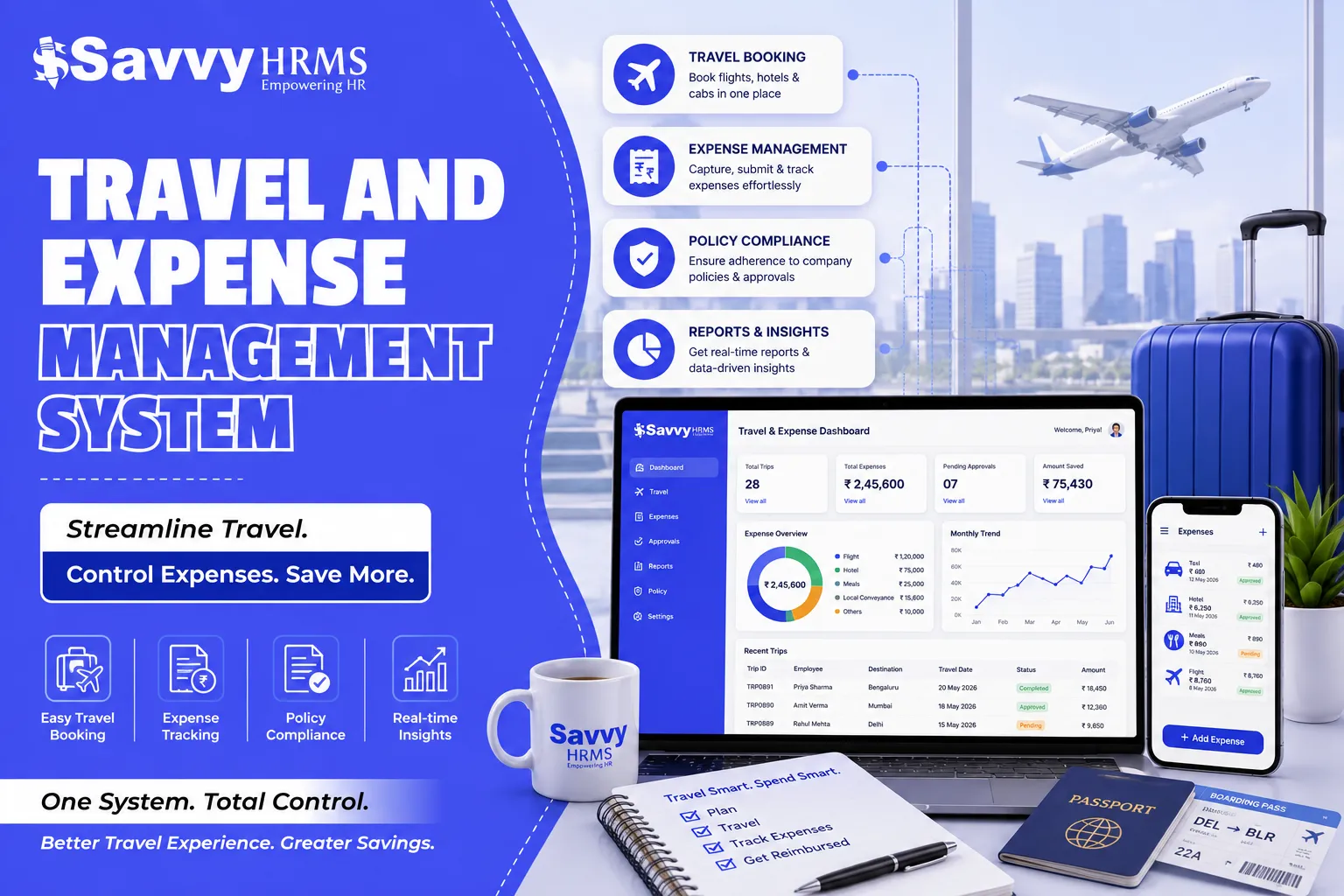
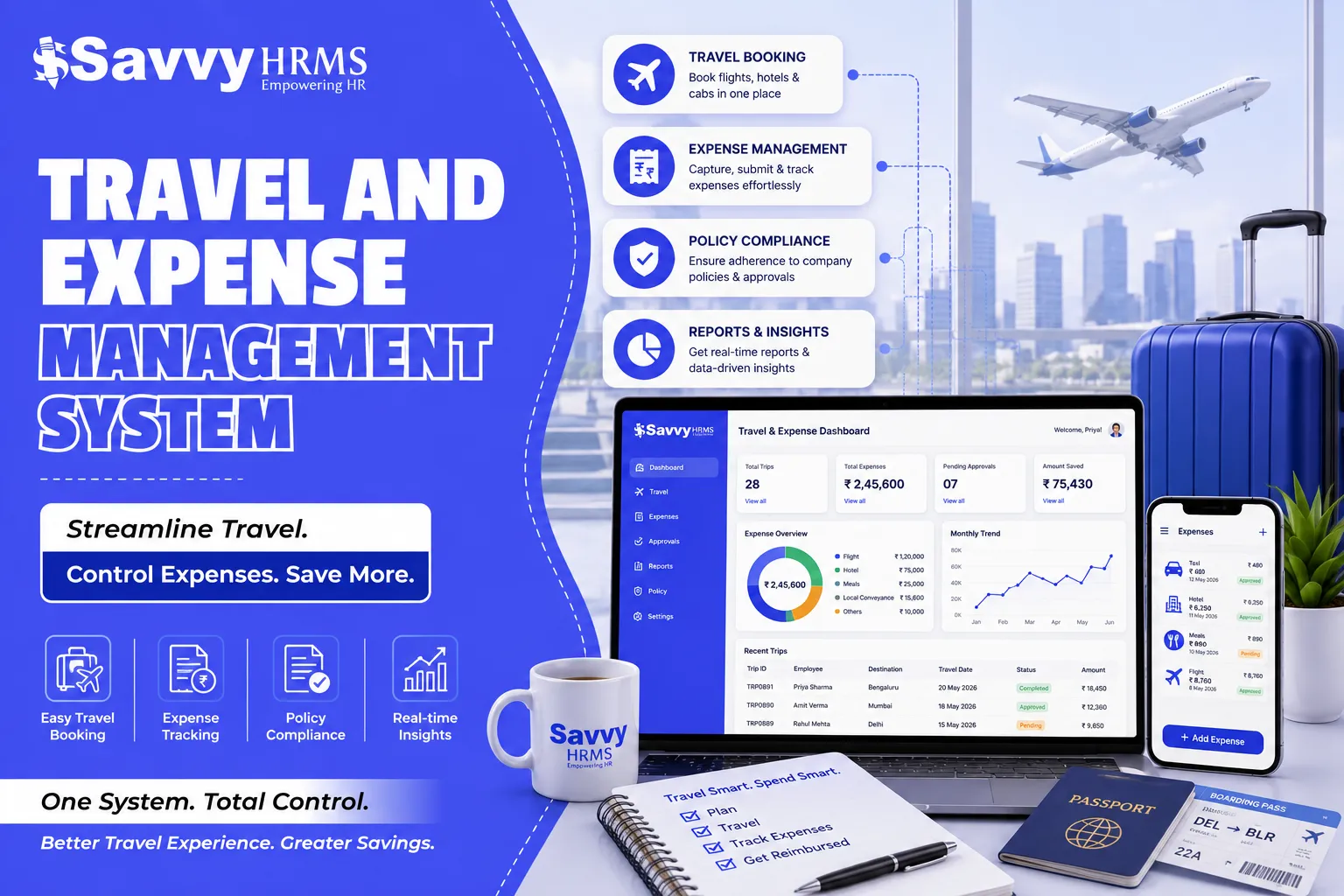
That's the gap SavvyHRMS is built to close. Instead of treating card management as a standalone tool, SavvyHRMS keeps card spend connected to travel booking, expense approvals, and employee data within the same platform your HR team already uses - so policy enforcement and reconciliation stay in sync without extra manual work for finance.
Final Thoughts
Corporate card management in 2026 isn't about handing out more plastic - it's about replacing shared cards and after-the-fact reconciliation with individual accountability and real-time visibility. The platforms that actually reduce finance's workload are the ones that enforce policy at the point of spend, integrate cleanly with the accounting and HR systems already in place, and make receipt compliance easy enough that employees actually follow through.
Map your current reconciliation pain points, prioritize integration and real-time control over a long feature list, and test the employee experience before you commit. Get that right, and corporate card spend stops being a monthly scramble to reconcile - and becomes one more part of finance that simply runs on its own.
Frequently Asked Questions
1. What's the difference between a corporate card and corporate card management software?
A corporate card is just the payment instrument. Corporate card management software is the platform layered on top that lets finance issue cards, set individual limits, enforce policy, and see transactions in real time - rather than reconciling a generic card statement after the fact.
2. Do small businesses need dedicated card management software?
Often, yes. Even a small number of cardholders can create real reconciliation work each month, and smaller finance teams typically have less capacity to absorb that manual effort compared to larger organizations.
3. How do virtual cards work, and why would we use them?
Virtual cards are digital card numbers generated for a specific purchase, vendor, or time period. They're useful for one-off expenses like software subscriptions or event bookings, since they can be issued instantly and locked to a specific use without waiting for a physical card.
4. Can corporate card software stop out-of-policy spend before it happens?
Yes, in stronger platforms. Because each card is tied to a digital policy and specific limits, out-of-policy or over-limit transactions can be declined automatically at the point of sale rather than caught during a later review.
5. How does card management software integrate with accounting systems?
Most platforms sync transaction data directly into your ERP or accounting software, applying correct GL codes automatically so spend flows into your books without manual export or re-entry.
6. What happens to a card when an employee leaves the company?
On integrated platforms, card access can update or deactivate automatically when HR records show a change in employment status, removing the risk of a card staying active after someone has left.
7. How does receipt matching actually work?
Most platforms send a notification to the cardholder immediately after a transaction, prompting them to photograph a receipt, which is then automatically matched to that specific charge rather than requiring a separate expense report later.





















Sign in to leave a comment.