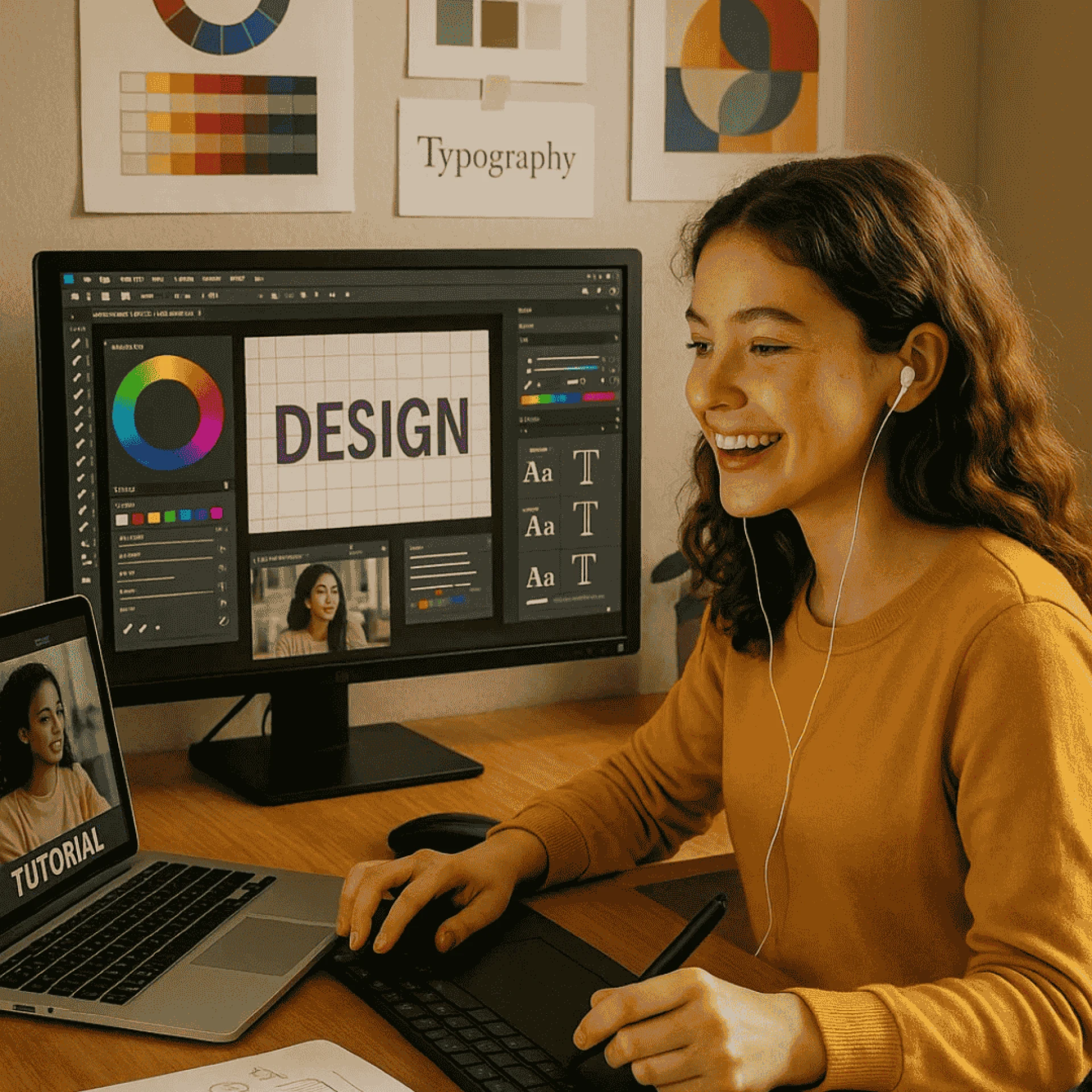
Graphic design is more than just pretty visuals—it’s about solving problems, communicating ideas, and creating powerful digital and print experiences. In today’s visually driven world, businesses need skilled designers to shape their brand, connect with customers, and bring ideas to life. As the demand for creative professionals grows, more and more students are stepping into the world of graphic design with purpose—and preparation.
But what does prepare for a career in graphic design really involve? Let’s dive into the key areas that students are focusing on to succeed in this dynamic industry.
1. Understanding What Graphic Design Is
Before jumping into tools and software, successful design students spend time understanding what graphic design actually means. It’s not just making something look “nice.” It’s about:
- Communicating visually: Using typography, color, layout, and imagery to send a message.
- Solving problems: Every design has a purpose—whether it’s to sell, inform, entertain, or persuade.
- Balancing creativity and function: A beautiful design is useless if it doesn’t work well.
Students are taught that graphic design is everywhere—from websites and ads to packaging, social media, and even signage. This big-picture thinking helps them realize the importance of their work in real-world applications.
2. Mastering Industry-Standard Tools
While creativity is at the heart of design, tools are what help bring ideas to life. Students preparing for graphic design careers get hands-on experience with tools like:
- Adobe Photoshop – For photo editing, digital painting, and manipulation
- Adobe Illustrator – For logo design, icons, and vector graphics
- Adobe InDesign – For creating layouts for magazines, brochures, and eBooks
- Figma or Adobe XD – For user interface (UI) and user experience (UX) design projects
- Canva (basic use) – For fast prototyping or client-based design requests
Learning these tools is not just about clicking buttons—it’s about knowing when and how to use them effectively in a workflow.
3. Learning the Foundations of Design
Behind every great design is a strong foundation in design principles. Students spend time learning:
- Typography – Choosing and combining fonts to enhance readability and visual impact
- Color theory – Understanding how color affects emotion and brand identity
- Composition & layout – Structuring elements on a page for clarity and balance
- Visual hierarchy – Guiding the viewer’s eye through content
- Branding basics – Crafting a consistent visual identity across platforms
These principles help students create designs that aren’t just attractive but purposeful and user-friendly.
4. Practicing Real-World Projects
The best way to learn is by doing. That’s why students work on projects that simulate or directly connect to real-world needs. These could include:
- Designing logos for fictional or local businesses
- Creating posters for events or causes
- Building a social media campaign from scratch
- Mocking up website interfaces or mobile app designs
- Packaging design for products
These projects help students develop a professional portfolio—something every hiring manager or freelance client wants to see.
5. Building a Portfolio that Speaks
A strong graphic design portfolio is the key to landing jobs and freelance gigs. It’s not just a collection of pretty pictures—it’s a visual resume. Students are guided to:
- Show a variety of styles and formats (digital, print, branding, etc.)
- Include project descriptions to explain their process and thinking
- Present client work if available, or high-quality personal projects
- Demonstrate problem-solving by showing before-and-after comparisons
Portfolios often live on platforms like Behance, personal websites, or even social media. The goal is to showcase skills, creativity, and readiness for the job market.
6. Gaining Freelance and Internship Experience
To stand out in the competitive design world, students often take on freelance work or internships while they study. These opportunities help them:
- Learn how to take client briefs and deliver on time
- Handle feedback and revisions professionally
- Understand how agencies and design team's work
- Build a network of contacts for future opportunities
Many students start with small gigs—like designing social media posts for a local brand or helping a startup with a brochure—and grow their confidence from there.
7. Exploring Career Paths in Design
Graphic design offers multiple career directions. Students preparing for the future often explore:
- Brand identity designer – Focused on creating visual identities for businesses
- UI/UX designer – Designing user interfaces for websites and apps
- Packaging designer – Creating packaging that attracts customers and fits the product
- Publication designer – Working on books, magazines, and editorial layouts
- Motion graphics artist – Creating animated visuals for video or digital platforms
By learning the basics of all these fields, students can choose the path that excites them the most and align their portfolio accordingly.
8. Keeping Up with Design Trends and Tools
Design is an ever-changing field. New styles, platforms, and tools constantly emerge. Students preparing for long-term success stay updated by:
- Following design blogs and YouTube channels
- Learning emerging tools like AI-powered design assistants or new prototyping apps
- Studying current trends like 3D design, brutalism, minimalism, and responsive design
- Participating in design challenges (like on Dribbble or Instagram)
This constant learning mindset helps them stay fresh and competitive in the job market.
9. Soft Skills That Matter
Beyond technical skills, great designers also develop soft skills like:
- Communication – Explaining ideas clearly to clients and teams
- Time management – Meeting deadlines and juggling multiple projects
- Teamwork – Collaborating with developers, marketers, or other creatives
- Presentation skills – Pitching designs and receiving feedback with professionalism
These abilities often make the difference in getting hired or being promoted.
How the Program in Dehradun Is Creating Global Designers
The graphic designing course in Dehradun is structured to do much more than teach tools like Adobe Photoshop or Illustrator. It is designed to shape students into professional, versatile, and industry-ready designers who can compete in international markets. Graphic design is a career that blends logic with creativity, software with storytelling, and art with business.
Students preparing for a graphic design career are doing more than learning tools—they’re building mindsets, portfolios, and real-world skills that open doors to opportunities around the globe. Whether you dream of working for an ad agency, freelancing from home, or launching your own design studio—preparation is everything.






























Sign in to leave a comment.