

In today's digital landscape, data is king. Businesses and individuals alike are generating and consuming vast amounts of data daily. As a result, efficient and reliable data storage solutions are more crucial than ever. Enter Network Attached Storage (NAS), a technology that has revolutionized how we store, access, and manage our digital assets. In this comprehensive guide, we'll dive deep into the world of what is NAS, exploring its importance, how it works, and the key features to consider when choosing a NAS solution for your needs.
The Importance of NAS in Tech Today
NAS has become an indispensable tool for businesses and tech enthusiasts alike. Here's why:
- Centralized Storage: NAS provides a centralized repository for all your data, making it easy to access and manage files from multiple devices.
- Scalability: As your storage needs grow, NAS allows you to easily expand your storage capacity without disrupting your existing setup.
- Cost-Effective: Compared to traditional server setups, NAS is a more cost-effective solution for data storage and management.
- Enhanced Collaboration: NAS enables seamless file sharing and collaboration among team members, boosting productivity and efficiency.
Understanding How NAS Works?
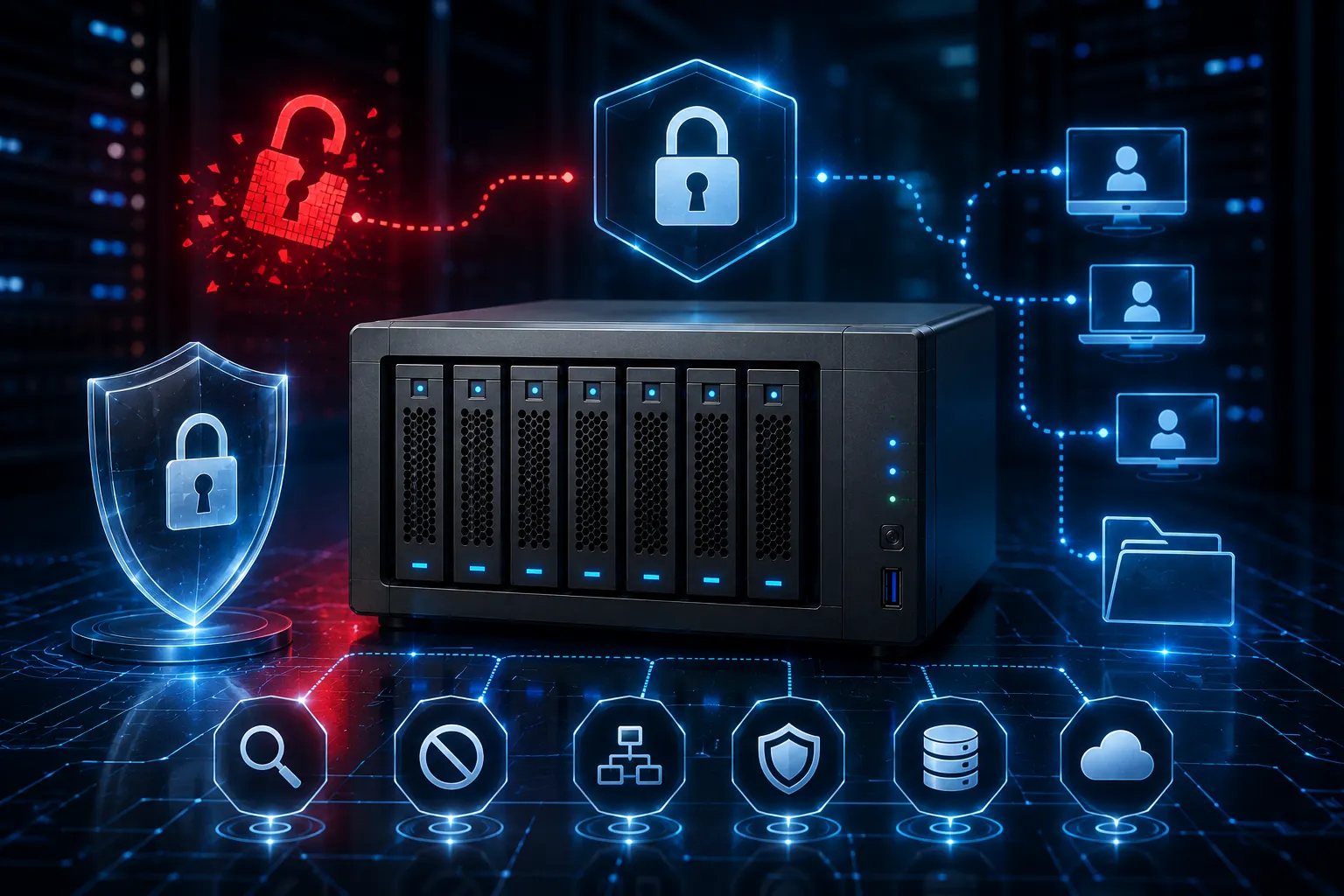
At its core, a NAS device is a high-capacity storage unit connected to a network, allowing multiple users and devices to access and store files. Here's a closer look at the components that make NAS tick:
- Hardware: A typical NAS device consists of one or more hard drives, a processor, memory, and network interfaces.
- Software: NAS devices run on a specialized operating system designed to manage data storage, access, and sharing.
- Protocols: NAS uses common file-sharing protocols like SMB/CIFS, NFS, and AFP to communicate with other devices on the network.
Key Features to Look for in NAS Solutions
When shopping for a NAS solution, consider these essential features:
- Storage Capacity: Ensure the NAS device offers sufficient storage capacity to meet your current and future needs.
- RAID Support: RAID (Redundant Array of Independent Disks) provides data redundancy and improved performance.
- Backup and Recovery: Look for NAS solutions with built-in backup and disaster recovery features to protect your data.
- Remote Access: Choose a NAS device that allows secure remote access to your files from anywhere.
How to Set Up and Use NAS in Your Business?
Setting up a NAS device is a straightforward process:
- Connect: Connect the NAS device to your router or switch using an Ethernet cable.
- Configure: Access the NAS device's web-based interface and follow the setup wizard to configure basic settings.
- Create Users: Set up user accounts and permissions for individuals who will access the NAS.
- Start Sharing: Begin storing and sharing files on the NAS solutions device.
Future Trends in NAS and Cloud Storage
As technology advances, NAS continues to evolve. Here are some emerging trends:
- Cloud Integration: Many NAS solutions now offer seamless integration with cloud storage services like Microsoft Azure Disk Storage, providing a hybrid storage approach.
- AI and Machine Learning: NAS devices are beginning to incorporate AI and machine learning capabilities for intelligent data management and analysis.
- SSDs and NVMe: Solid-state drives (SSDs) and NVMe technology are becoming more common in NAS devices, offering faster performance and improved reliability.
Conclusion:
NAS has become a crucial component of modern data storage and management. By providing centralized, scalable, and cost-effective storage solutions, NAS empowers businesses and individuals to efficiently handle their ever-growing data needs. With its user-friendly setup, robust features, and seamless integration with other technologies, NAS is a smart investment for anyone looking to streamline their data storage and access.






















Sign in to leave a comment.