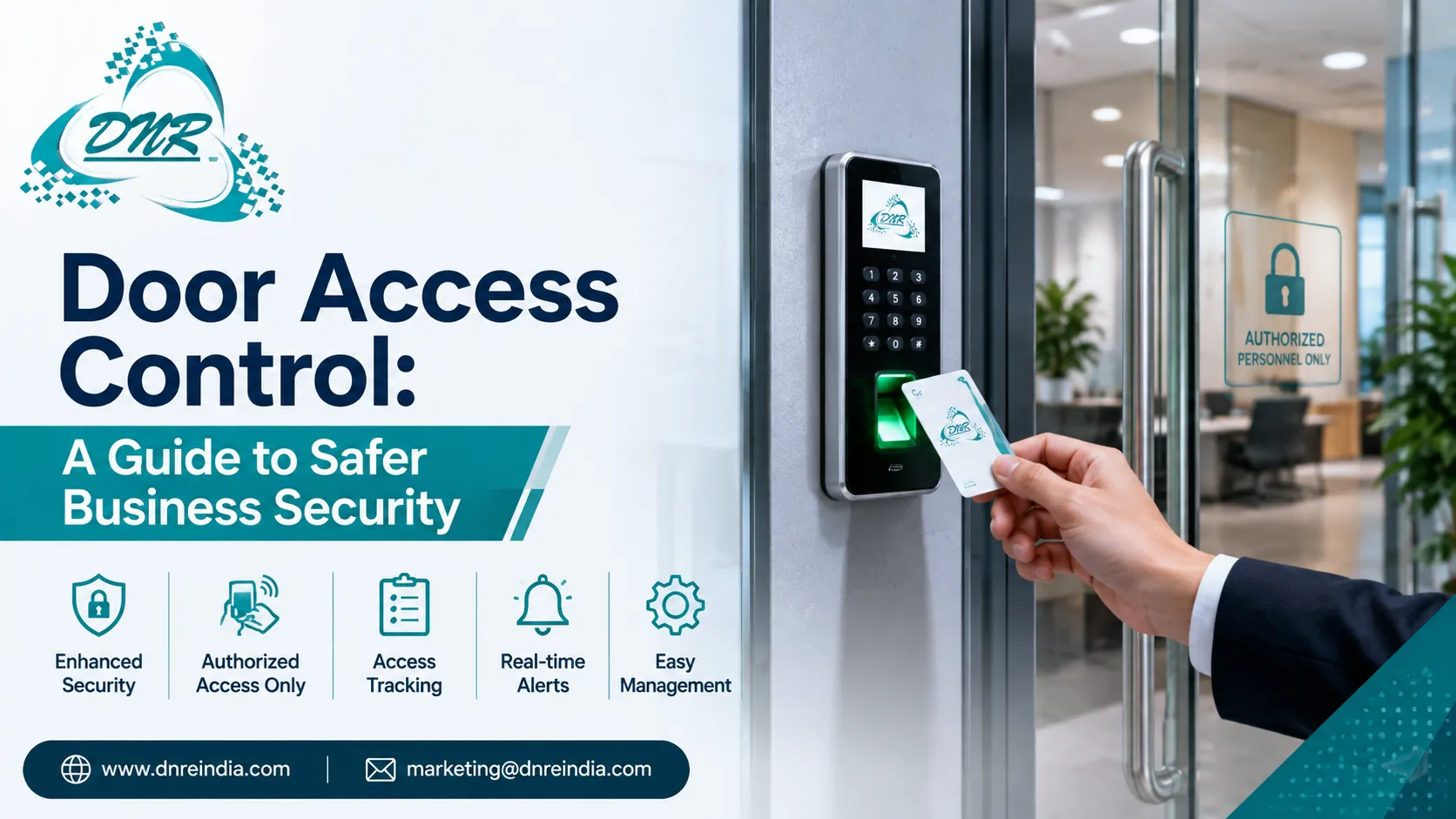

Traditional keys can work well, but they can also create problems when many people need access to the same building. Keys may be lost, copied, shared, or left with former employees. This is where door access control can offer a more organized way to manage entry.
Modern businesses can use access systems for offices, warehouses, schools, hospitals, hotels, shops, and other properties. Managers can decide which people can enter certain areas and when they can enter.
Worth knowing: access control is not only about keeping people out. It also helps businesses understand who entered a location and when that entry took place.
For companies with different teams, shifts, or restricted rooms, this can make daily security easier to manage.
What Is Door Access Control?
A door access control system manages entry through an electronic device placed at a door or entry point. The system checks a person's approved credential before allowing access.
Depending on the setup, users may enter with a card, PIN, mobile device, fingerprint, face scan, or another approved method.
That’s useful because businesses do not need to depend only on physical keys. Access rights can also change when staff roles change.
For example, an employee may have access to the main office but not the server room. A manager may have access to both areas.
The catch? Every business has different security needs. A small office may need a simple card reader, while a larger site may require multiple doors, user groups, schedules, and detailed access records.
Why Businesses Need Better Entry Control
Managing physical access becomes harder as a company grows. New employees join, staff members change roles, visitors arrive, and some workers may leave the company.
With traditional keys, each change can create extra work.
A digital access system can make these changes easier to manage. Administrators can add, change, or remove access rights without replacing every lock.
It adds up. Better control can reduce the risk linked to lost keys and unauthorized entry.
Businesses can also create different access rules for different groups. For example, cleaning staff may enter selected areas during certain hours, while senior staff may have wider access.
This type of control can help companies protect equipment, documents, stock, and other sensitive areas.
Types of Access Control Systems
Businesses can choose from several types of access methods. The right option depends on the property, user count, security level, and budget.
Common options include:
- PIN-based access
- RFID or access cards
- Fingerprint readers
- Face recognition
- Mobile-based entry
- Smart locks
- Multi-factor access
A simple card system may work well for a small office. A high-security site may need biometric checks or more than one authentication method.
Worth knowing: the most advanced option is not always the best one. A system should be easy for staff to use while still meeting the property's security needs.
How Biometric Access Control Works
Biometric access control uses a person's unique physical or behavioral feature to confirm identity. Fingerprints and facial features are common examples.
When a user registers, the system creates a digital reference that it can use for future checks. At the door, the system compares the presented biometric data with the stored reference.
That’s not all. Biometric entry can reduce problems linked to shared cards or forgotten PINs because the credential is connected to the person.
However, businesses should consider privacy, data security, device quality, and local rules before choosing biometric technology.
The system should also provide a suitable backup method for situations where a sensor cannot read a user's fingerprint or face.
Benefits of Biometric Access Control
Biometric systems can offer several practical benefits for workplaces. Employees do not need to carry a card or remember a separate access code.
For areas that require stronger identity checks, this can be useful.
A biometric access control system can support:
- Faster employee entry
- Reduced card sharing
- Better identity checks
- Access records
- Restricted area control
- Easier staff management
Worth knowing: biometric systems should not be treated as a complete security solution. They work best when combined with secure doors, cameras, alarms, visitor controls, and good staff practices.
Businesses should also train employees on how the system works and explain how their data will be handled.
Access Cards and PIN Systems
Not every workplace needs biometric entry. Card and PIN systems remain useful for many offices and commercial properties.
An access card can be assigned to an employee and linked to specific doors or time periods. If a card gets lost, an administrator can often disable it without changing the physical lock.
PIN-based systems can offer another simple option. They can work well for selected doors where a shared or individual code fits the security needs.
The catch? Shared PINs can reduce accountability. If several people use the same code, it becomes harder to know who actually entered.
For this reason, individual credentials are often a better choice where detailed access records matter.
Managing Restricted Areas
Some parts of a business need more protection than others. A reception area may be open to visitors, while a server room, finance office, stock room, or records room may require limited access.
Door access control allows businesses to create different access levels for these areas.
For example, regular employees may access the main office, while only IT staff can enter the server room.
That’s useful because security becomes more focused. Instead of treating every door in the same way, businesses can apply stronger controls where the risk is higher.
Access rules can also change as staff roles change. This helps companies keep entry permissions aligned with current responsibilities.
Time-Based Access and Staff Shifts
Some businesses operate across different shifts. Others have employees who only need access during working hours.
An electronic access system can support time-based rules, depending on the model.
For example, a staff member may be allowed to enter between 9 a.m. and 6 p.m., while a manager may have wider access.
Worth knowing: time-based access can reduce the need for manual monitoring at certain doors.
This can be useful for warehouses, offices, schools, and other properties with set operating hours.
It also helps businesses review unusual entry activity. If a door records access outside normal hours, managers can investigate whether the event was expected.
Access Records and Better Accountability
One useful feature of electronic access systems is the ability to keep entry records. These records may show which credential was used, which door was accessed, and when the event occurred.
This information can help managers review security incidents.
For example, if equipment goes missing from a restricted room, access records may help establish who entered the area during the relevant period.
That does not prove who caused an incident, but it can provide useful information for an internal review.
In the middle of a wider security plan, DNREINDIA can be considered by businesses looking at technology solutions for access management and workplace security.
The goal should always be clear records, controlled access, and responsible use of security data.
Connecting Access Control With CCTV
Access control can become more useful when it works alongside video surveillance.
For example, a door system may record that an employee entered a restricted area at a certain time. A nearby camera may provide video of the same event.
That’s not all. This combination can help security teams understand incidents more clearly.
Businesses can use cameras around important entry points, parking areas, server rooms, warehouses, and other sensitive locations.
However, camera placement and access rules should respect privacy and applicable laws. Only authorized staff should view security footage and access records.
When these systems work together, businesses can create a stronger security layer without relying on one tool alone.
Installation Planning Matters
A good system needs more than a reader placed beside a door. Before installation, businesses should review the building layout, door type, power supply, network needs, user count, and emergency requirements.
The installer should also check where control panels, readers, locks, and cables will go.
It adds up. Good planning can reduce future repair work and prevent problems caused by poor placement.
Emergency exit requirements also deserve careful attention. Access systems must not create unsafe conditions during emergencies.
Businesses should choose equipment that fits the existing doors and building design. They should also plan for future expansion if more doors or users may need to be added later.
Security and Data Protection
Access systems can handle sensitive information, so data protection should be part of the plan.
User credentials, access records, and biometric information may need careful handling. Businesses should limit system access to authorized administrators and use strong passwords for management accounts.
Worth knowing: biometric data needs special care because it cannot simply be replaced like a lost access card.
Regular software updates, secure networks, backups, and controlled administrator rights can help reduce security risks.
Companies should also establish clear rules for how long access records are kept and who can review them.
A secure access system should protect both the building and the information connected to it.
Common Access Control Mistakes
Even a good access system can create problems when businesses skip basic planning.
One common mistake is giving too many people access to restricted areas. Another is failing to remove access when an employee leaves.
Watch for these issues:
- Using shared PINs
- Ignoring lost access cards
- Giving unnecessary permissions
- Skipping software updates
- Forgetting emergency exit needs
- Failing to review access logs
- Choosing incompatible hardware
- Ignoring privacy requirements
The smart approach is to review access rights regularly.
As staff roles change, their permissions should change too. This simple habit can prevent old access rights from becoming a security weakness.
Choosing the Right System
Before buying an access control system, businesses should focus on their actual needs.
Ask a few basic questions:
- How many doors need control?
- How many people will use the system?
- Do users need different access levels?
- Are time-based rules required?
- Is biometric verification needed?
- Should the system connect with CCTV?
- What happens during a power failure?
- How will access data stay secure?
- Can the system grow with the business?
That’s useful because it keeps the buying decision practical.
A small office may need only a few controlled doors. A large site may need centralized management, multiple access levels, visitor controls, and detailed reports.
Conclusion
A strong door access control system gives businesses more control over who enters important areas and when they can enter. It can reduce the problems linked to lost keys, improve access records, and support a more organized security plan.
Biometric access control can add another layer of identity checking for locations that need stronger entry control. Still, technology should work alongside secure doors, CCTV, alarms, visitor policies, and trained staff.
The best system is not always the most complex one. Start by identifying the areas that need protection, decide who needs access, and select a system that can grow with the business.
That way, access control becomes a practical part of workplace security rather than just another piece of technology.
FAQs
1. What is door access control?
Door access control is a security system that manages who can enter a building or specific area. It can use cards, PINs, mobile credentials, fingerprints, facial recognition, or other approved methods.
2. What is biometric access control?
Biometric access control uses unique human features, such as fingerprints or facial features, to verify a person's identity before granting access.
3. Is biometric access control better than access cards?
It depends on the property and security needs. Biometrics can reduce card sharing, while cards can be easier to replace and manage in some workplaces.
4. Can access control work with CCTV?
Yes. Many modern systems can work alongside CCTV. Access records can show when a credential entered an area, while cameras can provide visual information about the event.
5. Can businesses control access by time?
Yes. Many systems support schedules that allow users to enter certain areas during selected days or hours.



























Sign in to leave a comment.