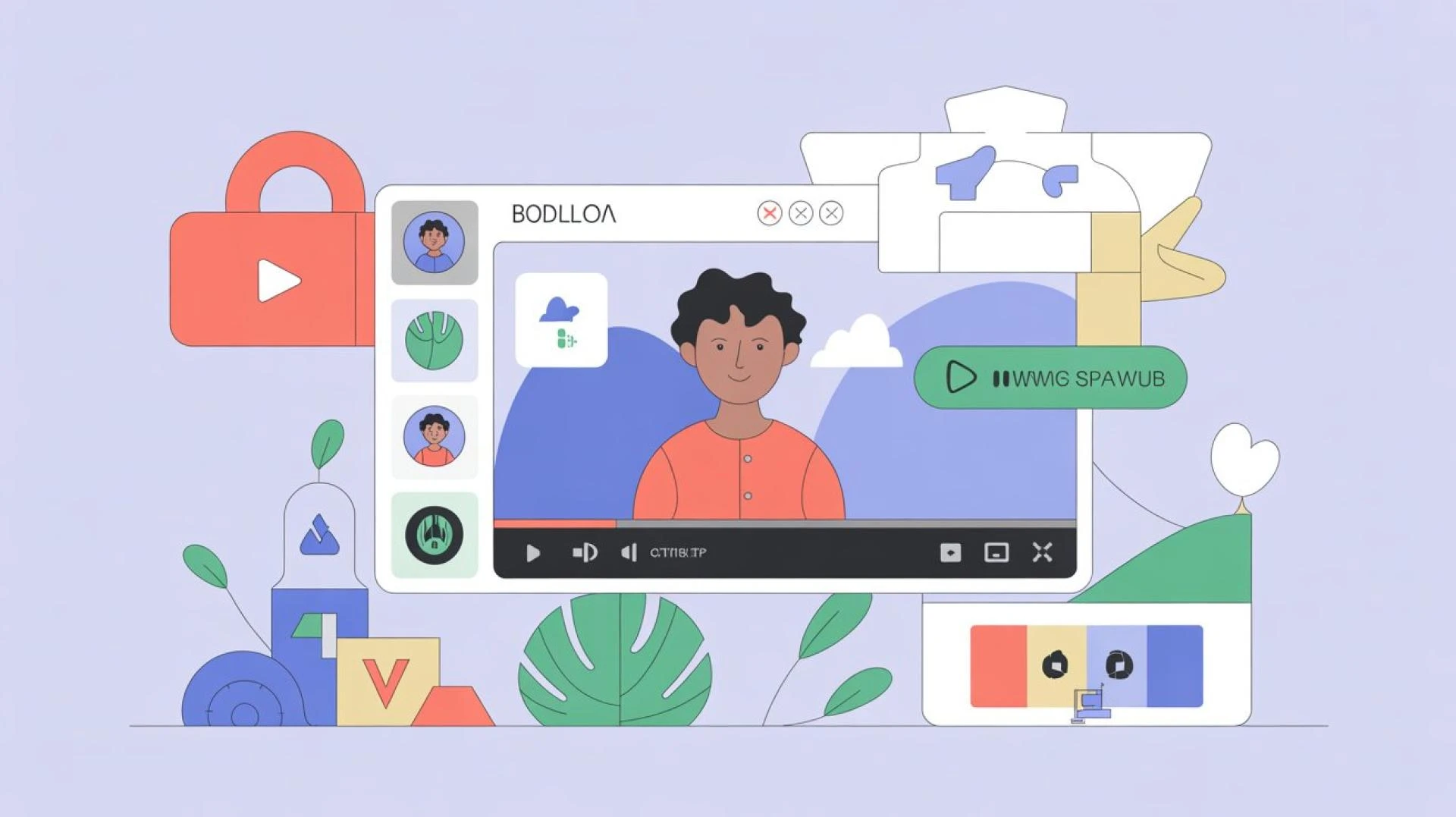
Podcasting has evolved far beyond audio. With more creators turning to video podcasts, accessibility and audience engagement have become top priorities. One of the simplest yet most powerful ways to achieve both is through subtitles. They help viewers follow along, improve comprehension, and make content accessible to those who are hard of hearing or prefer watching without sound.
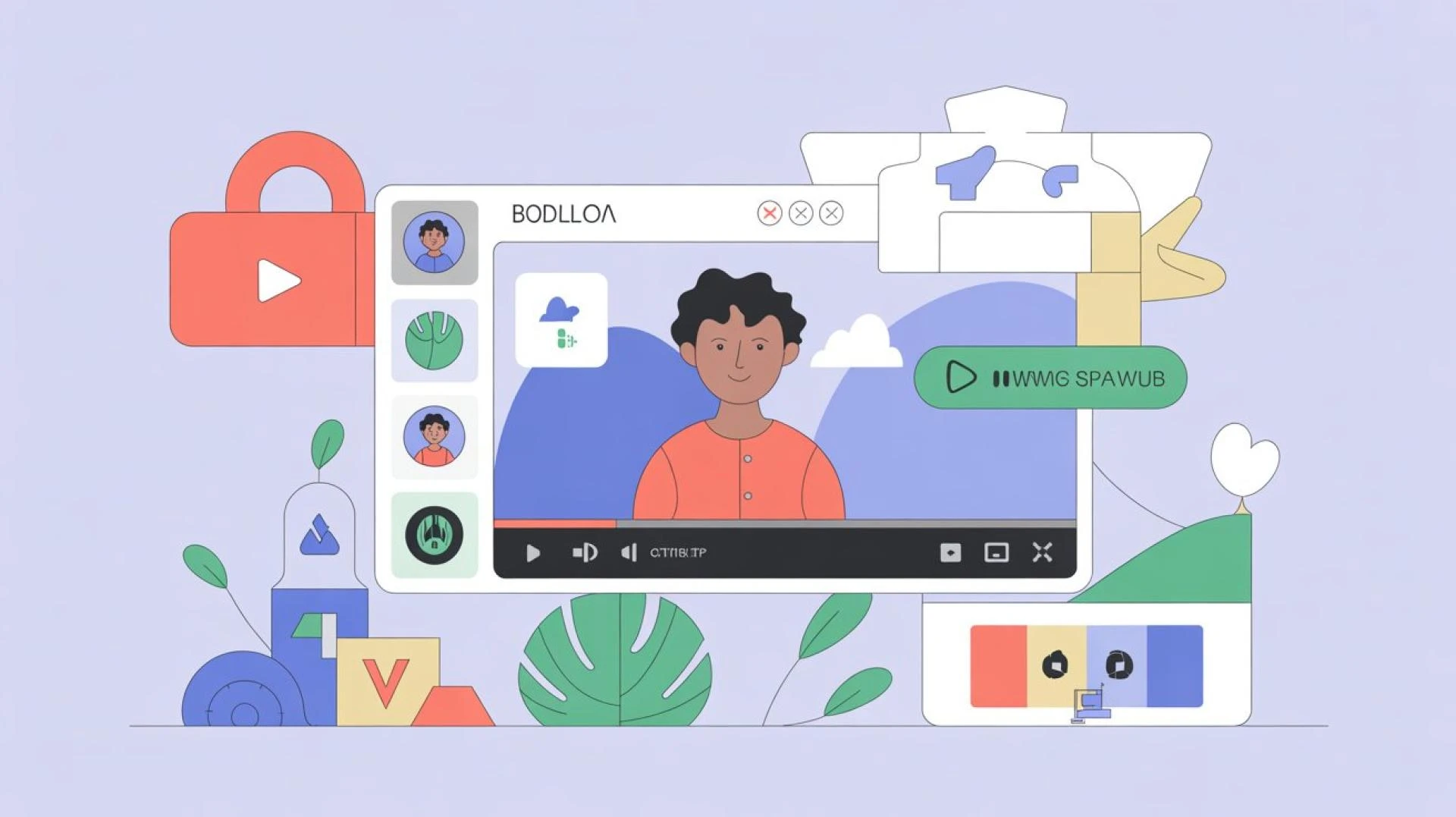
In this guide, we’ll explore why subtitles matter, the easiest tools you can use, and how to integrate them seamlessly into your workflow.
Why Subtitles Are Essential for Video Podcasts
Subtitles are no longer optional; they’re a necessity for content creators. Here’s why:
- Accessibility: Subtitles make content available to audiences with hearing impairments.
- Global Reach: Non-native speakers can better understand your podcast when subtitles are included.
- SEO Benefits: Search engines can index your spoken words if you provide captions, improving discoverability.
- User Preference: Many people watch videos on mute while commuting or multitasking, so subtitles keep them engaged.
By investing in subtitles, podcasters enhance audience satisfaction while expanding their reach.
Automatic Subtitle Tools
If you’re looking for quick and efficient solutions, automatic subtitle generators are the way to go. AI-powered tools can transcribe speech into text with surprising accuracy. Popular options include:
- Otter.ai: Great for live transcription and syncing with recorded files.
- Rev AI: Offers both machine-generated and human-edited subtitles for accuracy.
- Kapwing: An online editor where you can upload your podcast video and generate captions instantly.
- Descript: A popular choice among podcasters that not only creates captions but also allows you to edit audio by editing the text.
These tools significantly reduce the time it takes to caption long podcast episodes.
Manual Editing for Accuracy
While AI-based tools are fast, they’re not perfect. Accents, background noise, or overlapping conversations can affect transcription accuracy. That’s why manual editing is important to polish your subtitles.
Most platforms allow you to adjust text line by line, ensuring correct spelling, grammar, and timing. The effort pays off by creating a professional viewing experience for your audience.
Subtitle Formats and Exporting
When you generate subtitles, they are usually exported as files like .SRT or .VTT. These can be uploaded to platforms such as YouTube, Spotify (with video podcasts), or Vimeo.
Some creators prefer “burned-in” subtitles—where captions are permanently added to the video. Others use “closed captions” that can be toggled on or off. Your choice depends on the style you want for your podcast and where you plan to distribute it.
Free Options for Beginners
If you’re just starting out and don’t want to invest heavily, there are free ways to subtitle your podcasts:
- YouTube Studio: Upload your video podcast and let YouTube auto-generate subtitles. You can then edit them for accuracy.
- Veed.io (Free Plan): Provides basic captioning features with limited export options.
- Amara: A collaborative subtitling platform that’s free and easy to use.
These free tools are excellent for beginners but may lack advanced customization features.
Workflow Tips for Subtitling Podcasts
To avoid making subtitles a time-consuming task, follow these workflow tips:
- Record Clearly: Use good audio equipment to reduce transcription errors.
- Edit in Batches: Work on subtitles in chunks rather than the entire podcast at once.
- Use Templates: Save formatting styles (like font, size, and placement) to maintain consistency across episodes.
- Outsource if Needed: Platforms like Fiverr and Rev offer human transcription services if you want 100% accuracy without doing it yourself.
By streamlining your process, adding subtitles becomes less of a burden and more of a regular step in your publishing routine.
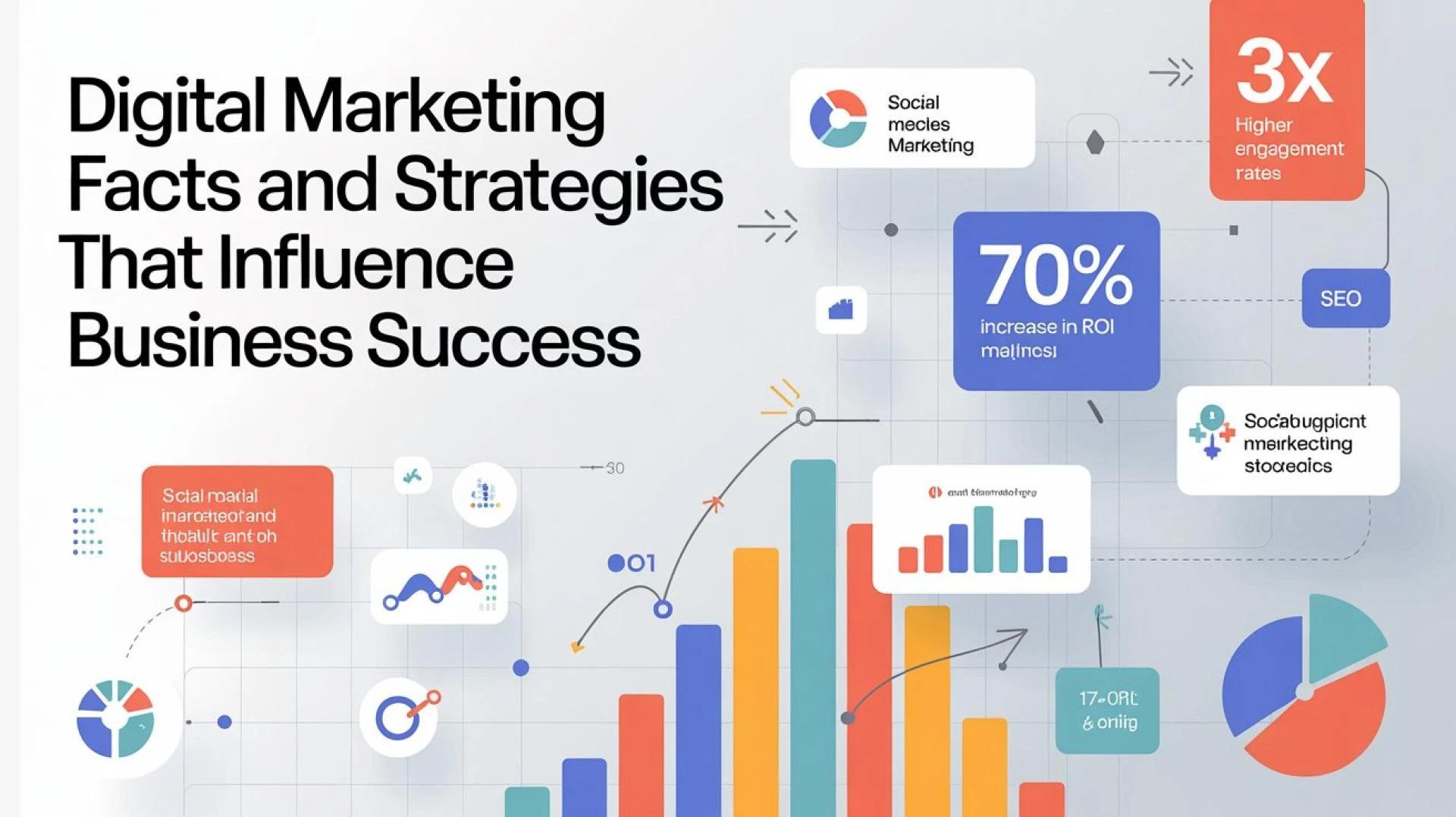
Beyond accessibility, subtitles can also help repurpose your content. For example, once you transcribe your video podcast, those captions can be adapted into blog posts, newsletters, or even optimized landing page copy to attract new listeners. This not only maximizes the value of your podcast but also strengthens your overall digital marketing strategy.
The One Thing to Remember
If you want your content to stand out and reach wider audiences, it’s essential to add subtitles on video podcast episodes in a way that’s accurate and seamless. With today’s AI tools, free options, and editing software, the process no longer has to feel overwhelming.
Final Thoughts
Subtitles are more than just text on a screen—they’re a bridge that connects your podcast to a larger, more diverse audience. From automatic generators to manual editing and free beginner-friendly tools, there’s a solution for every creator.





















Sign in to leave a comment.