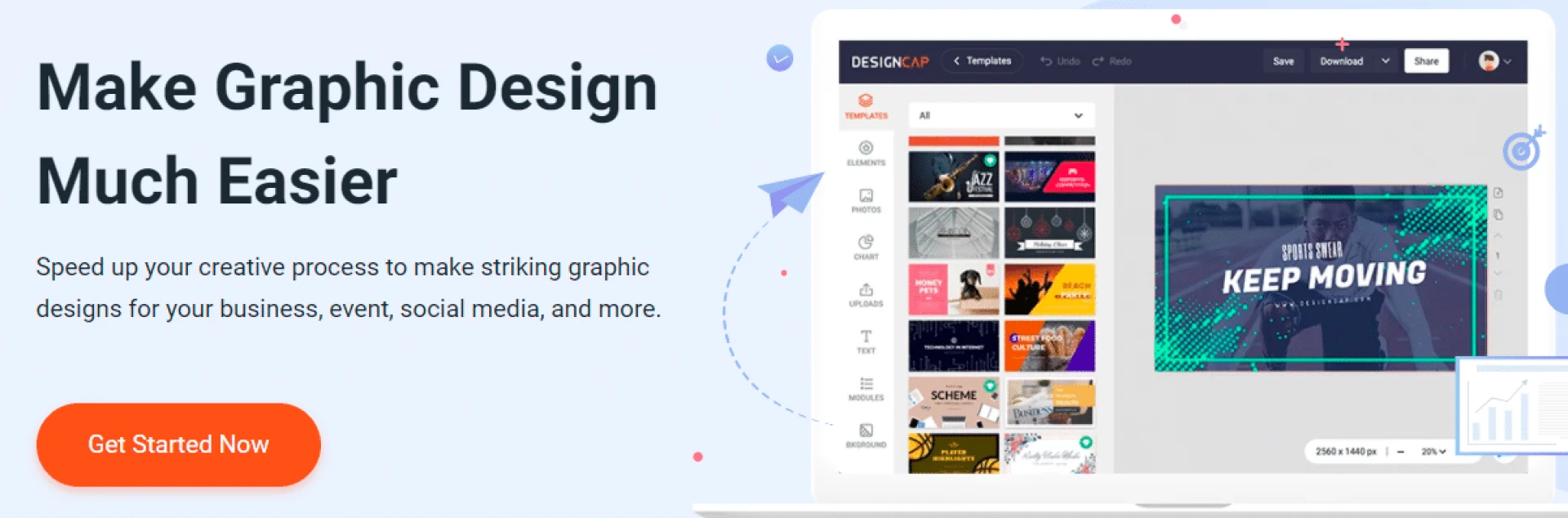

What would you do if you needed to create visuals for Youtube, Facebook, or an event?
A good solution is to use online services such as DesignCap, which offer you pre-designed visuals at a much lower cost than regular graphics providers. DesignCap allows you to easily create graphic designs and use them in your online marketing campaigns such as social media.
What is DesignCap?
DesignCap is a handy online design platform for designing posters, flyers, statistical tables, infographics, etc. Whether you are a content producer, speaker, data analyst, or designer, you can easily use DesignCap creatively, and great ideas are presented.
In addition, DesignCap has very rich models and elements. It can easily design modifications in the way of using drag. You don't need to learn complicated software like Adobe Photoshop or Adobe Illustrator.
Update on DesignCap packages
The free version allows you to use only a few templates and graphics. The number of images and designs that can be uploaded is only 5, and the files that can be uploaded are limited to JPG files.
The difference is that the basic version has 100 models that can be downloaded and viewed, while the advanced version has 1000 models. However, after upgrading to the Basic and Plus plans, all models will be activated, and it will be possible to download them as PNG and PDF files. If you have a favorite font that is not available on the platform, you can also download it and use it yourself.
Why should you use DesignCap?
Here are the main advantages of DesignCap:
There are thousands of beautiful templates for making posters, banners, infographics, etc.Drag and drop editing, layout modification with a high degree of freedomSupport for 7 languages , including English, Chinese, Japanese, Spanish, Portuguese, French, and German.You can create infographics to increase broadcast power and boost website SEO.How can infographics increase your website's SEO?
If you include an infographic in the article, you can turn the dull text into a vivid visual, which helps to convey your message.
From an SEO perspective, infographics are one of the most effective ways to establish backlinks.
According to Hubspot statistics, people only remember 10% of the content three days after reading the text. However, if you use an infographic with meaningful content, visitors who still remember it will drop to 65% after three days.
If you are doing content marketing, infographics will effectively increase broadcast power, and DesignCap will be a valuable platform for creating your infographics.
How to make infographics with DesignCap?
What is an infographic? An infographic is a visual content. It shows knowledge and information and allows the reader to better understand an article or a concept.
Step 1: Select the types of models
The types of DesignCap models are very numerous. Here, you will of course, have to select an infographic.
Each model can be previewed and customized. Select the customization to enter the edit page. DesignCap allows you to complete your design in 5 minutes on average through templates.
Step 2: Modify the elements of the model
Each of the templates can be personalized, with elements, photos, graphics, texts, and modules on the left side of the editor. Some sequences feature diamond-shaped symbols, and only paid subscribers can use them.
Step 3: Upload your design.
After you finish, click on the upper right corner to download. In the free version, only JPG size can be selected. Thanks to the paid plan, you can choose PNG and PDF downloads.
In conclusion
There are more and more graphic design platforms like DesignCap on the market. They finally make impactful and professional designs accessible to as many people as possible without the need to acquire specific skills! Whether you want to enrich the content of a blog with infographics, create a flyer, or an advertisement on social networks, it is now easy and fast thanks to these platforms.
0

























Sign in to leave a comment.