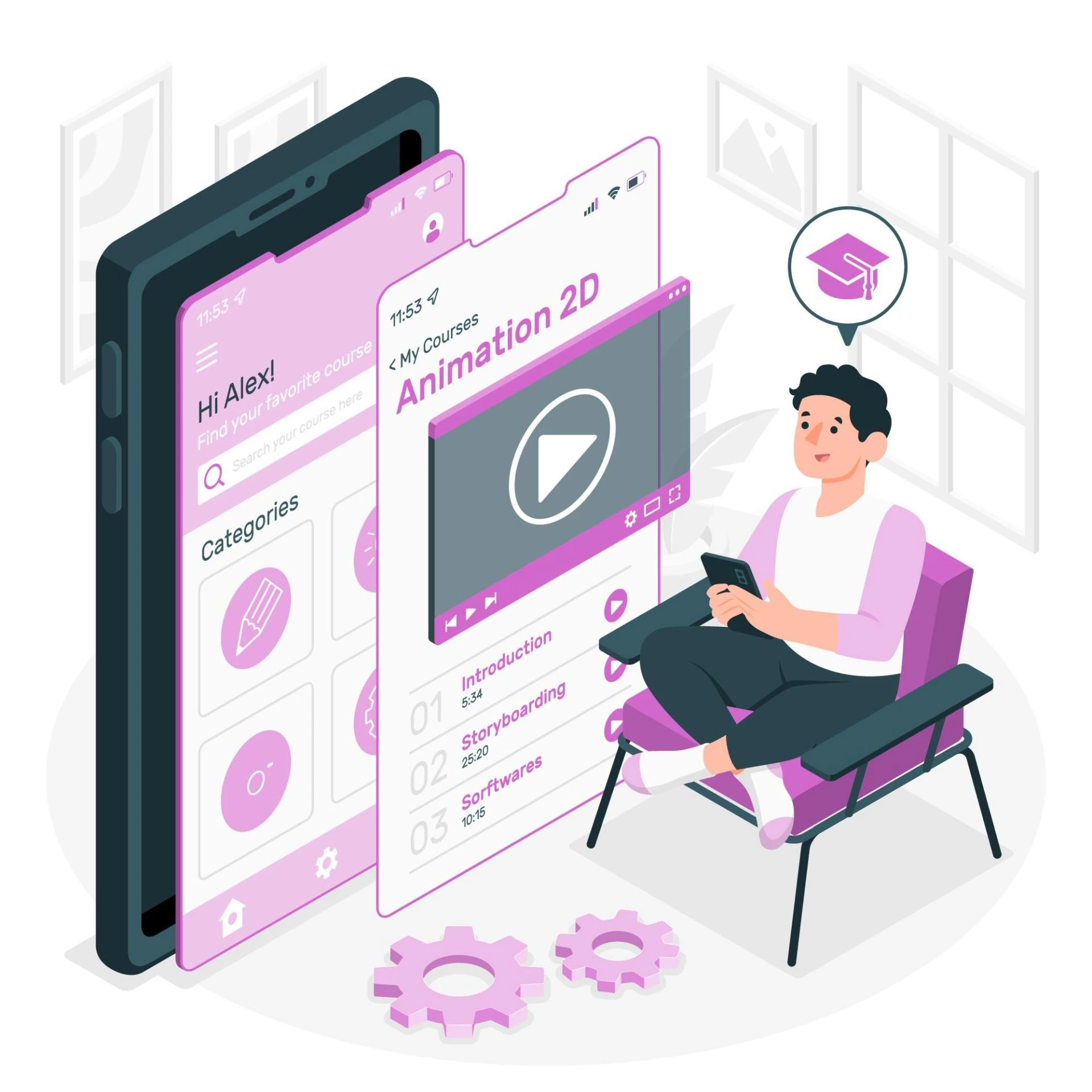

In the dynamic world of content creation, video editing has become a crucial aspect of conveying compelling narratives. The rise of smartphones has empowered creators with the tools to shoot high-quality videos, and now, a plethora of video editing apps allow users to refine and polish their footage effortlessly. Here, we'll explore some of the good editing apps for videos that cater to various skill levels and preferences, turning your raw clips into captivating visual stories.
1. iMovie: A User-Friendly Apple Delight
For Apple users, iMovie remains a go-to choice for its simplicity and powerful features. The app's intuitive interface makes it accessible to beginners, yet it offers advanced tools for more experienced editors. With iMovie, you can effortlessly edit, trim, and add transitions to your videos, along with a selection of built-in soundtracks for a polished finish.
2. KineMaster: Mobile Editing Mastery
KineMaster is a versatile video editing app that packs a punch. It provides a wide array of features, including multi-layer video editing, precise audio control, and a variety of transitions and effects. The app's user-friendly interface makes it suitable for both beginners and experienced editors, while its range of tools caters to diverse creative needs.
3. Adobe Premiere Rush: Professional Editing on the Go
From the creators of industry-standard software, Adobe Premiere Rush brings professional-grade editing to your mobile device. This app seamlessly integrates with Adobe Creative Cloud, allowing for easy access to your projects across various platforms. With features like color correction, customizable motion graphics, and audio editing, Adobe Premiere Rush is a powerhouse for creators on the move.
4. InShot: Simplicity with Style
InShot is a straightforward yet powerful video editing app suitable for beginners and social media enthusiasts. It offers essential editing tools like trimming, cutting, and merging clips, along with filters, effects, and music options. With InShot, you can easily tailor your videos for specific platforms, making it an excellent choice for quick, stylish edits on the go.
5. FilmoraGo: Creative Control in Your Hands
FilmoraGo is the mobile version of the popular desktop video editing software, Wondershare Filmora. The app provides a user-friendly interface with features like themes, transitions, and a vast music library. With FilmoraGo, you can edit videos in a timeline format, giving you creative control over your project's pacing and style.
6. PowerDirector: Feature-Rich Editing Experience
PowerDirector by CyberLink is a feature-packed video editing app that offers a wide range of tools for creating professional-looking videos. Its key features include precise editing, multiple video layers, and customizable transitions. With an easy-to-use interface, PowerDirector is suitable for both beginners and advanced editors seeking more comprehensive control over their projects.
7. LumaFusion: The Powerhouse for iOS Editing
Designed exclusively for iOS users, LumaFusion is a robust video editing app that rivals desktop software in terms of capabilities. It supports multiple video and audio tracks, advanced color correction, and a variety of effects. LumaFusion is a favorite among professional videographers who require extensive editing capabilities on their iOS devices.
In conclusion, the world of good editing apps for videos offers a diverse range of options, catering to different skill levels and creative preferences. Whether you're a beginner looking for simplicity or a professional seeking advanced features on the go, these video editing apps empower you to transform your raw footage into visually stunning stories. Embrace the creativity at your fingertips, and let these apps be your companions in crafting compelling visual narratives.
Lastly, if you are an owner of an app and want to list it at the top of the list on our website, you can visit Mobileappdaily.






















Sign in to leave a comment.