Running a business means using many software tools daily. Teams use CRM for sales work. They use inventory tools for stock control. They use accounting tools for finance records. Problems start when these tools do not connect. Staff then copy data from one system to another. This causes errors and wasted time. Reports also show wrong numbers.
This is where ERP integration becomes important. It helps all systems talk to each other. Data moves between tools without manual work. Teams see the same data everywhere. Work becomes smooth across departments.
Many companies already own good software. They do not want full replacement. They want to connect what they already use. The right approach can make this happen. It keeps daily work stable during changes. It also protects existing business data.
Businesses now expect one clear system view. They want sales, stock, and finance aligned. This is not about new software only. It is about smart system connection.
How ERP Integration Connects Daily Business Tools
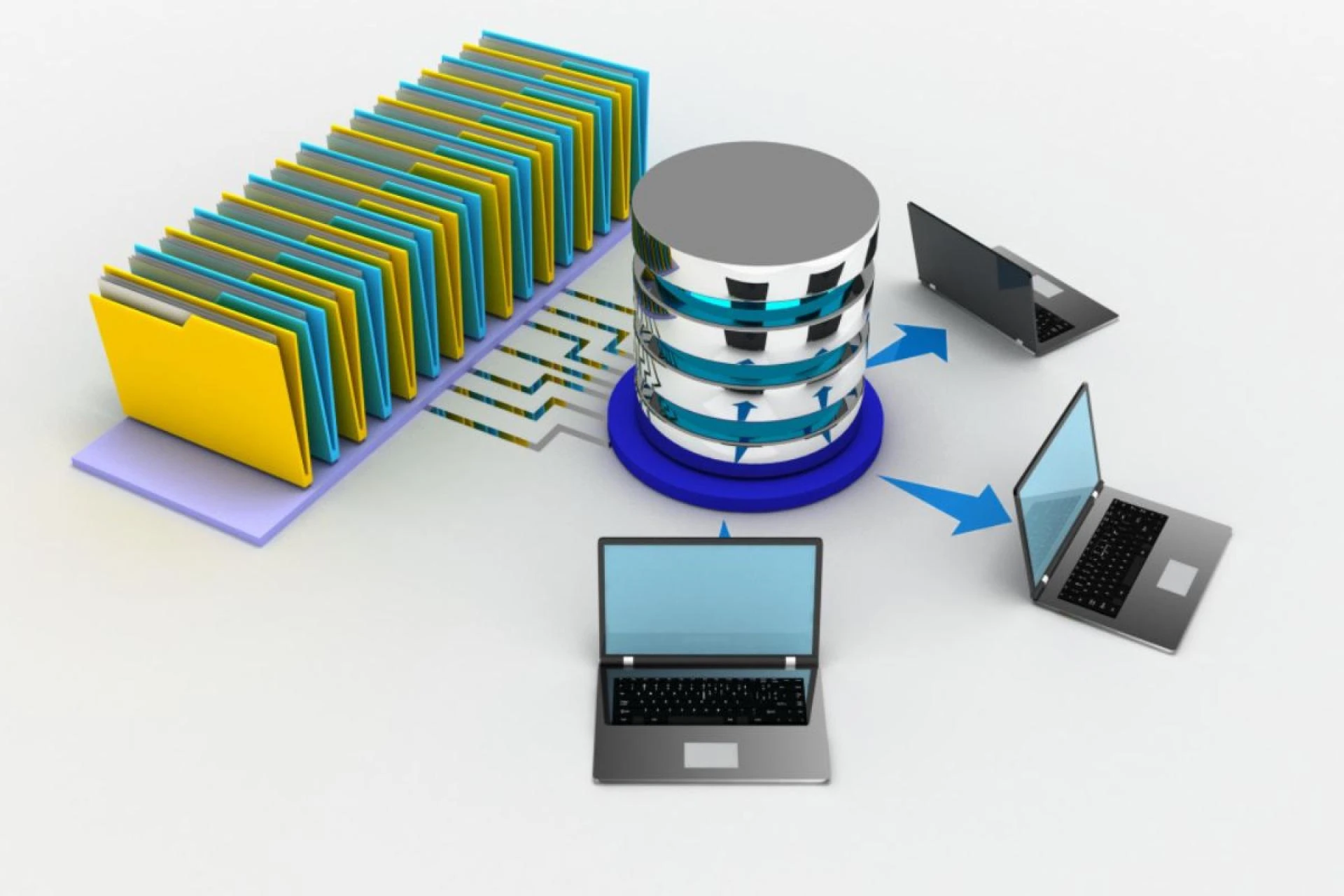
ERP acts as the main system hub. It connects CRM, inventory, and accounting tools. Each system keeps its main role. ERP only shares needed data.
Sales teams work inside the CRM. Customer details sync with ERP. Orders move from CRM to ERP. No one enters data twice.
Inventory teams track stock levels. ERP pulls stock data in real time. Sales teams see available items. Finance teams see stock values.
Accounting teams track payments and costs. ERP sends sales and purchase data. Books stay updated across systems. Reports match across departments.
This setup avoids system conflict. It also avoids data loss. Every team works with trusted data.

Common Business Issues Without System Integration
Many businesses face daily system problems. These issues grow as companies scale. Most problems come from disconnected tools.
Here are common issues businesses face:
- Manual data entry across systems Manual work slows down teams. Errors happen during copy tasks. Fixing errors costs time and money.
- Mismatched reports across departments Sales reports show different totals. Finance reports show other numbers. Leaders lose trust in reports.
- Delayed customer order processing Orders wait for system updates. Stock checks take longer. Customers face delays and confusion.
- Poor inventory tracking Stock numbers change across tools. Teams order items they already have. Cash gets stuck in excess stock.
These problems do not fix themselves. They need proper system connection.
ERP Inventory Integration for Stock Control
ERP inventory integration helps control stock data. It connects ERP with inventory tools. Stock levels update across systems.
Inventory data flows into ERP. ERP shares stock updates with sales. Orders reserve stock right away.
This avoids overselling problems. It also avoids stock shortages. Purchasing teams plan better orders.
Warehouse teams track item movement. ERP records goods received and shipped. Inventory history stays accurate.
Businesses gain better stock visibility. They also reduce waste and delays.
ERP Accounting Integration for Clean Financial Records
ERP accounting integration connects finance tools. It links ERP with accounting software. Sales and purchase data sync.
Invoices flow from ERP to accounting tools. Payment status updates across systems. Expense data moves into ERP.
Finance teams avoid manual posting. Books stay updated every day. Audits become easier to handle.
Leaders see real financial health. Cash flow reports stay accurate. Budget planning improves over time.
This setup reduces finance stress. It also supports faster month closing.
ERP System Integration Services for Existing Software
Many companies fear system change. They worry about work disruption. They worry about data loss.
ERP system integration services reduce these risks. They focus on safe system connection. They respect current business workflows.
Key parts of these services include:
- System review and planning Experts study current software setup. They understand how teams work. They plan data flow paths.
- Custom integration design Each business needs a custom plan. No two systems match fully. Design fits exact business needs.
- Secure data handling Data moves using safe methods. Access rules protect sensitive data. Compliance needs stay respected.
- Testing before launch Teams test data flow carefully. Errors get fixed before go live. Work continues without downtime.
These services focus on stability. They aim for smooth daily work.
Integrate ERP With Existing Systems Without Replacement
Many businesses want connection without replacement. This is a smart and safe approach.
To integrate ERP with existing systems, teams follow steps. They keep core tools in place. They connect them through secure links.
APIs help systems share data. Databases sync needed records. ERP acts as a control center.
Legacy systems also stay useful. Older tools connect with new ERP. Data stays accessible and clean.
This approach saves cost. It also saves training time. Staff keep using known tools.
Businesses grow without major disruption.
Planning ERP Integration the Right Way
ERP integration needs careful planning. Rushing causes long term issues.
Good planning includes clear goals. Teams decide what data to share. They define system roles early.
Stakeholders join planning talks. IT teams work with business teams. Everyone agrees on data rules.
Testing stays part of the plan. Training prepares staff for changes. Support stays available after launch.
This process ensures stable results.
A Practical Path Toward Connected Business Systems
ERP integration helps businesses work as one. CRM, inventory, and accounting connect smoothly. Teams trust shared data. Leaders gain clear business insight.
The Farber Consulting Group Inc. supports this journey. They design custom ERP connections. They work with existing systems. They support CRM, inventory, and accounting tools. Their team focuses on stable integration. They help businesses grow with connected systems.






























Sign in to leave a comment.