
Many businesses still use MS Access to store their data. It works fine for small teams. But as your business grows, MS Access starts to slow things down. It can only handle a small amount of data. It crashes more often. It does not work well when many people use it at once. This is the point where most business owners decide to convert Access to SQL. Making the move to SQL Server gives your business more power. It can handle large amounts of data. It runs fast. It keeps your data safe. It also lets many users work at the same time without any issues. If you are still using MS Access for your day-to-day work, this guide will walk you through the full process. You will learn what converting Access to SQL means, how it works, and what your business will gain from it. This is not a hard process when you have the right team by your side.
What Does It Mean to Convert Access to SQL?
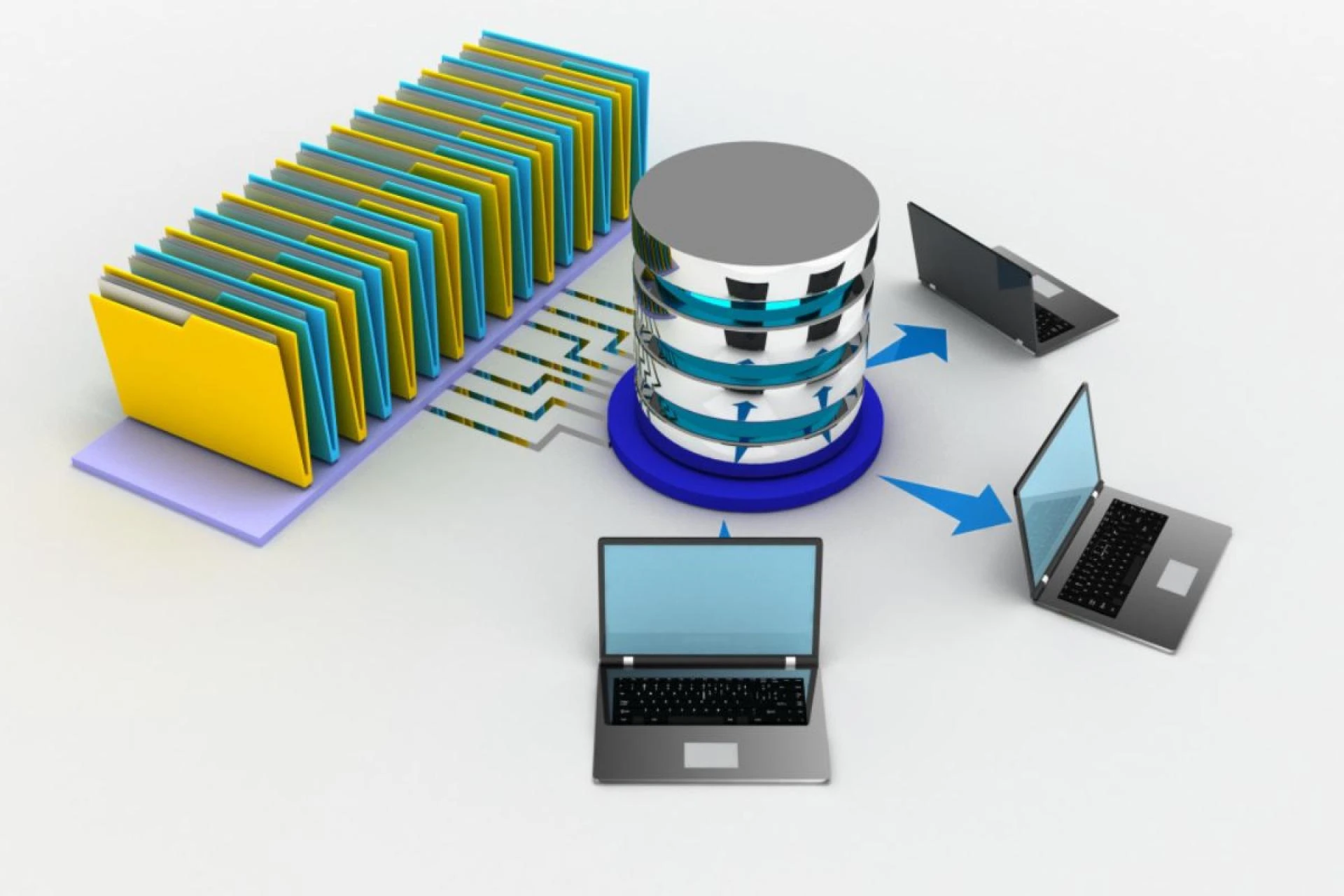
MS Access is a desktop database tool. It stores data in a file on your computer. SQL Server is a full database system. It stores data on a server. When you convert Access to SQL, you move your data from the old file format to the new server format. Your team can then reach the database from any device. Your data becomes faster and more secure. The move also sets you up for future growth.

Signs That Your MS Access Database Needs an Upgrade
Not every business knows when it is time to make the switch. Here are some clear signs that your MS Access database is holding you back:
- Slow load times: Your database takes too long to open or search. This slows your team down every single day.
- Frequent crashes: MS Access crashes when too many users log in at once. This leads to lost work and wasted time.
- Data size limits: MS Access has a 2 GB limit on file size. Once you hit that limit, the system stops working well.
- No remote access: MS Access works only on the computer where it is stored. Your team cannot log in from home or the office.
- Security gaps: MS Access does not offer strong data protection. SQL Server gives you full control over who sees your data.
How the Conversion Process Works
The process to convert Access to SQL Server has clear steps. Here is how it goes from start to finish:
- Step 1: Review your current database - The team looks at your MS Access file. They check the tables, forms, and data. This step helps them plan the best path forward.
- Step 2: Clean the data - Old databases often have duplicate or messy records. The team cleans your data before the move. This means your new database starts fresh and runs faster.
- Step: Move the data to SQL Server - The team transfers all your tables and records to SQL Server. They make sure nothing is lost during the move.
- Step 4: Test the new system - Before you go live, the team tests everything. They check that all your data is in place and working the right way.
- Step 5: Go live - Once testing is done, your team starts using the new SQL Server database. The old MS Access file is no longer needed.
What Your Business Gains After the Switch
When you convert Access to SQL, your business sees real changes right away. Your database runs faster. Your team can work from anywhere. More users can log in at the same time. Your data is stored safely with backups in place. You also get better reports and search tools. SQL Server grows with your business. You will not hit a wall the way you do with MS Access.
Common Mistakes to Avoid During Migration
Some businesses try to do the migration on their own. This often leads to problems. Here are the most common mistakes people make:
- Skipping data cleanup: Moving dirty data to a new system just creates a new mess. Always clean your data before the move.
- No testing phase: Going live without testing is a big risk. Always test the new system before your team starts using it.
- Poor database design: A bad database design will slow down SQL Server too. Make sure the new structure is built the right way.
- No backup plan: Always keep a backup of your MS Access file. You may need it if something goes wrong during the move.

MS Access vs SQL Server: A Quick Look
Here is a side-by-side look at both tools to help you see the difference:
- Data limit: MS Access holds up to 2 GB. SQL Server holds far more data without slowing down.
- Multi-user access: MS Access struggles with more than a few users. SQL Server handles hundreds of users at once.
- Remote access: MS Access stays on one computer. SQL Server works from any location, any device.
- Security: MS Access has basic security. SQL Server lets you set detailed rules on who can see or change data.
- Speed: MS Access slows down with large data. SQL Server stays fast even with millions of records.
Start Your Move to SQL Server the Right Way
Your business does not have to stay stuck with old tools. The right team can make the move to SQL Server smooth and fast. The Farber Consulting Group Inc. has helped businesses do this for over 30 years. The team offers full support at every step - from reviewing your current MS Access setup to going live on SQL Server. They also clean your data, fix the database design, and make sure everything runs the way it should. Their experts have worked with large companies like Johnson & Johnson and Avis Car Rental. They offer remote DBA services, custom software development, MS SQL consulting, and ERP solutions. Whether your database is big or small, they have the tools and the know-how to get you moving. If your MS Access database is slowing you down, now is the time to act. Reach out to The Farber Consulting Group Inc. today and take the first step toward a faster, stronger database system.






























Sign in to leave a comment.