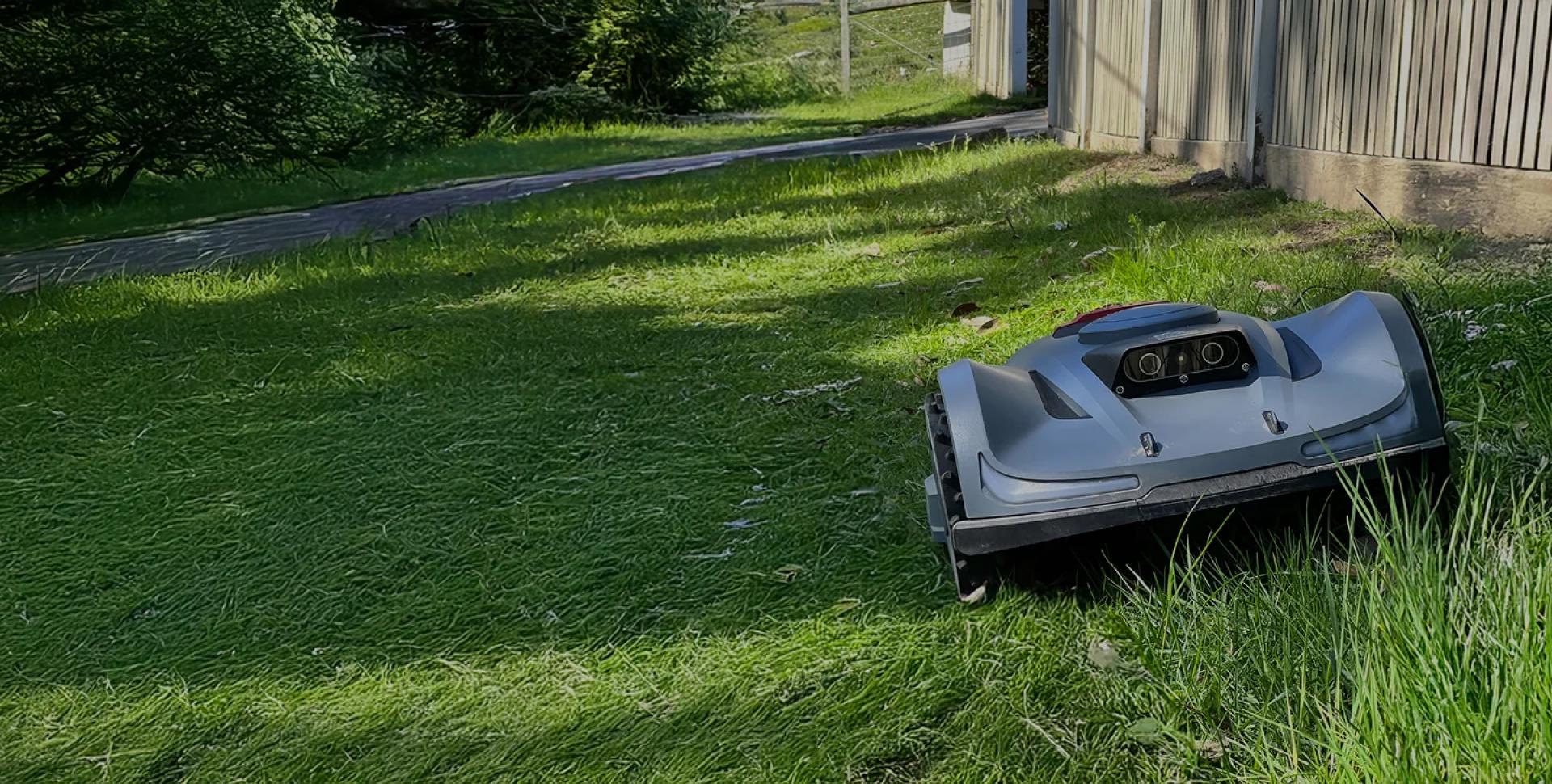

Modern automated mowers have made lawn maintenance easier for households across the country. These compact machines handle most of the weekly mowing work on their own, but they still need the right care to stay efficient. Proper maintenance not only extends the lifespan of the device but also ensures the lawn stays healthy throughout the year. If you own a robot mower in Australia, these practical care tips will help you keep your unit running smoothly in every season.
1. Keep the Cutting Blades Sharp and Clean
Blades are the most important part of any mowing system. When they are sharp, the grass receives a clean, even cut. When they are dull, the mower tears the blades of grass instead of slicing them, which leads to brown tips and uneven patches.
Make it a habit to:
- Check the blades every two to three weeks
- Replace worn or damaged blades immediately
- Remove any stuck grass or debris after each mowing session
Fresh blades protect lawn health and reduce strain on the motor. Most models use simple snap-on systems, so changing them takes only a few minutes.
2. Clear the Underside After Heavy Use
The underside of the machine collects grass clippings, dust, and soil over time. If this buildup becomes too thick, airflow is reduced and performance drops. A clean underside allows smooth operation and prevents overheating.
Steps to follow:
- Switch the unit off completely before cleaning
- Use a soft brush to remove grass clumps
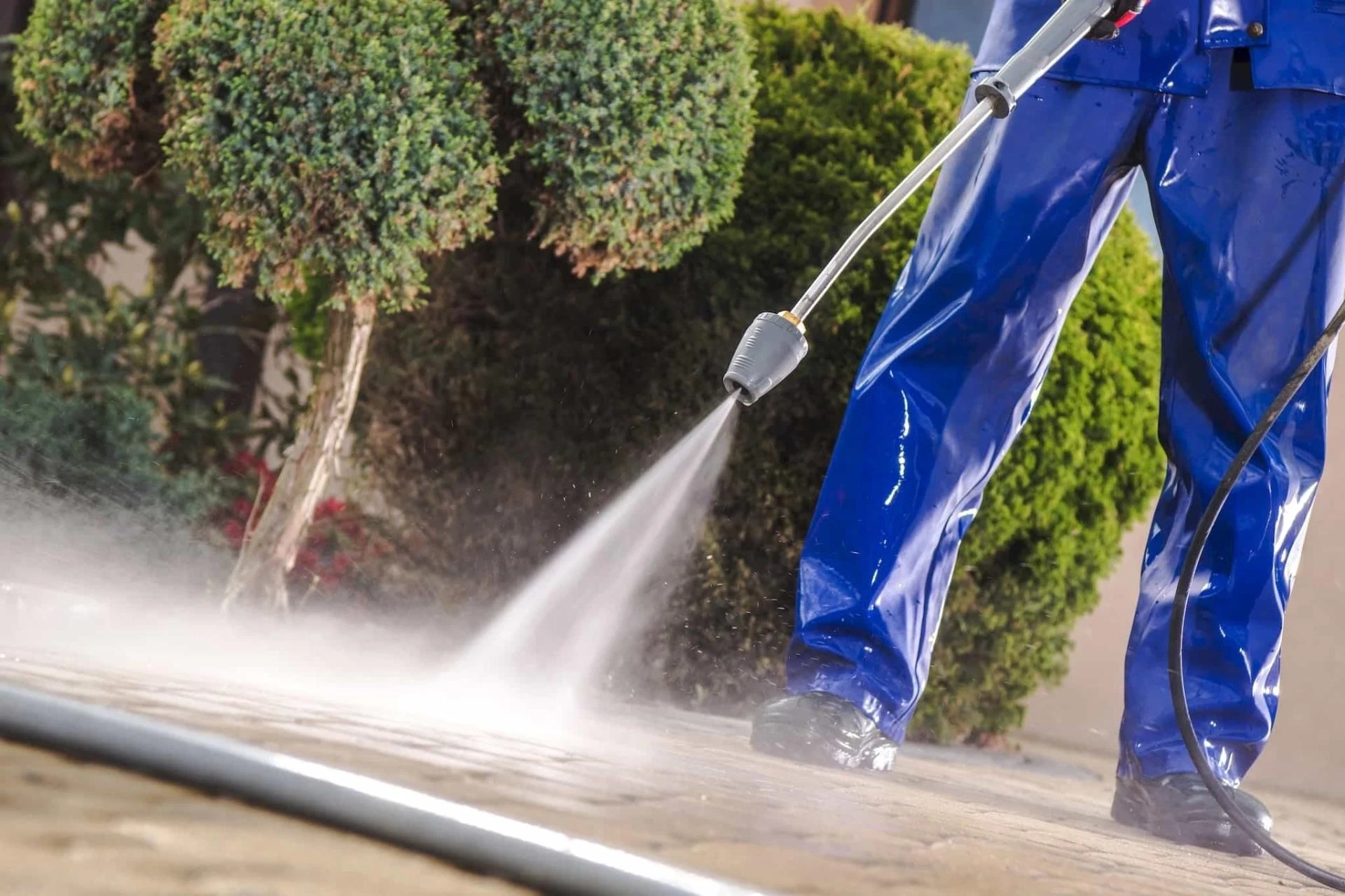
- Avoid using a high-pressure hose, as it may damage sensors or internal parts
A quick five-minute clean after every couple of runs is enough to keep the body free from blockage.
3. Maintain the Battery for Long-Term Performance
Battery care plays a major role in the overall life of your mower. Warm weather, long operating hours, and constant charging can affect how well the battery holds power.
You can keep the battery healthy by:
- Letting the mower cool down before returning it to the charging dock
- Avoiding extended exposure to direct sunlight, especially during heatwaves
- Allowing the battery to complete full charging cycles
- Storing the device in a shaded or covered area when not in use
Well-managed batteries ensure consistent mowing and fewer interruptions.
4. Check the Wheels and Drive System Regularly
Outdoor conditions expose the wheels to soil, loose stones, leaves, and small twigs. These can get stuck in the wheel housing or reduce traction on slopes.
To keep the drive system smooth:
- Remove trapped debris from the wheels
- Inspect the rubber for cracks or signs of wearing out
- Ensure the robot moves freely without unusual noise
Stable wheels help the mower navigate complex lawns without slipping or getting stuck.
5. Make Sure the Sensors Stay Clean
Sensors guide the machine around obstacles, boundary lines, and narrow paths. If these sensors become dusty or covered with grass, navigation becomes less reliable.
A simple maintenance routine includes:
- Wiping sensors gently with a microfiber cloth
- Checking for cobwebs, dirt, or dried grass
- Cleaning after stormy or windy days when dust levels rise
Clear sensors help maintain accurate movement and avoid accidental bumps.
6. Protect the Unit From Harsh Weather
Australia’s climate ranges from intense sun to sudden storms. Automated mowers are designed to handle outdoor environments, but they still benefit from protection during extreme conditions.
Here are smart weather-care habits:
- Bring the device indoors during heavy rain or thunderstorms
- Use a protective cover or garage station to shield it from hot sun
- Pause mowing schedules during heatwaves to prevent overheating of both lawn and equipment
Thoughtful weather protection reduces wear and prevents unnecessary repairs.
7. Follow a Routine Firmware and Software Check
Many modern machines operate through apps or built-in systems that receive updates. These updates improve navigation, cutting performance, and safety features.
To keep the device updated:
- Connect the mower to its app regularly
- Install updates when notified
- Re-calibrate zones or boundaries after major software changes
Updated software ensures efficient mowing patterns and stable performance.
8. Maintain the Charging Station
The charging dock is the machine’s home and one of the most important parts of its system. A poorly placed or unmaintained dock affects charging reliability.
Follow these tips:
- Keep the area around the dock clear from weeds and mulch
- Make sure the ground is level
- Avoid placing the dock under roof drip lines or near sprinklers
- Check that the cable is secure and not exposed to pets or lawn equipment
A clean, stable docking area helps the mower return safely after each run.
9. Inspect the Boundary Wire or Virtual Mapping
If your mower uses boundary wire, inspect it occasionally for cuts or loose connections. Pets, gardening tools, or ground movement may disturb the wire over time.
For GPS or virtual-mapping models:
- Recheck mapping zones
- Fix areas where the mower struggles or hesitates
- Update the map after landscaping changes
Clear boundaries allow smooth, uninterrupted mowing sessions.
10. Store the Mower Correctly During Off-Season Months
In cooler regions or during long periods of non-use, storing the mower properly helps protect internal components.
Best storage practices:
- Clean the entire unit before storing
- Charge the battery to around 50–70%
- Keep it in a dry, cool space
- Avoid placing heavy items on top of the unit
- Disconnect the charging dock if not needed
This keeps the mower ready for the next season with minimal effort.
11. Monitor Lawn Conditions and Adjust Settings
Even the best machine needs proper lawn care habits to support its performance. Consistent mowing frequency, correct cutting height, and balanced watering all contribute to a healthy lawn.
Simple adjustments include:
- Increasing cutting height during hot months
- Reducing mowing frequency during slow growth periods
- Checking for signs of stress after long, sunny days
By observing your lawn’s natural cycles, you can fine-tune the mower settings for optimal results.
12. Schedule a Professional Check-Up Once a Year
While regular home maintenance covers most needs, a yearly professional inspection helps identify worn parts, internal issues, or calibration problems. This ensures long-term reliability and better overall performance.
A typical check-up includes:
- Motor testing
- Battery health inspection
- Internal cleaning
- Software resets
- Safety system evaluation
This simple annual step extends the machine’s lifespan.
Final Thoughts
An automated mowing system offers convenience, reliability, and a consistently neat lawn. With proper care, the machine delivers excellent performance throughout the year. By following these simple maintenance practices, homeowners can enjoy a smooth mowing experience, fewer breakdowns, and healthier grass even in demanding climates. Regular cleaning, battery care, boundary checks, and weather protection keep the device in top condition, ensuring it remains a valuable part of your outdoor routine for many years.


























Sign in to leave a comment.