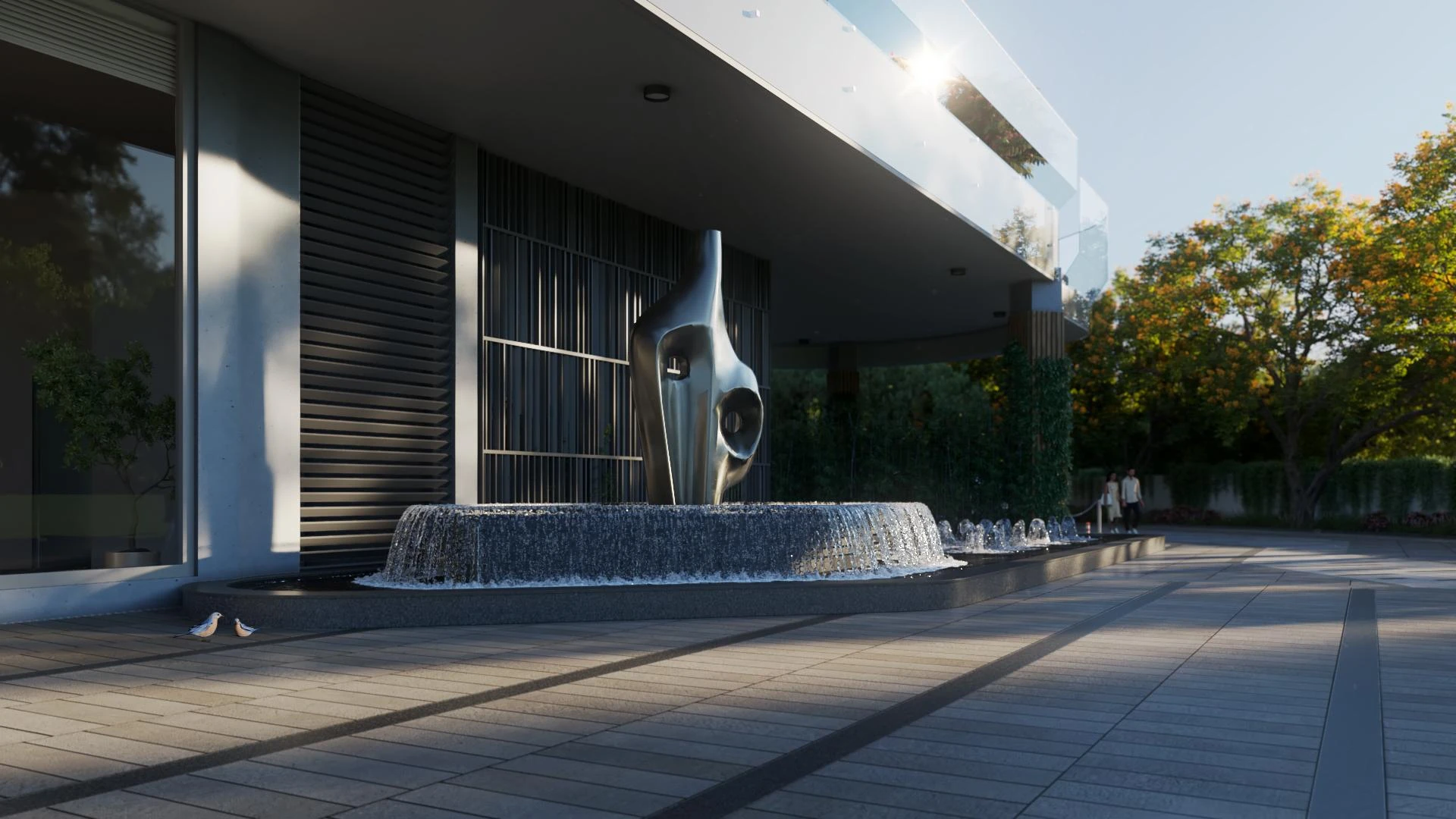

In the world of architectural visualization, 3D walkthrough rendering has become a revolutionary tool, providing immersive experiences that go beyond static imagery. This advanced rendering technique allows users to explore spaces virtually, offering architects, designers, and real estate developers a powerful way to showcase projects before construction begins. With high-definition visualizations and interactive navigation, 3D walkthrough rendering enhances decision-making and design accuracy, making it an essential component of modern architecture.
What is 3D Walkthrough Rendering?
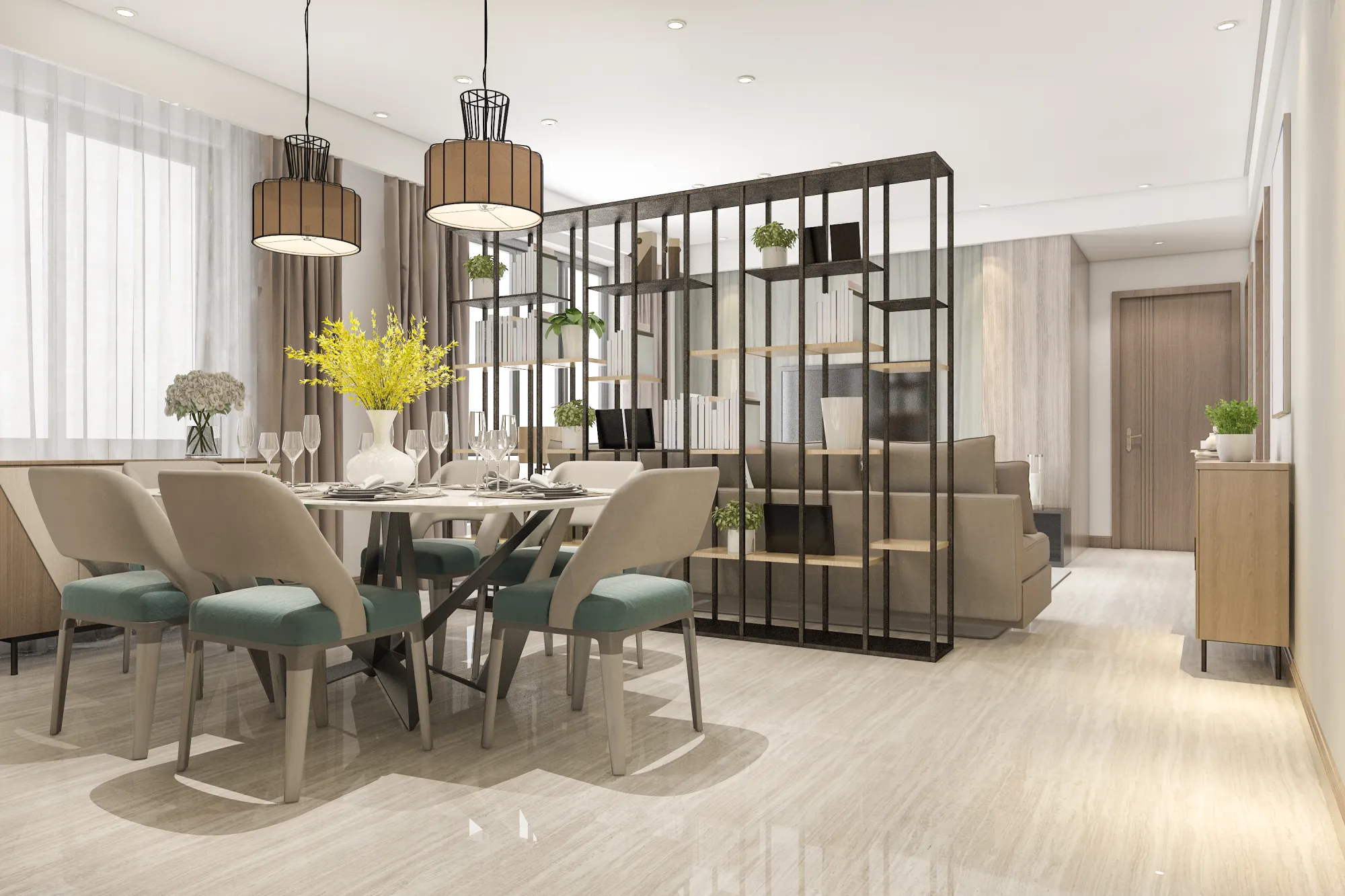
At its core, 3D walkthrough rendering is a digital simulation that enables viewers to navigate through an architectural space in a virtual environment. Unlike traditional 3D renders, which provide a single-angle perspective, walkthroughs allow for a real-time exploration of interiors and exteriors, enabling users to experience designs as if they were physically walking through them. This technique is commonly used for residential properties, commercial buildings, urban planning, and industrial spaces, ensuring a realistic preview of a project’s final appearance.
How Does 3D Walkthrough Rendering Work?
Creating a high-quality 3D walkthrough rendering requires several key steps, each contributing to the realism and functionality of the visualization.
1. 3D Modeling and Scene Creation
The process begins with detailed 3D modeling, where an architectural structure is digitally constructed using advanced design software. This stage involves defining spatial dimensions, furniture placement, lighting, textures, and environmental elements, ensuring that the walkthrough accurately represents the intended design.
2. Texturing and Material Mapping
Realism in walkthrough rendering comes from precise texture mapping, which applies materials such as wood, glass, metal, or concrete to different surfaces. This enhances the visual depth and authenticity, making the walkthrough experience closely resemble the final built environment.
3. Lighting and Shadow Optimization
Lighting plays a critical role in defining ambiance and clarity in 3D walkthrough rendering. Designers implement natural daylight settings, artificial lighting sources, and shadow effects to replicate real-world conditions. Accurate lighting ensures that rooms, hallways, and outdoor spaces maintain a true-to-life aesthetic.
4. Animation and Navigation Features
Once the scene is built, walkthrough animations are integrated, allowing users to move fluidly through the design. Advanced rendering engines enable smooth transitions between spaces, interactive zoom capabilities, and customizable viewpoints, enhancing engagement and usability.
5. Rendering and Final Processing
The final stage involves rendering high-resolution walkthroughs that can be exported as interactive 3D tours, videos, or virtual reality experiences. Post-processing techniques refine details, adjust contrast, and optimize scene transitions for a polished result.
Applications of 3D Walkthrough Rendering
1. Real Estate and Property Marketing
Real estate developers use 3D walkthrough rendering to present properties to potential buyers, offering them an immersive view of spaces before construction or purchase.
2. Interior and Exterior Design Planning
Designers rely on walkthroughs to evaluate interior layouts, color schemes, and decor elements, ensuring a cohesive aesthetic.
3. Urban Development and Infrastructure Planning
City planners use 3D walkthroughs to assess building placements, environmental impact, and neighborhood integration.
The Role of 360 Rendering in Walkthroughs
While 3D walkthrough rendering provides dynamic movement through spaces, 360 rendering complements this experience by offering interactive panoramic views. Users can rotate and explore different angles within a fixed position, enhancing spatial awareness and engagement.
The Future of 3D Walkthrough Rendering
As technology advances, AI-driven rendering, virtual reality integration, and real-time simulation will further enhance walkthrough visualization, making it more interactive and lifelike. With real-time collaboration and cloud-based rendering, designers and stakeholders will be able to review and modify architectural designs effortlessly, ensuring precision and efficiency in every project.
























Sign in to leave a comment.