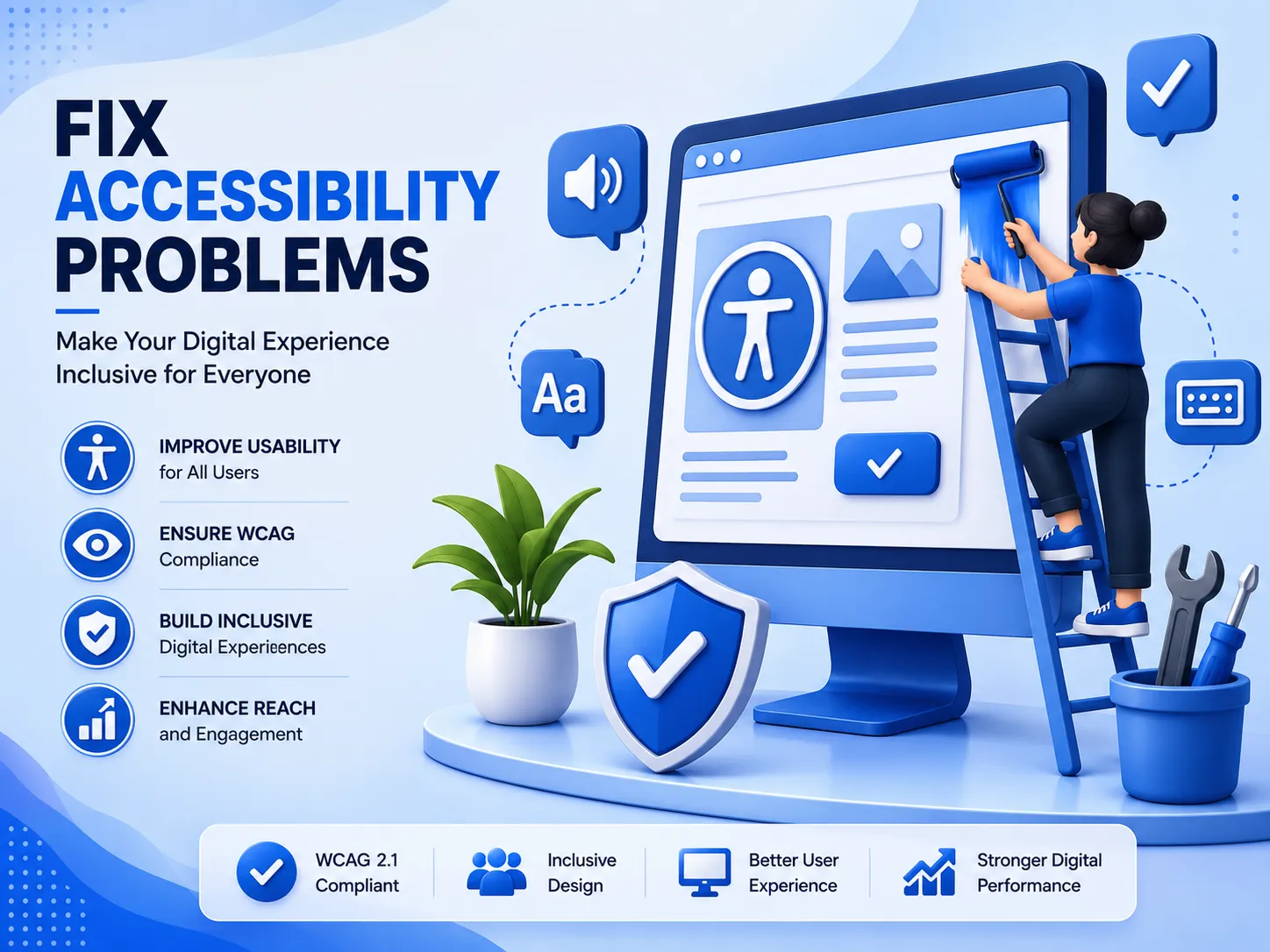

Every day, thousands of visitors land on websites they cannot use properly. Buttons that don't respond to screen readers, images without alt text, and forms that trap keyboard users are just a few examples of how businesses unintentionally push people away. If you want to fix accessibility problems on your site, you need more than good intentions. You need a clear process, the right tools, and a habit of checking your website regularly instead of treating accessibility as a one time task.
Why Accessibility Problems Happen
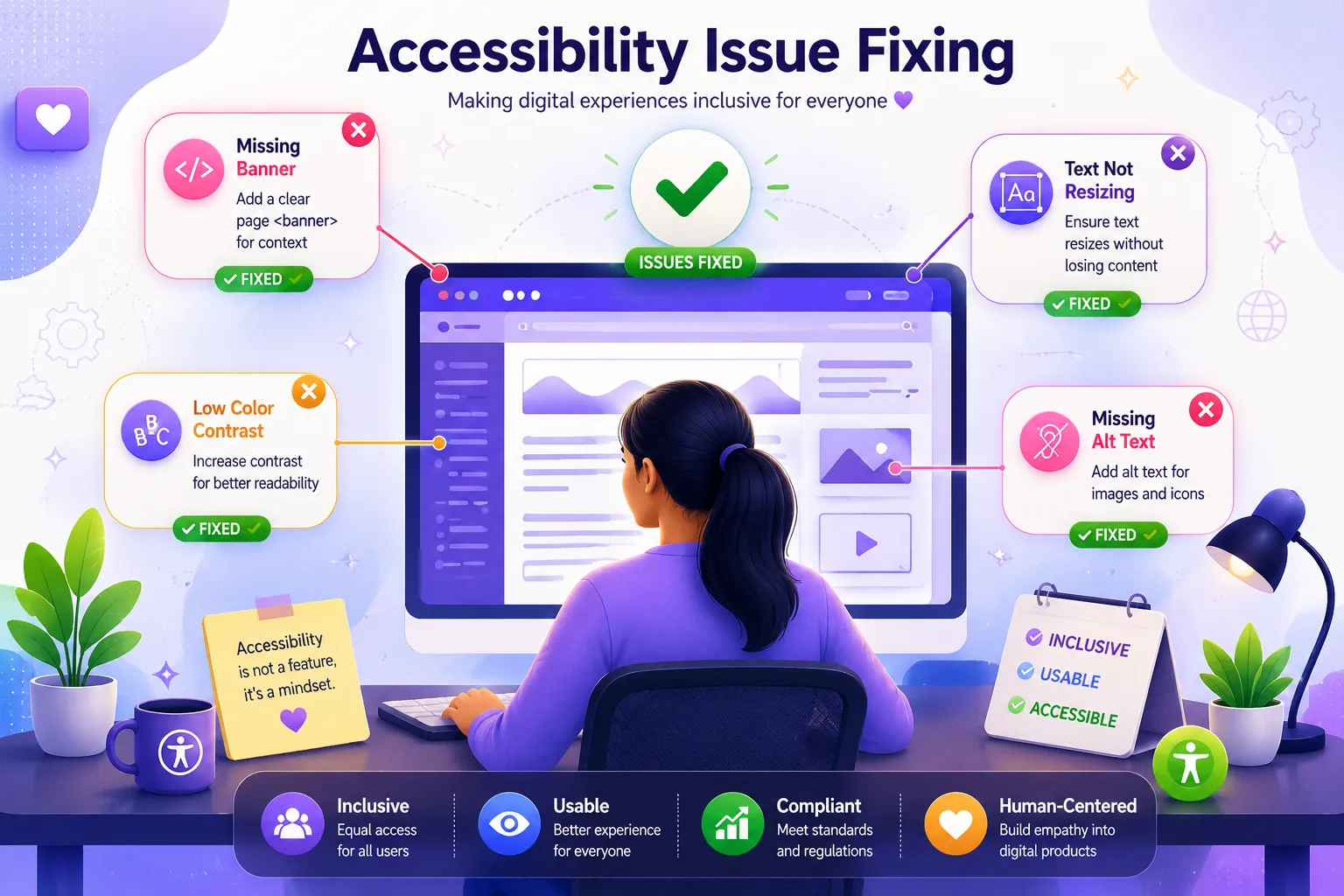
Most accessibility issues aren't caused by carelessness. They happen because teams are focused on design and speed, and accessibility gets pushed to the end of the checklist. Missing alt attributes, poor color contrast, unlabeled form fields, and broken navigation for keyboard only users are some of the most common problems businesses face. Left unresolved, these issues don't just affect user experience. They can also lead to legal complaints and lost revenue, especially as more countries strengthen digital accessibility laws.
The Real Cost of Ignoring Accessibility
When you fail to fix accessibility issues, you're not only excluding people with disabilities. You are also signaling to search engines that your site may not offer a clean, structured user experience. Search engines reward well organized, accessible content because it improves usability for everyone, not just users relying on assistive technology. In short, accessibility and SEO are deeply connected, and ignoring one weakens the other.
How to Start Fixing Accessibility Problems the Right Way
The first step is understanding where your website currently stands. Instead of guessing which pages have problems, run a full accessibility audit that checks color contrast, heading structure, alt text, form labels, and navigation flow. Once you know your weak points, prioritize fixes based on what affects the most users first, such as navigation and readability issues.
It also helps to build accessibility into your regular content and development workflow rather than treating it as a final review step. Simple habits like adding descriptive alt text, using proper heading hierarchy, and testing pages with a keyboard instead of a mouse can prevent many issues before they even appear online.
Making Accessibility a Continuous Practice
Fixing accessibility problems isn't a one time cleanup. Websites change constantly through new content, new features, and new pages, which means new accessibility gaps can appear at any time. Businesses that succeed long term treat accessibility monitoring as an ongoing process, not a single project.
This is where having the right tool becomes essential. Instead of manually testing every page, you need a reliable way to scan your site consistently and catch new issues early.
Take Action Today
Don't wait for a customer complaint or compliance notice to start improving your website. Begin fixing accessibility problems now, before they affect your users or your search rankings. Run an audit, correct the biggest problems first, and build accessibility checks into your regular website maintenance.
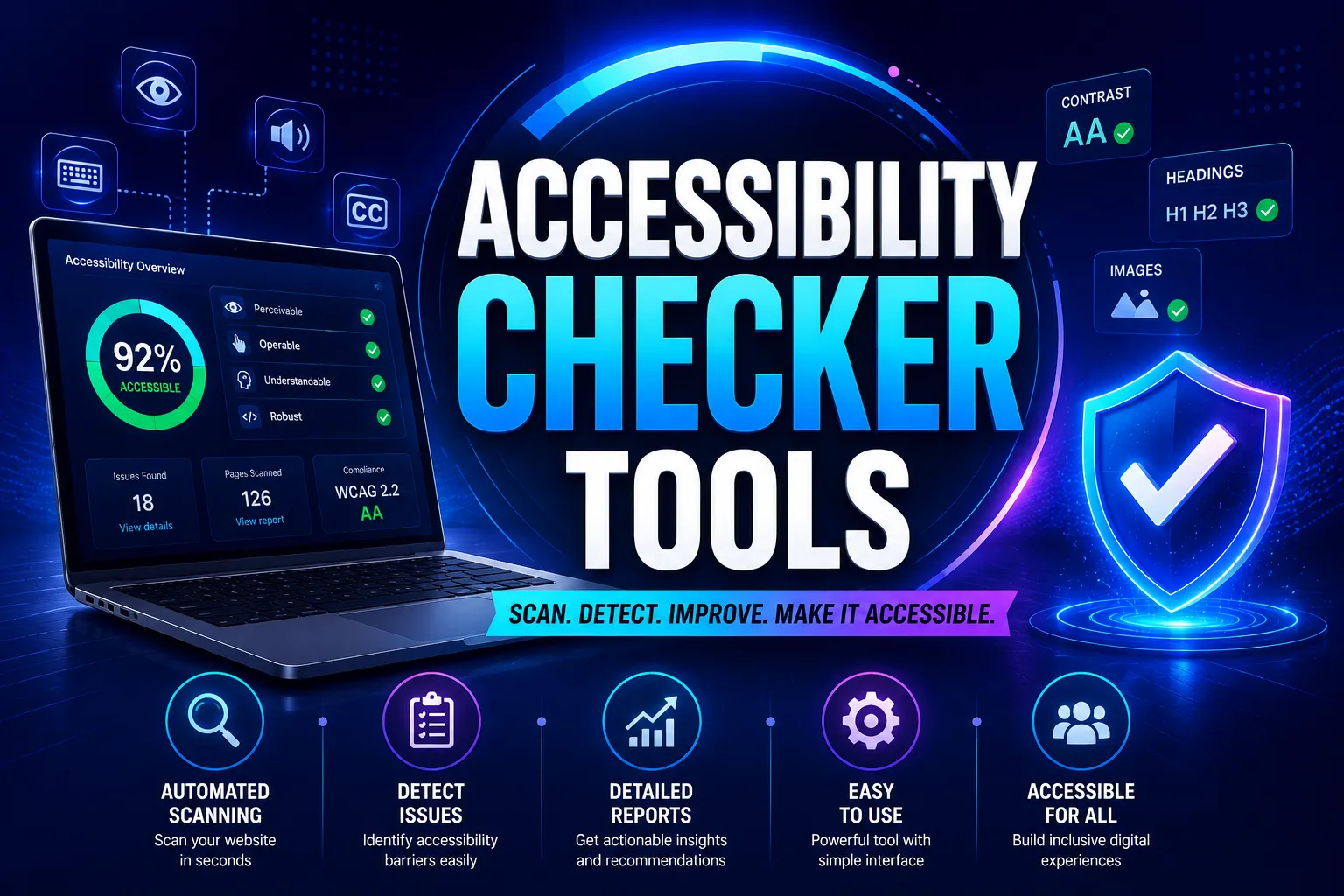
To make this process simple and reliable, Tranistics Data Technologies Private Limited offers its own accessibility checker tool, designed to help businesses identify and fix accessibility problems quickly and accurately. Try the Tranistics Data Technologies accessibility checker tool today and take the first step toward a website that works for everyone.
























Sign in to leave a comment.