
Introduction
Launching an ERP implementation is often a leap of faith—if done poorly, it can disrupt operations and drain budgets. For many SMBs, that risk looms large. But with the right plan, you can transform the project from a gamble into a success story.
In this guide, we walk you through a practical, phased ERPNext implementation roadmap tailored for small to mid‑sized businesses. Along the way, we’ll highlight how engaging a reliable ERPNext services provider or leveraging professional ERPNext implementation services helps reduce risk and accelerate success.
Phase 1: Discovery & Planning
Stakeholder Alignment & Vision Setting
Begin by interviewing leadership and department heads to define what “success” looks like. What KPIs must improve (e.g. inventory turnover, order lead time, margin)? This vision guides priorities.
Process Mapping & Gap Analysis
Document existing workflows (“As‑Is”) in finance, sales, purchasing, inventory, manufacturing, etc. Identify pain points, redundancies, manual steps, and misalignments. Then sketch the desired future process (“To‑Be”) that ERPNext will support.
Scope Definition & Phased Rollout Plan
Decide which modules to deploy first (e.g. accounting + inventory) vs what can wait (e.g. advanced analytics). Create a phased timeline. This avoids overwhelming your team and helps control costs.
Deliverables: project charter, scope document, phased roadmap, risk log, resource plan.
Phase 2: System Setup & Configuration
Infrastructure & Hosting Setup
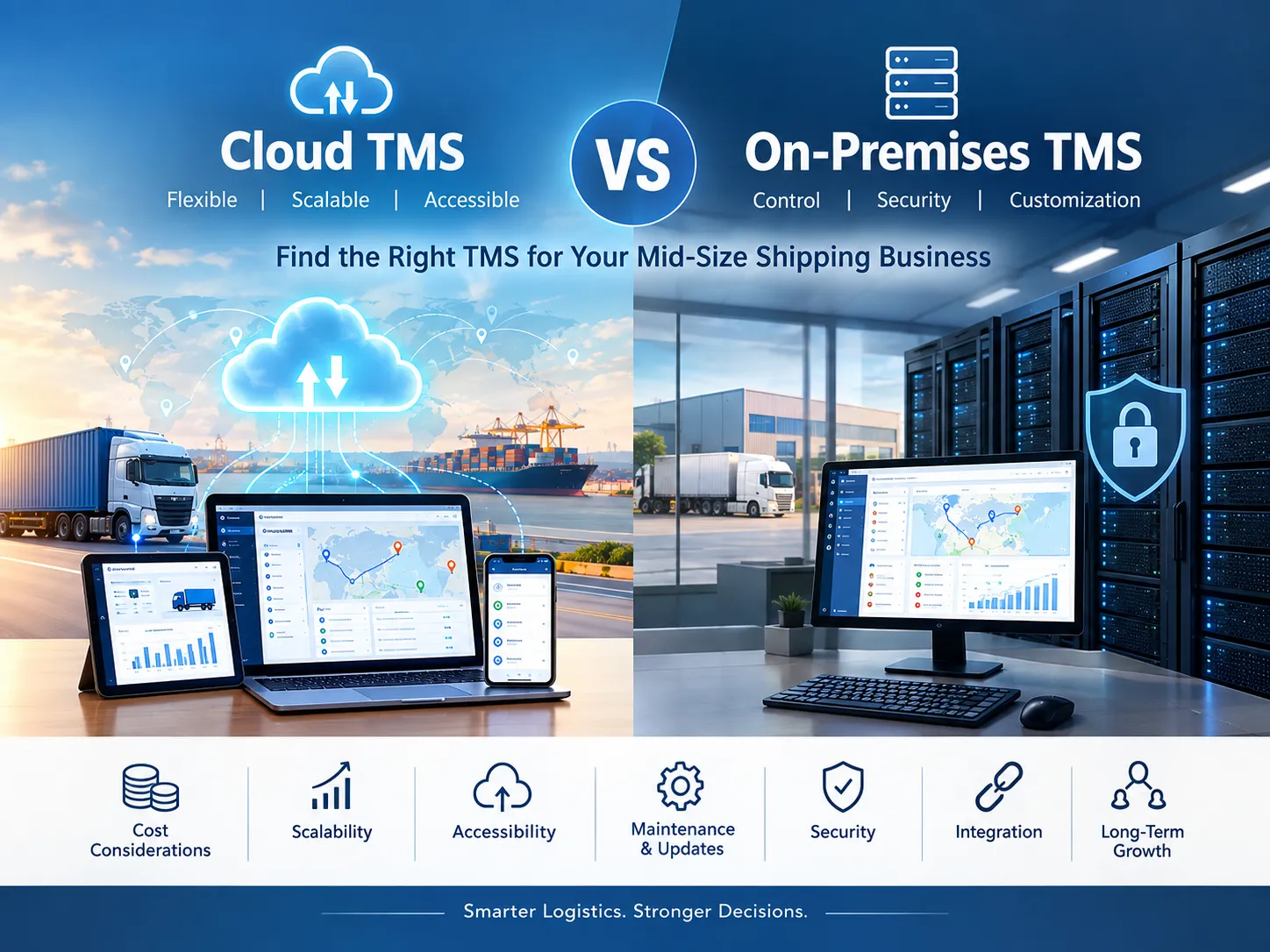
Decide where ERPNext will run—cloud, on‑premise, or hybrid. For many SMBs, cloud hosting (VPS or managed cloud) offers lower overhead and faster setup. Ensure proper sizing, backups, SSL, network security, and redundancy.
Base Configuration & System Modules
Configure company settings: chart of accounts, currency, tax rules, users and roles, warehouses. Install core modules needed for your launch phase (e.g. accounting, sales, purchasing, inventory).
Data Model & Master Data Entry
Define master data structures (item codes, suppliers, customers, cost centers) and import clean data. Clean data is non‑negotiable—dirty imports are one of the most common failure points.
Customization & Extensions
If you need special workflows, “hooks,” or domain-specific logic, build them as custom apps or extensions rather than modifying core. This keeps your upgrade path cleaner.
Phase 3: Integration, Migration & Testing
Integration with Legacy or Peripheral Systems
Connect ERPNext with your e-commerce platforms, payment gateways, CRM, or shop‑floor systems. Use APIs, middleware, or connectors.
Data Migration & Validation
Migrate historical transactions (open AR, open AP, inventory balances). Run dual systems in parallel during early testing, cross-check results, and reconcile.
Testing (Unit, Integration & UAT)
- Unit testing: ensure each module behaves individually
- Integration testing: ensure data flows correctly across modules
- User Acceptance Testing (UAT): have real users run end‑to‑end scenarios
- Document defects, iterate fixes, and iterate retests.
Go‑Live Readiness Checklist
Checklists for cutover: final data sync, system access, backups, performance tests, contingency plans. Freeze major changes just before go‑live.
Phase 4: Deployment, Training & Change Management
Pilot Launch & Soft Go‑Live
Deploy to a limited team or business slice (e.g. one region or function). Observe issues, refine workflows, and stabilize.
User Training & Documentation
Train staff role-wise (finance, sales, operations), provide user manuals, conduct hands-on workshops. Encourage support questions and feedback.
Coaching & Support
Provide on‑site or virtual coaching during early days. Monitor usage patterns, respond quickly to issues, and support users closely.
Phase 5: Stabilization & Continuous Improvement
Hypercare & Issue Resolution
For at least 4–8 weeks post go‑live, maintain a hypercare period where issues are prioritized and addressed swiftly.
Performance Tuning & Monitoring
Track system performance metrics (response times, queueing, server load). Adjust caching, indexing, and server parameters where needed.
Iterative Module Rollouts
Once the core is stable, deploy remaining modules (manufacturing, quality, analytics). Use the lessons learned in earlier phases to streamline these rollouts.
Feedback Loops & Governance
Set up a governance council (users, IT, leadership) to review system usage, change requests, and feature prioritization. Regular retrospectives help refine roadmap.
Why Expert Help Matters: Role of ERPNext Services Providers
An SMB often lacks full-time in-house ERP expertise. That’s where a dedicated ERPNext services provider adds value:
- Expertise in scoping, configuring, customization, and integration
- Limited risk of making architectural missteps
- Faster execution: they’ve done this many times
- Guidance on upgrade‑safe practices
- Ongoing support, maintenance, and optimization
When you hire ERPNext implementation services, you're not just paying for setup—you’re buying assurance, domain knowledge, and a smoother path to ROI.
Real Example: SMB Transition with Expert Partner
A mid‑sized FMCG distributor in India faced inefficiencies spreading across accounting, inventory, and order processing. They engaged a specialized ERPNext services provider. Following the implementation roadmap:
- Phase 1 & 2: Discovery and configuration
- Phase 3: Integration with their e-commerce and legacy billing
- Phase 4: Pilot go‑live with one warehouse
- Phase 5: Full rollout + continuous improvement
Outcomes: order processing time reduced by 40%, inventory holding reduced by 25%, finance close shortened by 3 days. Their partner designed modular extensions and handled ongoing training and support.
Internal & External Link Suggestions
Internal links you could insert:
- A post on “ERPNext Customization Best Practices”
- A guide comparing ERPNext vs Odoo
- A services page for “ERPNext implementation services”
External reference ideas:
- ERPNext official docs (for manufacturing, accounting, modules)
- Frappe framework documentation
- Case studies from ERPNext community forums
- General ERP implementation methodologies (e.g. Agile ERP, phased rollout approaches)
Readability & Flow
This structure with short paragraphs, bullet points, and clear section titles helps with scan‑ability and readability. Aim for Flesch Reading Ease in the 50–60 range (suitable for business audiences). Use active voice, and avoid overly long sentences.
Conclusion
Implementing ERPNext in an SMB is a journey—not a flip of a switch. But with a clear roadmap covering discovery, configuration, integration, deployment, and continuous improvement, the path becomes manageable and deliberate. Coupling that with the experience of a trusted ERPNext services provider or engaging well-rounded ERPNext implementation services ensures your setup phase is efficient and your long-term ROI is solid.
By following this roadmap and partnering wisely, what starts as setup evolves into a success engine—giving your business structure, insight, and flexibility for growth.
























Sign in to leave a comment.