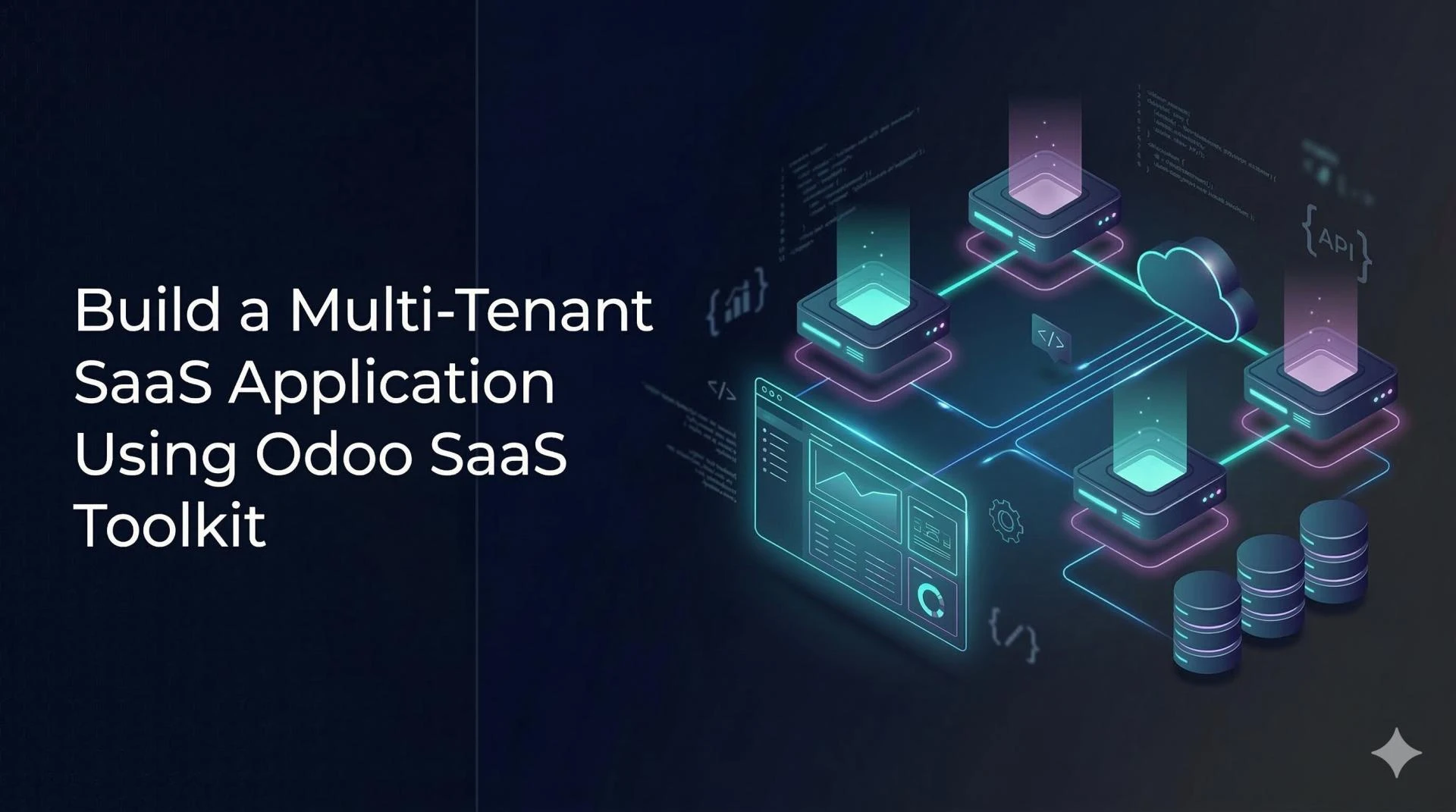

The SaaS market is booming. Businesses of all sizes are ditching traditional software for cloud-based solutions - and if you're looking to build your own, you're in the right place. One of the smartest stacks you can pick today is Odoo combined with the Odoo SaaS Toolkit, which gives you everything you need to launch a fully functional multi-tenant SaaS application without starting from zero.
Whether you're a developer exploring new frameworks or a business owner with a SaaS idea, this guide breaks down the whole process in plain language - from understanding the core concepts to setting up your first tenant and going live.
Let's get into it.
What Is a Multi-Tenant SaaS Application?
Before we jump into the toolkit, it helps to understand what multi-tenancy actually means. In simple terms, a multi-tenant SaaS application is one where a single software instance serves multiple customers (tenants) - each with their own isolated data, settings, and user base.
Think of it like an apartment building. The building (your app) is shared, but each flat (tenant) is private, with its own key, furniture, and residents. This model is cost-efficient, scalable, and incredibly popular among modern SaaS providers.
The main advantages of multi-tenancy include:
- Lower infrastructure costs — one codebase, many customers
- Easier maintenance and upgrades across all tenants at once
- Centralized monitoring without compromising data isolation
What Is the Odoo SaaS Toolkit?
The Odoo SaaS Toolkit is an open-source module (or set of modules) built on top of the Odoo framework, specifically designed to help developers create and manage multi-tenant SaaS applications. It handles many of the heavy-lifting tasks that would otherwise take months to build custom.
Here's what it brings to the table out of the box:
- Tenant provisioning and management
- Subscription and billing management
- Trial periods and expiry handling
- Domain routing and subdomain assignment
- Admin dashboard for centralized tenant oversight
Step-by-Step: Building Your Multi-Tenant SaaS App with Odoo
Here's a practical breakdown of how to get started and what each phase looks like in real-world development.
Step 1: Set Up Your Odoo Server Environment
Start with a clean Odoo installation on a Linux server (Ubuntu 20.04 or 22.04 is recommended). You'll need PostgreSQL as the database backend, which Odoo uses to create separate databases per tenant - this is the backbone of data isolation.
Make sure your server has enough resources. For a development environment, 4 GB RAM and 2 vCPUs is a reasonable starting point. For production, scale based on expected tenant volume.
Step 2: Install the Odoo SaaS Toolkit Modules
Clone the SaaS Toolkit repository and place it in your Odoo addons directory. The toolkit is commonly found on platforms like GitHub or the Odoo Apps marketplace, and it typically includes several modules:
- saas_client — handles the tenant-side experience
- saas_server — manages provisioning from the master database
- saas_portal — the customer-facing registration and subscription portal
Step 3: Configure the Master Database
The master (or operator) database is the control hub of your SaaS platform. From here, you define plan templates, set pricing tiers, configure trial durations, and manage all active tenants. Think of it as the admin side of your SaaS business.
You'll also configure the default modules that get installed when a new tenant signs up - so if your SaaS product is, say, a project management tool, you'd include the Odoo Project, Timesheets, and CRM modules in the template.
Step 4: Set Up Subdomain Routing
Each tenant in your multi-tenant SaaS application typically gets their own subdomain - like acme.yoursaas.com or globex.yoursaas.com. The Odoo SaaS Toolkit supports this natively, but you'll need to configure wildcard DNS at the domain level (e.g., *.yoursaas.com pointing to your server IP).
Then, configure your Nginx or Apache reverse proxy to route incoming subdomain requests to the correct Odoo database. This is where clean architecture pays off - getting the routing right early saves a lot of headaches down the line.
Step 5: Test Tenant Provisioning End-to-End
Before going live, simulate the full tenant lifecycle: sign-up, trial activation, database provisioning, and eventual expiry or upgrade. The toolkit automates most of this, but you want to make sure each step triggers correctly in your environment.
Pay special attention to email notifications (trial expiry reminders, invoices) — these are easy to overlook during setup but crucial for a polished user experience.
A Real-World Example: Building an HR SaaS with Odoo
Imagine you want to launch an HR management SaaS for small businesses. Using the Odoo SaaS Toolkit, you'd set up a master database with Odoo HR, Payroll, and Leave Management modules pre-installed in the template.
When a new business signs up through your portal, the toolkit automatically provisions a fresh database, installs those modules, and assigns the tenant their subdomain - all within minutes. The business owner logs in to their own clean instance, completely separated from other customers.
This is the power of the Odoo SaaS Toolkit in action. What would typically take a custom development team several sprints to build is done with configuration and a few lines of code.
Best Practices When Building with the Odoo SaaS Toolkit
Getting the technology right is just one part of the equation. Here are some practical tips to set yourself up for long-term success:
- Use a dedicated server for the master database. It handles critical operations, so don't mix it with tenant databases on the same instance in production.
- Automate database backups per tenant. Since each tenant has their own database, your backup strategy needs to account for potentially hundreds of DBs.
- Keep your module template lean. Only include modules your customers actually need. A bloated template slows down provisioning and increases resource consumption.
- Monitor tenant activity from the master. Use the admin dashboard to track usage, flag dormant accounts, and identify upsell opportunities.
- Plan your upgrade strategy early. When you update the Odoo version, you'll need to roll out changes to every tenant database — having a tested upgrade pipeline from day one saves enormous effort later.
Why the Odoo SaaS Toolkit Stands Out for SaaS Builders
There are plenty of frameworks and tools out there for building SaaS applications, so what makes the Odoo SaaS Toolkit worth your attention?
A few things genuinely set it apart:
- Rich built-in modules: Odoo already includes CRM, accounting, inventory, HR, e-commerce, and more. You're not building features from scratch.
- Active community: Thousands of developers contribute to Odoo, meaning bugs get fixed, documentation improves, and new features land regularly.
- Flexible customization: Python-based backend and JavaScript/OWL frontend means experienced developers can extend functionality with relatively low friction.
- True data isolation per tenant through separate PostgreSQL databases, which is both secure and easy to manage.
Conclusion
Building a multi-tenant SaaS application doesn't have to mean reinventing the wheel. The Odoo SaaS Toolkit gives you a production-ready foundation that handles the architectural complexity - so you can focus on what actually differentiates your product.
From tenant provisioning and subdomain routing to subscription management and billing, the toolkit covers an impressive amount of ground. And because it's built on Odoo - one of the most feature-rich open-source business platforms available - you have access to a massive ecosystem of modules and integrations.
If you're serious about building a scalable, maintainable multi-tenant SaaS application, the Odoo SaaS Toolkit deserves a serious look. Start with a development environment, follow the steps above, and you'll have your first tenant up and running faster than you might expect.
Frequently Asked Questions (FAQs)
1. Do I need to know Python to use the Odoo SaaS Toolkit?
Basic Python knowledge helps, especially if you want to customize modules or write business logic. However, for initial setup and standard use cases, most of the work is configuration-based and doesn't require deep programming skills.
2. How is data isolation handled between tenants?
Each tenant gets their own PostgreSQL database. This is a true database-per-tenant model, which means one tenant's data is completely separated from another's at the database level. There's no risk of data leakage between customers.
3. Can I offer different plans to different tenants?
Yes. The toolkit supports multiple plan templates, so you can define a basic plan with limited modules, a standard plan with core features, and a premium plan with full access. Tenants can be upgraded or downgraded through the admin panel.
4. Is the Odoo SaaS Toolkit free to use?
The toolkit itself is open-source, but you'll still need a server infrastructure and potentially Odoo Enterprise licenses depending on which modules you include in your SaaS offering. Always check the licensing terms for any third-party add-ons you include.
5. How many tenants can one Odoo SaaS deployment handle?
It depends on your server hardware and how active each tenant is. A well-tuned setup on a mid-range cloud server can comfortably handle dozens to hundreds of small tenants. For larger scale, you'd distribute databases across multiple servers and use load balancing.



























Sign in to leave a comment.