


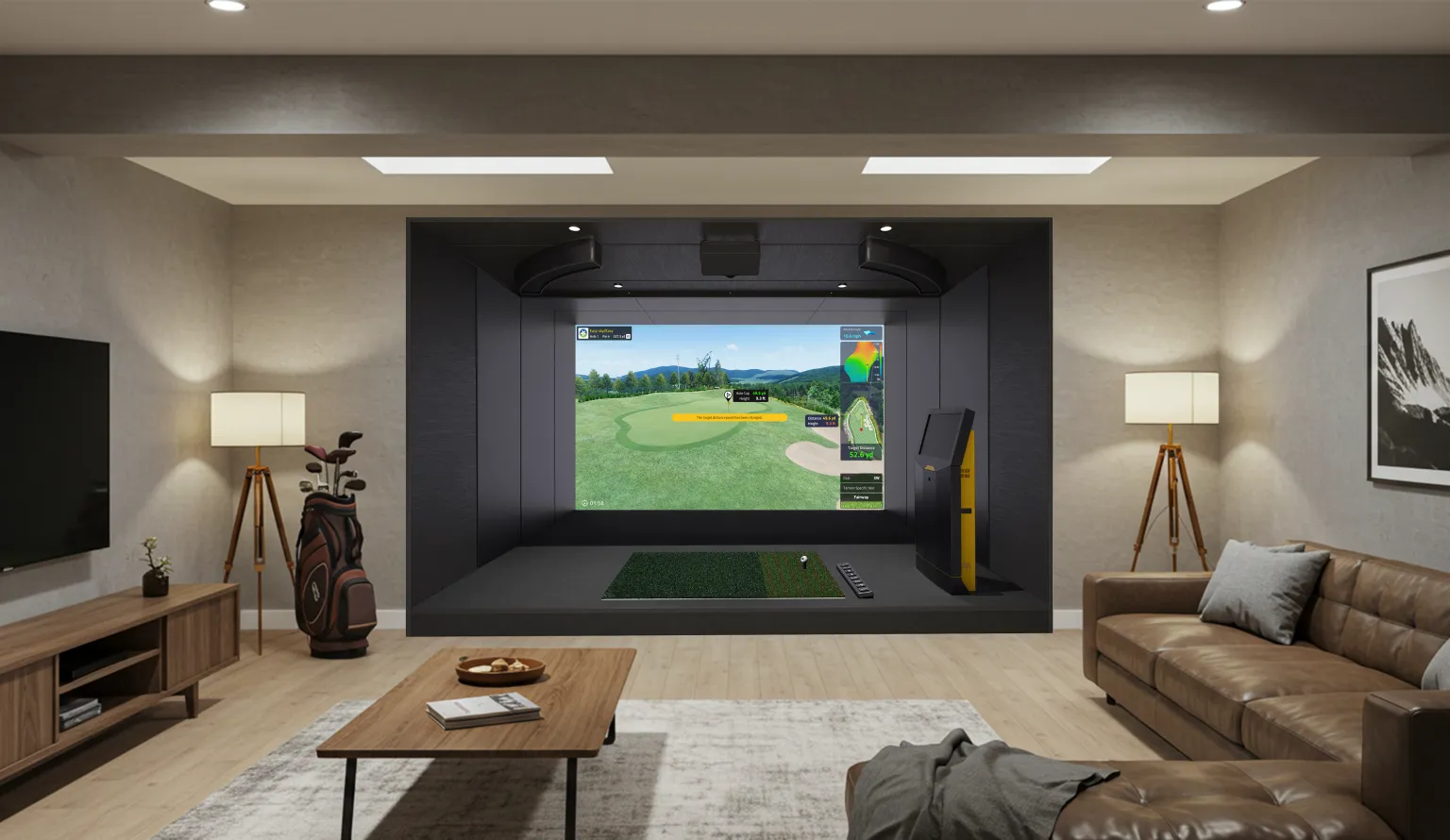
A golf simulator can change the way you practice and enjoy the game. It allows you to work on your swing, play virtual courses, and stay connected to golf regardless of the weather outside. However, like any technology, a simulator needs regular care to maintain its performance. The system combines several important components, including tracking technology, cameras, projectors, hitting mats, impact screens, computers, and software. When these components are properly maintained, you can enjoy more consistent performance and help extend the life of your equipment.
Whether you have a simulator at home or operate an indoor golf facility, a simple maintenance routine can prevent many common problems. Regular cleaning, equipment inspections, software updates, and proper room conditions can go a long way toward protecting your investment. Golf VX offers simulator solutions for residential and commercial environments, combining advanced tracking technology, immersive visuals, and features designed to make indoor golf more convenient and engaging.
Why Golf Simulator Maintenance Matters
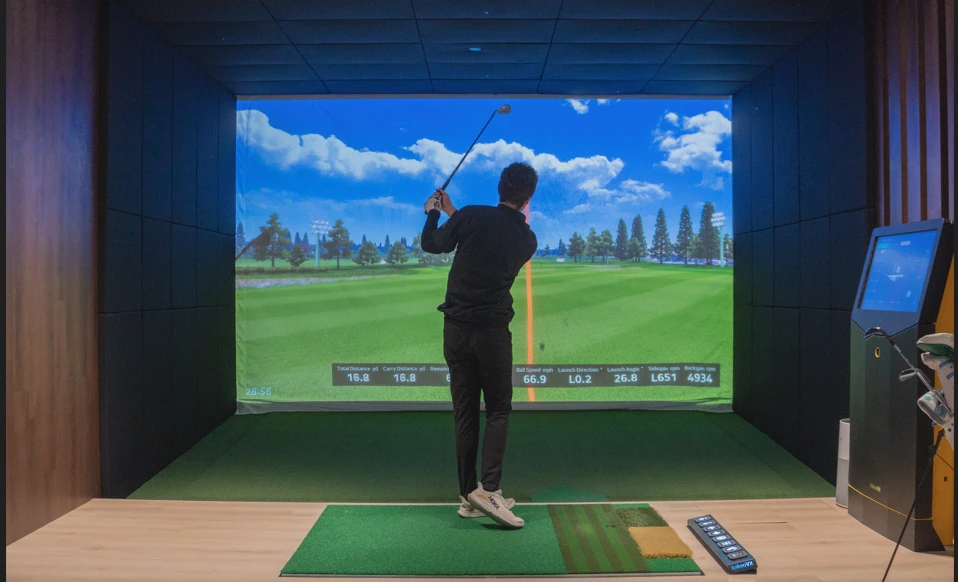
A golf simulator relies on several components working together to create an accurate and realistic experience. Tracking cameras and sensors capture information about the club and ball, while the projector creates the virtual course environment. At the same time, the hitting mat and impact screen are exposed to repeated physical use every time you practice or play. Dust, dirt, physical wear, loose connections, and outdated software can gradually affect performance if they are ignored.
Regular maintenance helps keep the system accurate, protects expensive components, and reduces the likelihood of unexpected downtime. This becomes especially important in commercial environments, where a simulator may be used by dozens of players throughout the day. Preventive maintenance can help operators provide a consistent experience while reducing the risk of interruptions during customer sessions.
Keep the Simulator Room Clean
Keeping the simulator environment clean is one of the simplest and most effective maintenance steps. Dust and debris can build up around the hitting area, equipment, projector, cameras, and computer. Over time, excessive dust can also interfere with ventilation and contribute to overheating. Vacuum the floor regularly, remove debris from around the hitting area, and use a soft microfiber cloth to clean accessible surfaces.
Electronic components should always be cleaned carefully. Avoid spraying cleaning products directly onto cameras, screens, projectors, or other electronics. Instead, use an appropriate cloth and follow the cleaning recommendations for each component. Keeping the room organized also makes it easier to notice loose cables, damaged equipment, or other problems before they become more serious.
Protect the Impact Screen and Hitting Mat
The impact screen and hitting mat are two of the most heavily used parts of a simulator. Every golf shot sends a ball into the screen at high speed, while the mat absorbs the pressure created by repeated swings. Even high-quality materials can eventually show signs of wear, especially in commercial facilities where hundreds of shots may be played every day.
Inspect the impact screen regularly for fraying, stretching, loose stitching, small tears, or uneven tension. A minor tear can become larger if it continues to receive repeated impacts. The hitting mat should also be checked for flattened areas, tears, loose fibers, or movement during swings. Keeping both surfaces clean and properly positioned helps maintain a comfortable and consistent playing experience.
Advanced simulator systems may also include dynamic surfaces that recreate different playing conditions. Golf VX’s Quantum simulator, for example, incorporates technology designed to simulate fairway, rough, and bunker surfaces. Proper care of these surfaces helps preserve the realistic experience they are designed to provide.
Clean Cameras and Tracking Equipment Carefully
Accurate tracking is at the center of a good golf simulator experience. Cameras and sensors need a clear view of the hitting area to capture information about the club and ball. Dust, fingerprints, or objects blocking their field of view can potentially affect tracking performance, so these components should be inspected and cleaned regularly.
Use a soft microfiber cloth when cleaning accessible camera lenses or sensor surfaces, and never spray liquid directly onto sensitive equipment. If the manufacturer’s instructions recommend turning equipment off before cleaning, follow those instructions. If tracking becomes inconsistent, check whether a camera or sensor has been moved before changing calibration settings. Golf VX systems use advanced tracking and high-speed camera technology to deliver detailed shot feedback and immersive gameplay.
Maintain the Projector and Ventilation
The projector plays an important role in creating the visual environment of a golf simulator, so keeping it clean and properly ventilated is essential. Dust around ventilation openings can restrict airflow and cause the projector to operate at higher temperatures. Make sure the vents remain unobstructed and that there is sufficient space around the projector for air to circulate.
Pay attention to changes in brightness, flickering, unusual fan noise, or image quality. These can be signs that the projector needs attention. Projector maintenance varies by model, so follow the manufacturer’s recommendations for cleaning, filters, light sources, and servicing. Golf VX uses high-brightness projection technology across its simulator systems to create detailed virtual golf environments, making projector care an important part of maintaining the overall experience.
Keep Software and Firmware Updated
Simulator maintenance isn’t limited to physical equipment. Software and firmware updates can improve performance, fix bugs, introduce new features, and maintain compatibility between different components. Regularly check for updates to your simulator software, firmware, computer drivers, course library, and related applications.
For home users, updates can usually be completed during convenient times. Commercial facilities should consider scheduling larger updates outside peak operating hours so customers are not interrupted. Golf VX’s software supports playing, practice, competition, and access to a broad selection of virtual golf courses, making software an important part of the overall simulator experience.
Check Cables, Connections, and Equipment Positioning
Loose or damaged cables can cause problems that may initially appear to be software or hardware failures. Periodically inspect accessible connections between the computer, projector, cameras, displays, sensors, and other equipment. Look for visible damage, fraying, excessive bending, or cables that have been pulled or compressed. Good cable management is particularly important in commercial environments because cables should not create trip hazards or be exposed to unnecessary damage.
Equipment positioning should also be checked from time to time. Moving a camera, sensor, projector, or hitting surface can potentially affect tracking or alignment. If your simulator suddenly produces inconsistent results after equipment has been moved, check its positioning and determine whether recalibration is required. Avoid making unnecessary adjustments when the system is already operating correctly.
Maintain the Right Environment
The room surrounding your golf simulator can have a significant effect on equipment performance and longevity. Excessive dust, moisture, humidity, or poor ventilation can create problems for electronic components. Try to keep the room clean, dry, and properly ventilated, and avoid exposing equipment to significant temperature changes or moisture.
This is especially important for garage and basement installations, where environmental conditions may fluctuate throughout the year. When planning a new simulator, consider the available space, ceiling height, lighting, ventilation, and general room conditions. A properly planned installation makes the simulator easier to maintain while also creating a more comfortable environment for playing.
Create a Simple Maintenance Routine
You don’t need to spend hours maintaining your simulator. A consistent routine is more effective than occasional intensive cleaning. After regular sessions, quickly check the hitting area, screen, and mat for visible damage or debris. Once a week, clean accessible surfaces and inspect cables, cameras, and frequently used components. A monthly inspection can include projector ventilation, software updates, tracking performance, and mechanical components such as an auto-tee system.
Commercial facilities may need to perform these checks more frequently because of higher usage. Staff can also be trained to identify common warning signs, such as damaged screens, unusual noises, inconsistent tracking, or equipment that is becoming slow or unresponsive. Catching these issues early can help prevent more expensive repairs and minimize downtime.
Know When to Get Professional Help
Basic maintenance can prevent many problems, but some issues require professional assistance. Persistent tracking problems, hardware failures, unusual mechanical sounds, recurring software errors, and significant equipment damage should not be ignored or repaired without the appropriate knowledge. Attempting to disassemble specialized cameras, sensors, projectors, or other equipment can create additional damage and may affect warranties.
If basic troubleshooting does not resolve an issue, contact the manufacturer or a qualified technician. Golf VX provides support resources for customers who need assistance with their simulator systems. Golf VX Support provides details about the problem, including when it started and any recent equipment changes, which can help technical support identify the cause more efficiently.
Final Thoughts
A golf simulator is a significant investment, and regular maintenance is one of the easiest ways to protect that investment. Keeping the room clean, inspecting the impact screen and hitting mat, protecting cameras and sensors, maintaining projector ventilation, checking connections, and keeping software updated can help your system continue performing reliably.
Home and commercial simulators may require different maintenance schedules, but the principle is the same: address small issues before they become major problems. With consistent care and reliable equipment, you can spend less time dealing with technical issues and more time practicing your swing, playing virtual courses, and enjoying golf throughout the year.
If you’re considering a new simulator for your home, business, or indoor golf facility, explore the Golf VX simulator lineup to find a solution designed around your space and playing needs.
Originally published on Medium.com.

























Sign in to leave a comment.