
Introduction
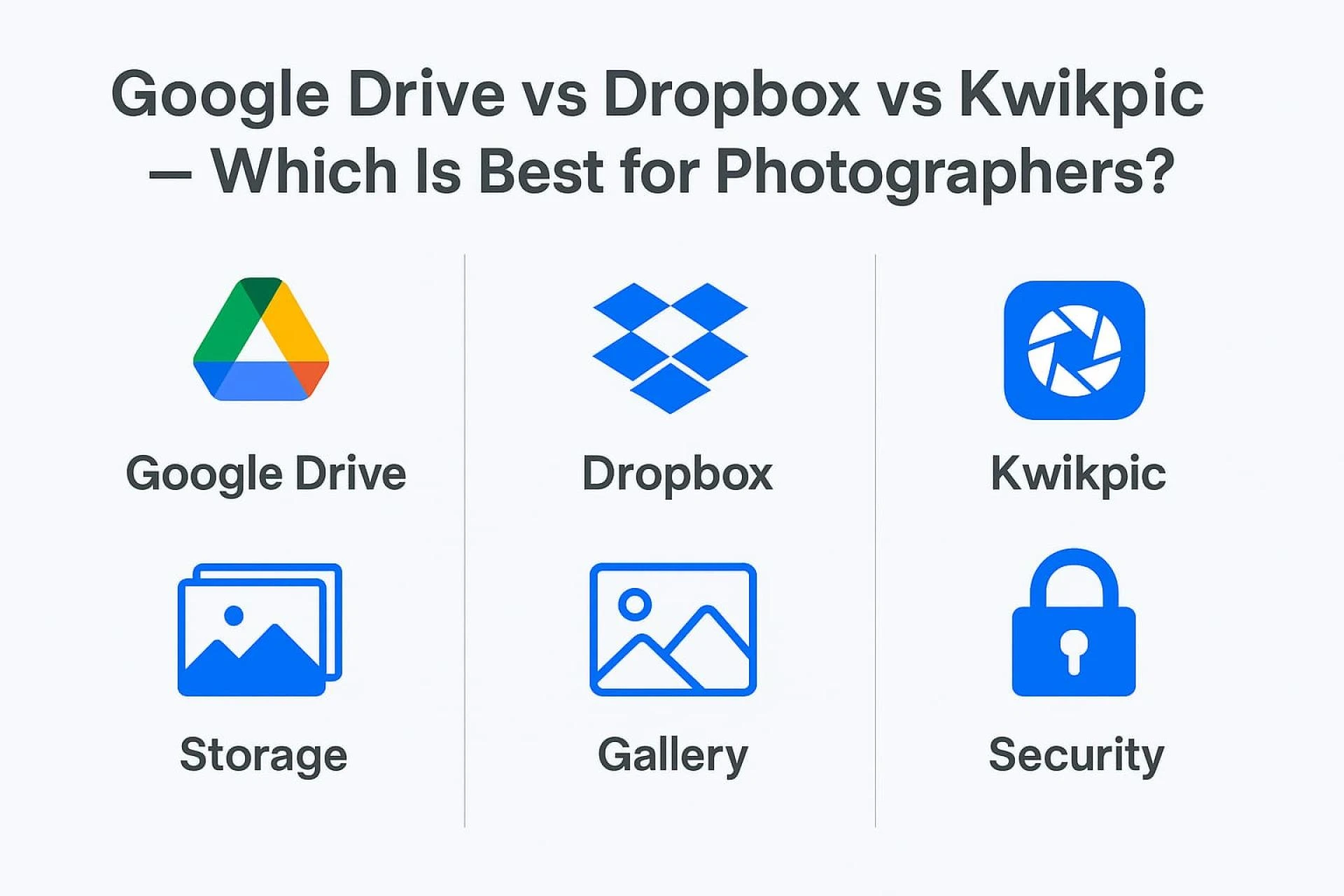
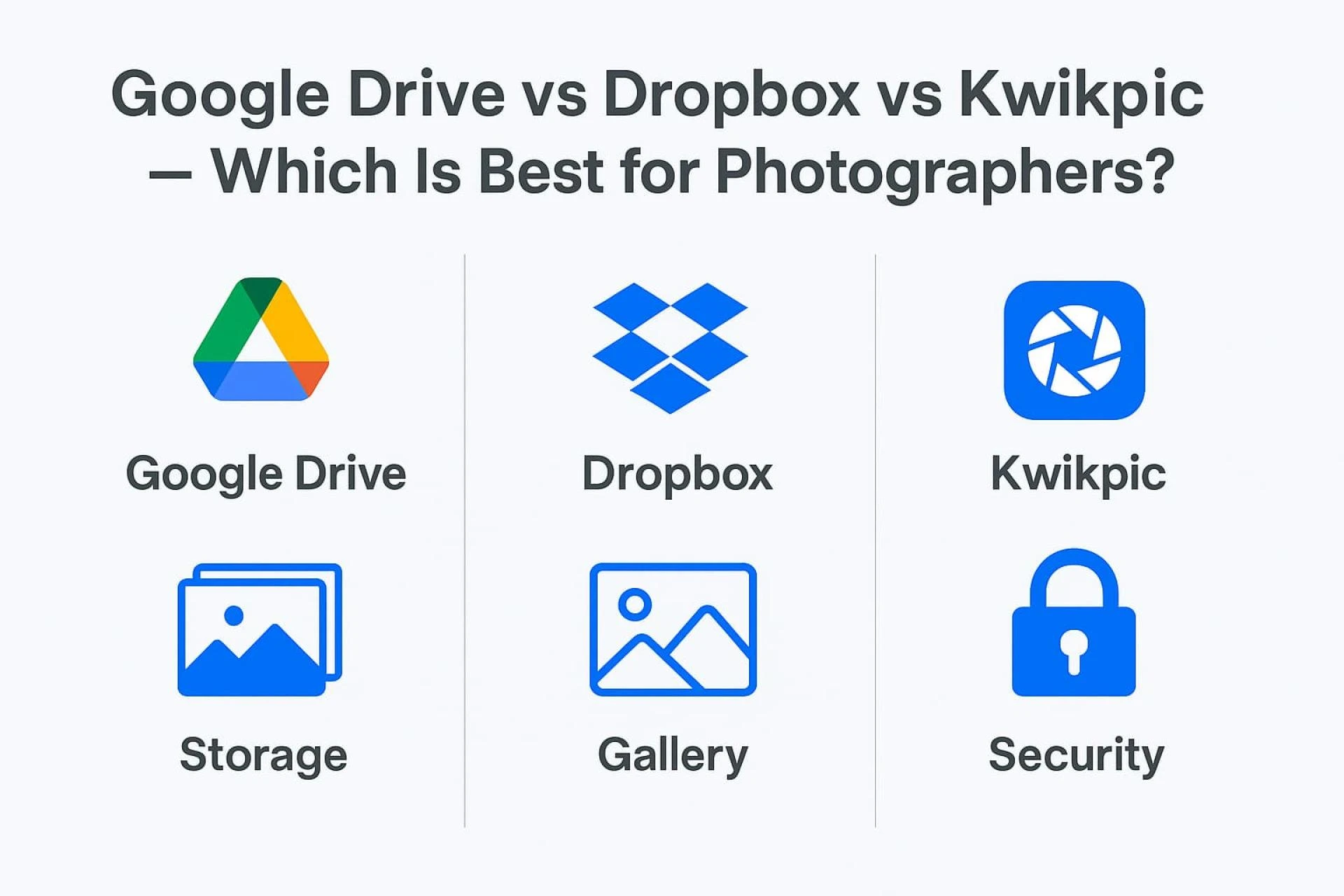
For photographers, cloud storage is more than a backup space — it’s a workflow essential. From storing thousands of high-resolution images to delivering galleries to clients, the right platform can save hours of effort. Google Drive and Dropbox are popular, universal cloud storage tools, while Kwikpic is specifically designed for photographers.
1. Storage & Pricing
Google Drive
Google offers 15GB free storage, shared across Gmail and other Google services. Paid plans start with 100GB and scale up to multiple terabytes. The ecosystem is flexible, but its pricing is not tailored to photographers who handle thousands of high-quality images.
Dropbox
Dropbox gives only 2GB for free. Paid plans usually start at 2TB. It’s reliable for backups and syncing, but the cost can be high for photographers who only need fast galleries and client delivery, not full workspace collaboration.
Kwikpic
Kwikpic provides a photographer-friendly model:
- Free plan for 1,000 photos
- Annual plans based on the number of photos (20K, 100K, 200K, 500K, etc.)
- You can delete and re-upload photos within limits.
This makes Kwikpic ideal for professionals who deliver a huge number of event photos every year.
Verdict:
For price-to-value specifically for photographers → Kwikpic wins.
For general storage → Google Drive.
For heavy multi-device sync → Dropbox.
2. Image Quality & Compression
Google Drive
Stores images in original quality, but no special photo optimization. It’s basic storage — nothing more.
Dropbox
Also maintains original quality and supports version history, useful when editing or delivering updated versions.
Kwikpic
Built for photographers:
- Uses lossless optimization for fast viewing without quality loss
- Clients can download original-sized images (depending on plan)
- Galleries load faster, even with thousands of photos.
3. Sharing & Privacy Controls
Google Drive
Simple sharing via link.
Limited control: view/edit access, but no gallery layout or photographer-specific privacy tools.
Dropbox
More advanced sharing: password-protected links, expiry dates, and detailed permission control.
Kwikpic
Designed for professional client delivery:
- Public or private groups
- Disable downloads
- Anti-screenshot protection
- Watermarking
- Custom branding (logo, name, colors)
- Clients can “Favorite” photos for selection.
- Beautiful gallery layouts for weddings, events, portraits
This gives your clients a polished experience that neither Drive nor Dropbox offers.
4. Upload Speed, Sync & User Experience
Google Drive
Stable upload speed. Good for daily personal use and document sync.
Dropbox
Excellent sync with block-level file transfers — great for teams and editors who update files often.
Kwikpic
Focused on bulk photo upload and fast sharing:
- Upload an entire event folder at once
- Auto-organizes sub-folders
- Faster loading galleries
- Client analytics (who viewed, who downloaded, etc.)
- App + web platform available
For photographers dealing with 2,000–10,000 photos per event, Kwikpic’s uploading and gallery generation is extremely efficient.
5. Photographer-Specific Features
This is where the real difference appears.
Google Drive & Dropbox
These platforms are generic. No photographer-focused features.
Kwikpic
Kwikpic includes features photographers actually need:
✔ Client Gallery System
✔ AI Face Recognition
✔ Add Branding & Social Links
✔ Auto-curated Albums
✔ Photo Selling Options
✔ Client Favorites / Shortlisting
✔ Secure Sharing Controls
✔ Analytics & insights
✔ Event-wise grouping
This makes Kwikpic a complete workflow tool — not just storage but also delivery, selection, and branding.
6. Security
Google Drive
Strong Google security. Encrypted in transit and at rest.
Dropbox
Highly secure. Also offers file recovery and version history.
Kwikpic
Designed for private sharing:
- End-to-end encryption
- Hidden albums
- Locked galleries
- Screenshot protection
- Manual download control
- Client-wise access permissions
Photographers who want strict privacy (weddings, children’s events, corporate shoots) will prefer Kwikpic.
Final Verdict: Which Is Best for Photographers?
✔ Choose Google Drive if…
You want cheap general storage, store RAW files, and don’t need client galleries.
✔ Choose Dropbox if…
You work with teams, need top-tier syncing, and handle multiple device workflows.
✔ Choose Kwikpic if…
You are a professional photographer who needs:
- Beautiful client galleries
- Fast bulk uploads
- High-quality previewing
- Branding options
- Secure photo delivery
- Favorites & selection tool
- Photo selling options
Kwikpic is not just storage — it’s a complete photo delivery system built around the needs of photographers.


























Sign in to leave a comment.