
A presentation can have excellent content and still lose its impact when time slips away. A speaker runs long, the Q&A gets squeezed, the next session starts late, and the host has to interrupt at exactly the wrong moment. This happens at conferences, classrooms, webinars, pitch events, workshops, and internal meetings every day.
The issue is rarely that nobody is watching the clock. It is that the clock is usually private. A phone timer helps the person holding it, but it does not give the speaker, host, producer, and audience display a shared understanding of time.
That is the problem PresentationTimer is built to solve.
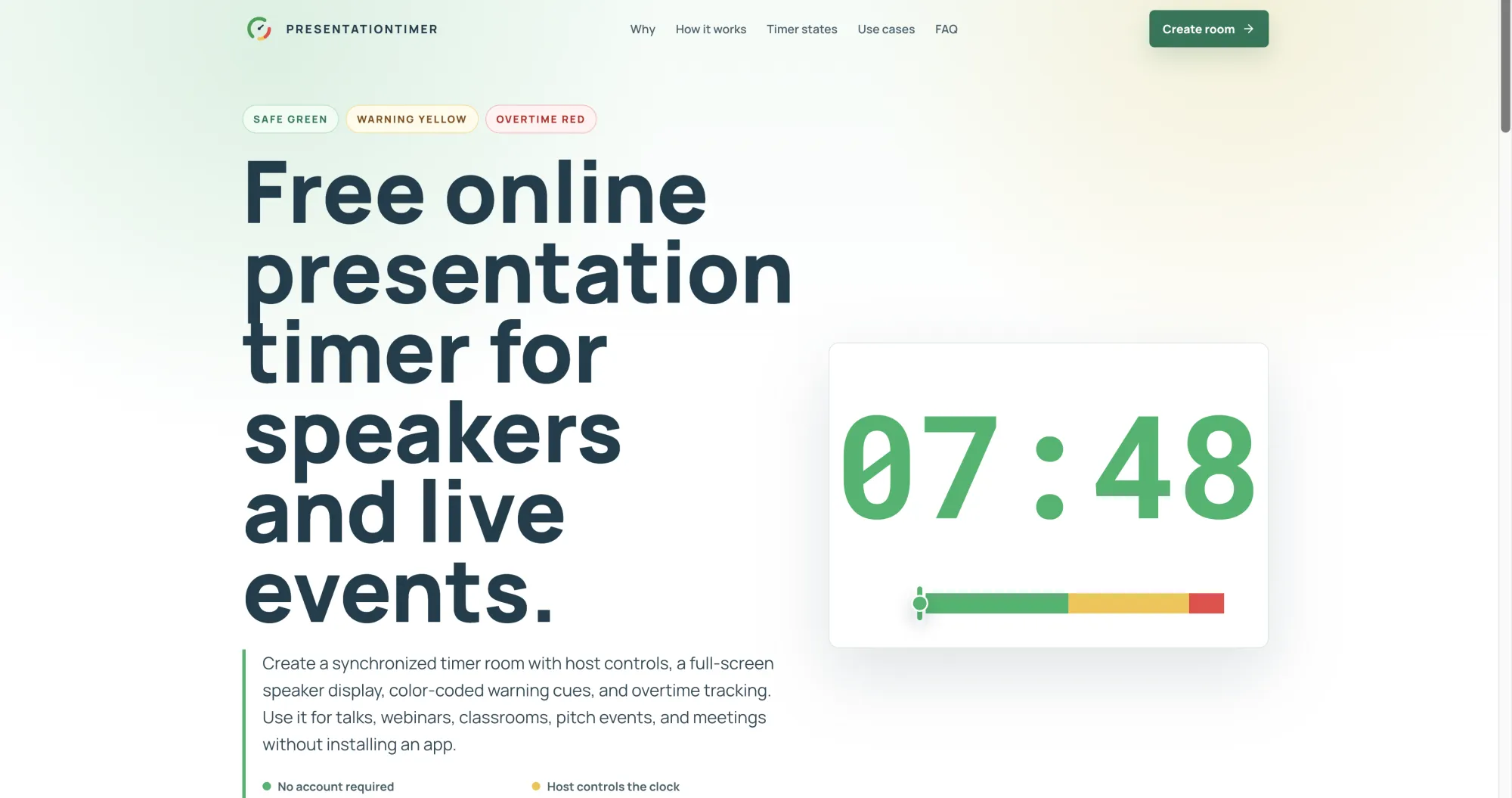
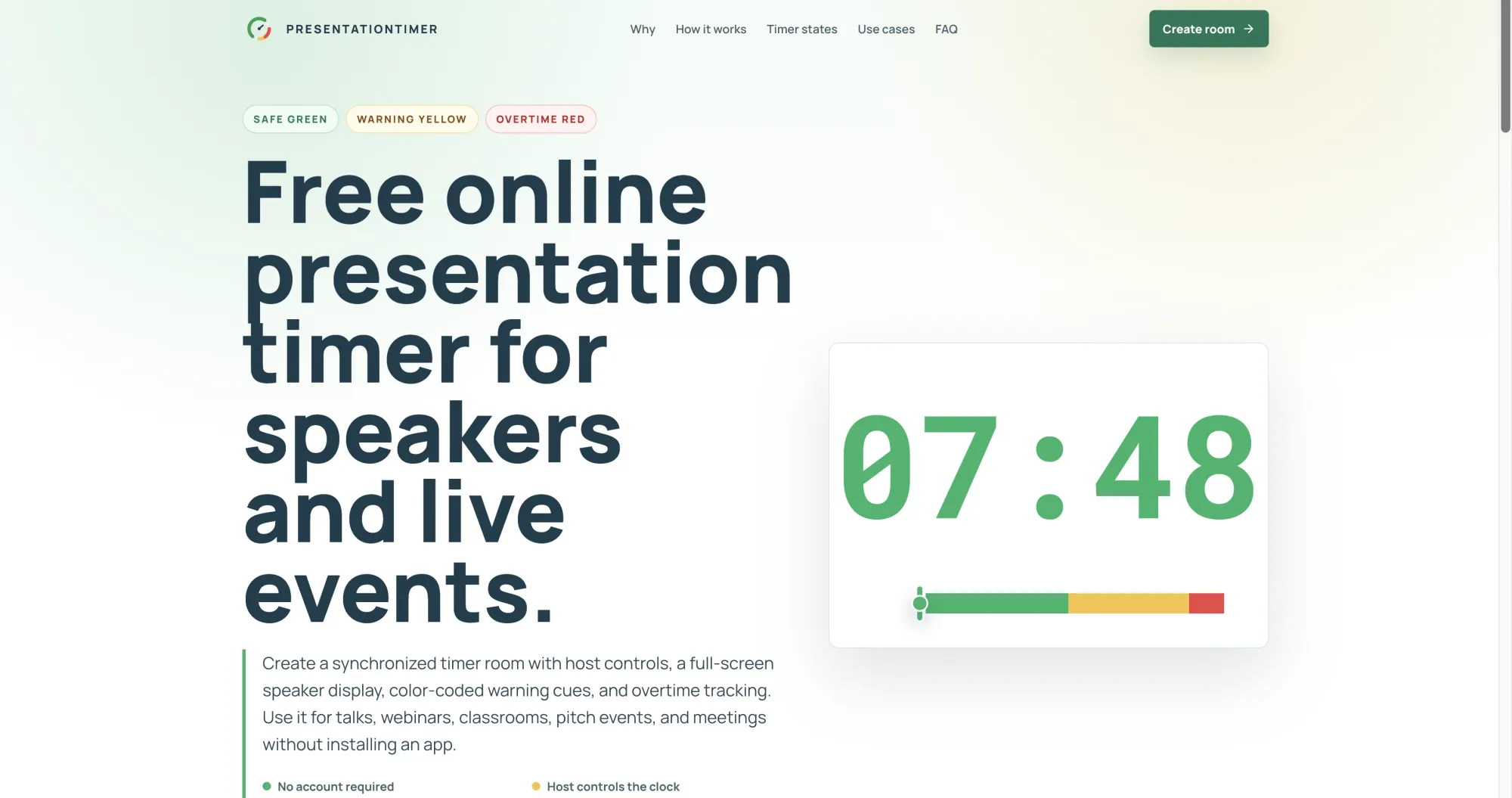
PresentationTimer is a free online presentation timer that gives an event one clear source of truth. Create a timer room in the browser, use the host view to control the clock, and open the shareable display link wherever the countdown needs to be seen. The result is a simple timing workflow that is visible, practical, and easy to run without installing an app.
Why shared timing matters
When timing is visible to everyone involved, it becomes easier to keep a session moving without unnecessary verbal interruptions. A speaker can see when there is still room to develop a point, when it is time to wrap up, and when the session has moved into overtime. The host can start, pause, reset, or adjust the timer from a separate control view while the display stays focused on the countdown.
PresentationTimer uses clear visual states to support that process. Green indicates safe time, yellow signals that the end is approaching, and red makes time pressure immediately clear. Overtime remains visible instead of disappearing at zero, which helps teams recover a schedule honestly when a session runs long.
That is more useful than a private stopwatch because it gives the room a shared cue rather than forcing one person to police the agenda.
Useful for more than stage talks
A shared presentation timer works anywhere people need to make limited time visible:
Conference organizers can run keynote sessions, breakout rooms, panel discussions, and audience Q&A with a countdown on a confidence monitor or stage display.
Webinar teams can place the timer in a screen share or second browser window so the host, presenter, and producer stay aligned during a live demo or remote talk.
Teachers can keep student presentations, lesson segments, transitions, and discussion blocks on schedule using a classroom screen.
Founders and sales teams can use it for pitch rehearsals, product demonstrations, and timed practice sessions.
Meeting facilitators can keep standups, project reviews, and agenda items from drifting beyond their allotted time.
A simple room-based workflow
The workflow is intentionally lightweight. Start by creating a timer room. The host receives the control page, where they can manage the countdown. Then share the display link with the speaker screen, projector, webinar operator, or secondary device. Everyone follows the same timer while the host remains in control.
There is no separate application for speakers to install. The display runs in the browser, so it can be opened on a confidence monitor, classroom projector, meeting display, or screen-share device. For basic presentation timing, no account is required.
That separation between host controls and the public-facing display is what makes the tool especially useful for live sessions. The display can stay clean and readable for the speaker, while timing controls remain with the person responsible for the schedule.
Keep the focus on the presentation
Good timekeeping should support the speaker, not distract from the talk. A visible countdown and clear warning colors reduce the need for awkward hand signals, whispered reminders, and mid-sentence interruptions. Speakers can manage their own pace, and hosts can step in only when needed.
If you are organizing an event, teaching a class, moderating a panel, running a webinar, or preparing a timed pitch, try PresentationTimer at https://presentationtimer.org. Create a free timer room, share the display, and give every participant the same clear view of the time.























Sign in to leave a comment.