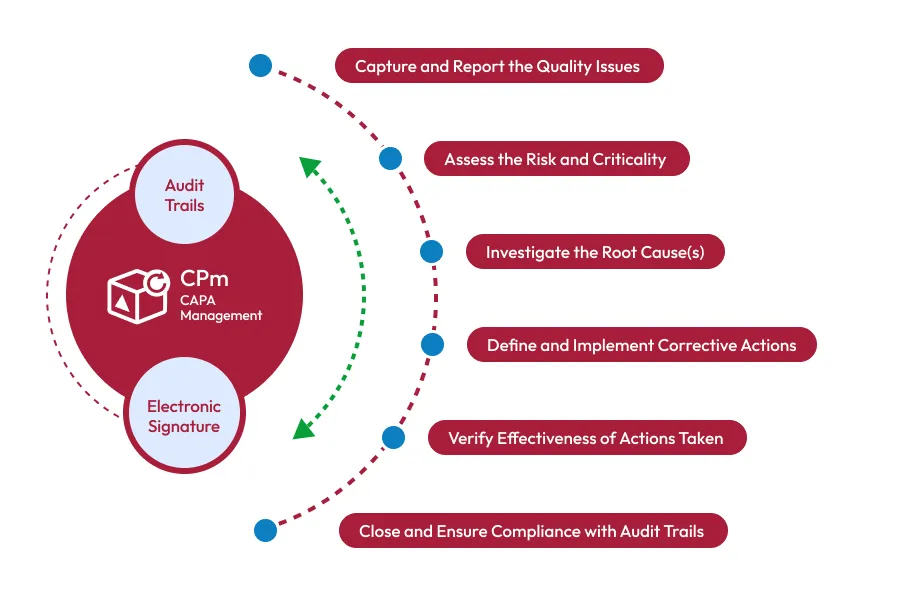

Compliance is a fundamental requirement for life sciences organizations operating in pharmaceuticals, biotechnology, medical devices, healthcare, and related industries. Companies must maintain consistent quality processes, investigate problems effectively, document corrective actions, and demonstrate that identified issues have been addressed.
One of the most important components of a modern quality management system is Corrective and Preventive Action (CAPA). A well-managed CAPA process helps organizations identify the underlying causes of quality problems and take actions to prevent them from recurring.
However, managing CAPA activities using spreadsheets, emails, and disconnected systems can make it difficult to maintain visibility and traceability. CAPA Management Software can provide a centralized and structured approach for managing corrective and preventive actions while supporting regulatory compliance.
What Is CAPA in the Life Sciences Industry?
CAPA stands for Corrective and Preventive Action. It is a systematic process used to identify quality problems, investigate their causes, implement corrective or preventive measures, and verify that those measures are effective.
CAPAs may originate from many different quality events, including:
- Customer complaints
- Deviations
- Nonconformances
- Audit findings
- Product defects
- Manufacturing issues
- Supplier problems
- Inspection findings
- Recurring quality trends
- Risk assessments
FDA inspection guidance emphasizes that organizations should evaluate quality data, investigate problems, implement appropriate actions, and verify that CAPAs are effective and prevent recurrence.
Why Traditional CAPA Management Can Create Compliance Challenges
Many life sciences organizations still rely on spreadsheets, email communications, shared folders, or multiple disconnected applications to manage CAPA activities.
These approaches can make it difficult to answer important questions:
- Who owns a particular CAPA?
- What caused the original problem?
- Which corrective actions were approved?
- What evidence supports implementation?
- Was the action completed on time?
- Was effectiveness verified?
- Has the issue occurred again?
- Who reviewed and approved the CAPA?
A lack of centralized information can increase the risk of missed deadlines, incomplete documentation, inconsistent investigations, and limited visibility into recurring problems.
This is where CAPA Software can provide significant value.
How CAPA Software Improves Compliance
1. Centralizes CAPA Records
CAPA software creates a centralized location for corrective and preventive action records.
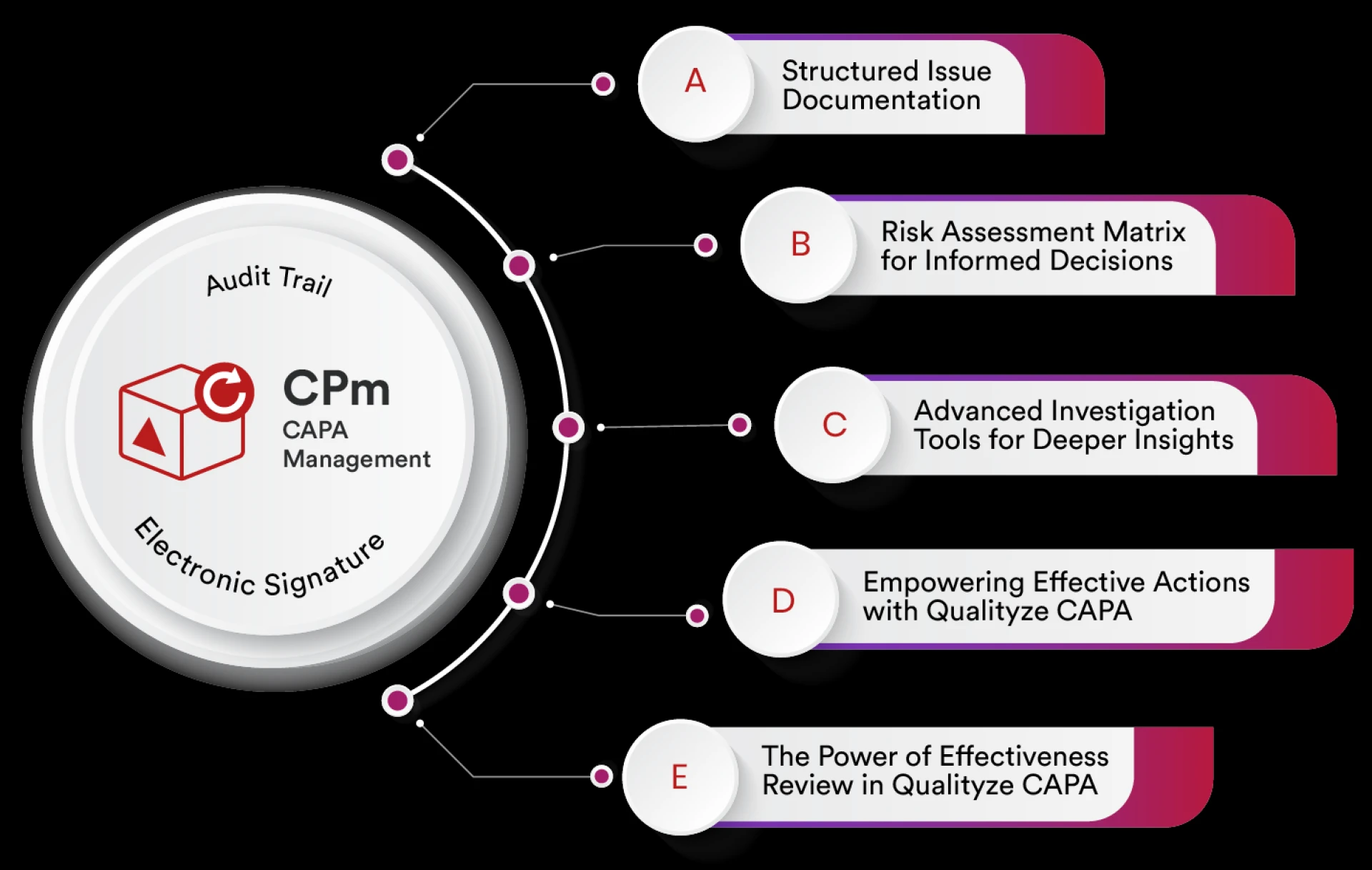
Instead of maintaining information across spreadsheets, emails, and shared drives, quality teams can manage investigations, root causes, action plans, approvals, supporting documentation, and effectiveness checks within a structured system.
Centralization improves traceability and makes it easier for quality teams to retrieve information during internal or regulatory audits.
2. Standardizes CAPA Workflows
Consistency is critical in regulated environments.
CAPA Management Software can help organizations establish standardized workflows for:
- CAPA initiation
- Problem assessment
- Investigation
- Root cause analysis
- Risk assessment
- Action planning
- Review and approval
- Implementation
- Effectiveness verification
- CAPA closure
Standardized workflows reduce process variation and help ensure that required steps are not overlooked.
3. Strengthens Root Cause Analysis
Simply correcting a problem does not necessarily prevent it from happening again.
CAPA software can support structured root cause investigation using techniques such as:
- 5 Whys
- Fishbone analysis
- Root cause categorization
- Cause-and-effect analysis
- Risk assessment
- Trend analysis
By focusing on the underlying cause instead of only addressing the immediate problem, organizations can develop more sustainable corrective actions.
4. Improves Risk-Based CAPA Management
Not every quality issue carries the same level of risk.
A digital CAPA Management System can help quality teams classify and prioritize CAPAs based on factors such as severity, frequency, product impact, patient risk, regulatory significance, and recurrence.
Risk-based prioritization helps organizations allocate resources to the issues that require the greatest attention.
FDA inspection guidance specifically emphasizes risk-based CAPA approaches and evaluating quality data to determine appropriate CAPA actions.
5. Creates Better Audit Trails
Traceability is an essential part of quality management.
Modern CAPA Software can maintain records of activities such as:
- CAPA creation
- Record updates
- Assignments
- Approvals
- Status changes
- Supporting evidence
- Effectiveness reviews
- CAPA closure
An electronic audit trail can make it easier to reconstruct the history of a quality event and demonstrate who performed specific activities.
For electronic records that fall within its scope, FDA's Part 11 framework addresses requirements for trustworthy and reliable electronic records and electronic signatures.
6. Automates Notifications and Deadlines
Missed CAPA deadlines can create compliance risks.
Automated notifications can alert responsible employees about:
- New CAPA assignments
- Investigation deadlines
- Approval requirements
- Overdue actions
- Effectiveness checks
- CAPA closure activities
This helps quality teams monitor commitments without relying exclusively on manual reminders.
7. Connects CAPA With Other Quality Processes
CAPA should not operate as an isolated quality process.
A modern Quality Management Software platform can connect CAPA with other quality activities, including:
- Nonconformance management
- Complaint management
- Audit management
- Change management
- Risk management
- Supplier quality
- Document management
- Training management
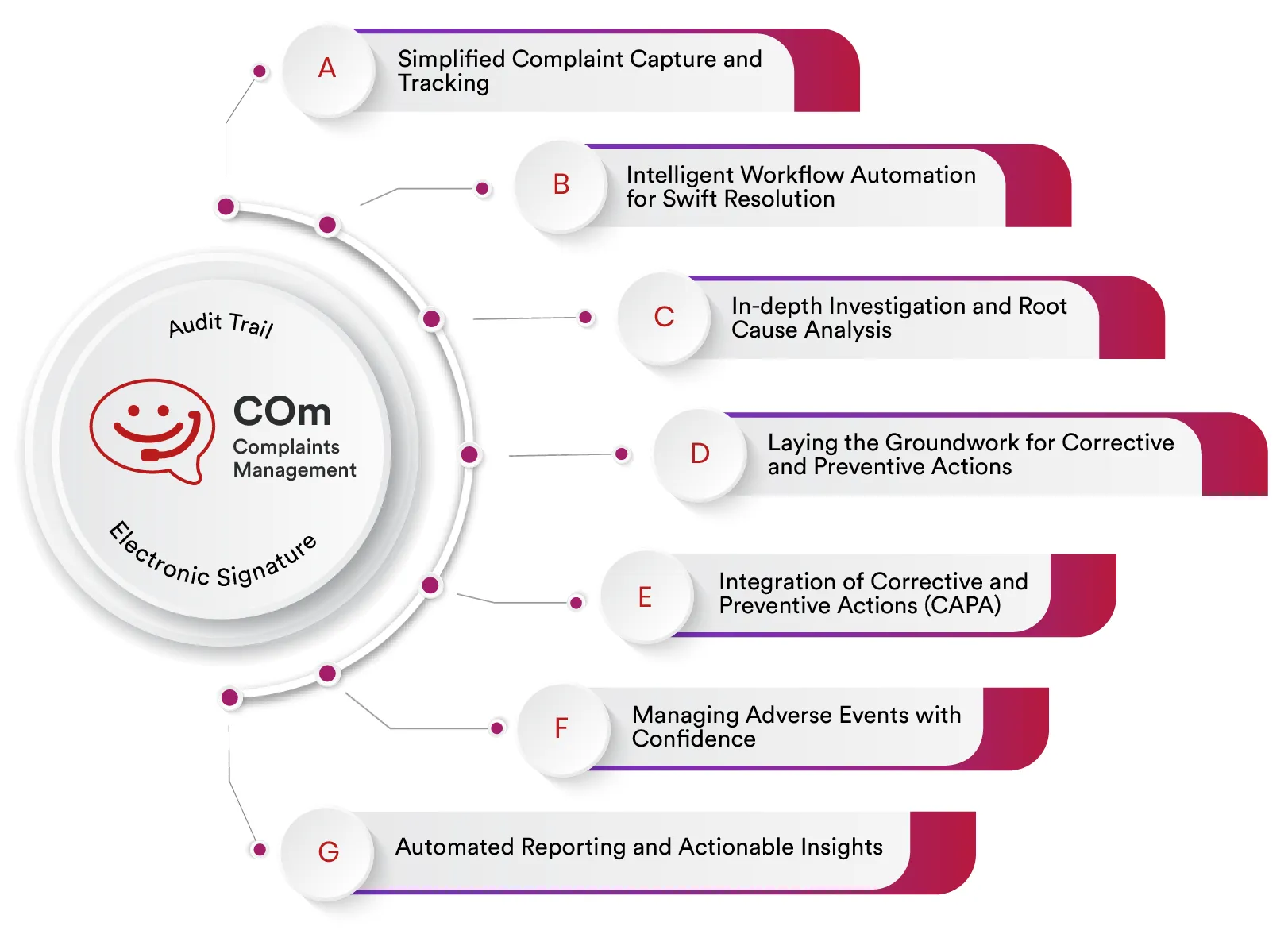
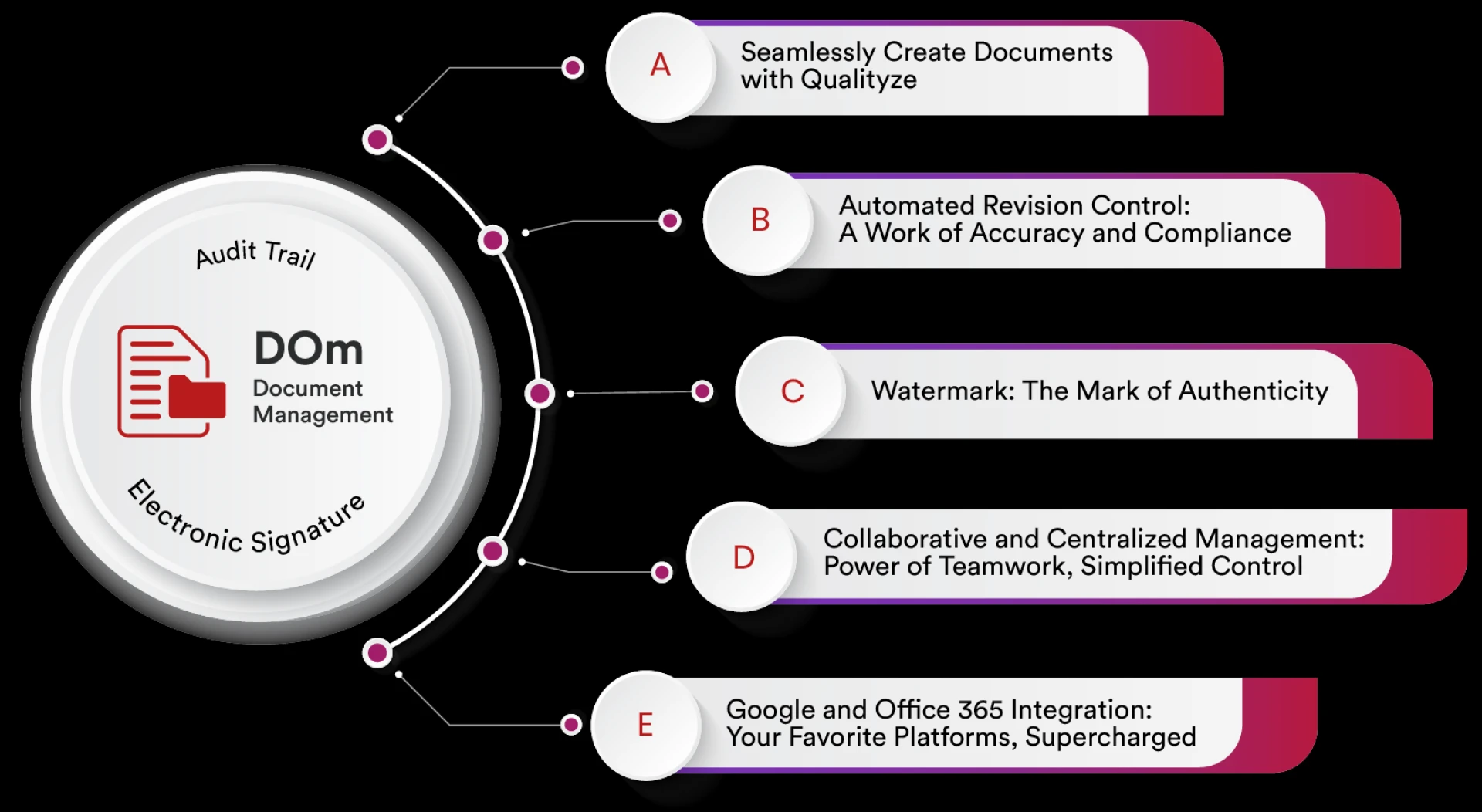
For example, a recurring customer complaint could trigger an investigation, which identifies a manufacturing issue and results in a CAPA. The resulting corrective action may then require a controlled document change and employee training.
Connecting these processes creates greater visibility across the quality system.
8. Supports CAPA Effectiveness Checks
One of the most important stages of the CAPA lifecycle is determining whether implemented actions actually worked.
CAPA software can provide structured processes for defining effectiveness criteria, assigning verification activities, collecting supporting evidence, and documenting the final evaluation.
FDA inspection guidance highlights the importance of documenting effectiveness criteria and verifying that corrective actions are implemented effectively and prevent recurrence.
9. Provides Real-Time Quality Visibility
Quality managers need visibility into the overall CAPA landscape.
Dashboards and reports can provide information such as:
- Open CAPAs
- Overdue CAPAs
- CAPAs by department
- CAPAs by severity
- Recurring issues
- CAPA aging
- Effectiveness results
- Root cause trends
- Closure rates
This information can help management identify systemic problems and make data-driven quality decisions.
10. Makes Audit Preparation Easier
Preparing for regulatory or customer audits can become time-consuming when CAPA information is scattered across multiple systems.
With centralized CAPA Management Software, quality teams can more easily locate:
- CAPA records
- Investigation reports
- Root cause documentation
- Corrective action evidence
- Approval records
- Audit trails
- Effectiveness checks
- Related quality events
This can reduce the effort required to demonstrate how quality issues were identified, investigated, corrected, and prevented from recurring.
CAPA Software and Life Sciences Compliance
Life sciences organizations operate under a wide range of regulatory and quality requirements. Depending on the organization and product type, these may include FDA requirements, GMP expectations, ISO standards, and electronic-record controls.
CAPA software does not automatically make an organization compliant. Instead, it provides technology that can help organizations implement, control, document, and monitor their established quality processes.
The software should be appropriately configured, validated according to the organization's intended use and risk-based approach, and supported by appropriate procedures and employee training. FDA's 2026 Computer Software Assurance guidance emphasizes a risk-based approach for software used in production and quality management systems.
Key Features to Look for in CAPA Software
When selecting a CAPA solution for a life sciences organization, consider capabilities such as:
- Configurable CAPA workflows
- Root cause analysis
- Risk assessment
- Automated notifications
- Electronic approvals
- Audit trails
- Electronic signatures where applicable
- Document and evidence management
- Effectiveness verification
- CAPA dashboards
- Trend analysis
- Reporting and analytics
- Integration with other QMS processes
- Role-based access controls
- Configurable compliance workflows
The objective should be to select a solution that supports the organization's quality processes rather than simply digitizing an existing spreadsheet.
Benefits of Implementing CAPA Software
A properly implemented CAPA solution can help life sciences organizations achieve several benefits:
Improved compliance: Structured workflows and traceable records can support consistent execution of CAPA processes.
Greater accountability: Clearly assigned responsibilities make it easier to identify CAPA owners and monitor progress.
Better investigations: Centralized data and structured root cause analysis can support more thorough investigations.
Reduced recurrence: Effectiveness checks and trend analysis can help organizations determine whether corrective actions actually address systemic problems.
Faster audits: Centralized documentation makes quality records easier to retrieve.
Better decision-making: Dashboards provide management with greater visibility into quality trends.
Conclusion
CAPA is much more than a documentation requirement. It is an important mechanism for identifying systemic quality problems, correcting their causes, preventing recurrence, and driving continuous improvement.
For life sciences organizations, CAPA Management Software can bring structure, visibility, accountability, and traceability to the entire CAPA lifecycle. By connecting CAPA with other quality processes and providing centralized records, automated workflows, risk-based prioritization, audit trails, and effectiveness monitoring, organizations can build a more proactive approach to quality and compliance.
Organizations looking to modernize their quality processes can explore Qualityze CAPA Management Software to learn how a digital CAPA solution can support corrective action management within an enterprise quality management environment.






















Sign in to leave a comment.