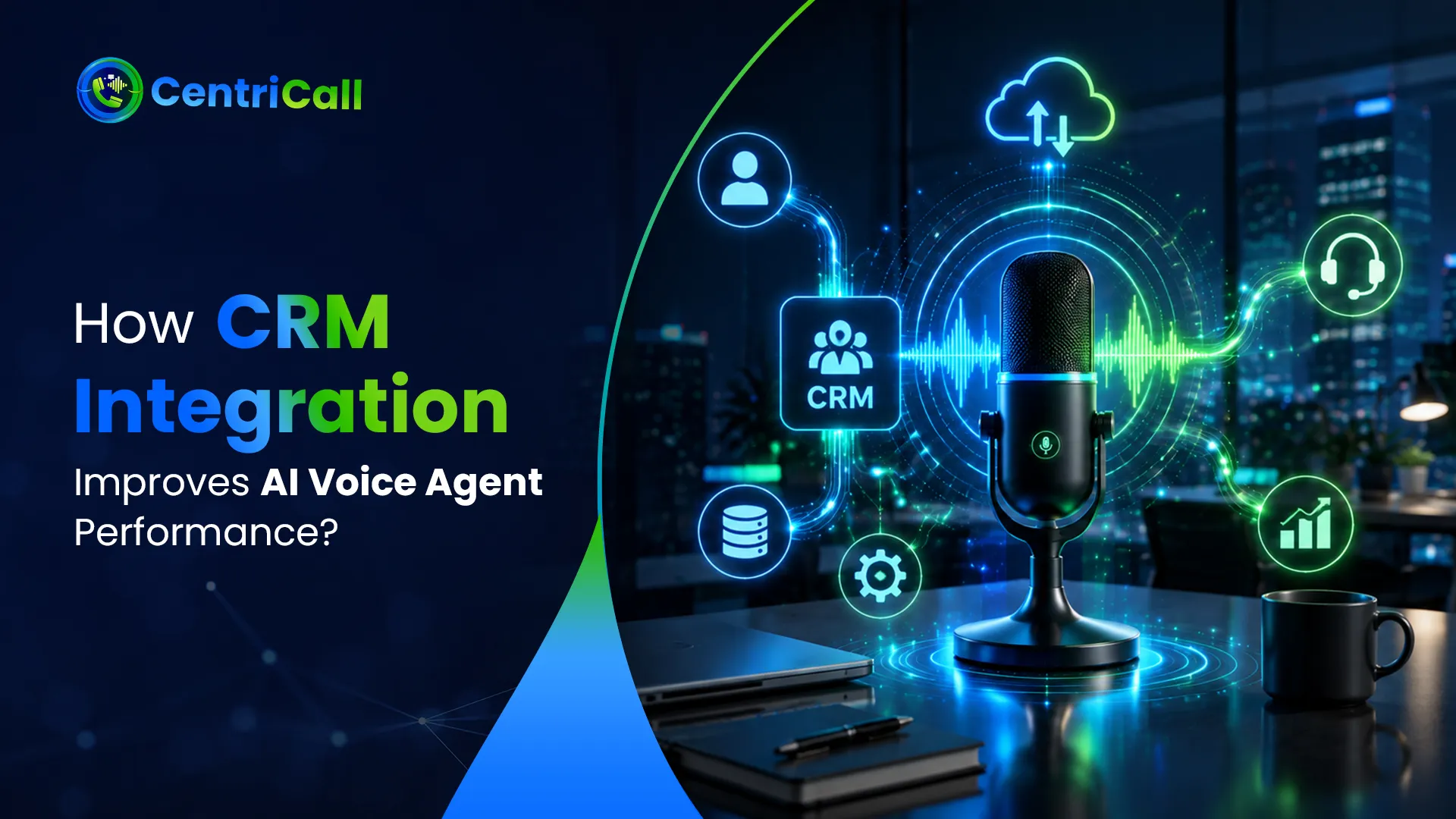

AI Voice CRM Integration gives a voice agent something a standalone phone bot cannot provide: memory that belongs to the business. Without CRM access, the agent may answer a question, but they cannot reliably see who called, what happened last time, who owns the account, or what should happen next. That gap creates repeated questions, duplicate records, missed callbacks, and manual work after the call. A connected agent can use approved customer data, complete permitted actions, and return a record of the outcome. The improvement is not only conversational. It affects routing, follow-up, reporting, and employee handoffs. The real test is whether the call ends with the right CRM record updated, the right task created, and the right person informed.

Why Does CRM Context Change the Call?
A caller should not have to start from zero every time. CRM context lets the agent work from verified details such as account status, recent activity, open service requests, assigned representative, preferred location, or scheduled appointment.
- Faster recognition: A phone number or confirmed identifier can connect the caller to the correct record.
- Relevant questions: The agent asks only for details that are missing or need confirmation.
- Consistent ownership: Routing can follow territory, department, account owner, service level, or location.
- Cleaner handoffs: Employees receive the reason for the call and what the agent has already completed.
Centricall uses approved CRM data to reduce repetition while keeping access limited to the information required for each call.
What Connects the Voice Agent to the CRM?
The core technologies behind AI voice agents include telephony, speech recognition, conversation logic, APIs, webhooks, authentication, and field mapping. Each part has a different job, and weak coordination between them creates unreliable results.
| Component | Role in the Call | What Can Go Wrong |
| CRM API | Reads or updates approved records | Timeouts, rate limits, or rejected requests |
| Webhook | Sends call events to another system | Delayed or duplicated triggers |
| Authentication | Controls which records and actions are available | Excessive access or expired credentials |
| Field mapping | Places call data in the correct CRM field | Notes, statuses, or owners update incorrectly |
| Retry logic | Repeats failed actions under controlled rules | Duplicate tasks or repeated record changes |
This table illustrates how CRM performance depends on more than a connector. The agent, permissions, data model, and failure handling must work together.
What Are the Practical Benefits of CRM Integration?
The Benefits of AI Voice Agent CRM Integration appear before, during, and after the conversation. The agent starts with context, completes approved work while speaking, and leaves a usable record when the call ends.
- Less manual entry: Summaries, outcomes, and caller details reach the correct contact, deal, ticket, or task.
- Faster follow-up: Qualified leads and promised callbacks create immediate actions for the responsible employee.
- More accurate routing: CRM ownership and account data help direct calls without broad menu choices.
- Stronger reporting: Managers can compare call outcomes with appointments, pipeline movement, support activity, or customer status.
- Better continuity: Customers repeat fewer details when a call moves from the agent to an employee.
Centricall connects conversations with existing workflows so automation supports the CRM process instead of creating a separate source of truth.
Where Does Voice and CRM Integration Create Value?
The strongest Use Cases of Voice AI Integration involve calls where spoken information must become a record, action, or assignment.
- Lead qualification: The agent collects agreed criteria, updates fields, assigns ownership, and schedules the next sales step.
- Appointment management: Bookings, changes, and cancellations update both the CRM and connected calendar.
- Customer support: The agent reviews approved history, creates or updates a ticket, and records unresolved issues.
- Renewal outreach: Interest, objections, callback requests, and status changes are saved against the correct account.
- Service dispatch: The agent captures job details, updates the customer record, and alerts the appropriate operations team.
These workflows are valuable because the phone conversation and the operational record remain connected from the first question to the final action.
What Breaks When the Integration Is Poorly Designed?
A CRM connection can fail quietly. That is more dangerous than a visible error because teams may assume the action succeeded.
Incorrect record matching can expose irrelevant information or attach notes to the wrong customer. Incomplete field mapping can place important data where nobody reviews it. Uncontrolled write access can overwrite verified details. Missing retry rules can create duplicate tasks, while silent API failures can leave callbacks unscheduled.
A reliable deployment needs confirmation before sensitive updates, alerts when actions fail, and an audit trail showing what the agent read, changed, or triggered. Centricall treats testing, monitoring, and transcript review as part of the integration, not as work that ends after launch.
How Should Companies Evaluate Enterprise CRM Solutions?
Enterprise AI voice agent CRM solutions must handle more than basic contact lookup. Companies should test custom objects, multiple pipelines, regional ownership, role-based permissions, API limits, service outages, and changes to CRM fields.
AI Voice Agent Solutions with CRM integration should also show how they prevent duplicates, preserve call context during transfers, recover from failed updates, and notify employees when automation stops. A polished demonstration is not enough. Buyers should ask to see corrections, interruptions, unavailable systems, and calls involving incomplete customer records.
Centricall’s managed approach covers call-flow design, CRM and calendar connections, simulation, launch controls, monitoring, and adjustments after real calls reveal edge cases.
How Can Centricall Turn CRM Data Into Completed Work?
Centricall connects inbound and outbound calls with customer records, schedules, workflows, summaries, analytics, and human handoffs. Each deployment defines what the agent can read, update, and trigger, then tests those actions against real business rules.
The result is a call process that remembers prior activity, completes approved steps, records what happened, and directs remaining work to the right employee. That is where CRM integration improves performance: not by making the voice sound better, but by making the conversation useful after the call ends.
Contact Centricall to explore AI Voice CRM Integration that improves call handling, strengthens follow-up, and turns customer conversations into organized business actions.


























Sign in to leave a comment.