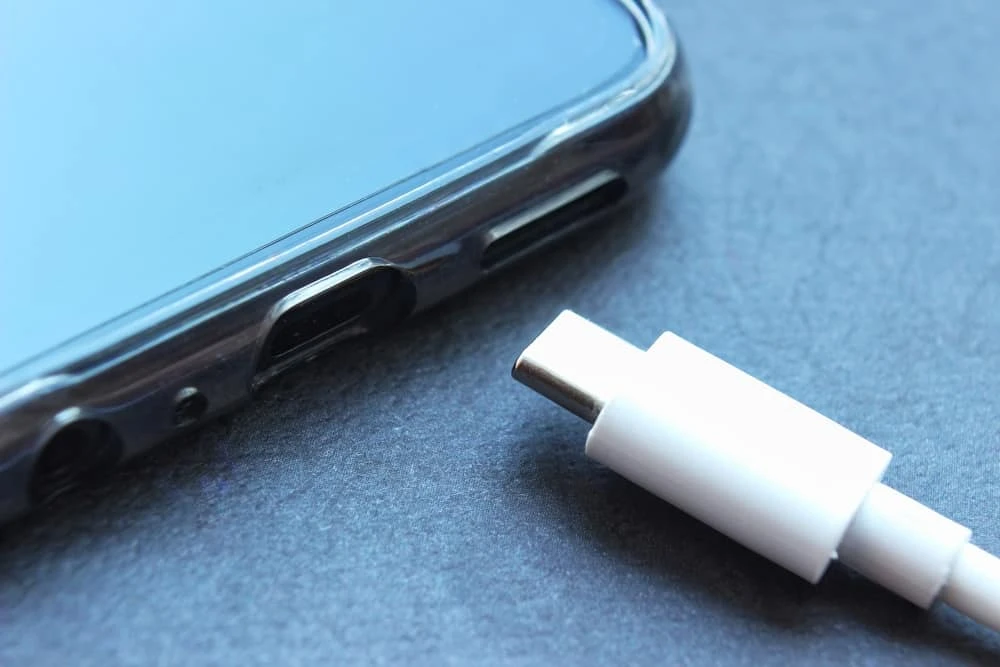

Identifying a damaged charger port on your phone can be done through several signs and symptoms:
1. Loose Connection:
If your charger doesn’t fit securely into the port or seems wobbly when plugged in, it could indicate a damaged port. There might be physical wear and tear, causing the connection to become unstable.2. Intermittent Charging:
Your phone might only charge intermittently or inconsistently, despite being connected properly. It might charge and stop charging randomly, indicating an issue with the port's connection.3. Slow Charging or No Charging:
A damaged port can affect the charging speed. If your phone takes significantly longer to charge than usual or doesn't charge at all, it could be due to a faulty port.4. Physical Damage or Debris:
Inspect the charger port for any physical damage, such as bent or broken pins inside the port. Additionally, debris or lint accumulated inside the port might obstruct the connection, preventing proper charging.5. Burn Marks or Smell:
If there are visible burn marks or a burnt smell near the charging port, it could indicate an electrical issue. This is a serious sign of damage that requires immediate attention.6. Testing with Different Chargers:
Use different chargers that you know are functional and compatible with your device. If multiple chargers fail to establish a proper connection, the issue might lie with the port.7. Check Charging from Other Ports:
If your device has multiple ports (e.g., USB-C, micro-USB), try charging through different ports to see if the issue persists. If only one port is faulty, it's likely the problem.8. Software Diagnosis:
Sometimes, software issues can mimic hardware problems. Ensure your phone's software is up-to-date and check for any system updates that might address charging-related issues before concluding it's a port problem.Conclusion:
Identifying a damaged charger port involves observing physical signs, checking charging behavior, and inspecting for any visible damage or debris. If you suspect a damaged port, it's advisable to have it examined by a professional technician or the manufacturer's service center to diagnose and rectify the issue effectively.
For more information, visit: Mobile Repair Services in Dubai

























Sign in to leave a comment.