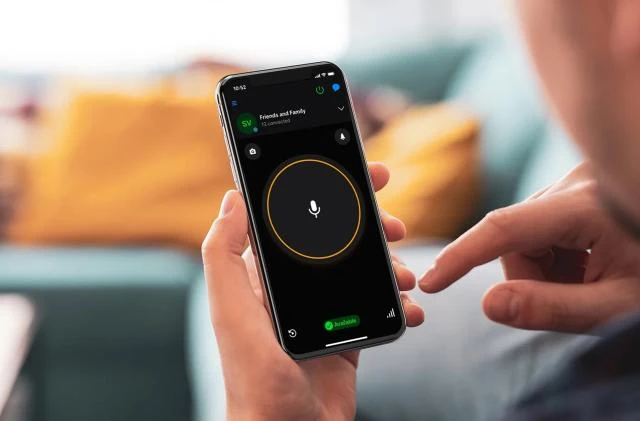

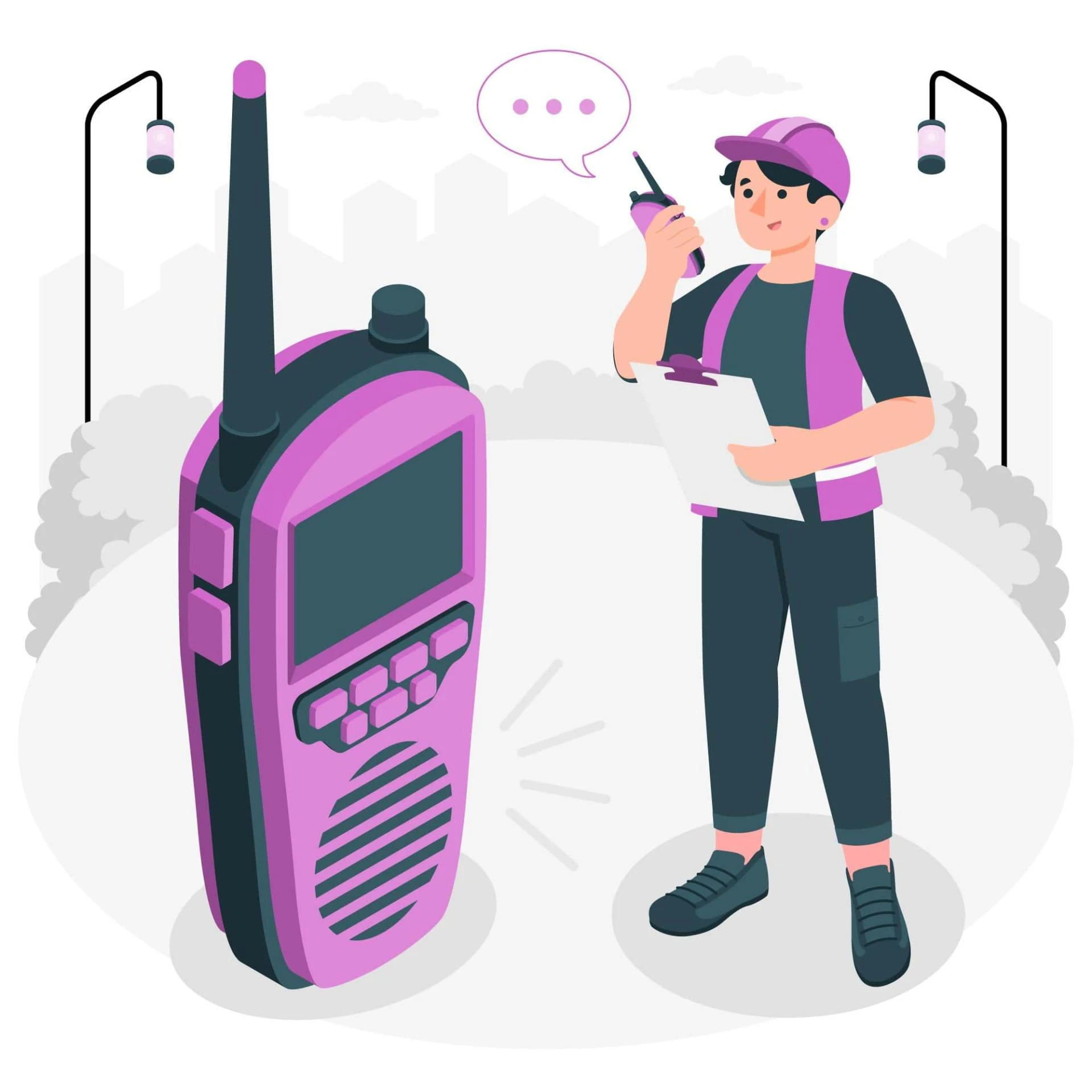
Walkie-talkie apps on smartphones simulate the functionality of traditional walkie-talkie radios, allowing users to communicate with each other in real-time using their mobile devices. These apps work by leveraging the smartphone's hardware and internet connectivity to facilitate voice communication. Here's how they work:
Voice Data Transmission: When you press the "push-to-talk" button in a walkie-talkie app, your voice is captured by the smartphone's microphone and converted into an audio signal. This audio data is then transmitted to a server or directly to the recipient's device.
Data Transfer: The voice data is sent as digital packets over the internet. This can be done using various methods, including Wi-Fi, mobile data (3G, 4G, or 5G), or even Bluetooth in some cases.
Server or Peer-to-Peer Communication: Depending on the app's architecture, the voice data is either relayed through a central server or directly to the recipient's device. Some walkie-talkie apps use peer-to-peer communication, which allows users to connect directly to one another, while others use servers to manage the connections.
Recipient's Device: When the voice data reaches the recipient's device, it is decoded and converted back into audible sound. The recipient hears your message through the smartphone's speaker.
Push-to-Talk Mechanism: The "push-to-talk" button is a key element of walkie-talkie apps. It controls when you're transmitting your voice and when you're listening. You press the button to talk and release it to listen.
Real-Time Communication: These apps work in real-time, just like traditional walkie-talkies. This means that there is very little delay in the communication, making them suitable for fast and immediate conversations.
Channels and Groups: Many walkie-talkie apps allow users to create or join channels or groups. This allows for organized communication, with multiple users able to join the same channel and talk to one another simultaneously.
Permissions and Privacy: Users can usually control who can communicate with them by setting permissions. Some apps require the recipient's approval before allowing communication, while others may be more open.
Additional Features: Walkie-talkie apps often include features like text messaging, location sharing, and the ability to record and store voice messages.
Cross-Platform Compatibility: Many walkie-talkie apps are available on both Android and iOS, allowing users with different types of smartphones to communicate with each other.
Popular walkie-talkie apps include Zello, Voxer, and Two Way: Walkie Talkie. These apps are used in various scenarios, such as outdoor activities, group events, or for professional purposes where quick and efficient communication is necessary.



























Sign in to leave a comment.