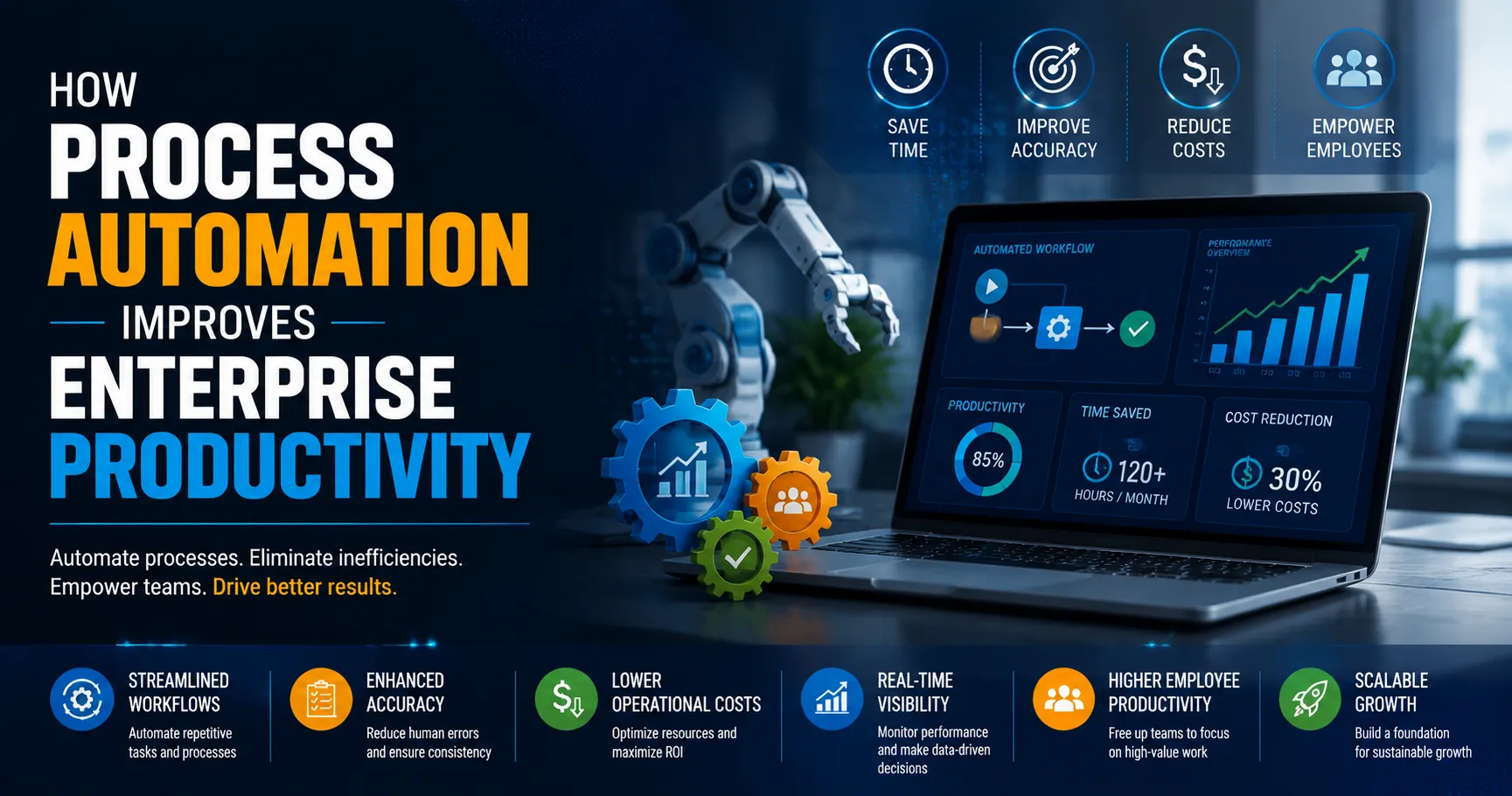

McKinsey's latest research found that 66% of organizations have now adopted automation in at least one business function, up from 57% the year before. Yet Smartsheet's workforce data shows employees still lose about a quarter of their work week to manual, repetitive tasks. That gap between adoption and actual time saved is where most of the real opportunity sits, and it's exactly the gap that well-executed Salesforce customization services are built to close.
This article looks at what process automation actually changes inside an enterprise, where the productivity gains come from, what happens when automation is bolted onto Salesforce without proper customization, and how to approach it so the gains are measurable rather than theoretical.
What Process Automation Actually Means Inside an Enterprise
Process automation gets talked about as a single concept, but inside a real enterprise it shows up as dozens of small, unglamorous fixes. A lead that used to sit in an inbox for two days before anyone routed it now gets assigned automatically based on territory and deal size. An approval that required three people to physically sign off now moves through a defined chain with reminders built in. A support case that needed a rep to manually check five systems now pulls that data into one screen the moment the case is opened.
None of these individually sound transformative. Together, across hundreds of processes in a mid-size or large organization, they add up to the difference between a workforce that spends its time on judgment calls and one that spends its time on data entry.
Salesforce sits at the center of this shift for a large share of enterprises because it already holds the customer data, the sales pipeline, and the service history that most of these processes touch. The platform's native automation tools, Flow Builder, Process Builder, and Apex triggers, give teams a way to build these fixes without standing up a separate automation system.
Where Enterprises Actually Lose the Most Time
Before automation gets credit for saving time, it helps to be specific about where that time goes in the first place. A few patterns show up across almost every enterprise, regardless of industry.
- Manual data entry across systems. A sales rep who has to log the same customer detail in Salesforce, a spreadsheet, and an email thread is doing the same job three times.
- Approval chains with no visibility. A discount request or a contract exception sits in someone's inbox with no reminder, no escalation, and no way for the requester to know where it stands.
- Repetitive follow-ups. Renewal reminders, check-in emails, and status updates that a rep has to remember to send manually, every time, for every account.
- Case routing based on guesswork. A support ticket gets assigned to whoever happens to be available, rather than the person with the right product expertise, because there's no rule-based routing in place.
Camunda's 2024 research found that on average, only 46% of organizational processes are automated, and a 2025 Kissflow survey found that 94% of companies are still performing repetitive tasks manually despite having automation tools available. The tools exist. What's often missing is the customization work that connects those tools to how the business actually operates.
Why Out-of-the-Box Salesforce Rarely Solves This
A default Salesforce instance ships with generic objects, generic fields, and generic automation triggers. That works for a demo. It rarely matches how a real sales team qualifies a lead, how a real finance team approves a discount, or how a real service team escalates a case.
This is the gap Salesforce customization services are meant to close. Custom objects and fields capture the data points that actually matter to a specific business, not the ones Salesforce assumed by default. Flow automation gets built around the business's real approval chain, not a generic one. Role-based dashboards show a VP of sales something different from what a frontline rep sees, because they need different information to do their jobs.
Without this layer of customization, automation tends to stall at the easy wins, an autoresponder here, a basic reminder there, while the processes that actually cost the most time stay manual because the platform was never configured to handle them.
What This Looks Like in Practice
Vonage, the cloud communications company, worked with Salesforce to automate workflows that let its teams collaborate more easily and support its international expansion, according to Savinay Berry, the company's EVP of Product and Engineering. The value wasn't the automation platform itself. It was building workflows specific to how Vonage's teams needed to hand off work across regions and departments.
That pattern holds across most successful automation efforts. The platform provides the capability. The customization work, mapping specific approval chains, specific data fields, and specific escalation rules into that platform, is what actually produces the productivity gain.
A Phased Approach Works Better Than a Big-Bang Rollout
Enterprises that try to automate everything at once tend to stall out somewhere in the middle, with half-finished flows and a growing backlog of exceptions nobody planned for. A phased approach holds up better in practice.
The first phase usually targets the processes with the clearest volume and the clearest cost, lead routing, renewal reminders, basic approval chains. These are well understood, low-risk to automate, and produce visible results fast enough to build internal support for the next phase.
The second phase takes on the processes with more branching logic, multi-step approvals, cross-department handoffs, anything involving exceptions that a simple rule can't fully cover. This phase needs closer involvement from the people who actually run the process, because the edge cases are exactly where a poorly customized flow breaks.
A later phase can connect Salesforce automation to systems outside the CRM entirely, finance platforms, support ticketing tools, inventory systems so a single trigger in Salesforce can set off actions across the business rather than staying contained inside the CRM. This is usually where the largest productivity gains show up, because it removes the manual handoff between departments that no single-system automation can touch.
The Measurable Side of Process Automation
The productivity case for automation isn't abstract. A few figures make the scale of the impact clear.
Salesforce has reported that its customers collectively save roughly 109 billion hours every month using Flow to automate manual processes, freeing that time for higher-value work. Separately, Salesforce's own research found that 91% of organizations say they need automation to do more with less, and 77% of workers say automation has given them more time to focus on customer relationships rather than administrative tasks.
The effect on employee experience is worth noting too. Survey data cited by Salesforce found 89% of employees in the United States reported feeling more satisfied with their jobs after automation was introduced, with improved productivity cited as the primary reason. Gartner separately found that around 90% of large enterprises now treat hyperautomation, the coordinated use of automation, AI, and process mining, as a key strategic priority, not a side project.
Put together, the pattern is consistent: automation doesn't just move faster, it changes what people spend their day doing, and that shift shows up in both output and retention.
Where Automation Projects Typically Go Wrong
Not every automation initiative delivers on this promise. A few mistakes show up repeatedly.
Teams automate a process before fixing it. If an approval chain is broken because nobody actually owns the final decision, automating it just moves the confusion faster. Teams also over-customize early, building dozens of flows before establishing which processes actually cost the business the most time, which leads to a maintenance burden that outweighs the benefit. And in some cases, automation gets built by whoever has admin access rather than someone who understands both the Salesforce platform and the business process being automated, which produces workflows that work in testing but break the first time a real-world exception comes through.
The organizations that avoid these traps tend to start with a short list of high-friction processes, involve the people who actually run those processes day to day, and treat the first round of automation as something to measure and refine rather than a one-time project.
Choosing the Right Approach to Salesforce Customization
A few questions are worth answering before committing to a customization roadmap.
- Which processes cost the most person-hours per month right now, and can that be measured before automation starts, so the impact can be measured after?
- Does the team building the customization understand the business process itself, not just the Salesforce tools?
- Is the automation being designed to handle exceptions, or only the happy path where everything goes according to plan?
- Who owns maintenance once the flow is live, and what happens when a business process changes six months from now?
Enterprises that answer these clearly before building tend to see automation that keeps paying off, rather than a set of flows that quietly stop matching how the business actually works within a year.
Final Thoughts
The productivity gains from process automation are real, but they don't come from installing a platform. They come from the customization work that maps a specific business's actual processes, its approval chains, its data fields, its escalation rules, onto that platform. That is the difference between an enterprise that automates the easy 20% of its workflows and one that automates the 80% that was actually costing it time.
For enterprises running on Salesforce, that customization work is the lever. The platform already holds the data. The question is whether the automation built on top of it reflects how the business actually runs, or a generic version of it that nobody quite uses the way it was designed.





















Sign in to leave a comment.