
In today’s fast-paced business landscape, automating billing processes has evolved from a luxury to a necessity. Whether you're a healthcare provider, SaaS business, freelancer, or enterprise, manual billing can result in human errors, delayed payments, and reduced productivity. Automation not only eliminates these issues but also enhances cash flow, improves client relationships, and saves significant administrative time.
This guide walks you through everything you need to know about automating your billing process, from choosing the right tools to implementing them effectively.
What Is Billing Automation?
Billing automation refers to the use of software and digital workflows to handle the invoicing and payment collection processes. It includes:
- Generating invoices
- Sending payment reminders
- Collecting payments
- Posting transactions
- Reporting and reconciliation
The goal is to minimize human involvement while maintaining accuracy and compliance.
Key Components of an Automated Billing System
a. Customer Database
A centralized customer management system stores billing addresses, payment preferences, tax IDs, and contract terms.
b. Invoice Generator
Automates the creation of invoices based on contracts, services delivered, or milestones achieved.
c. Payment Gateway Integration
Supports credit card, ACH, UPI, and other payment modes. Automates receipt generation and payment tracking.
d. Recurring Billing
For subscription-based models, recurring billing tools automatically issue invoices at scheduled intervals.
e. Reminders and Notifications
Automated reminders via email or SMS reduce late payments and improve customer accountability.
f. Accounting Integration
Links billing data with accounting platforms (e.g., QuickBooks, Xero) for seamless financial reporting.
Challenges in Automating Billing
While automation has numerous advantages, it's essential to be aware of potential challenges:
- Complex Pricing Models: Businesses with highly variable pricing may need more customizable platforms.
- Integration Issues: Legacy systems may not easily integrate with modern billing tools.
- Staff Resistance: Training your team to adopt new tools is crucial for smooth transition.
- Customer Adaptability: Some customers may prefer traditional payment methods. Offer flexible options.
Industry Spotlight: Billing Automation in Healthcare
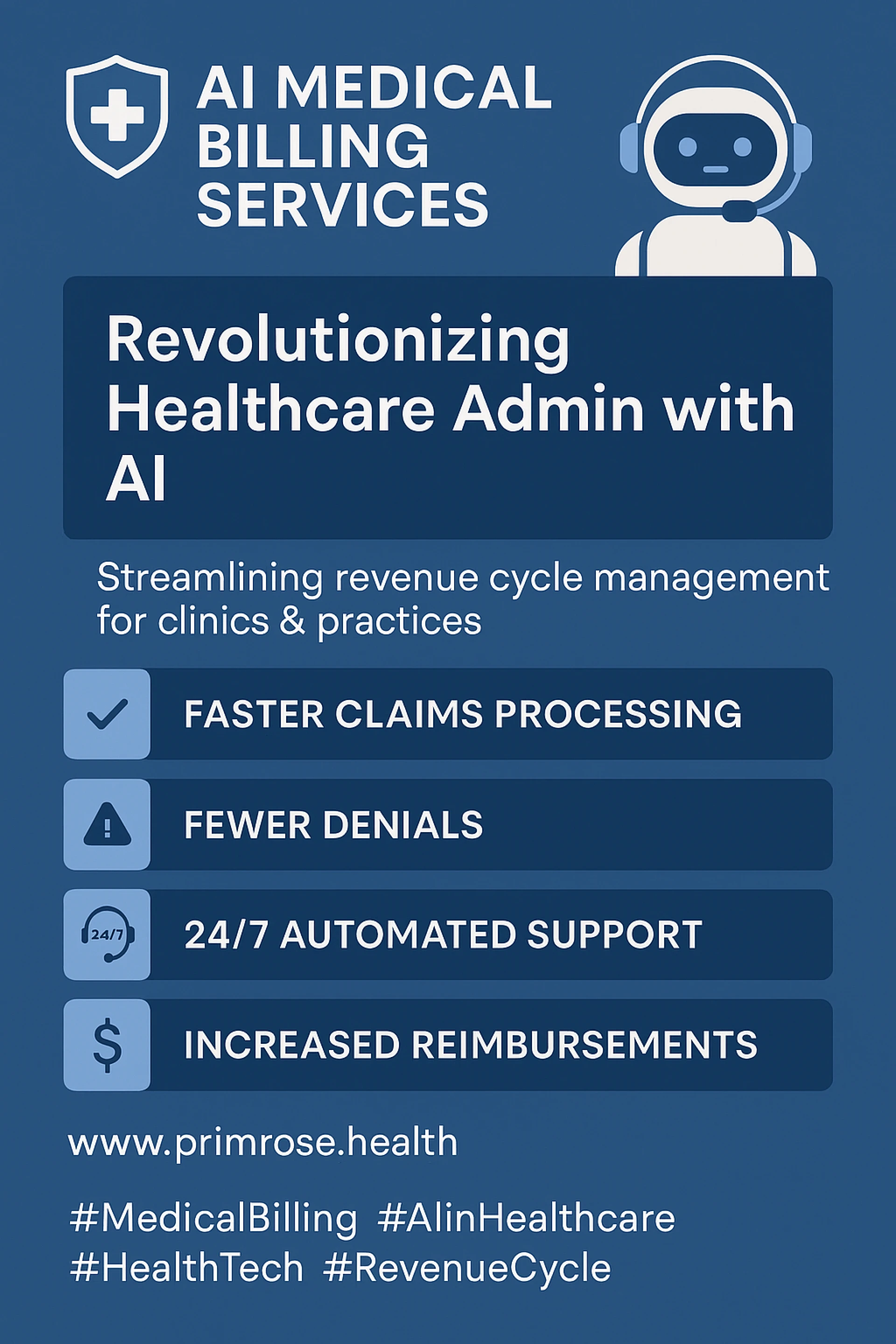
Healthcare billing is particularly complex due to insurance processing, codes (ICD, CPT), and regulatory compliance. AI-powered billing services like Primrose Health use automation and machine learning to:
- Scrub claims before submission
- Reduce denials
- Auto-code patient encounters
- Verify insurance eligibility
This enables clinics and hospitals to focus more on patient care and less on paperwork.
Conclusion
Billing automation is a strategic upgrade for any business looking to improve efficiency, accuracy, and profitability. Whether you're a solo practitioner or a large enterprise, automating the billing process empowers you to reduce administrative overhead, improve customer satisfaction, and gain better financial control.
By choosing the right tools and following best practices, you can make billing automation work seamlessly for your business.



























Sign in to leave a comment.