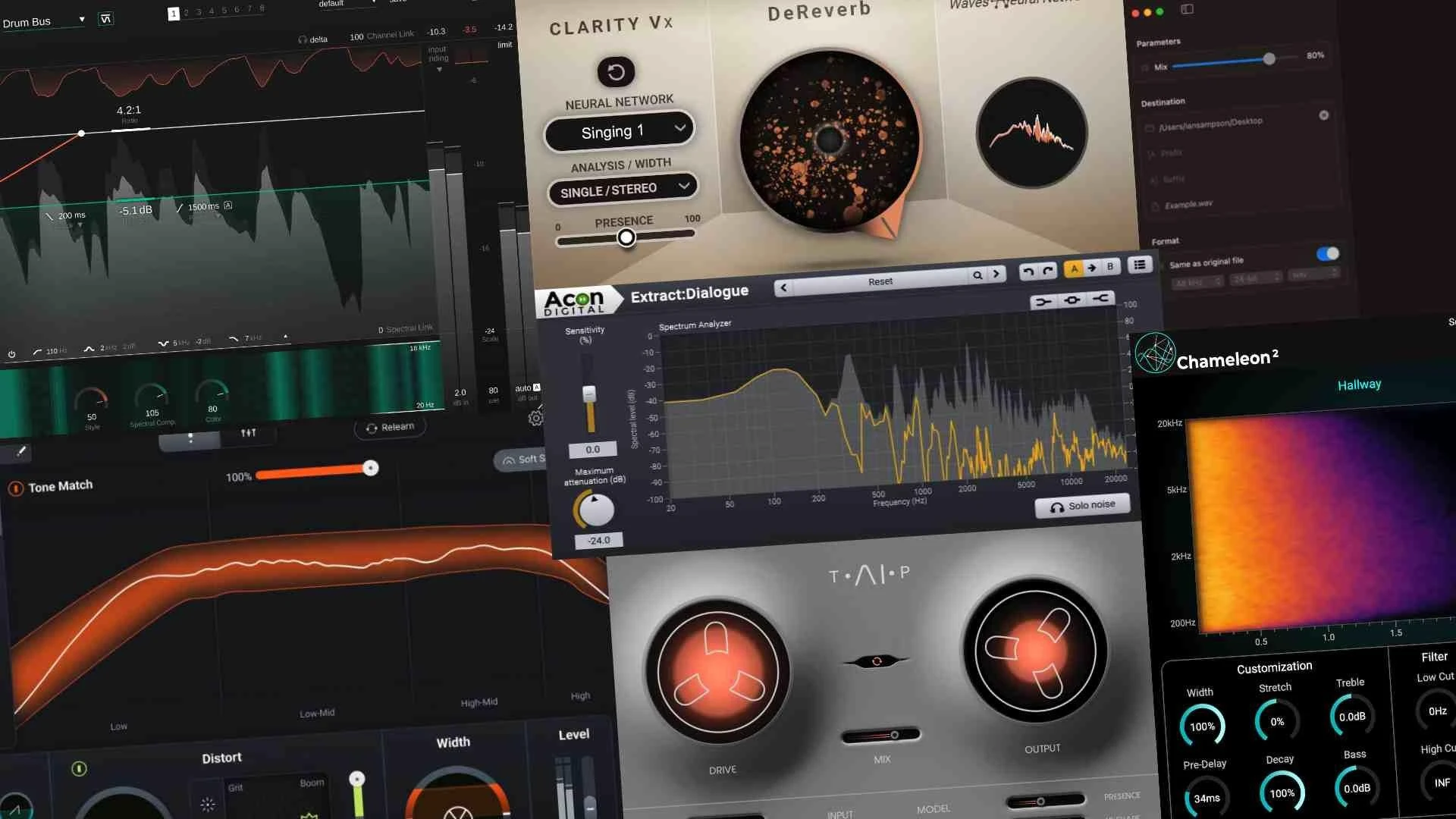

Achieving a professional, polished sound doesn’t necessarily require expensive hardware or a high-end studio. With the right audio plugins and some foundational knowledge, you can elevate your tracks to a commercial level - all from your laptop.
Whether you're producing music, editing podcasts, or mixing sound for film, audio plugins are essential tools that help shape and enhance your sound. This guide will walk you through how to use them effectively to build a professional-grade mix.
What are Audio Plugins?
Audio plugins are software tools that process sound within a digital audio workstation (DAW). They simulate everything from analog hardware to cutting-edge effects. The most common plugin formats include VST, AU, and AAX, depending on your DAW.
Categories of plugins include:
- EQ (Equalizer) – For shaping frequency content
- Compression – To control dynamics
- Reverb & Delay – To add space and depth
- Saturation/Distortion – To add warmth or edge
- Modulation Effects – Such as chorus, flanger, phaser
- Limiter & Maximizer – For mastering and loudness control
Step-by-Step: Building a Pro Sound with Plugins
1. Start with a Clean Recording or Sound Source
Before you add any effects, ensure your recordings are as clean and high-quality as possible. Plugins can enhance a good sound, but they can't always fix a bad one. Use proper gain staging and avoid clipping.
2. Shape the Tone with EQ
Use an equalizer to carve out space for each element in the mix:
- Cut low-end rumble from vocals and instruments that don’t need it.
- Boost presence (3–5 kHz) for vocals or lead instruments.
- Tame harshness by reducing 2–4 kHz when needed.
A good starting point is using a parametric EQ like FabFilter Pro-Q or the built-in EQ in your DAW.
3. Control Dynamics with Compression
Compression evens out volume levels and adds punch to your mix:
- Use a slow attack and fast release for vocals to maintain transients.
- Add parallel compression on drums to fatten the sound without killing dynamics.
- Avoid over-compressing—this can make your mix lifeless.
Popular compressors include Waves CLA-2A, FabFilter Pro-C, and Logic’s stock compressor.
4. Add Space with Reverb and Delay
Reverb and delay give your sound a sense of space and realism:
- Use short plate reverb on vocals for a subtle polish.
- Add slapback delay to thicken a lead vocal or guitar.
- Use pre-delay to avoid muddying the mix.
Keep these effects subtle unless you’re going for a dramatic or ambient style.
5. Enhance with Saturation and Harmonic Exciters
Saturation plugins add warmth, character, and analog-style richness:
- Use tape saturation on drums and bass for warmth.
- Try tube saturation on vocals or keys for depth and presence.
Great tools include Soundtoys Decapitator, RC-20 Retro Color, and Softube Saturation Knob.
6. Polish with Modulation Effects
Effects like chorus, phaser, and flanger can add movement and width:
- Use chorus subtly on synths or background vocals.
- Try auto-pan plugins to create stereo interest.
Plugins like Valhalla Space Modulator or Soundtoys PhaseMistress can add flavor without overpowering your mix.
7. Master with Limiters and Final EQ
When your mix is done, mastering plugins give your track the final sheen:
- Use a limiter to increase overall loudness without clipping.
- Add a linear phase EQ to gently balance the overall frequency spectrum.
- Try stereo imaging tools to widen the sound field if needed.
Excellent mastering plugins include iZotope Ozone, FabFilter Pro-L, and Brainworx bx_masterdesk.
Pro Tips for Using Audio Plugins
- Less is more: Don’t overload your mix with effects. Let the source shine.
- Gain staging matters: Keep consistent levels between plugins.
- Use reference tracks: Compare your mix with professional songs in a similar genre.
- Organize your signal chain: The order of plugins affects your sound. For example, EQ before compression yields a different result than after.
Conclusion
Building a professional sound with audio plugins is all about knowing your tools and using them with intention. While plugins offer powerful capabilities, the magic happens when you develop an ear for balance, clarity, and dynamics.
Start with your DAW’s built-in plugins, then explore premium tools as your needs grow. With practice, your mixes will begin to rival those coming out of commercial studios.






























Sign in to leave a comment.