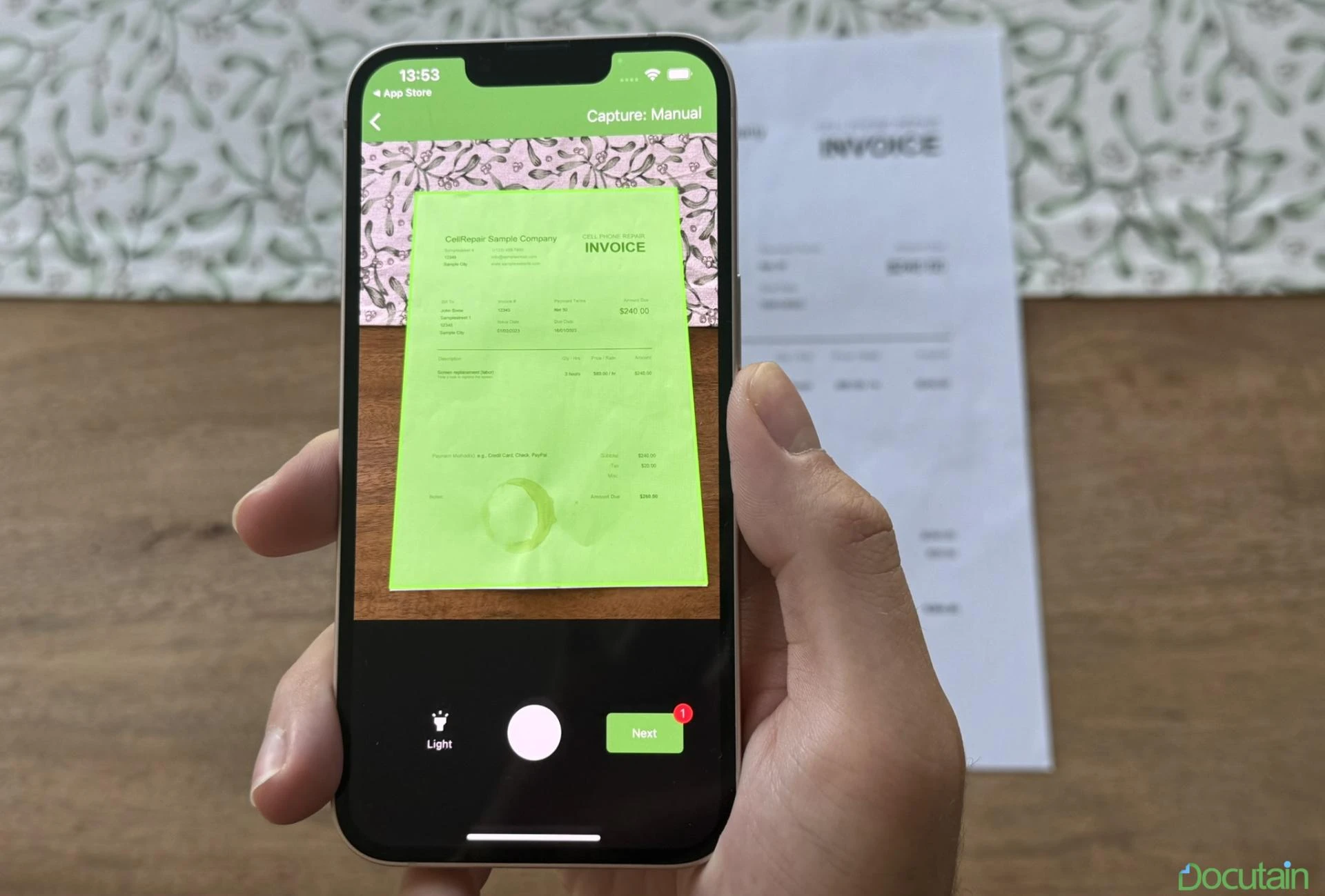

It takes a lot of time to build a top-notch scanner for your Ionic Capacitor app. In order to avoid starting from scratch, there are Software Development Kits which can be easily integrated, such as the Docutain Document Scanner SDK.
With only a few lines of code, developers can use this step-by-step guide for an easy and quick implementation:
How to Create an Ionic Capacitor Document Scanner
Prerequisites to get started: Prepare the project
Create a new Ionic Capacitor App project with a suitable name (e.g., "Ionic Capacitor Document Scanner").
For more details, read the full article, which you can access via the link above.





























Sign in to leave a comment.