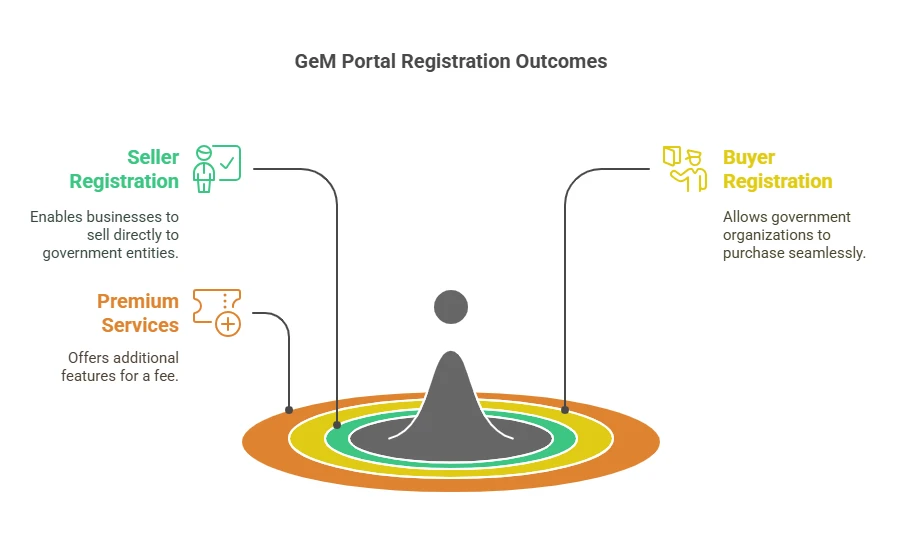

Government e-Marketplace, popularly known as GeM, is a digital platform designed to simplify the procurement process for government buyers and sellers. Whether you're a business owner aiming to supply your goods or services to government departments or a buyer looking for a seamless purchasing experience, registering on the GeM portal is the first step.
This guide will walk you through the entire GeM portal registration process, including details about the GeM portal registration form and fees, so you can get started with confidence.
What Is the GeM Portal?
The GeM portal is an online marketplace where central and state government organizations procure goods and services. It eliminates middlemen, promotes transparency, and ensures a fair selection process. From office supplies to high-end equipment, vendors can sell a variety of products by registering on the platform.
Why Register on the GeM Portal?
- Boost your business by connecting directly with government buyers.
- Simplify transactions with secure and streamlined payment options.
- Gain credibility by being a listed vendor on an official platform.
Now that you understand its value, let's walk through the steps for registering your business on the GeM portal.
Steps to Complete GeM Portal Registration Online
Here's a simplified breakdown of the GeM portal registration process to make it hassle-free for you.
Step 1: Visit the Official Website
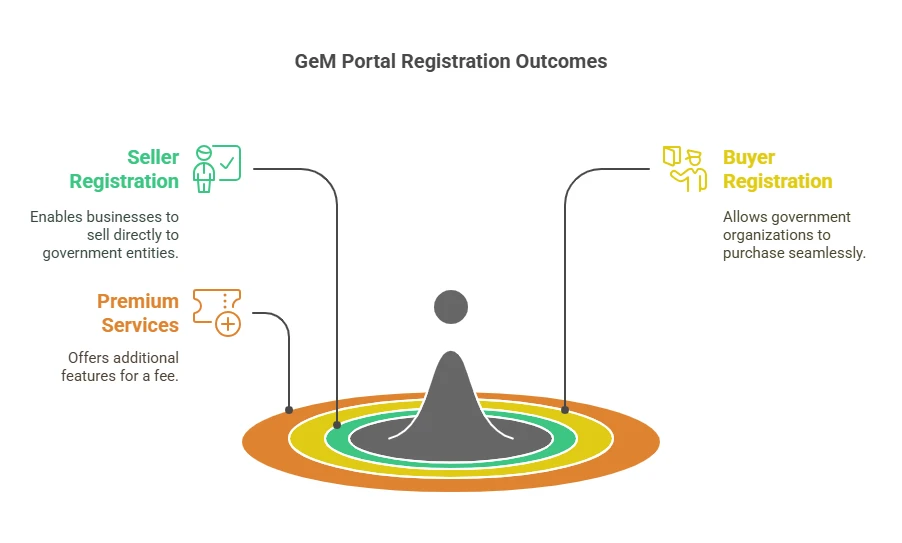
Start by visiting the official GeM portal website. On the homepage, you'll find the "Sign Up" button. Choose whether you're registering as a buyer (government organization/office) or a seller (individual/business).
Step 2: Collect the Required Documents
Before filling out the GeM portal registration form, ensure you have the following documents ready:
- For Individual Sellers or Vendors:
- PAN Card
- Aadhaar Card or Voter ID
- Bank Account Details
- Mobile Number and Email ID
- For Companies/Businesses:
- GST Certificate
- Company PAN or Proprietor PAN
- Udyam Registration Certificate (optional but recommended for MSMEs)
- Bank Account Details
Step 3: Fill Out the GeM Portal Registration Form
Once you've clicked "Sign Up," you'll be directed to the GeM portal registration form. Fill out the essential details, such as your business type, address, GST details, and contact information. Pay close attention to accuracy, as any discrepancy may delay the verification process.
Step 4: Verify Your Mobile Number and Email
During registration, you will receive OTPs on your registered mobile number and email ID. Enter these OTPs to verify your contact details. This step is crucial for ensuring secure communication on the portal.
Step 5: Upload Required Documents
After verifying your details, upload scanned copies of all the necessary documents. Make sure your document files are clear and meet the size specifications mentioned on the form.
Step 6: Pay GeM Portal Registration Fees (if Applicable)
While registering as a seller on the GeM portal is free in most cases, specific categories of vendors might incur charges for premium subscriptions or specialized services. Check the portal for updated information on any applicable GeM portal registration fees.
Step 7: Submit and Wait for Approval
Once you've completed the above steps, review all the information to ensure accuracy. Submit your application and wait for official approval. The team may take a couple of days to verify your documents and activate your account.
Tips for Successfully Registering on the GeM Portal
- Double-Check Your Details: Ensure there are no typos in the GeM portal registration form to avoid rejections.
- Organize Your Documents: Keep all essential paperwork handy to speed up the process.
- Stay Updated on Fees: Regularly visit the portal to check for any updates regarding GeM portal registration fees.
- Provide Accurate Contact Information: Your mobile number and email are vital for communication and verification.
Start Selling on the GeM Platform Today
Once your registration is approved, you can start listing your products or services on the GeM portal and reach a wide range of government buyers. Maintain a professional profile, respond quickly to inquiries, and adhere to quality standards to build a strong reputation.
Registering on the GeM portal online is an excellent opportunity for businesses of all sizes to tap into a reliable and rewarding marketplace. By following the steps outlined above, you can join the GeM platform with ease and pave the way for growth and government collaborations.
Choose Bidz Professional
Are you ready to unlock new opportunities for your business? Don’t wait—visit the GeM portal today and complete your registration. Take the first step toward becoming a certified vendor for government organizations.



























Sign in to leave a comment.