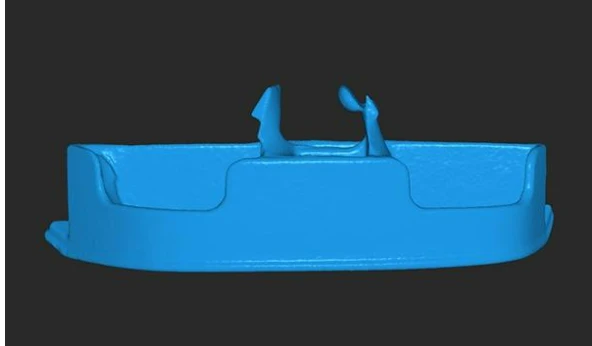

Creating a flawless 3D scan model requires more than just pointing a scanner at an object and hoping for the best. While modern 3D scanners are highly advanced, achieving a high-quality scan still depends on the right approach, preparation, and post-processing techniques. Whether you are an engineer, a designer, or a hobbyist, understanding how to optimize each step of the scanning process will help you produce precise and detailed digital replicas.
Preparation: The Key to a Great Scan
Before starting a scan, it is essential to prepare both the object and the environment. The scanning area should have adequate lighting but avoid harsh direct reflections, as excessive brightness can interfere with the scanner’s ability to capture accurate details. The object itself should be clean and free of dust or smudges, as imperfections can distort the final 3D scan model.
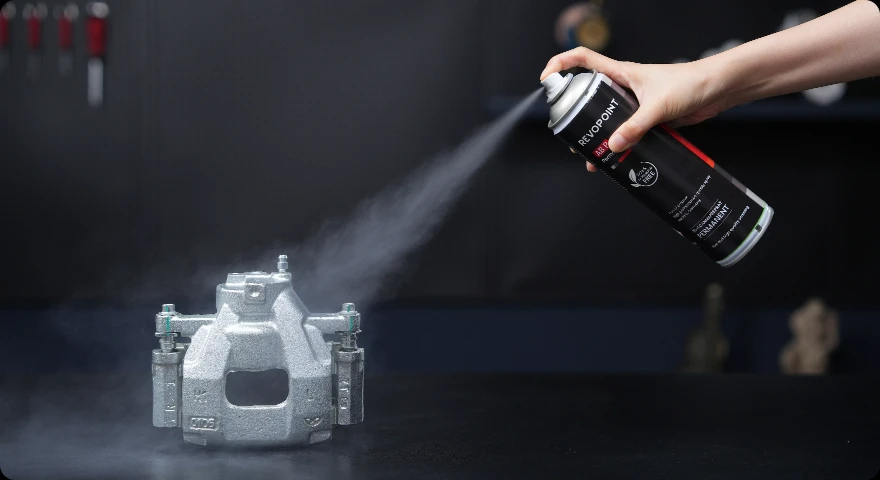
Material properties also play a crucial role. Objects with glossy or transparent surfaces can be challenging to scan, as they reflect or refract light unpredictably. To overcome this, professionals often use scanning sprays to create a matte surface, which significantly improves data capture.
Selecting the Right Scanner and Settings
Choosing the appropriate 3D scanner is just as important as the scanning process itself. Factors such as resolution, scanning speed, and compatibility with different materials can affect the final 3D scan model. High-resolution scanners can capture fine textures and intricate details, making them ideal for applications such as reverse engineering and digital archiving.
Scanner settings should be adjusted according to the object's complexity. For instance, increasing the scan resolution for intricate models ensures better detail capture, but it may require more processing power. On the other hand, lowering the resolution for large or simple objects can speed up the scanning process without significantly compromising quality.
Capturing the Scan: Precision in Motion
A successful scan requires careful movement and positioning. Keeping the scanner steady while moving around the object ensures consistent data capture. Sudden movements or changes in speed can cause misalignment, leading to gaps or distortions in the final 3D scan model.
When scanning, overlapping data points from different angles is crucial. Capturing multiple views of the object allows the software to merge them accurately, reducing the likelihood of missing information. In professional workflows, turntables are often used to achieve even coverage, ensuring that all sides of the object are scanned uniformly.
According to digital artist and 3D scanning expert Andrew Jackson, “One of the biggest mistakes beginners make is rushing the scanning process. Precision and patience lead to the most accurate and usable models.” His advice highlights the importance of taking time to ensure proper alignment and complete surface coverage.
Post-Processing: Refining the Model
Once the raw scan data is collected, the next step is post-processing. Most 3D scanning software provides tools for refining the model, including noise reduction, hole filling, and texture mapping. These features help eliminate imperfections and create a smoother, more accurate representation of the scanned object.
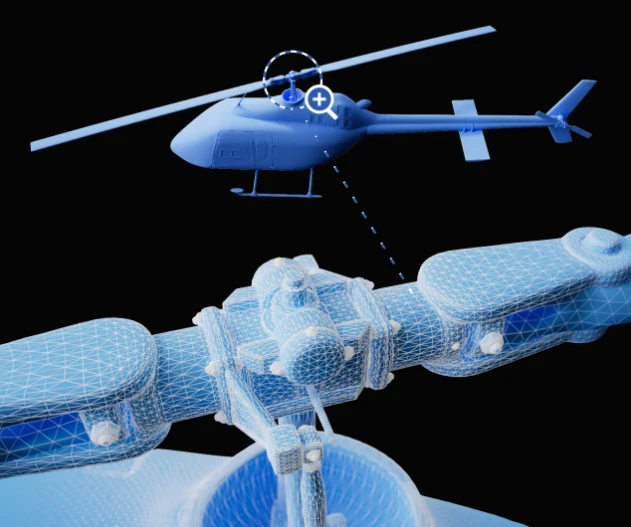
Mesh optimization is another critical step. Raw scans often contain excess data, which can make the file unnecessarily large and difficult to work with. Simplifying the mesh while maintaining key details ensures that the 3D scan model remains efficient without sacrificing quality.
Applications of High-Quality 3D Scan Models
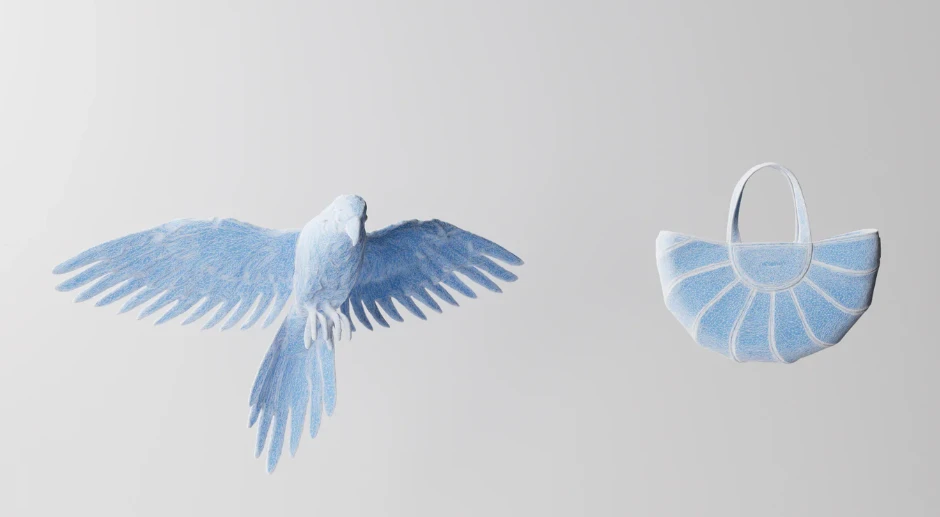
Accurate 3D scans are widely used across various industries. In engineering, they assist in prototyping and product design, allowing teams to create precise digital replicas for testing and modifications. In archaeology, high-quality scans preserve fragile artifacts, providing researchers with digital copies that can be studied without risking damage to the original objects.
Renowned industrial designer Mark Simmons emphasizes the importance of precise scanning in product development: “3D scanning has revolutionized how we approach design. A high-quality 3D scan model allows us to refine ideas faster and with greater accuracy than ever before.” His statement underscores the transformative impact of scanning technology on modern workflows.
Conclusion: Perfecting Your 3D Scan Workflow
Creating a perfect 3D scan model is a combination of proper preparation, careful scanning techniques, and effective post-processing. By understanding how to optimize each step, users can produce high-quality scans suitable for a wide range of applications. With advancements in scanning technology, the process is becoming more accessible, allowing both professionals and hobbyists to achieve remarkable results. Whether for design, engineering, or artistic purposes, mastering the art of 3D scanning opens up endless possibilities in digital modeling.

























Sign in to leave a comment.