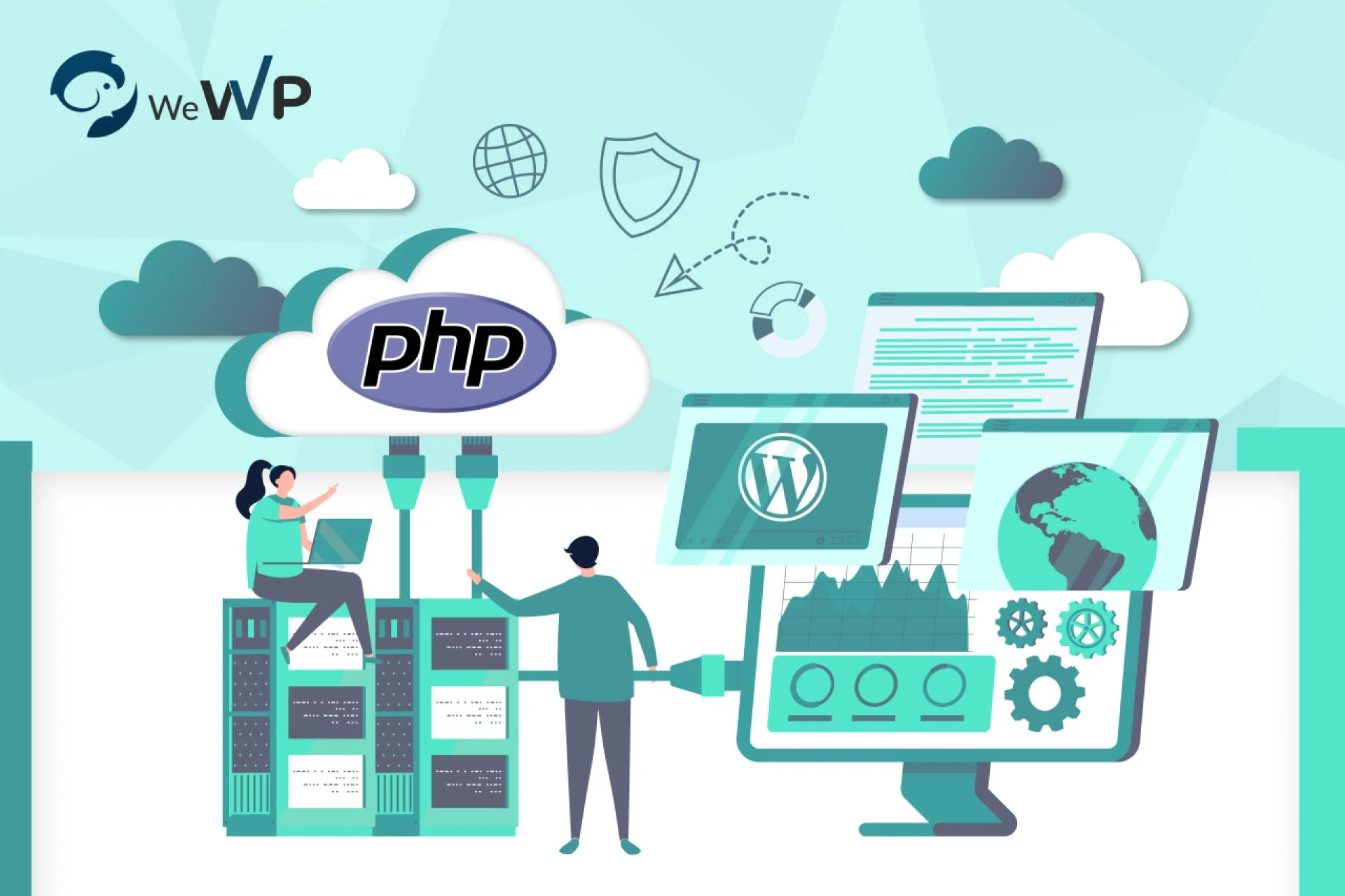

In the ever-evolving world of website hosting, staying on top of the latest technologies is paramount. As one of the best cloud hosting providers, WeWP takes pride in offering cutting-edge solutions for website owners. In this guide, we will explore the crucial aspect of upgrading PHP versions in managed WordPress hosting services, particularly with the innovative ‘Multi PHP version support’ feature provided by WeWP.
Understanding PHP Versions
To grasp the significance of upgrading PHP versions, it’s essential to understand the role PHP plays in managed WordPress hosting services. PHP, a server-side scripting language, powers the dynamic features of WordPress websites. Various PHP versions are released regularly, each bringing improvements in performance, security, and compatibility. As website hosting providers, WeWP recognizes the pivotal role PHP versions play in the overall health of a WordPress site.
Benefits of Upgrading PHP Version
Upgrading your PHP version within your managed WordPress hosting service, yields several key advantages, enhancing both the performance and security of your website.
1. Accelerated Website Speed
Upgrading PHP unlocks performance improvements, leading to faster website loading times. The newer PHP versions are optimized for efficient code execution, providing a smoother and more responsive user experience.
2. Advanced Security Features
Security is paramount in the digital world. Upgrading PHP ensures your website benefits from the latest security features and patches, reducing vulnerabilities and fortifying your defense against potential threats.
3. Compatibility with Latest WordPress Updates and Plugins
Stay in sync with the ever-evolving WordPress ecosystem. Up-to-date PHP versions guarantee compatibility with the latest WordPress updates and plugins, allowing you to leverage new features without concerns about compatibility issues.
4. Optimized Resource Usage
Newer PHP versions are designed for improved resource efficiency, enabling your website to handle increased traffic without sacrificing performance. This optimization contributes to a more reliable and scalable online presence.
5. Support for Modern Coding Standards
Web development practices evolve, and upgrading PHP ensures your website aligns with contemporary coding standards. This not only future-proofs your site but also facilitates collaboration with developers adhering to the latest coding practices.
6. Enhanced Error Handling and Debugging
PHP updates bring improvements in error handling and debugging capabilities. By upgrading, you gain access to enhanced tools for identifying and resolving issues within your code, streamlining the troubleshooting process.
7. Long-term Support and Stability
Enjoy the benefits of long-term support for your PHP version, guaranteeing continued security updates and patches. This fosters stability, minimizing the need for frequent major upgrades and ensuring a secure online environment.
Also Read : What Advantages Does Git Integration Offer When Used With WordPress Hosting?
How to Check Your Current PHP Version
Ensuring your PHP version aligns with the latest standards is crucial for optimal website performance. With WeWP’s user-friendly interface, checking your current PHP version is a breeze:
Login to Your WeWP Account
Access your WeWP account dashboard to begin the process.
Navigate to PHP Settings
Look for the ‘PHP Settings’ or a similar option in your account menu.
Locate Current PHP Version
In the PHP Settings section, you’ll find information about your current PHP version. This data serves as a baseline for any potential upgrades.
Explore Additional Details
Some hosting providers provide additional details about your PHP configuration, ensuring you have a comprehensive overview of your server environment.
Using ‘Multi PHP Version Support’ in WeWP
WeWP’s standout feature, ‘Multi PHP version support,’ empowers users with the ability to effortlessly switch between PHP versions. The intuitive interface simplifies the process, making it accessible for users of all technical backgrounds. The flexibility offered by this feature is a testament to WeWP’s commitment to providing managed WordPress hosting services that prioritize user convenience.
Step-by-Step Guide to Upgrading PHP Version
This section provides a detailed walkthrough for users looking to upgrade their PHP version. It covers essential steps such as checking website compatibility, creating backups, and executing the upgrade seamlessly within the WeWP platform. The comprehensive guide ensures that users, regardless of their technical expertise, can navigate the upgrade process with confidence.
Troubleshooting Tips
While the upgrade process is designed to be seamless, users may encounter common issues. This section addresses potential challenges and provides practical solutions to troubleshoot and resolve issues promptly. WeWP’s commitment to customer support ensures that users receive assistance whenever needed.
Best Practices for PHP Version Management
To maintain optimal performance, this section outlines best practices for ongoing PHP version management. Regularly checking for updates and security patches, testing website functionality post-upgrade, and staying informed about the latest PHP releases are emphasized. These practices empower users to keep their websites running smoothly and securely.
Also Read : The Role of Multi PHP Version Support in Web Hosting
Conclusion
Upgrading PHP versions in managed WordPress hosting services is a fundamental step towards optimizing website performance. WeWP’s ‘Multi PHP version support’ feature stands out among website hosting providers, offering users a seamless and user-friendly experience. As you embark on the journey of PHP version upgrades, remember that WeWP is here to support you every step of the way.
Say goodbye to website headaches! WeWP’s managed WordPress hosting offers the security, speed, and control you need. Switch PHP versions with ease, optimize performance, and focus on what matters — growing your business. Get a free trial and experience the WeWP difference!
Source: https://www.wewp.io/

























Sign in to leave a comment.